Do more for less. As an eligible student, you get full access to Creative Cloud Pro featuring Acrobat Pro.

Get Acrobat Pro and more with Creative Cloud Pro for students.
Whether you need the ultimate creative toolkit or powerful PDF goodness, there's a plan to help you to succeed.
₹638.38/moincl. GST. Annual, billed monthly Annual, billed monthly
A highly secure PDF and e-signature solution with advanced tools.

Available on desktop, web and mobile

View, print, share and comment

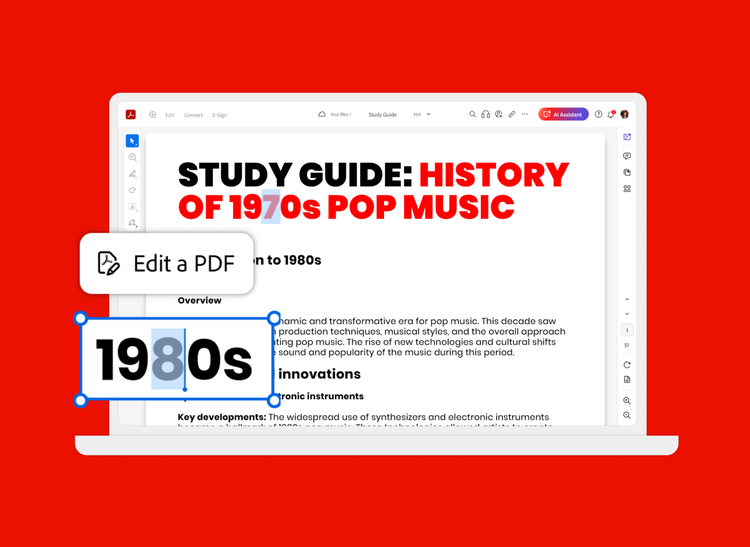
Edit text and images, plus export, protect and organise documents

Collect binding e-signatures and track responses

Create web forms, redact, compare and access 70+ features
Acrobat AI Assistant
Add AI Assistant to your Acrobat plan for ₹159.30/moincl. GST₹159.30/moincl. GST.
Add AI Assistant to your Acrobat plan for ₹1,600.08/yrincl. GST₹1,600.08/yrincl. GST.
₹398.99/moincl. GST. Annual, billed monthly Annual, billed monthly
Get 20+ apps including Acrobat Pro, plus Firefly creative AI for images, video and audio. Pay ₹398.99/moincl. GST in your first year, then ₹699.01/moincl. GST thereafter. New subscribers only.

20+ creative apps, plus everything in Acrobat Pro, including:
View, print, share and comment
Edit text and images, plus export, protect and organise documents
Collect binding e-signatures and track responses
Create web forms, redact, compare and access 70+ features
Acrobat AI Assistant
Add AI Assistant to your Acrobat plan for ₹159.30/moincl. GST₹159.30/moincl. GST.
Add AI Assistant to your Acrobat plan for ₹1,600.08/yrincl. GST₹1,600.08/yrincl. GST.
Filters
Sort
Popularity
Alphabetically
coll-no-results-text
Categories
REFINE YOUR RESULTS
Close
Special Offers – opens in a new window
filter by category
RESOURCES
1 result in
results in
coll-result-mobile-text
results in
1 result in
results for
1 result in
results in
Your search for returned no results
Your search for returned no results
View more
coll-all-filters-text
coll-filters-category-text
coll-filters-applied-text
coll-filters-results-text
coll-filters-reset-text

Save time studying with Acrobat AI Assistant. Purchase separately for
Apps for everything. Loads of perks. Plus, Acrobat tools for easy collaboration across PDFs.
https://main--edu--adobecom.aem.page/edu-shared/assets/images/product-icons/svg/acrobat-pro-40.svg
Edit, create, highlight, share and do more with your PDFs.
https://main--edu--adobecom.aem.page/edu-shared/assets/images/product-icons/svg/photoshop-40.svg
Edit and combine images for posters, flyers, social collages and websites.
https://main--edu--adobecom.aem.page/edu-shared/assets/images/product-icons/svg/premiere-pro-40.svg
Create pro-quality videos like documentaries, short films and more.
https://main--edu--adobecom.aem.page/edu-shared/assets/images/product-icons/svg/illustrator-40.svg
Create graphics and illustrations like logos, infographics and t-shirt designs.
https://main--edu--adobecom.aem.page/edu-shared/assets/images/product-icons/svg/indesign-40.svg
Design page layouts for print and digital campus flyers, magazines and eBooks.
https://main--edu--adobecom.aem.page/edu-shared/assets/images/product-icons/svg/lightroom-40.svg
Edit and share photos anywhere for social posts, club websites and blogs.
https://main--edu--adobecom.aem.page/edu-shared/assets/images/product-icons/svg/photoshop-40.svg
Edit and combine images for posters, flyers, social collages and websites.
https://main--edu--adobecom.aem.page/edu-shared/assets/images/product-icons/svg/lightroom-40.svg
Edit and share photos anywhere for social posts, club websites and blogs.
https://main--edu--adobecom.aem.page/edu-shared/assets/images/product-icons/svg/express-40.svg
Design presentations, graphics, videos and animations in minutes using thousands of beautiful templates.
https://main--edu--adobecom.aem.page/edu-shared/assets/images/product-icons/svg/premiere-pro-40.svg
Create everything from social clips to full-length films with the leading video editor.
https://main--edu--adobecom.aem.page/edu-shared/assets/images/product-icons/svg/after-effects-40.svg
Create film titles, intros and transitions with the industry standard for motion graphics and visual effects.
https://main--edu--adobecom.aem.page/edu-shared/assets/images/product-icons/svg/express-40.svg
Design presentations, graphics, videos and animations in minutes using thousands of beautiful templates.
https://main--edu--adobecom.aem.page/edu-shared/assets/images/product-icons/svg/express-40.svg
Edit and transform your photos on the go.
https://main--edu--adobecom.aem.page/edu-shared/assets/images/product-icons/svg/illustrator-40.svg
Create beautiful designs, icons, infographics and logos for class projects and extracurriculars.
https://main--edu--adobecom.aem.page/edu-shared/assets/images/product-icons/svg/photoshop-40.svg
Create and edit images, graphics and artwork for presentations, reports, posters and social posts.
https://main--edu--adobecom.aem.page/edu-shared/assets/images/product-icons/svg/fresco-40.svg
Enjoy a natural painting and drawing experience with the world's largest collection of brushes.
These timesaving PDF tools will make your school year easier — from the classroom to the dorm room and everywhere in between.
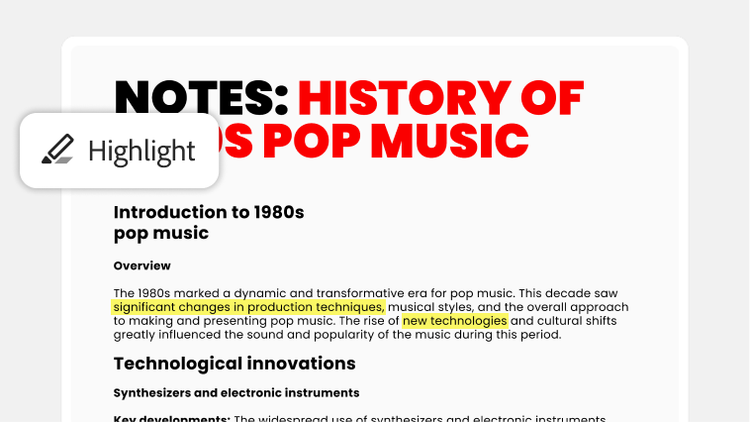
Highlight key points, edit and add helpful notes to your course materials and study guides.
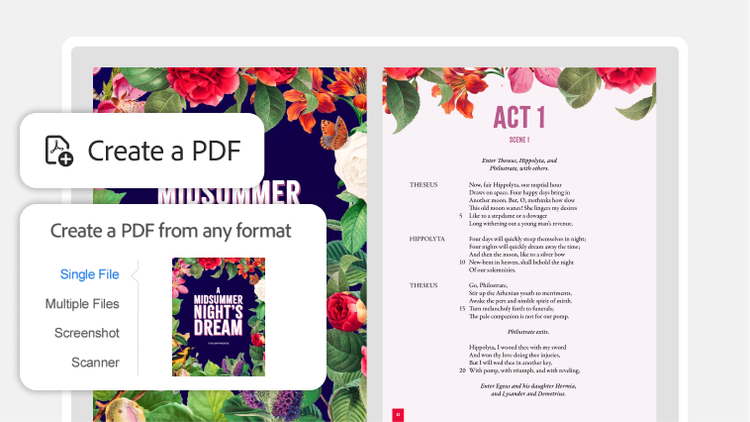
Convert files like Word docs and PowerPoint slides into PDFs that anyone can easily view.
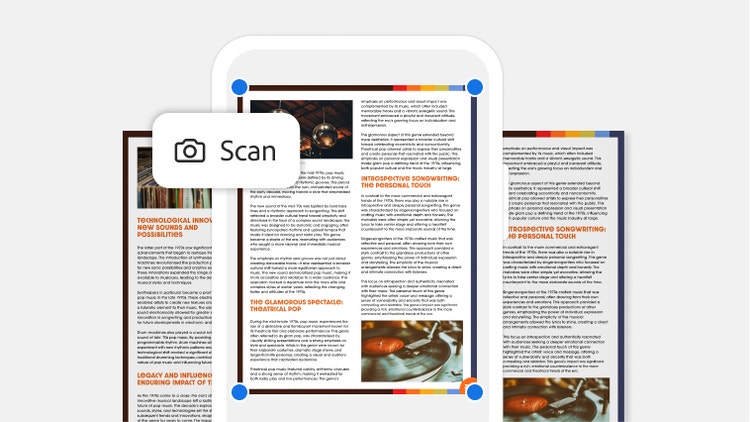
Scan handwritten notes, textbook pages and even whiteboard scribbles into a sparkling PDF with the Adobe Scan mobile app.
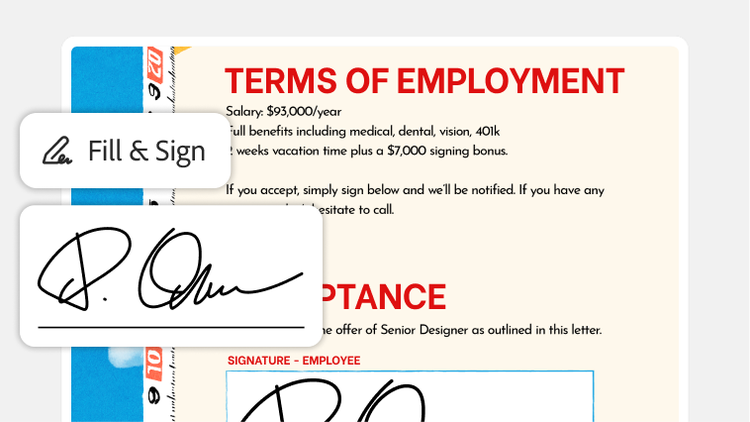
Create a PDF of your cover letter, edit your resume or fill and sign contracts — all with Acrobat.
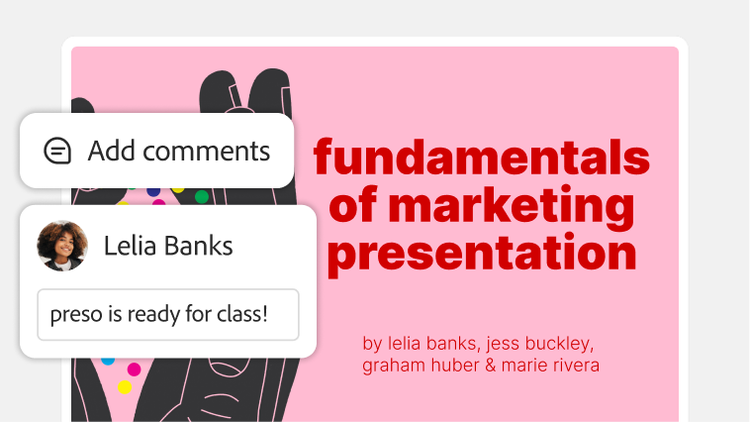
Make collaboration easy for your group. Share a review link of your PDF for others to comment on in real time — and breeze through any big project.
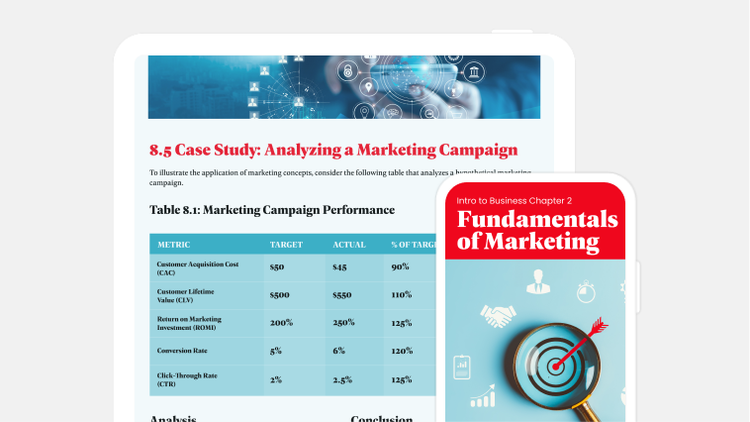
Take your study materials with you almost anywhere. Upload your PDFs to Adobe cloud storage so you can review them from any device.



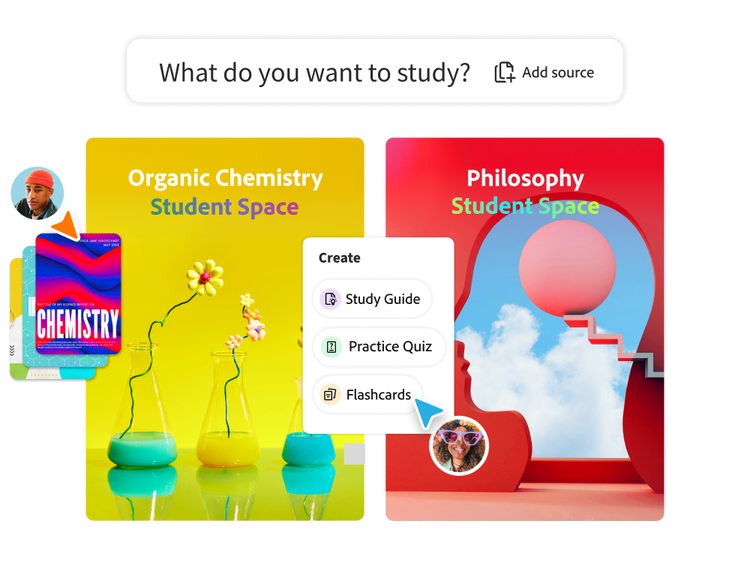
Student Spaces is a smarter way to study. Turn notes into podcasts, use AI assistant as a tutor and learn with your study group. Free for students.