Students, get 20+ creative apps with Creative Cloud Pro, for just


Students, get Illustrator in Creative Cloud Pro for just
Create at the speed of now.
Go from idea to design faster with the help of generative AI. Discover new features to handle the busywork so you can stay focused on creating.
Get iconic on social and in life.
Build your personal brand that gets noticed on social media in everyday life. Create standout logos, social graphics, and branded visuals that leave a lasting impression on campus.
Add style to schoolwork.
Create unforgettable projects that are sleek and skilful. Stand out in class with your personal flair for customised graphics in presentations and infographics.
Create for your community.
Turn your ideas into custom swag, posters and merch for your campus or club. Build hype for a cause, rally your community and make your message impossible to miss.
Rev up your resume.
Learn something new with thousands of comprehensive how-tos. Then, show off what you know in eye-catching icons, logos and designs for your resume or website.

Students, get Creative Cloud Pro for
Get 20+ apps including Photoshop, Acrobat Pro, Illustrator and more. Ends 13 Nov. First year only. See terms.
Background-old

background
#1A1A1A

Real people. Real results.
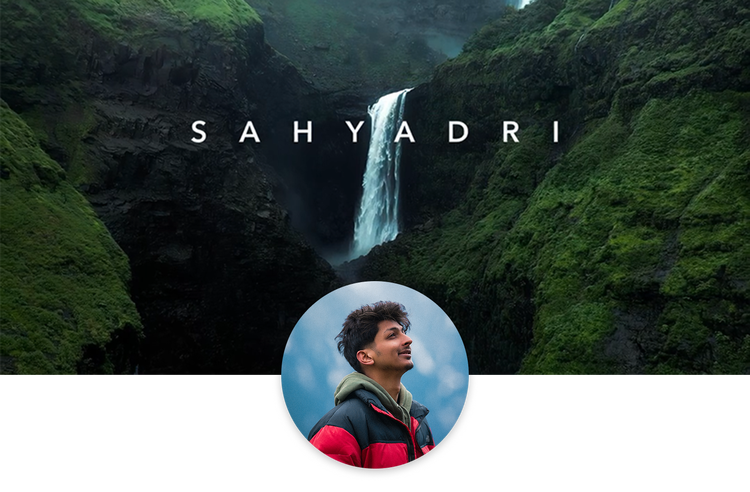
“I started editing just for fun in college. I never thought it would become my career. It's where the story comes together – and Premiere is the tool I trust to make that happen.”
Kunal | Student, Travel Filmmaker & Content Creator @kunalfilms_




Frequently asked questions.
Illustrator is included in the Creative Cloud Pro plan for students at
Photoshop and Illustrator both work with images, but each app works best for particular types of projects. For photo editing, compositing and retouching, use Photoshop. For logo design, icons and web graphics, use Illustrator. Learn more about the differences between Photoshop and Illustrator.
Student pricing applies to the Creative Cloud Pro plan, which includes 20+ apps in Creative Cloud.
Yes and so do teachers. Anyone who provides a verified school email address saves
Students save
When you purchase the Creative Cloud Pro plan with a verified school-issued email address, you instantly qualify for student pricing. If you don’t have a school-issued email address, you can provide additional proof of eligibility after purchase.
The Creative Cloud Pro plan for students puts over 20 connected creative apps at your fingertips. Make photos look amazing with Photoshop and Lightroom or edit video and add effects with Premiere. Turn the illustrations you make in Illustrator into onscreen graphics in After Effects or easily import charts and logos from Illustrator to InDesign.
Yes. Illustrator and your Creative Cloud Pro plan can sync across multiple devices. Also, several apps are specifically designed for mobile. Make social media content on the go or fast design edits from anywhere with apps like Illustrator for iPad.
Every app in Creative Cloud includes step-by-step in-app tutorials to get you started. Once you’ve got the basics down, check out Behance for guidance on specific techniques or styles. There’s always an answer out there, whether you’re wondering how to play with perspective in Photoshop or use patterns in Illustrator.
Creative Cloud includes access to thousands of royalty-free templates and assets via Adobe Stock like illustrations, photos, video clips, design templates, vector graphics and 3D assets to get you started on any project. Many of these assets are free to Creative Cloud subscribers for commercial or personal use.