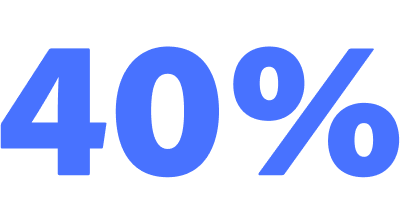
“Adobe’s tools have helped Longhouse improve project completion timelines by over 40% and significantly contribute to helping us to create the award-winning experience we’re known for.”
Keenan Beavis, CEO Longhouse Branding and Marketing
CORE CAPABILITIES
Try these features right now, for free. No credit card required.
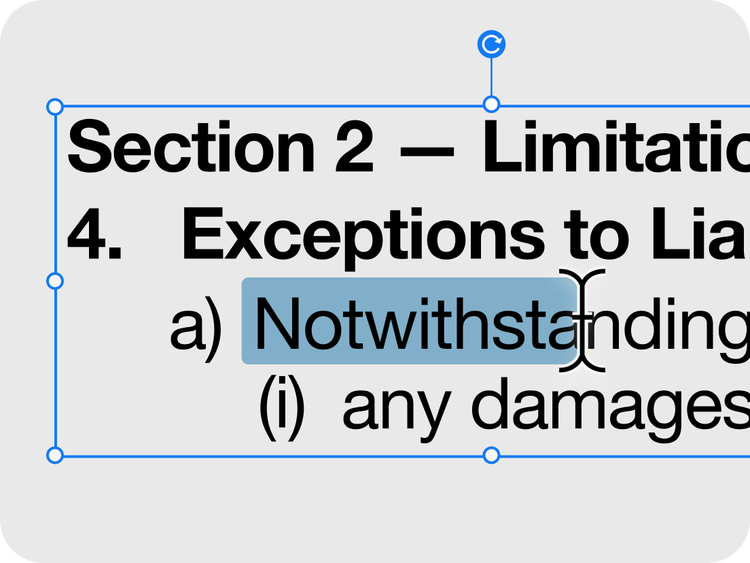
Upload any PDF and see how easy it is to change the text, edit an image, add comments and highlights, crop or reorder pages and more.
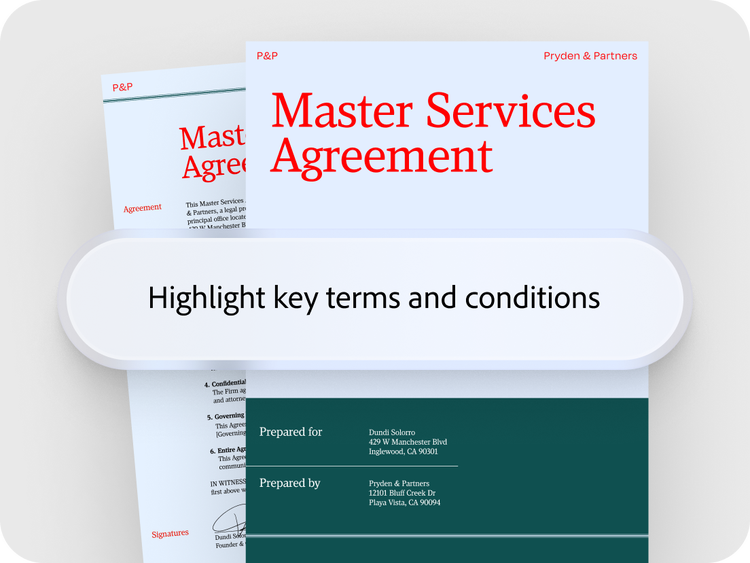
Drop in a contract, report or invoice and ask questions in plain language. You’ll get answers with verifiable citations in no time.
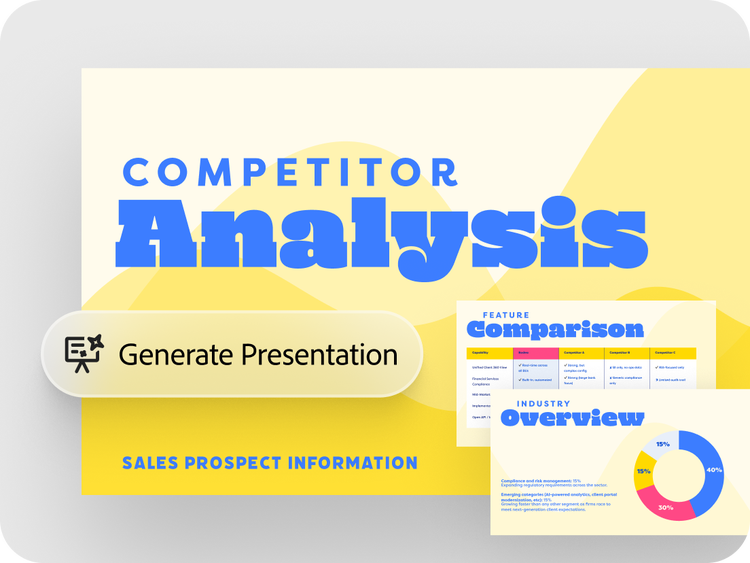
Type a single prompt to transform insights and ideas into professional slides for customers, partners and key stakeholders.
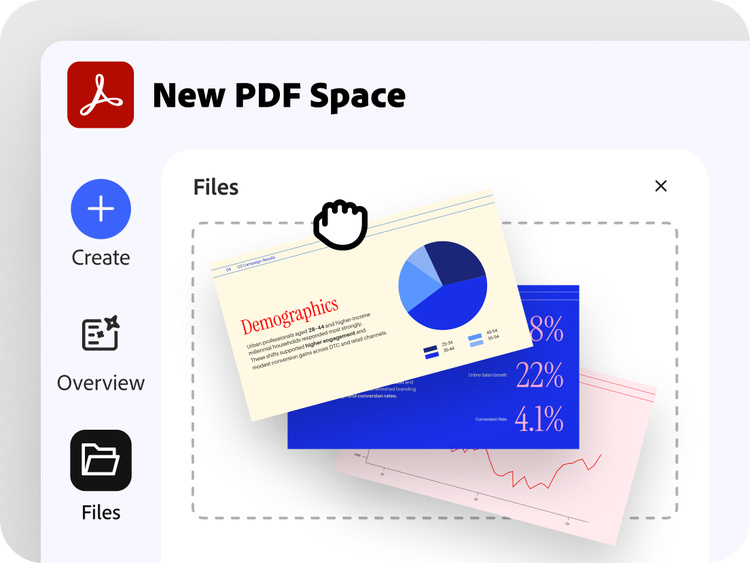
Put all your project files and notes in one secure, shared PDF Space so team members can work from the same context, contribute ideas, get insights and take action.
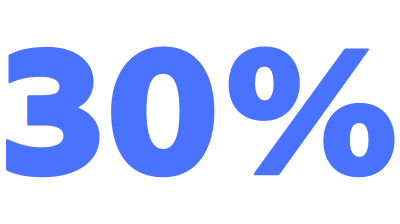
businesses
countries and territories
languages
USE CASES
See how Acrobat supports everything from daily operations to strategic work.

Turn the insights in your team’s reports, PDFs and more into on-brand presentations and proposals that win deals.
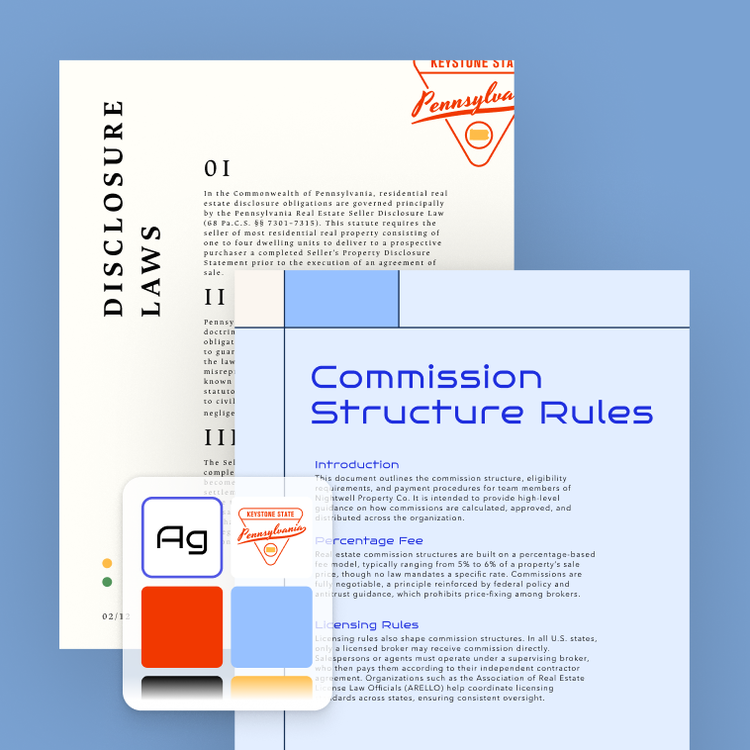
Add your logo, colours and fonts and then share and apply your branding to every piece of content. Acrobat can resize your content for any channel. Watch video

Share information about your culture, benefits and open roles in a PDF Space where candidates can explore the details and ask questions. Plus, create high-quality onboarding guides for new hires.
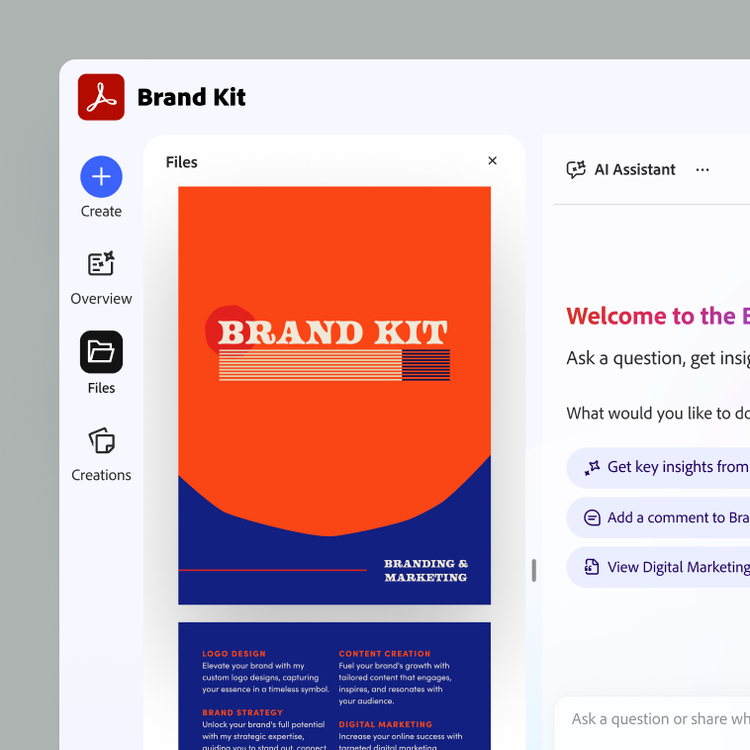
Keep meeting notes, research, pricing sheets and other files organised in one PDF Space so nothing falls through the cracks as your team changes and your project evolves over time.

Turn dense documents into quick summaries or podcast-style overviews so your whole team can work from the same trusted information.
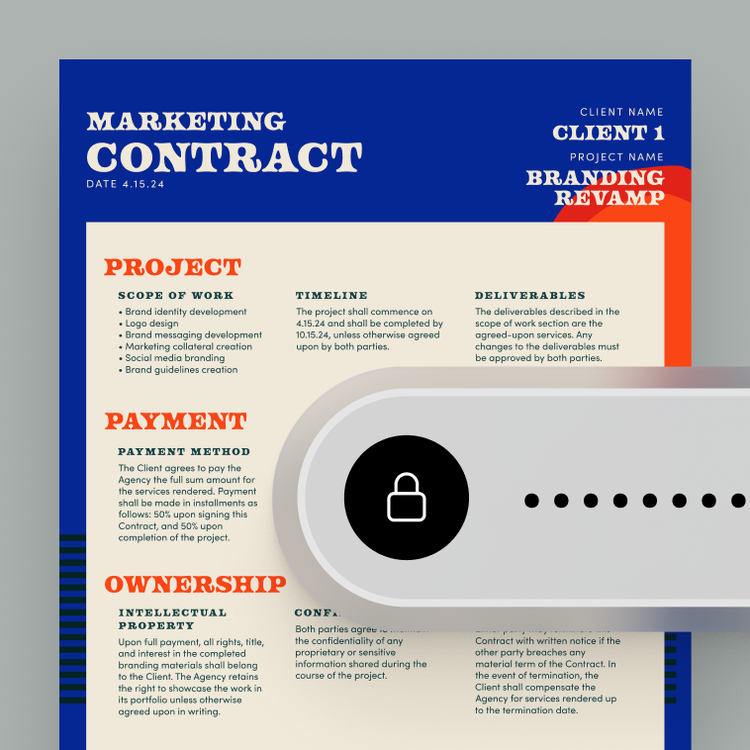
Redact private data, password-protect contracts and control exactly who on your team can view, edit or share what's inside.

Turn competitive research, market data and client notes into clear insights to help you to identify your next strategic growth opportunity.
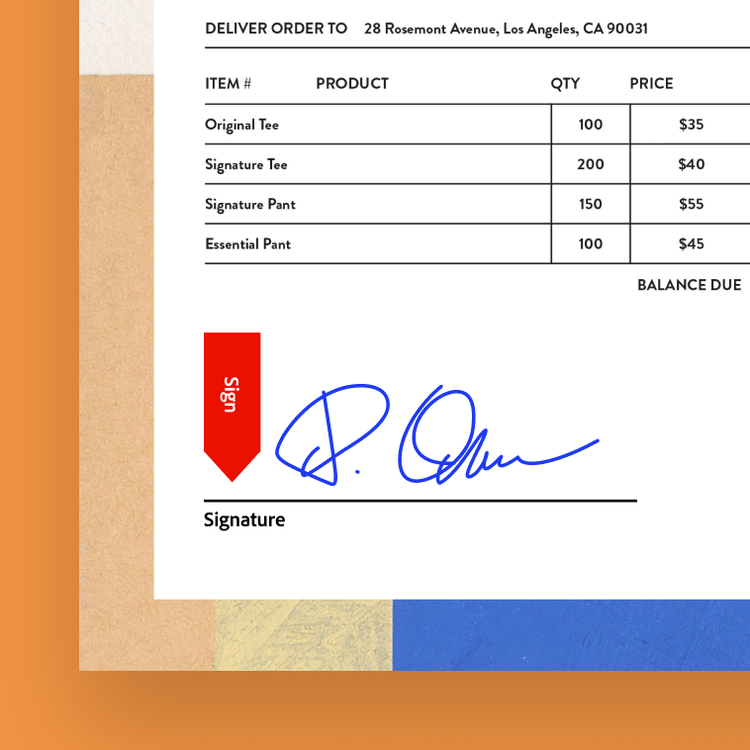
No more chasing signatures over email. Send contracts and quotes for signature and know exactly where every deal stands.

Turn a report or brief into a branded proposal in minutes and know the moment your client opens it instead of wondering if it landed. Watch video
Keenan Beavis, CEO Longhouse Branding and Marketing

Save 31% for the first year when you buy 2 or more licenses. See terms
Create, convert, export, compress, and password-protect PDFs
Get AI summaries, insights, and answers with Acrobat AI Assistant
Organize, share, and collaborate with PDF Spaces
Create images, videos, and more with Adobe Firefly using 1,000 monthly generative credits
Create flyers, social content, and presentations from documents with Adobe Express Premium
Fee applies if you cancel after 14-days. Up to 10 licenses with free trial.
The AI-powered solution for document insights and content creation, with basic PDF tools plus admin features.
£20.22/moper licenceexcl. VAT
Create, convert, export, compress, and password-protect PDFs
Collect e-signatures and track responses
Redact, create web forms, turn scans into editable PDFs, and access 70+ Acrobat PDF features
Fee applies if you cancel after 14-days. Up to 10 licenses with free trial.
The highly secure PDF and e-signature solution with advanced tools, plus admin features.
£24.94/moper licenceexcl. VAT
Create, convert, export, compress, and password-protect PDFs
Collect e-signatures and track responses
Redact, create web forms, turn scans into editable PDFs, and access 70+ Acrobat PDF features
Ask AI to edit, convert, or compress PDFs
Get AI summaries, insights, and answers with Acrobat AI Assistant
Organize, share, and collaborate with PDF Spaces
Create images, videos, and more with Adobe Firefly using 250 monthly generative credits
Create flyers, social content, and presentations from documents with Adobe Express Premium
Fee applies if you cancel after 14-days. Up to 10 licenses with free trial.
Everything in Acrobat Express and Acrobat Pro, plus admin features.
Filters
Sort
Popularity
Alphabetically
coll-no-results-text
Categories
REFINE YOUR RESULTS
Close
Special Offers – opens in a new window
filter by category
RESOURCES
1 result in
results in
coll-result-mobile-text
results in
1 result in
results for
1 result in
results in
Your search for returned no results
Your search for returned no results
View more
coll-all-filters-text
coll-filters-category-text
coll-filters-applied-text
coll-filters-results-text
coll-filters-reset-text
countdown-timer-text
Discover what's included
License|Licenses
Save 31% for the first year when you buy 2 or more licenses. See terms
Create, convert, export, compress, and password-protect PDFs
Get AI summaries, insights, and answers with Acrobat AI Assistant
Organize, share, and collaborate with PDF Spaces
Create images, videos, and more with Adobe Firefly using 1,000 monthly generative credits
Create flyers, social content, and presentations from documents with Adobe Express Premium
No refund if you cancel after 14 days. Up to 10 licenses with free trial
The AI-powered solution for document insights and content creation, with basic PDF tools plus admin features.
£242.64/yrper licenceexcl. VAT
Create, convert, export, compress, and password-protect PDFs
Collect e-signatures and track responses
Redact, create web forms, turn scans into editable PDFs, and access 70+ Acrobat PDF features
No refund if you cancel after 14 days. Up to 10 licenses with free trial
The highly secure PDF and e-signature solution with advanced tools, plus admin features.
£299.28/yrper licenceexcl. VAT
Create, convert, export, compress, and password-protect PDFs
Collect e-signatures and track responses
Redact, create web forms, turn scans into editable PDFs, and access 70+ Acrobat PDF features
Ask AI to edit, convert, or compress PDFs
Get AI summaries, insights, and answers with Acrobat AI Assistant
Organize, share, and collaborate with PDF Spaces
Create images, videos, and more with Adobe Firefly using 250 monthly generative credits
Create flyers, social content, and presentations from documents with Adobe Express Premium
No refund if you cancel after 14 days. Up to 10 licenses with free trial
Everything in Acrobat Express and Acrobat Pro, plus admin features.
Filters
Sort
Popularity
Alphabetically
coll-no-results-text
Categories
REFINE YOUR RESULTS
Close
Special Offers – opens in a new window
filter by category
RESOURCES
1 result in
results in
coll-result-mobile-text
results in
1 result in
results for
1 result in
results in
Your search for returned no results
Your search for returned no results
View more
coll-all-filters-text
coll-filters-category-text
coll-filters-applied-text
coll-filters-results-text
coll-filters-reset-text
countdown-timer-text
Discover what's included
License|Licenses
BLOG
02-18-2026
The creation and collaboration solution for business was recognised in the G2 Best Software Awards 2026.
--- #b6b6b6
06-16-2026
The app was recognised in the Document Management, PDF Editors and OCR categories in the TrustRadius Top Rated Awards 2026.
--- #b6b6b6
09-10-2026
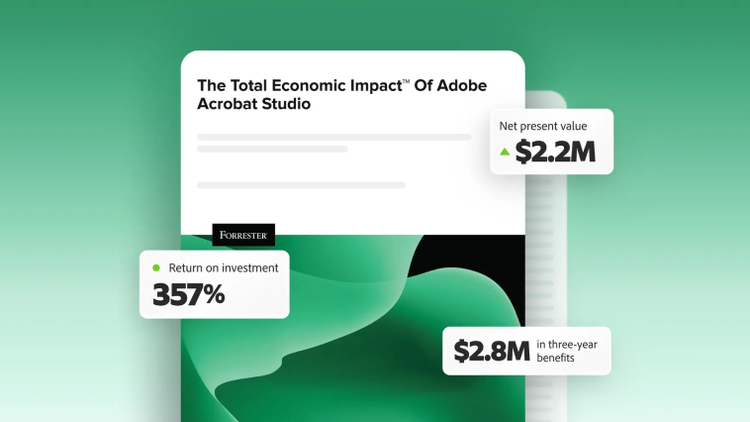
Forrester’s TEI study unpacks the productivity benefits of Acrobat Studio.
Acrobat Studio is an all-in-one, AI-powered solution for PDF and content creation, built on the trusted Acrobat foundation for organisations that need to understand, create, collaborate on and manage content at scale. It includes:
For enterprise deployments, it also includes advanced document intelligence capabilities such as Analyzer, which helps teams extract structured, auditable insights from large volumes of unstructured documents and Knowledge Base, which helps users get attribution-backed answers from large document collections.
Admins manage Acrobat Studio via the Adobe Admin Console, which gives them precise control over PDF Spaces, AI Assistant and Adobe Express services for enterprise profiles.
Acrobat Pro comes with all the PDF editing, conversion and organisation tools that Acrobat is known for. Acrobat Pro does not come with PDF Spaces or Adobe Express design tools for fast-action templates and content creation.
Acrobat Express is designed for teams that need to understand business content, create polished outputs and keep work on brand at scale. Acrobat Express comes with PDF Spaces and Adobe Express Premium tools. It also includes basic PDF editing features so team members can create, organise and compress PDFs; export them to Microsoft Word, Excel or PowerPoint; and password-protect documents. If your team needs the broadest set of tools for documents, PDFs, AI and collaboration in one plan, Acrobat Studio is the most comprehensive option.
