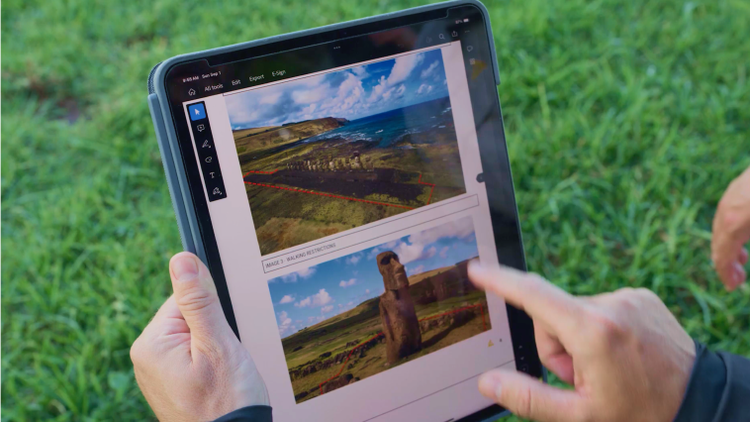
Create and share annual reports.
Outline accomplishments, thank donors and promote your non-profit’s mission with tools that make it easy to create documents from multiple file types.


Set your organisation up for success and get more done with the leading PDF and e-signature tools.

Outline accomplishments, thank donors and promote your non-profit’s mission with tools that make it easy to create documents from multiple file types.
Save time working on contracts, invoices and waivers with integrated e-signature tools and reusable web forms.
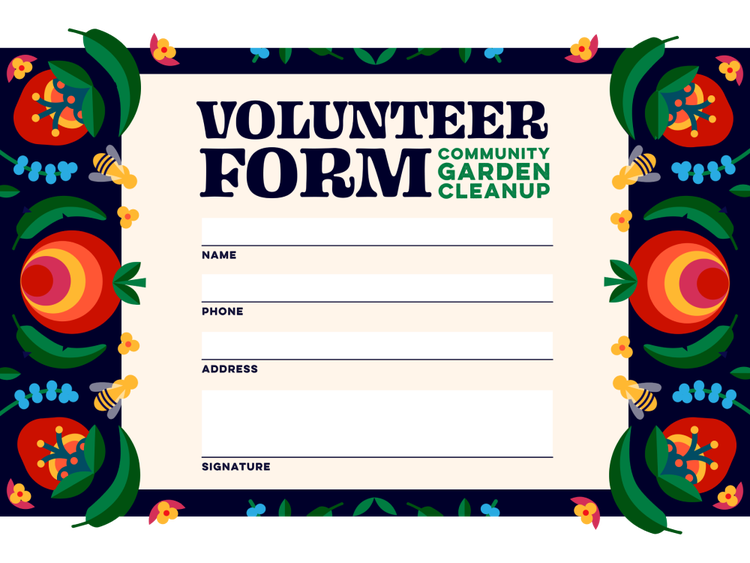
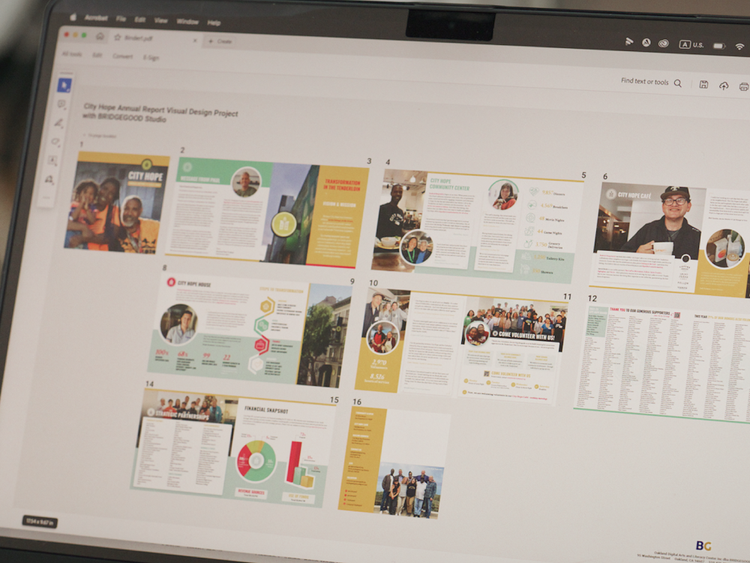
Edit, combine and organise high-quality documents that attract donors, volunteers and partner organisations.

Check eligibility.
Answer a few questions about your organisation.

Get verified.
You’ll receive a verification email.

Dive in.
Start using your Adobe apps to create change.
Helping the next generation of creators jump-start their careers, BRIDGEGOOD uses Acrobat for everything from resume preparation and portfolios to increasing efficiency with e-signatures and web forms.
Digitising healthcare material with the Acrobat Reader mobile app, World Education makes healthcare aid more accessible to people living in remote areas.
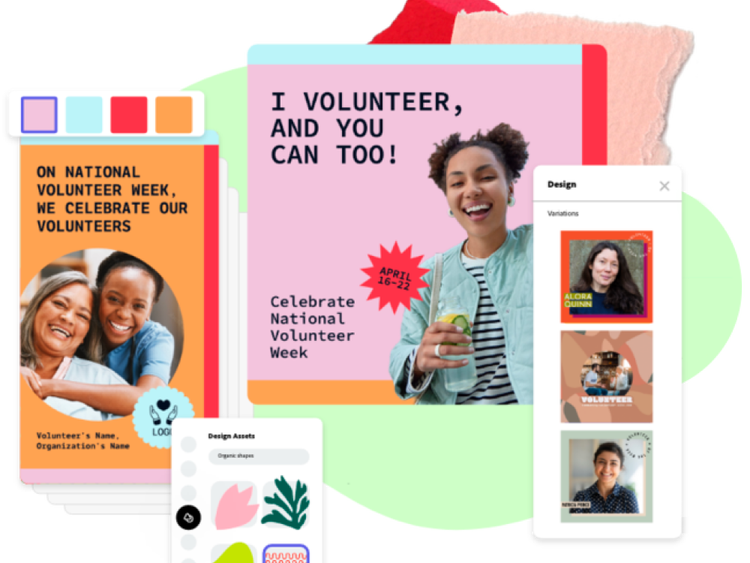
Create social posts, videos, flyers, mailers and presentations for fundraising campaigns, events, donor communications and more. All in one app, available on web and mobile.
Non-profits can get one-year subscriptions to Adobe Acrobat Pro at a substantial discount and Adobe Express for no charge. Non-profits can get Adobe Creative Cloud individual one-year memberships at a discount. See product offers for the cost for each product.
Access to Adobe Creative Cloud is administered through our programme partner TechSoup.
If your organisation qualifies as an eligible entity, you can access and take advantage of the following offers:
For Creative Cloud, check the detailed information on TechSoup.
Based on your location, we think you may prefer the United States website, where you'll get regional content, offerings, and pricing.