File must be JPG, JPEG, PNG or WEBP and up to 100 MB
https://main--cc--adobecom.aem.page/cc-shared/assets/img/upload-white.svg Upload your photo
By uploading your image or video, you agree to the Adobe
Terms of Use and Privacy Policy
File must be JPG, JPEG, PNG or WEBP and up to 100 MB
https://main--cc--adobecom.aem.page/cc-shared/assets/img/upload-white.svg Upload your photo
By uploading your image or video, you agree to the Adobe
Terms of Use and Privacy Policy
to try it today.
File must be JPG, JPEG, PNG or WEBP
and up to 100 MB
https://main--cc--adobecom.aem.page/cc-shared/assets/img/upload-white.svg Upload your photo
By uploading your image or video, you agree to the Adobe
Terms of Use and Privacy Policy
- File size larger than 100 MB
- Unable to process the request
- We are unable to process this file type. Please try again.
- Only one file can be uploaded at a time.
- Image is smaller than the minimum dimensions (512 x 512 pixels). Please resize and try again.
- promoid=QTV3NS2W&mv=other
Refine and edit photos with the AI Prompt to Edit feature.
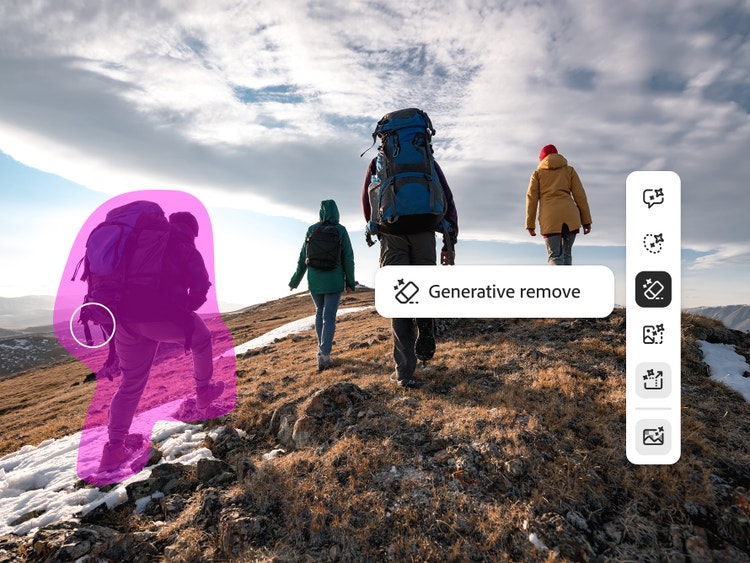
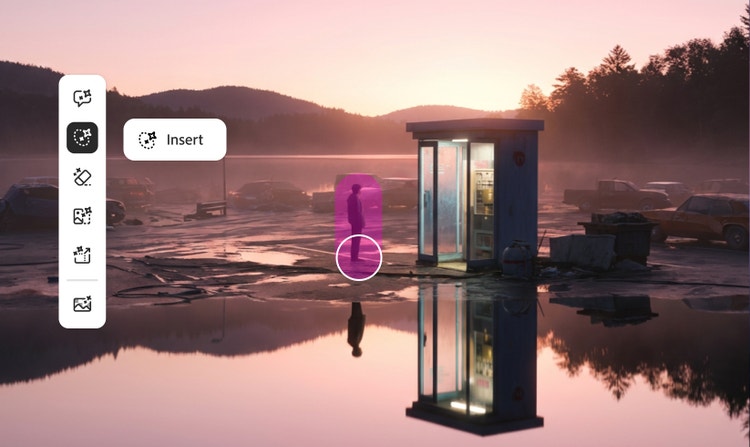
Remove unwanted elements.
Use the artificial intelligence photo editor to remove distracting background elements like street signs, lamp posts and even people in just a few clicks. Describe what you want to see – or what you don’t – and watch as your photo transforms in seconds.
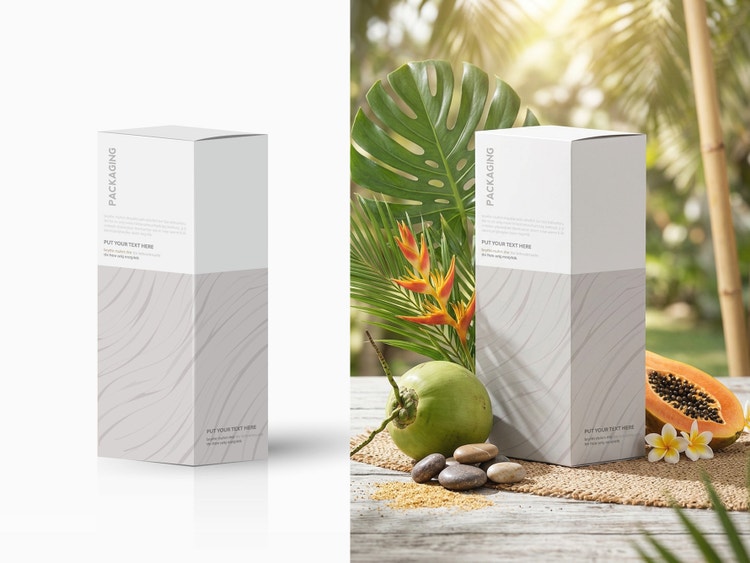
Replace backgrounds.
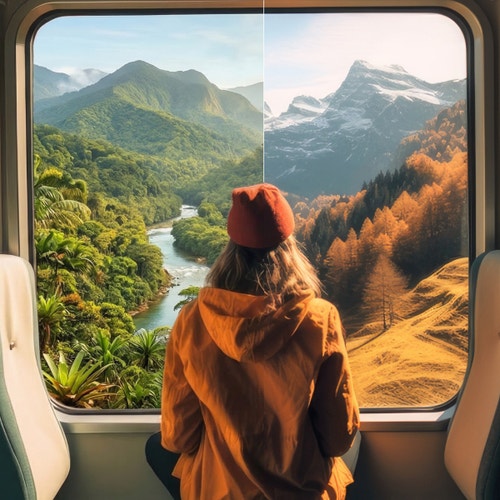
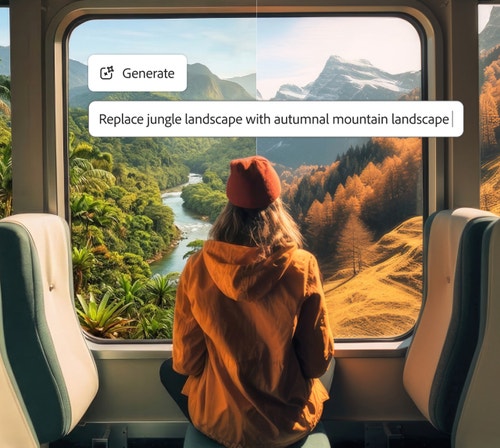
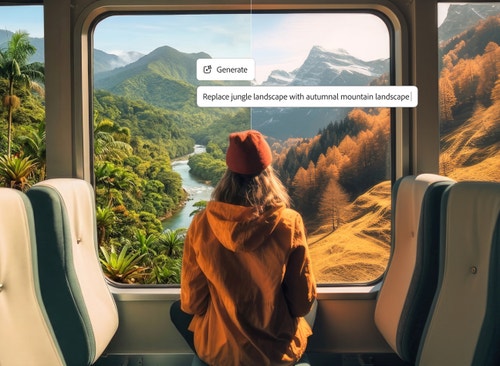
Switch things up with a completely new look. Change backgrounds to alter your photo setting or completely remove it altogether. Whether you want to transport yourself to another place or go for a clean, colour-block look, it’s completely up to you.
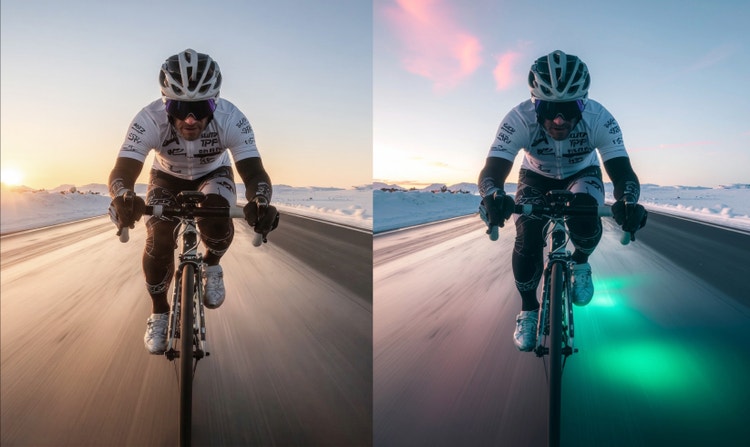
Completely reimagine the mood.
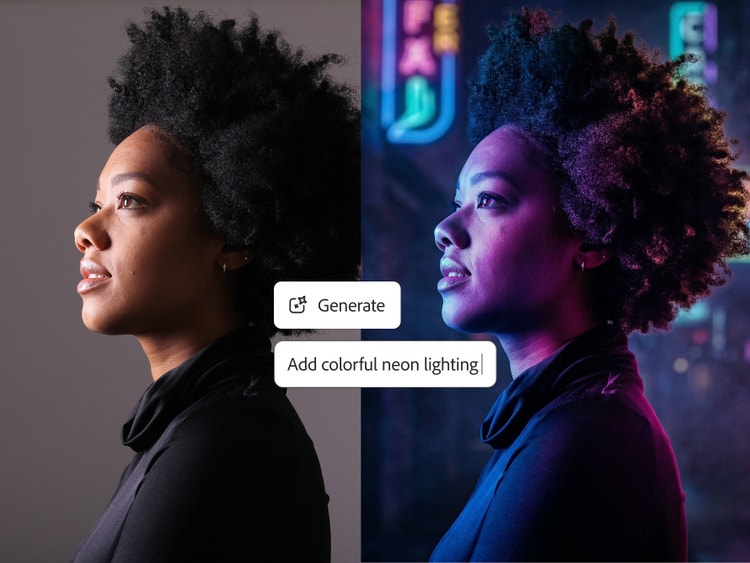
Use the free AI photo editor to change lighting, colour and mood to reimagine your photos and assets. Ask the editor to change the lighting to warm sunset tones or add some atmosphere with colour changes.
Experiment with smart, AI-driven photo editing tools.
Unlock faster, smarter photo editing with Prompt to Edit from Adobe Firefly. The innovative generative AI editor handles enhancements like auto-retouching, colour correction, background removal, and object replacement in just a few clicks.
Use free AI photo editing feature for fast edits.
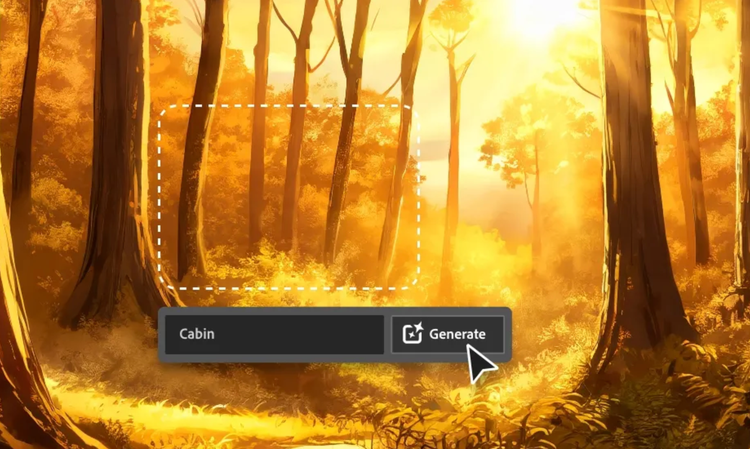
Use Prompt to Edit features to control the image output. Just create a simple text prompt to describe what you want to see – whether you want to add or remove elements, change backgrounds, or make certain details pop.
Refine your images further with Generative Fill and Generative Recolour, or use Quick Actions for fast cropping, resizing, and tone tweaks. Find everything you need to create high-quality visuals with the Firefly AI image editor, and unlock full creative freedom.
Create stunning AI photos in just a few clicks.
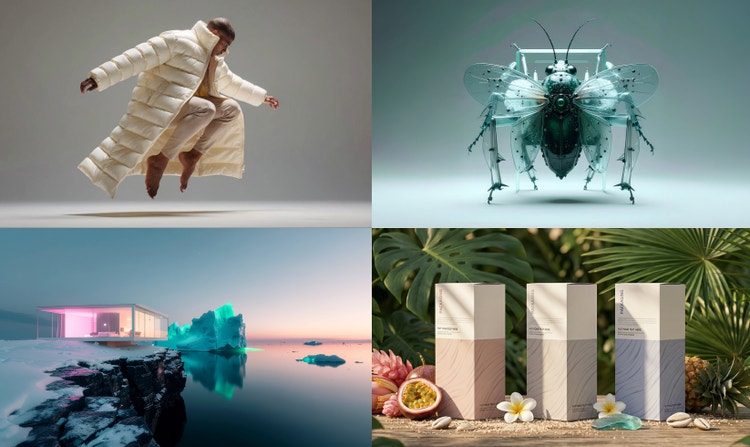
Adobe Firefly’s AI photo editor helps you get polished results in just a few minutes. Once you’ve generated your image, use the built-in AI image editor tools to take your photos further. Experiment with text-to-image or scene-to-image and re-work your projects’ lighting, composition and mood.
For that finishing touch, Generative Match allows you to use reference images to align colours, tones and textures so you can ensure consistency across assets and campaigns.
Use AI photo editing tools for personal and professional projects.
Whether you’re an everyday creator, creative professional, or just want to experiment, Firefly’s online AI photo editing tools have everything you need. From product shots to social posts, the editor adapts to your creative needs so you can generate seamlessly consistent personal and professional projects.
Build campaigns at scale, retouch visual assets, or generate individual campaign visuals. With everything all in one place, the AI photo editor tools allow you to create, ideate and edit in just a few clicks.
The benefits of using Firefly for AI photo editing.
Firefly gives you complete creative control, all while generating unique, commercially safe assets for use across all manner of projects and platforms.
- Professional results. Combine your creativity with advanced generative AI to produce unique, high-resolution images for both personal and commercial use.
- Integrated workflow. Enhance images, remove unwanted elements, and generate brand-new visuals using creative prompts — all in just a few clicks.
- AI model flexibility. Firefly AI models are trained on licensed Adobe content and public domain data for commercially safe results. You can also experiment with partner models from Google, OpenAI, and Runway.
- Complete creative control. Adjust lighting, composition, colour, texture and more. Use Prompt to Edit, Generative Fill, Generative Recolour, Replace Background, and one-click Quick Actions like crop and resize for fast finishing touches.
With Adobe Firefly AI photo editing tools, you just need to describe your vision to get the final results. Whether you’re creating marketing materials, product shots, or social media campaigns, explore, iterate, and produce professional-quality images all in one place.
AI photo editor use cases and examples.
The Adobe Firefly AI photo editor makes image creation and editing easier for creators, marketers, and everyday users. Whether you’re polishing personal photos or creating brand assets, use the online AI photo editor to create professional-quality results that save time while keeping you in creative control.
- Picture-perfect holiday shots. Remove distractions like people in the background or intruding lamp posts, and fine-tune lighting and colours to create holiday photos worth sharing.
- Consistent commerce assets. Enhance product shots by refining backgrounds, detailing, and applying brand style across assets to create cohesive campaigns.
- Scroll-stopping social content. Create custom, on-brand social media visuals in minutes using Prompt to Edit, Generative Fill, and Generative Recolour.
- Streamlined workflows. Quickly test and refine ads, marketing assets, and editorial images. Ideal for agencies and creative teams working across a range of different platforms and devices.
From simple edits to full creative campaigns, the Firefly online AI photo editor adapts to any project, helping you bring ideas to life in minutes.
How to use Prompt to Edit in the Firefly AI photo editor.
- Open Firefly and explore AI editing tools. Sign in to Adobe Firefly or create a free account. Then explore the different features, tools and Quick Actions to start editing your image, or jump straight into Prompt to Edit.
- Upload your image and create a text prompt. Describe the changes you want to make in the prompt. For best results, use at least five words — for example, “remove the lamp post by the bridge” or, “add sunset lighting with a warm glow”. Adding style cues such as “retro aesthetic” or “natural lighting” also helps guide the AI photo editor.
- Generate your AI-edited photo. Select Generate, and the AI photo editor will apply your changes in just a few seconds. Adjust and regenerate as needed. If you’re not happy, just fine-tune your results by editing your prompt or changing settings.
- Take your photo edits further. For some final touches, use additional Firefly tools. For example, upload another reference image or sketch to guide layout and style, or generate new visuals that align with your creative vision.
Reimagine your photos using Image-to-Image and experiment with artistic styles, or use Generative Match to maintain creative consistency.
- Download and share. When you’re happy, download your photo, copy it to your clipboard, or share it directly. Use your AI-edited photos across social posts, videos, print, and more.
Discover even more features.
Generate image AI video editor Character generator Image-to-image Scene-to-image
Adobe Firefly AI photo editor FAQs.
What is an AI photo editor?
Do I need any design skills to use an AI photo editor?
Can I use Firefly AI photo editing tools on my mobile?
What types of photo edits can I make with the Firefly AI photo editor?
You can make a variety of different AI photo edits with Adobe Firefly. For example:
- Use Prompt to Edit to add, remove, or replace objects and backgrounds.
- Remove unwanted distractions with Generative Fill.
- Reimagine images in new styles or moods using image-to-image editing.
The Adobe Firefly AI photo allows you to enhance, reimagine and perfect any image with complete creative control.
You may also like
Revolutionising Creation: AI Art Use Cases
Learn how | Learn how - Revolutionising Creation: AI Art Use Cases
How to use AI image generated backgrounds
Learn more | Learn more - How to use AI generated backgrounds for product photography