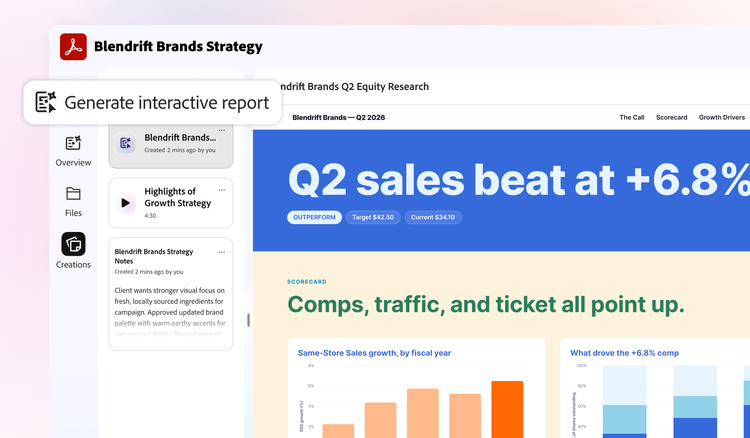
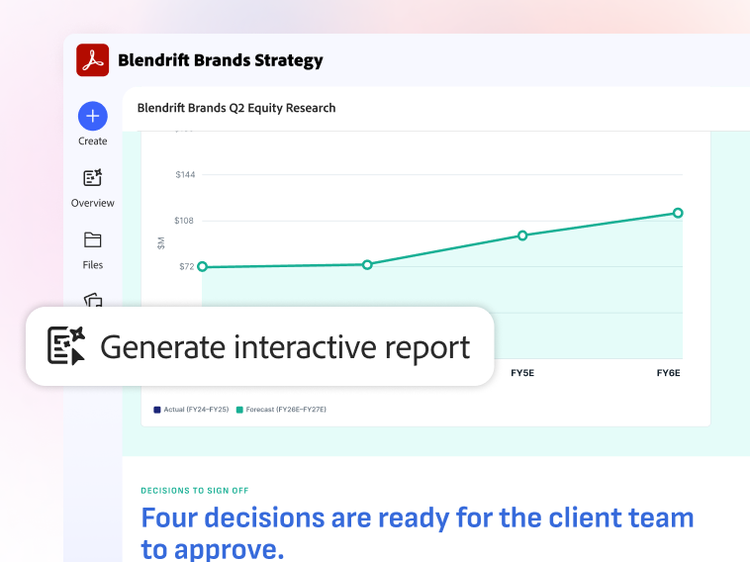
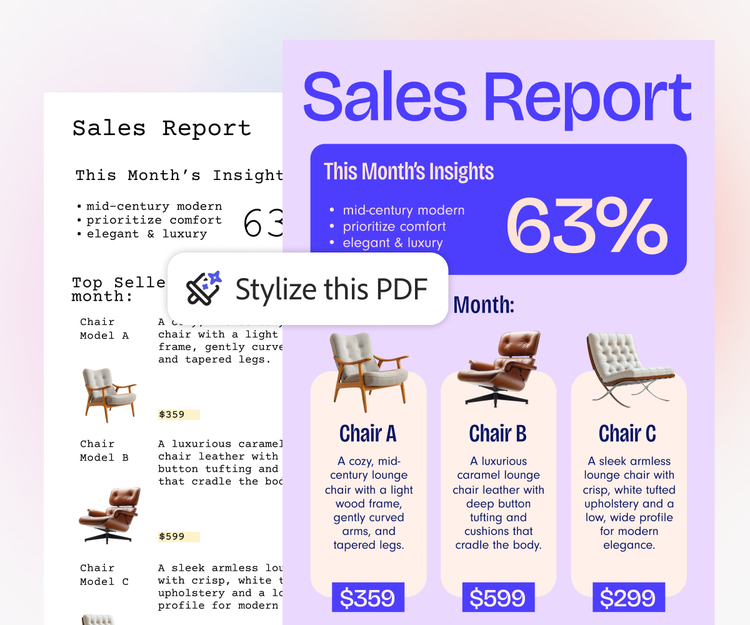
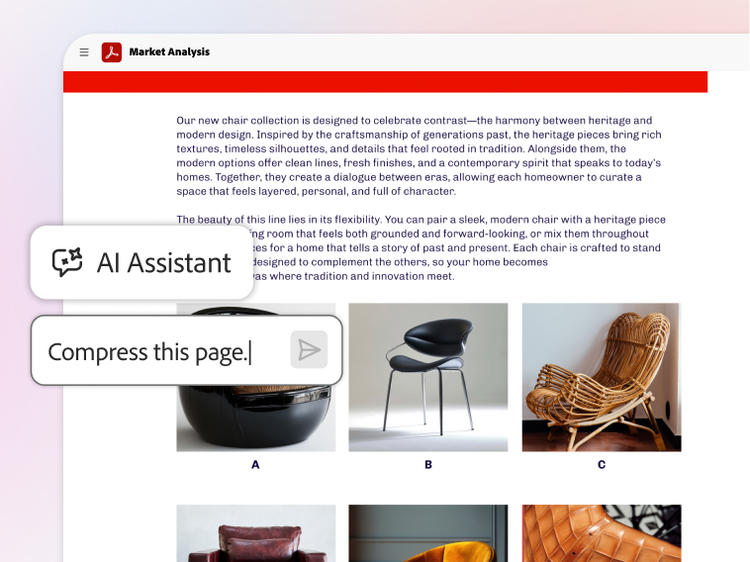
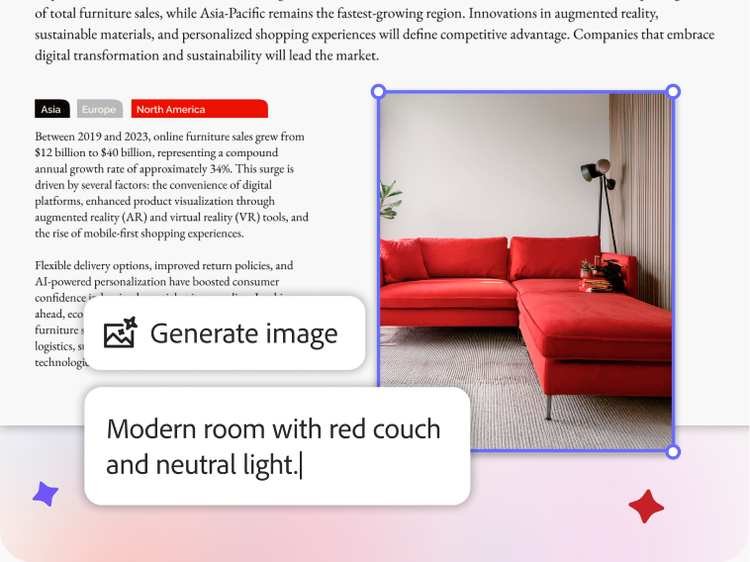
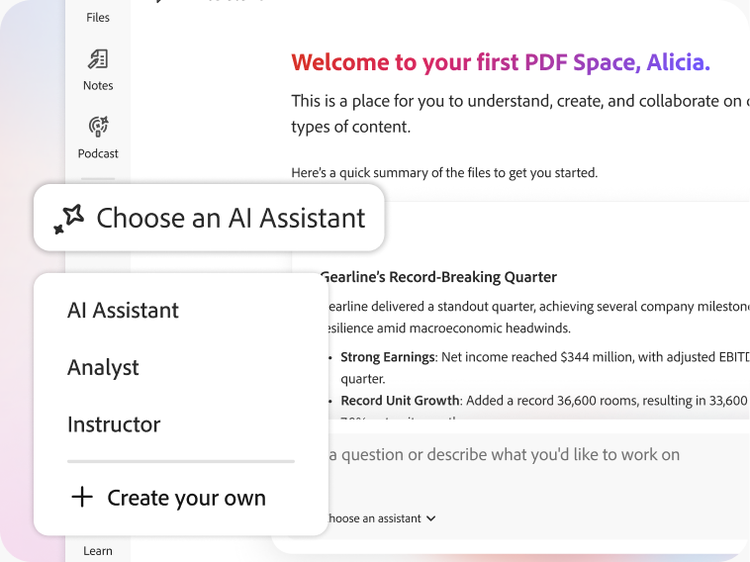
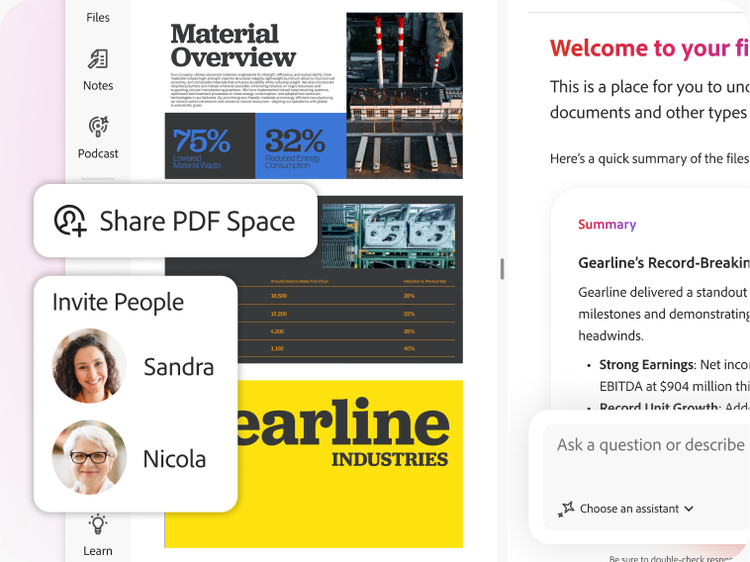
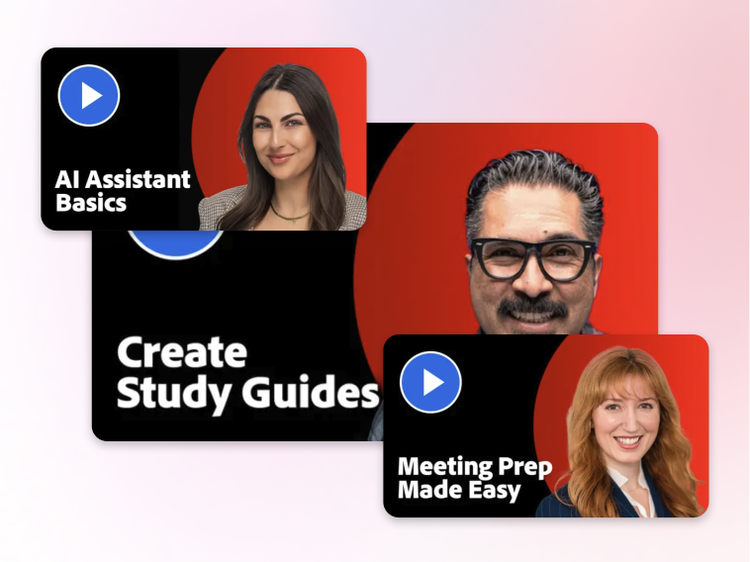
AI Assistant can help users accelerate document comprehension (across single or multiple documents) help transform productivity:
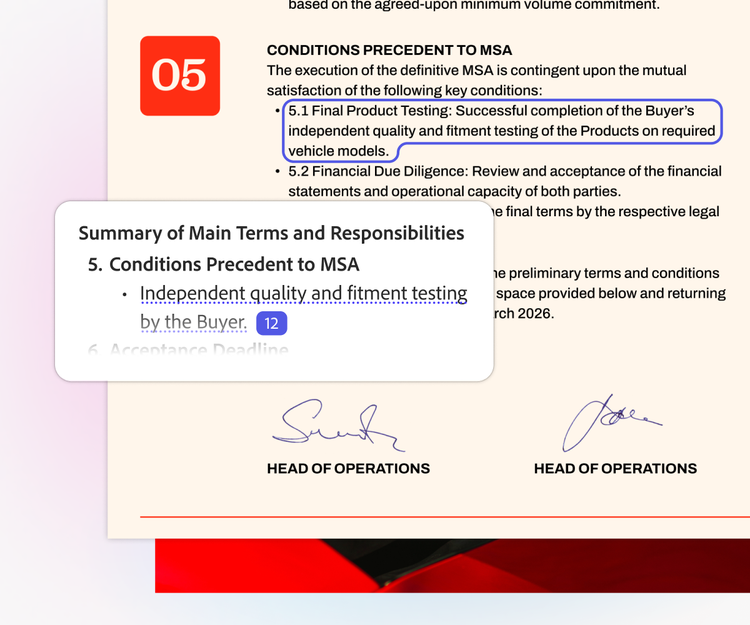
- Summarise crucial concepts and themes from the document.
- Get one-click summaries with generative summary.
- Explore content using suggested questions.
- Ask questions and receive answers with cited references.
- Summarise contract key terms and highlight the differences between contracts. Communicate with impact and save time by using AI Assistant to help create content based on your documents.
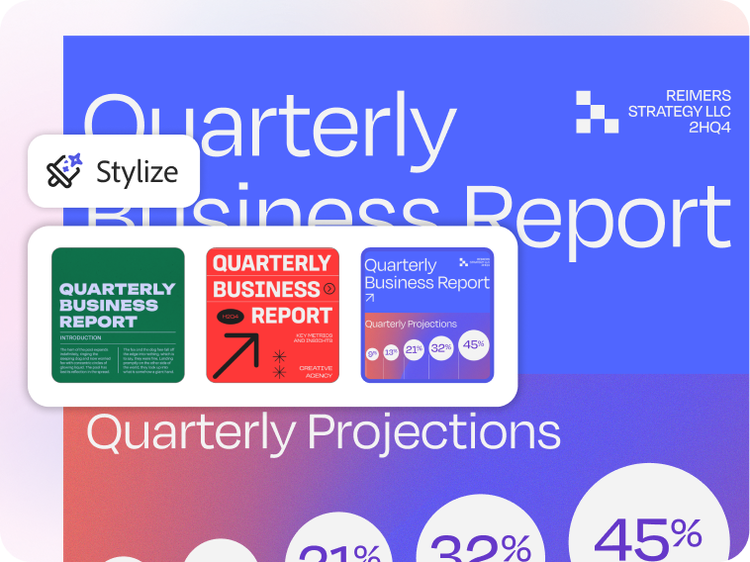
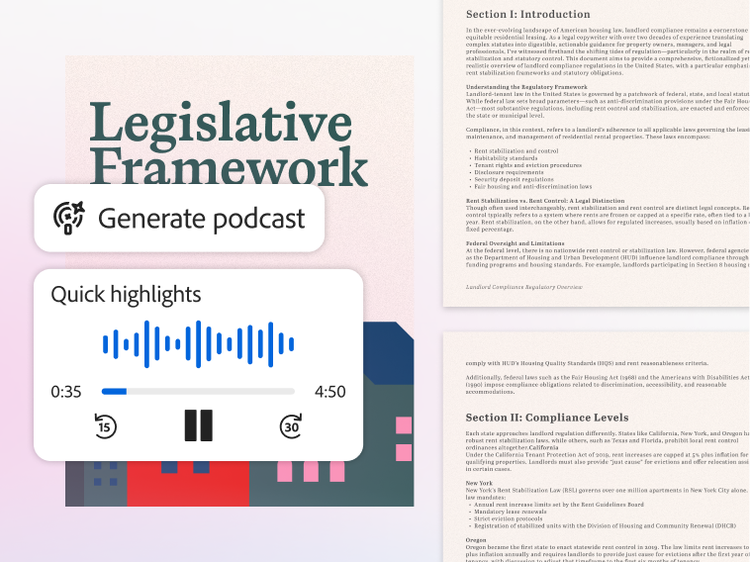
- Create content from their documents for emails, presentations, meeting notes and more.
- Come up with ideas for blog posts, articles and research topics.
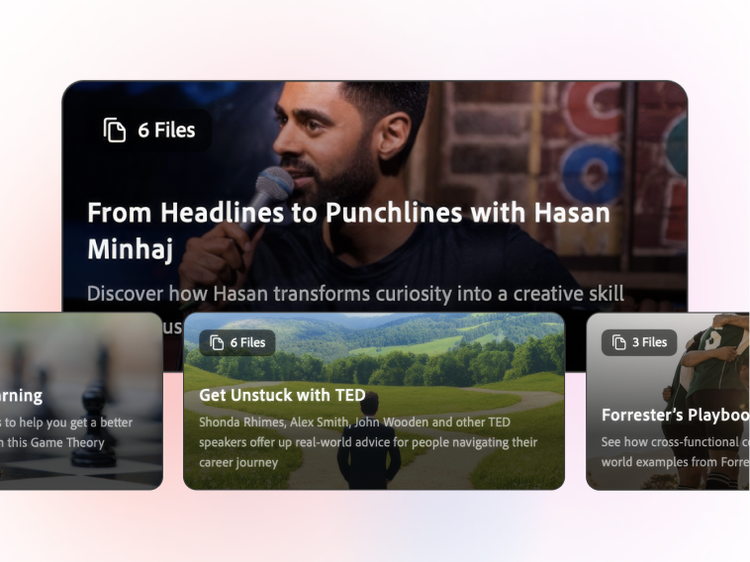
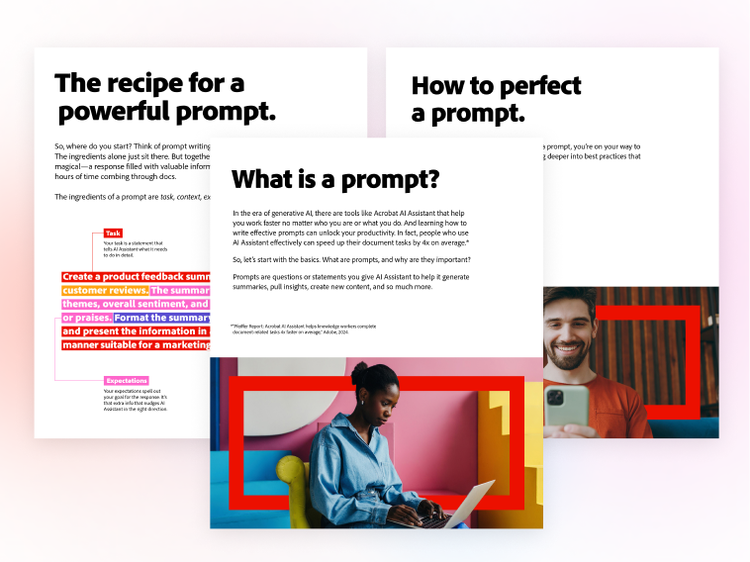
Get inspired: See how others have incorporated AI Assistant into their everyday work.
Acrobat users with an individual account can access this feature in Acrobat Reader desktop and the Acrobat desktop application on both Windows and macOS, the Acrobat web application, Acrobat mobile applications (iOS and Android) and in their Acrobat Google Chrome or Microsoft Edge extensions. Visit Generative AI in Adobe Document Cloud applications or more detailed information on surface feature availability.
AI Assistant is available to try without an Adobe account.
Generative AI features in Acrobat are available for Teams, Enterprise VIP and Enterprise ETLA customers. Learn more about Adobe Acrobat AI Assistant for business. Eligible students and teachers can learn more about AI Assistant for education.
Yes, a separate add-on plan for full access is available to new and existing Acrobat customers. Acrobat customers do not need to have an existing Acrobat Pro or Acrobat Standard plan to purchase. See the
plans page for additional details.
Currently, AI Assistant in Acrobat supports PDFs and documents in English, German, French, Spanish, Portuguese, Italian, Japanese, Korean, Norwegian, Dutch, Finnish, Swedish, and Danish, with plans to add additional languages in future releases. AI Assistant may inadvertently provide responses in languages other than English, German, French, Spanish, Portuguese, Italian, Japanese, Korean, Norwegian, Dutch, Finnish, Swedish, and Danish, but these go beyond the intended purpose of the AI Assistant capability and should not be relied upon at this time.
At present, this feature works for PDF, DOCX, PPT, TXT, RTF files and documents that meet certain criteria. Currently, it does not support the following types of files:
- Files exceeding 100 MB in size per document.
- Files that contain more than 600 pages.
- Files with permissions that are configured in a way that prevents processing, such as being password-protected or having the “do not copy” permission enabled.
- Files in languages other than English, Japanese, German, French, Italian, Spanish and Portuguese.
Creating, uploading or sharing content that violates a third-party copyright is prohibited. You should seek legal advice if you suspect that your content may violate any third-party copyrights.
An AI workspace is a place where you can use AI tools and technology to add productivity and efficiency to your workflows, projects and document processes.
A trusted AI workspace like Adobe Acrobat Studio gives you an all-in-one space to complete document tasks and create your best work using AI Assistant to chat with documents, analyse data, summarise content, build standout work and more. AI-generated summaries and other outputs are accompanied with trusted, precise citations. With Acrobat Studio, you can work confidently knowing your data is highly secure.
The best AI assistant for summarising documents will depend on your individual needs – and what you need to use it for. Each tool offers different features. For example, Acrobat AI Assistant delivers stands out by delivering generative summaries with precisedetailed citations you can trust. It also features multi-doc capabilities, so you can add multiple files and sources to your PDF Space, then use AI Assistant to uncover insights, generate summaries and identify next steps.
The best AI workspace for your needs will depend on your personal preferences, how you plan on using the tool, and what projects you need it for. There are many different AI workspace platforms with different capabilities. Acrobat Studio, for example, is your the go-to AI workspace that gives youprovides everything you need to bring your best work together. You can combine files, get AI summaries, uncover insights, edit text and images, create documents from templates, share work and collaborate on projects - all in one place.
Acrobat features automatic, AI-powered text and layout recognition when scanned documents or images are converted into editable PDFs. Smart formatting suggestions are provided when editing PDFs, such as font adjustments, text alignment and style matching. AI-powered structure tools ensure formatting remains consistent when reorganising content. Autotagging and accessibility enhancements identify document structure (like headings, lists and tables) for easier reading, accessibility and compliance.
In Acrobat Studio, you can convert different file types and bring them all together in PDF Spaces, then use AI Assistant to jump-start content creation, analyse data and uncover insights inside your documents. With Adobe Express, you can access templates and easy design tools to create documents.
The top-rated AI assistant for academic support will vary based on your subject, task, academic level and preferred style of learning. After all, everyone’s study needs are different.
It’s a good idea to do your research before you make your decision to see what works best for you. You can use the Adobe AI Assistant, for example, to simplify complex language and documents, summarise text and generate PDFs. This can help you organise your studies and prepare for exams. You can even ask it to create flashcards and quizzes to help information recall.
Adobe AI Assistant can answer questions, provide feedback, and help to generate, write, or edit PDF documents. It’s an all-in-one tool that can help you manage and make sense of professional and academic documents. However, everyone’s needs are different, so you might want to look at the use cases for different assistants to determine what would suit you best.
The Adobe AI Assistant comes with a free trial, so you can experience and experiment with different study and generation tools. If you want to continue using the tool for document collaboration, you’ll need to upgrade to a paid plan to get more comprehensive features.
Adobe Acrobat’s AI Assistant is included in all Acrobat Studio subscriptions.