
Stay organised as a group.
Keep all your decks, guides and summaries in one shared space. Focus on studying, not on digging through screenshots or group chat threads.


Upload your class materials or enter a prompt to create flashcards. Start for free, no sign-up or credit card required.


Upload PDFs, lecture slides, reading assignments or notes with the "Select files" button or enter a prompt to generate flashcards on a specific subject.

Student Spaces pulls out key terms, definitions, formulas and important points from your content or finds examples based on your prompt, so you don’t have to make cards manually.

Repeated practice makes information stick, especially when you're prepping for a major exam. Revisit your flashcards whenever you need to test your knowledge.
Studying feels a lot more manageable when your notes are organised, clear and easy to review. This free flashcard maker helps break down complex material so you can learn faster, feel prepared and stay on top of things.
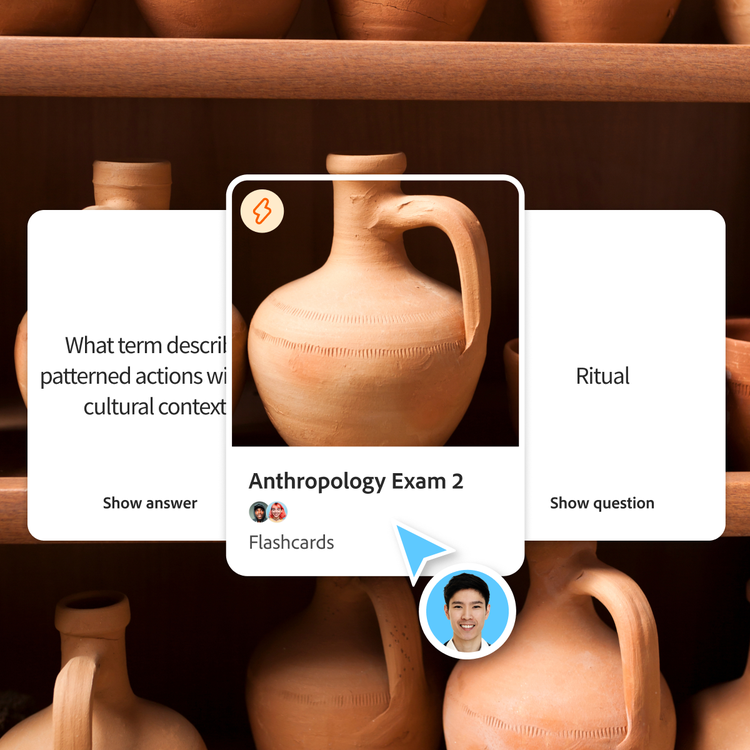
Creating flashcards quickly jump-starts your study journey. That’s why a flashcard maker is one of the most effective ways to study for exams, quizzes or any class with heavy memorisation.
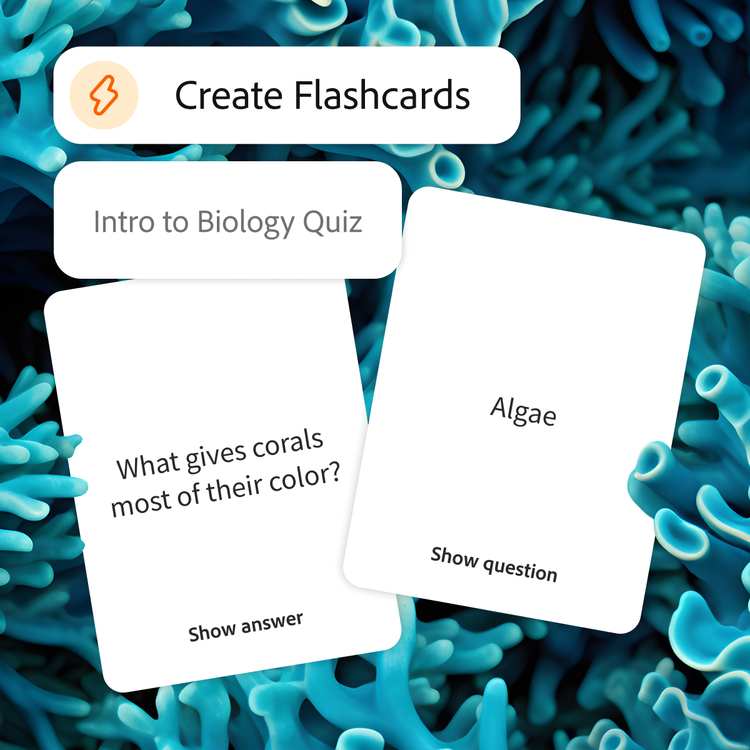
Flashcards break big concepts into smaller pieces, making it easier to recognise patterns and make connections among definitions, formulas and core ideas.
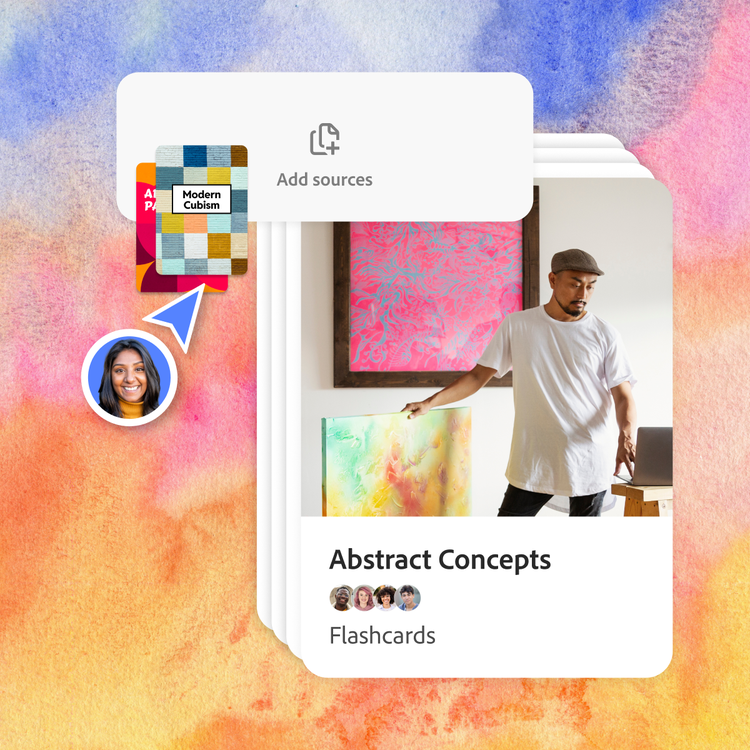
Everyone studies differently. Add your own questions, generate new cards or create multiple decks for different units or chapters. Make it harder or easier to match where you are.
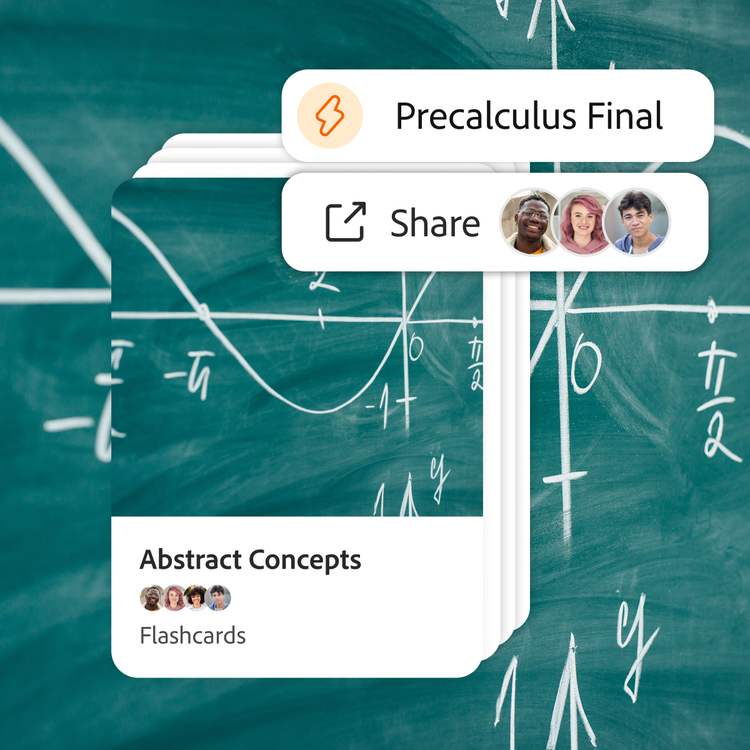
Send flashcards to your friends, use them in a study group or review them on the go. Whether cramming before class or studying on your phone between lectures, your materials stay synced and accessible.
Student Spaces is your go-to partner for learning, studying and research. Chat through your course material to understand it better and turn it into flashcards, mind maps and more.

Clarify course questions or work through brainstorms with AI chat.

Challenge yourself with quizzes built from your study materials.

Breeze through studying with guides made from your notes.

Visualise how ideas connect and understand big concepts, at a glance.
Studying together can help you to learn faster, stay on track and understand concepts from different angles. When you share flashcards with classmates, your class materials become stronger — and studying becomes way less stressful.
Keep all your decks, guides and summaries in one shared space. Focus on studying, not on digging through screenshots or group chat threads.

Your friends might catch things you missed in lecture. Make online flashcards together for a deeper, more complete understanding.
