ACROBAT
How to Create an Online To-Do List: 4 Classic To-Do List Templates
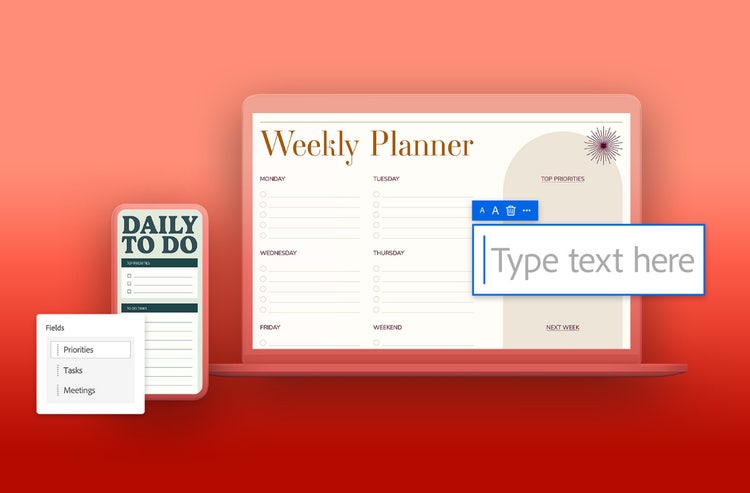
If life is keeping you busy, try a to-do list template – they’re the perfect tool to help you stay on track and prevent procrastination.
JUMP TO SECTION
- What is a to-do list?
- What are the benefits of using a to-do list?
- 4 types of to-do list templates.
- The classic to-do list.
- The prioritised to-do list.
- The project to-do list.
- The time-specific to-do list.
- The Kanban board to-do list.
- How to customise and personalise to-do list templates.
- How Adobe can simplify to-do list creation.
- Frequently asked questions.
If you find yourself spinning plates often, you might find it difficult to stay on track of everything you need to do. Maintaining a good level of productivity and organisation can sometimes feel like you’re being asked to do the impossible.
But it doesn’t have to feel that way – an online to-do list template can help you to stay on top of work, home, or family tasks. Plus, you haven’t known true satisfaction until you’ve had the joy of checking things off a list.
Get ready to organise your day-to-day, with free, online and editable to-do list templates from Adobe.
What is a to-do list?
A to-do list is a tool to help you stay organised. If there’s a task you’ve got to do – but you find remembering to do them is the hard part – a to-do list template can help you get it done.
It’s in the name – a list designed to track items, usually tasks or activities, categorised by urgency or project. To-do lists are a great way to prioritise jobs and serve as both a memory aid and a productivity booster.
Essentially, a to-do list template gives you a gentle nudge as you plan out your tasks for the day, week or month.
What are the benefits of using a to-do list?
Everyone can benefit from using a to-do list template – the benefits are numerous. But if we had to name some, they’d be:
- Improved organisation and focus. With a to-do list template, you make larger tasks more manageable, visualise your jobs, and get clarity in your work to avoid becoming sidetracked.
- Better time management. Effectively allocate time with deadlines and prioritisation, while breaking down larger tasks into a more manageable size to avoid procrastination. Schedule tasks visually, so you know what you need to do to achieve your goal.
- Improved sleep. A study by academics at Baylor University in the US found that writing a to-do list for the next day before going to bed led to people falling asleep more quickly. The researchers called this process ‘cognitive offloading’.
- Reduced cognitive burden. Scientists exploring the Zeigarnik Effect in Psychology Today found that unfulfilled goals can create a cognitive burden in the brain but that creating a plan to complete these goals can ease that burden and frees ‘cognitive space’. And a to-do list is essentially a plan to complete unfulfilled goals.
Finally, an honorary mention to the sense of accomplishment and satisfaction that comes with checking your list off. Is there anything better than a completed to-do list? Perhaps not. It’s a motivating and encouraging feeling, adding a positive feedback loop to your daily tasks.
The classic to-do list.
This category is the most typical to-do list format. You can create this simple and straightforward list by writing down the tasks you need to complete as you think of them throughout the day.
This style is the most convenient approach for when you’re running errands or working on tasks that don’t require elaborate planning.
4 types of to-do list templates.
The classic to-do list.
If you’re looking for a starting point, the classic to-do list is straightforward – a timeless icon. Just grab a piece of paper, write down the tasks you need to complete, then cross them out throughout the day.
It’s a convenient approach for when you’re running simple errands, or on tasks that don’t require a huge amount of organisation.
The prioritised to-do list.
Sometimes, you need to make sure that you have a plan to accomplish the most important tasks before the day is over, which means that you’ll need to tackle high-priority items first. This is exactly what the prioritised to-do list is for.
In many cases, it’s important to have a priority – a plan that puts the most important tasks first, so they’re done before the day is over. That’s exactly where a prioritised to-do list comes in.
Simply give each item a priority, depending on its importance or its deadline. Once you’re done, you’ll naturally create a hierarchy, which helps you determine where to begin.
The project to-do list.
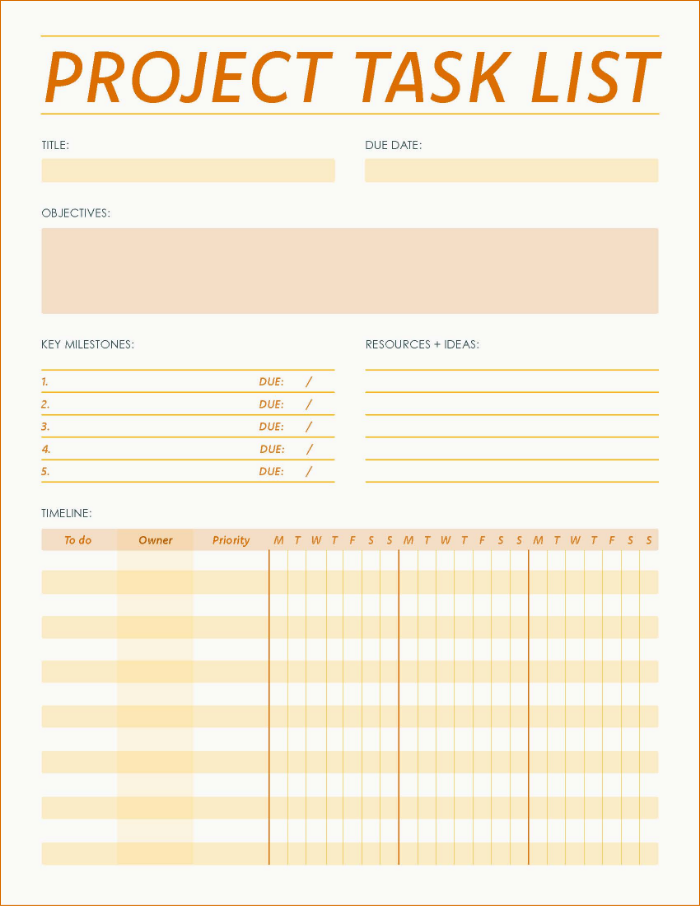
With a project to-do list template, you can take a project that involves multiple tasks and make it easier to digest. By designating tasks and subtasks, you can outline what needs to be done, and in what order.
This prioritises work – it turns one large, intimidating task into easily actioned parts. It’s an ideal to-do list for tackling long-term work, school, or family related projects.
Try our free, online project to-do list templates today.
The time-specific to-do list.
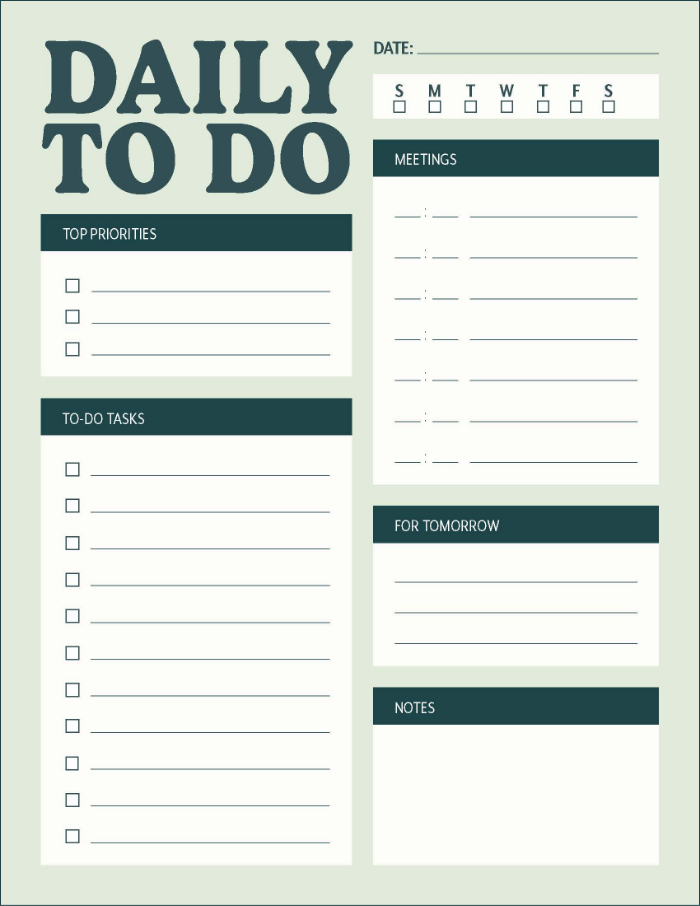
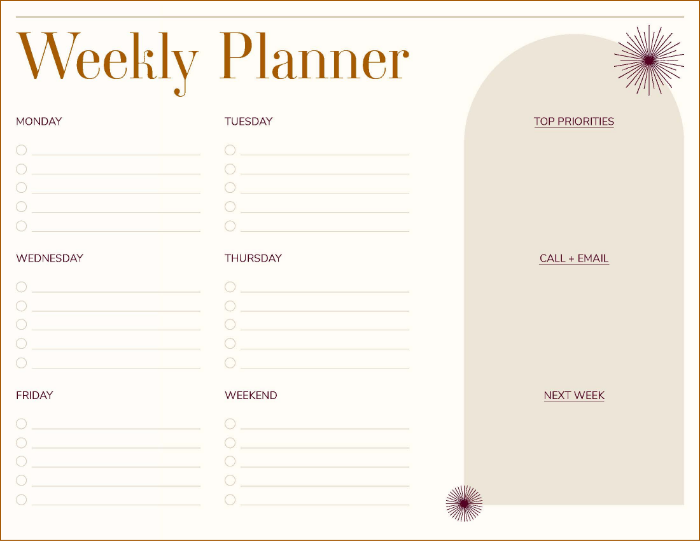
When your calendar meets with a to-do list, you get this template – the time-specific to-do list. With a time-specific to-do list, you can block out a chosen period – days or otherwise – in which to complete your tasks.
This way, you can be certain you’ve got time to complete urgent tasks within your schedule and clear on what day you should be doing them.
Give our daily and weekly to-do list templates a go today.
The Kanban board to-do list.
Kanban has its history in two words, “Kan” – sign and “Ban” – board. Originally, they functioned as signposts for shops. However, the concept was taken and re-worked for manufacturing workflows by the carmaker Honda as cards. These Kanban cards would help signal when materials were required, to stop wastage.
As an online to-do list, Kanban uses a similar methodology – columns that visualise different task processes. Users can move coloured sticky notes or cards from a “to-do” column into an “in-progress” column, giving an agile and visual organisation method. This makes it ideal for tasks that go through multiple stages.
It’s a unique take on to-do lists, that has proven effective and is used by teams around the world.
How to customise and personalise to-do list templates.
Once you’re ready to start doing more with a to-do list template, you can begin to customise and organise your tasks. Remember, try to find a to-do list that fits your priorities, rather than fitting everything into the to-do list. This way, you can ensure that your organisational tools work for you.
Ready to go? Start by tailoring your to-do list template to your needs:
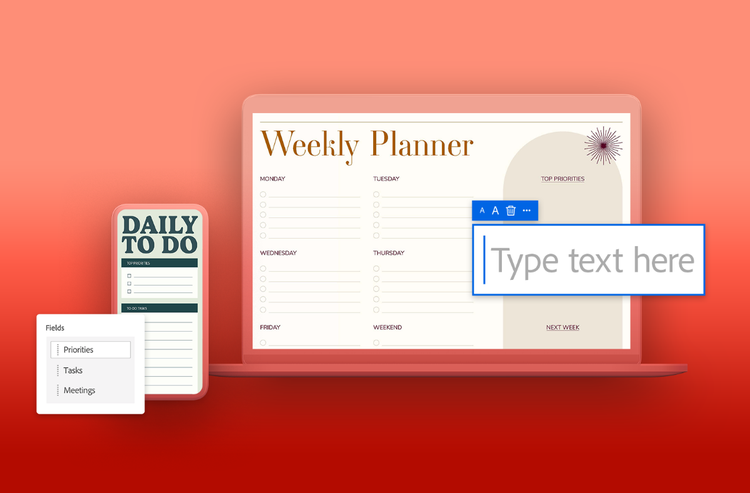
- Personalise the layout. Having a to-do list you’re comfortable using is an essential part of sticking with it. Personalise the titles, headings and columns, and tags until it’s labelled correctly and feels intuitive.
- Use colour-coding. Giving your to-do list template a bit of pop doesn’t just make it visually appealing. Colour-coding tasks based on urgency, type or effort could help with task prioritisation.
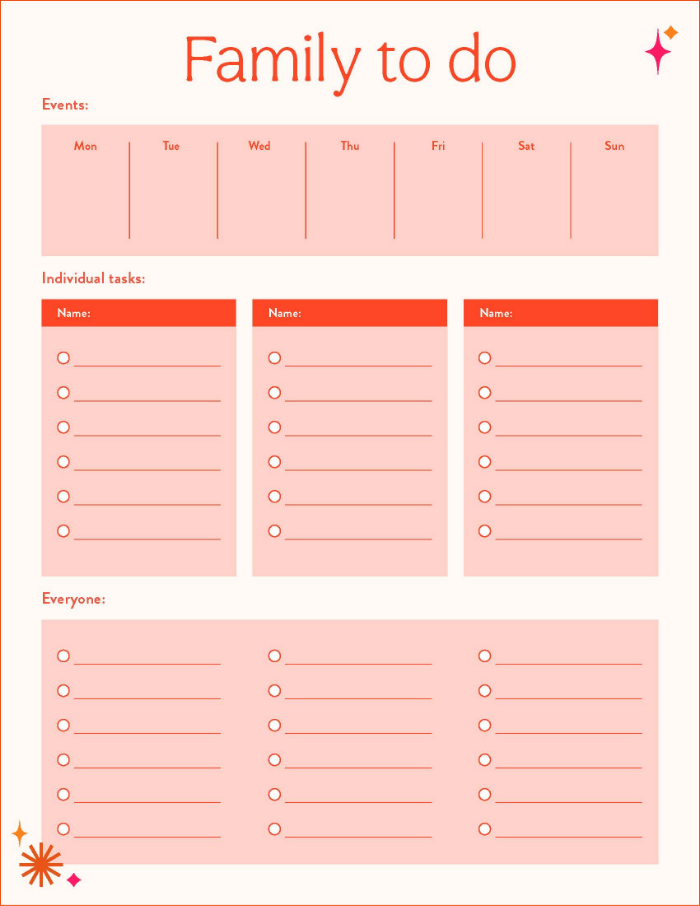
- Categorise your tasks. Grouping tasks encourages focus and helps you determine the most important or relevant activities. For example, you could separate chores or family tasks from school tasks.
- Use images and icons. Images, icons, emojis and other visual aids can make a to-do list more engaging, motivating, and easier to navigate. Exclamation marks could show urgency and checkmarks completion.
- Set deadlines and timelines. Try to assign each task a deadline or time, so you can stick to your schedule and visualise your desired timeframe.
Convert your to-do list templates from other file types.
Creating your to-do list needn’t be a project in itself – with Adobe, you don’t need to worry about that big, initial commitment to building a personalised to-do list template, or re-doing it in other formats.
Adobe Acrobat online services includes a free, user-friendly conversion tool that allows you to transform your to-do lists into PDF files from platforms like Microsoft Word, Google Docs, or Google Sheets. You can also directly create a PDF template with Adobe Acrobat.
With a to-do list template as a PDF, you can add some finishing touches – edit your PDF for free, rearrange pages, and use the Fill & Sign tool to check items off and track your progress.
Share your to-do list template with colleagues, get comments and complete tasks – all with Adobe Acrobat.
Frequently asked questions.
How do I create a to-do list?
You can easily create a to-do list in a simple and straightforward manner by keeping a few fundamental things in mind. For example:
- Identify what needs to be done. The most fundamental part of a to-do list is the tasks that need to be completed. Give each task a title and perhaps a brief, one line summary if that’s helpful for context.
- Prioritise tasks in order of importance. Once you have created your list of tasks, you should prioritise them. It’s important to know what needs to be done and by when. Assign clear deadlines to tasks.
- Organise the tasks in order. Try to establish a hierarchy for your tasks, depending on your needs or preferences. This could be by, for example, the proximity of the deadline, or the complexity of the task. Structure the to-do list starting with the most pressing tasks first.
How do I make a to-do list in Microsoft Excel?
Making a basic to-do list in Microsoft Excel isn’t too difficult; just follow these steps:
- Click “Create a new worksheet”.
- In Row 1, label the headers you need for your to-do list, based on the style you want. These headers could include tasks, priorities, deadlines, status and more.
- Enter your tasks in the corresponding columns – you could choose to colour code your table, too.
Once you’re done, you can easily convert your Excel sheet to PDF with Acrobat online services.
What is the difference between a to-do list and a checklist?
To-do lists and checklists share some similarities but have key differences, too.
A to-do list is a set of tasks that you need to complete, generally within a set timeframe. It may be ordered by importance or deadline. When items are complete, they are checked off. To-do lists can range from a simple paper list to something more complex created with online tools.
A checklist is, generally, a list of things to be ticked off in relation to a project or a process or piece of work. For example, if you are reviewing written content or building webpages, you may have a standardised list of things that need to be checked before that content or website can be published.
How often should I update my to-do list?
Is my to-do list too long?
One might think a long to-do list could result in better productivity, but this isn’t inherently true. Your to-do could quickly turn into a too-much-to-do list, and you’ll find yourself doing nothing.
If you keep adding items to your list and it starts to get unwieldly, it may be time to revisit and streamline. For example, you could create separate lists focused on specific projects, or deadline-oriented lists covering all work that needs to be done across projects but just for that day.
How do I make sure I do everything on my to-do list?
To make sure you do everything on your to-do list you need a combination of things. The right to-do list template, and how you have structured and managed that list, is key. As is updating the list at regular intervals in the day, and staying on top of ‘list hygiene’ – ticking off old tasks, removing unnecessary ones, amending deadlines, etc.
And remember, nothing says you need to hit every task, every day. Set realistic expectations – it’s better to finish early and pull thing forward, than to finish late and drag things back.