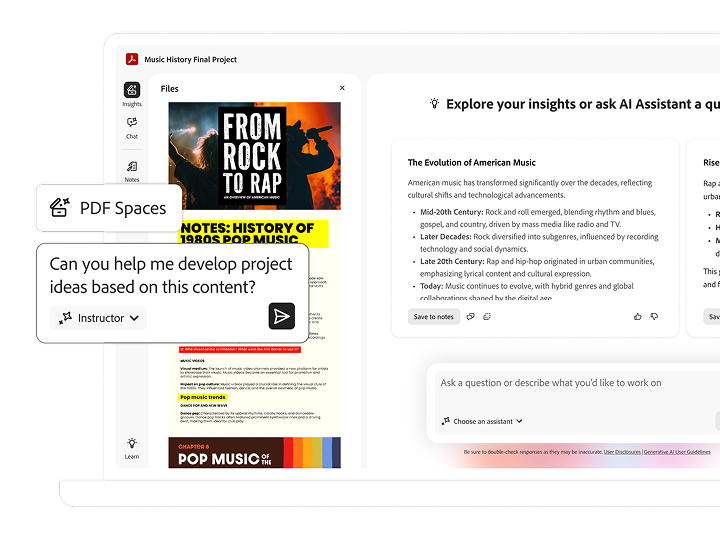
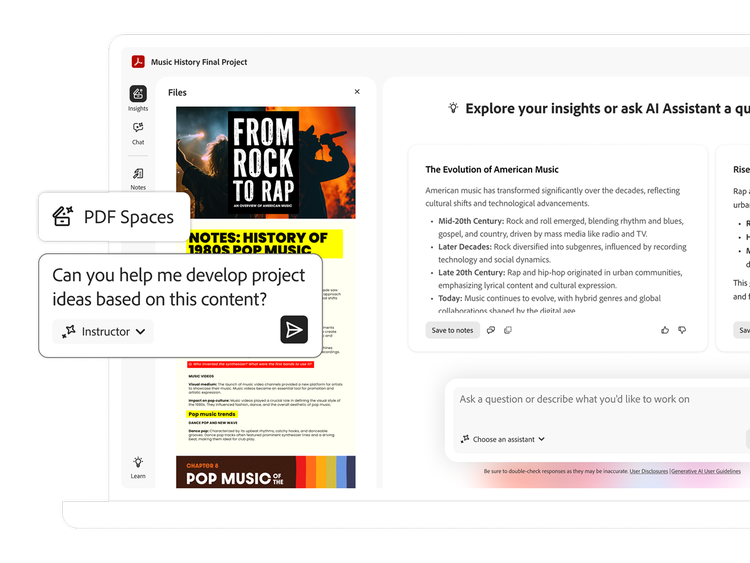


Level up your schoolwork with powerful AI.
https://main--edu--adobecom.aem.page/edu-shared/assets/images/product-icons/svg/acrobat-pro-40.svg
Acrobat AI Assistant
mas-field: ACOM-CC / Headless / Individual / EDU / Acrobat AI Assistant → ctas[2]
https://main--edu--adobecom.aem.page/edu-shared/assets/images/product-icons/svg/acrobat-pro.svg

Acrobat AI Assistant
Students save over mas-field: ACOM-CC / Headless / Individual / EDU / Acrobat AI Assistant → callout on AI Assistant. mas-field: ACOM-CC / Headless / Individual / EDU / Acrobat AI Assistant → description for {{annual-paid-monthly-plan}}.
mas-field: ACOM-CC / Headless / Individual / EDU / Acrobat AI Assistant → ctas[2]
https://main--edu--adobecom.aem.page/edu-shared/assets/images/product-icons/svg/acrobat-pro.svg
Acrobat AI Assistant
Students save over mas-field: ACOM-CC / Headless / Individual / EDU / Acrobat AI Assistant → callout on AI Assistant. mas-field: ACOM-CC / Headless / Individual / EDU / Acrobat AI Assistant → description for {{annual-paid-monthly-plan}}.
{{get-started}} | Get started AI Assistant mas-field: ACOM-CC / Headless / Individual / EDU / Acrobat AI Assistant → ctas[2]
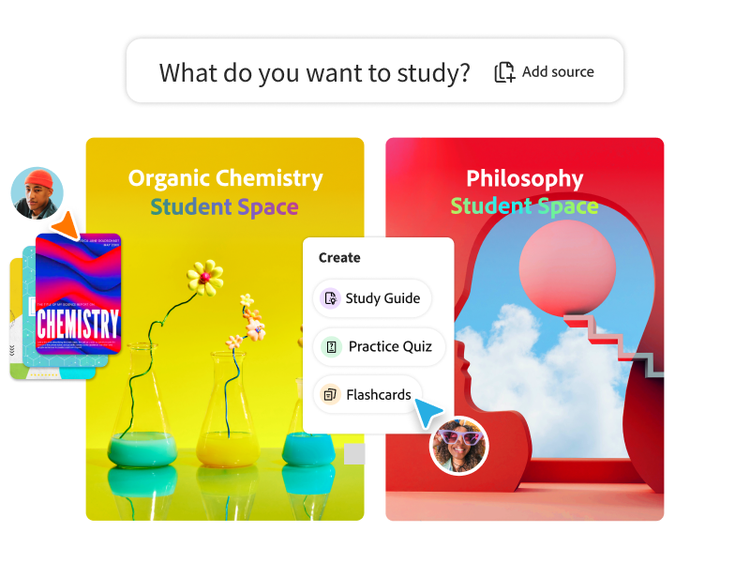
Ace that with Acrobat.
Student Spaces is a smarter way to study. Turn notes into podcasts, use AI Assistant as a tutor and learn with your study group. Free for students.
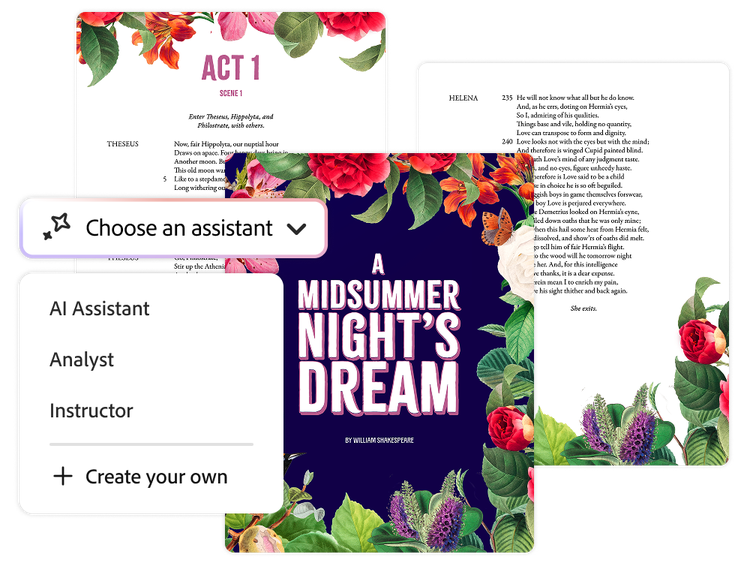
Tailor your study time with specialised assistants.
Learn the way that works for you. Start with a prebuilt AI Assistant, like instructor or analyst or create your own to help you to explore new topics and navigate your coursework.
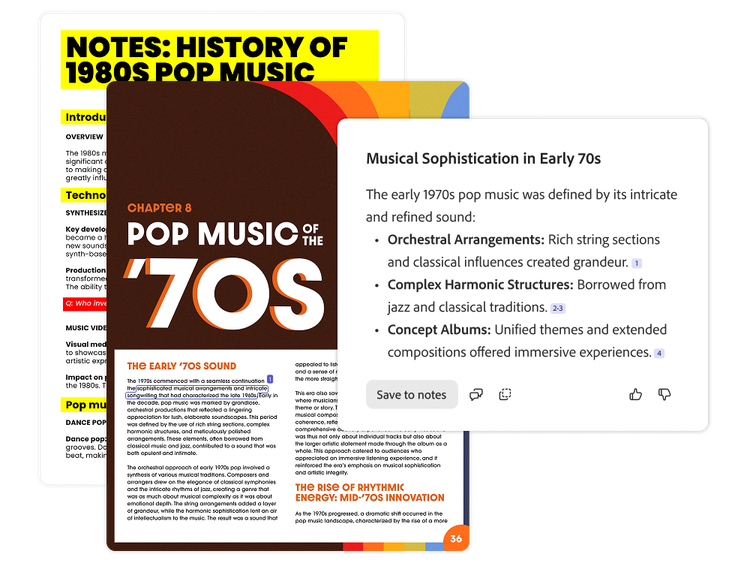
Know your work is safe and cited.
Work confidently knowing your work is not used to train AI models. Plus, get precise citations linked back to their sources so you know AI responses are accurate.
Study together in shareable PDF Spaces.
Now group work is easier than ever. Build a sharable knowledge hub that helps you brainstorm bigger, collaborate smarter and hit every deadline together.
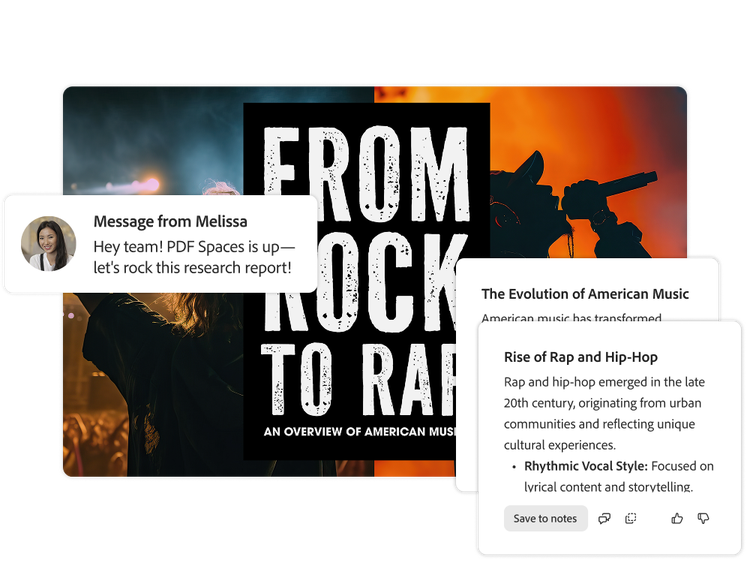
See Student Spaces in action.
Explore ways you can use Student Spaces to take your knowledge to the next level.

Group Study Strategies
Learn how to succeed as a group, communicate clearly and keep projects on track through every hurdle.
View Student Space | View Student Space Group Project Survival Guide

Protect Your Mental Health
Explore ways to manage your stress, find balance and support your mental well-being as a student.
View Student Space | View Student Space A Student's Guide to Mental Health
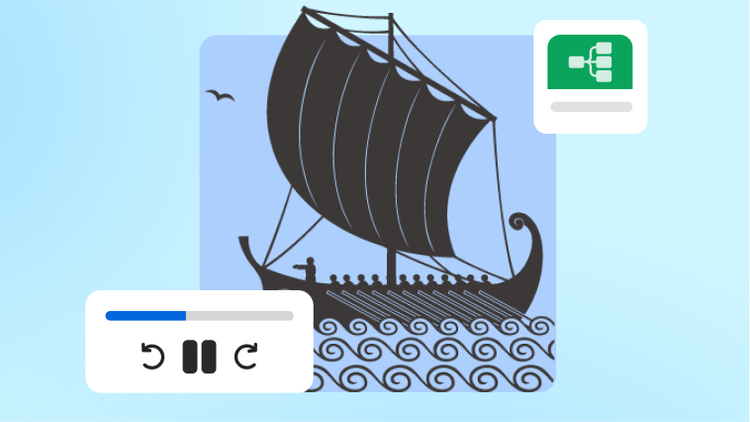
The Odyssey, Books 9-11
Dive into key moments from The Odyssey through guided reading, context and analysis that brings the story to life.
View Student Space | View Student Space The Odyssey, books 9-11
Try out AI Assistant with these sample prompts.
Try example prompts to save time studying. Prep for class with AI Assistant by summarising docs, simplifying complex concepts and brainstorming project ideas. Show me how.
- Ask
- Analyse
- Modify
- Generate
- Brainstorm