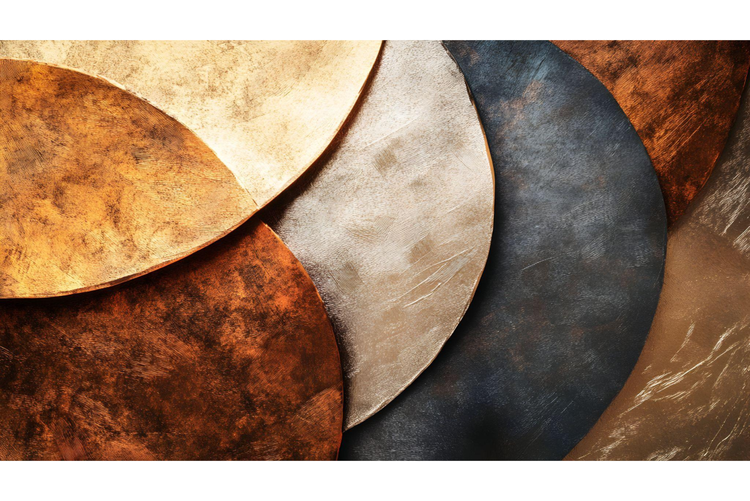
Brown is a warm, versatile shade that often gets overlooked in design. But when paired with the right colours, it becomes a strong foundation for everything from minimalist branding to natural, inviting social posts. Whether you’re designing marketing assets, event invites, or classroom materials, learning how to work with brown can help you create stylish, grounded visuals. With Adobe Express, you can discover brown colour pairing ideas and tips you can use right away, and create designs using templates to bring your brown-themed content to life.
Brown and ecru for subtle, elegant designs.
Brown and ecru, which is a soft beige colour, create a timeless, neutral pairing that’s easy on the eyes. This combination is ideal for solopreneurs and marketers wanting to create assets that feel calm, trustworthy and premium. Use rich chocolate brown as your base, then layer in ecru for contrast; it works beautifully in wedding invites, brand presentations, or product labels where you want a natural, elegant feel.
This pairing also works well in digital and print formats. Use brown for typography or background elements and introduce ecru through icons, borders or subtle textures. It’s a great palette for creative communicators building marketing materials that need to feel both professional and warm. Whether you’re making flyers, social posts or menus, you can explore this pairing easily with Adobe Express templates to bring that soft, refined look to life with just a few clicks.
Brown and yellow for warm, vibrant colour palettes.
When you want something more energetic, try combining brown with yellow. This pairing creates a warm, sunlit palette that’s friendly and full of personality. Use deeper browns to ground your design, then add yellow to highlight key elements; perfect for announcements, promotional posters or seasonal materials, like a spring photoshoot.
There are plenty of studies on the psychological effects of colour on people and on how colour hugely impacts design. When pairing brown with yellow, brown adds stability, while yellow brings attention. For solopreneurs promoting their services or small business owners creating product spotlights, this pairing helps balance approachability with boldness. Learn more about how to use colour in your next marketing campaigns.
If you're exploring colour combinations and want to experiment quickly, editable templates, like these sunshine flyer templates, are the way to go. Adobe Express offers hundreds of free templates where you can drop in your own colours, text, images and logos. Whether you're pairing brown with pastels, bold shades or neutrals, templates give you a head start and help you visualise your design right away.
Editable templates for brown-themed content.
recipe
Brown and blue denim for casual, modern styles.
Pairing brown with denim blue creates a casual yet curated look. This combo is ideal for small business owners and content creators who want to bring an everyday feel to their visuals; think handmade, sustainable or vintage-inspired brands.
Here’s how to use this combination in your designs:
- Start with a brown base. Use a medium or dark brown background to set a neutral tone. Explore these autumnal colours to discover different browns and complementary tones.
- Layer in denim blue accents. Add blue to buttons, icons or banners for visual interest without overpowering the design. Try playing with these brown card templates and adding in your blue accents.
- Choose natural textures. Use grainy backgrounds or fabric-inspired textures to lean into the earthy, honest vibe. These vintage poster templates have a variety of different styles and textures to discover.
- Apply to useful formats. Try this pairing on thank-you cards, Sunday Roast menus, or social media graphics to build a cohesive brand style.
Alternatively, start out with a blue background and then prepare to introduce your brown as the accent colour and in the typography. However you choose to mix brown and blue, Adobe Express makes it easy to apply your colour palette across different designs, helping you keep a consistent tone across print and digital. Learn more about colour modes and consistency for your digital and printed designs.
Brown and green for nature-inspired colour pairings.
Brown and green are a classic match rooted in the natural world. This combo is popular among eco-conscious brands, wellness professionals and anyone looking to create a grounded, earthy tone. Use forest or olive green with warm browns to evoke feelings of growth, balance and calm. This pairing is a great base for goblincore content, nature posters, and engaging environment posters.
For creative communicators, a brown and green colour palette is also ideal for educational resources, seasonal promotions, or wellness-themed projects. Try these green poster templates and these flower market templates to see how green and brown can boost your message. They also work beautifully across Instagram stories, posters and presentations. Simply pick a template and then adjust shades and swap in natural elements like leaves or wood textures to achieve a beautifully organic design style that still feels polished.
Build your own brown-themed content with templates from Adobe Express.
recipe
Brown and pink or lavender for unexpected pops of colour.
Want to add a playful twist to a brown palette? Try pairing it with pink or lavender. These softer, cooler shades can completely shift the tone of your design, taking brown from safe and serious to fun and creative. This works particularly well in social content, invites, or small-business branding where you want to catch the eye without going over the top. You can even incorporate muted brown with bright pink barbiecore styles.
With such a variety of browns and pinks, the possibilities are endless. Try light pink or dusty lavender against a rich walnut brown; great for café menus, indie beauty product packaging or workshop flyers. It’s an unexpected combo that feels confident and creative. Adobe Express offers plenty of customisable templates where you can try this palette with minimal effort, helping you stand out while keeping your brand grounded.