How to use colour modes for colour consistency.
If you use the same colour modes, printed designs and assets can often come out looking different and that’s because printing with ink is very different to RGB lights on a desktop or digital interface.
Here’s a quick rundown of additive and subtractive media, and their impact on colour consistency.
Additive Mixing.
Additive mixing is a method that makes colour by mixing light. This results in a spectrum of varied colours using Red, Green and Blue (RGB). When added together, these colours become light – if you mix all three, you get white. While it’s great for digital media, this method is also used on things like ambient lighting.
Just remember to calibrate your screen when mixing light and try to look at designs across screens as different settings could yield different results.
Subtractive Mixing.
Subtractive mixing doesn’t use light to mix colours – instead, it uses materials like dyes and pigments (or aims to replicate them). When you mix red, green and blue paint – you don’t get white, right? A subtractive mode like CMYK is the go-to way to print for packaging, posters and brochures.
When you use CMYK on a digital application, colours could look a bit different once printed. Try to print some proofs just to ensure things turn out the way you want.
Combining colour modes.
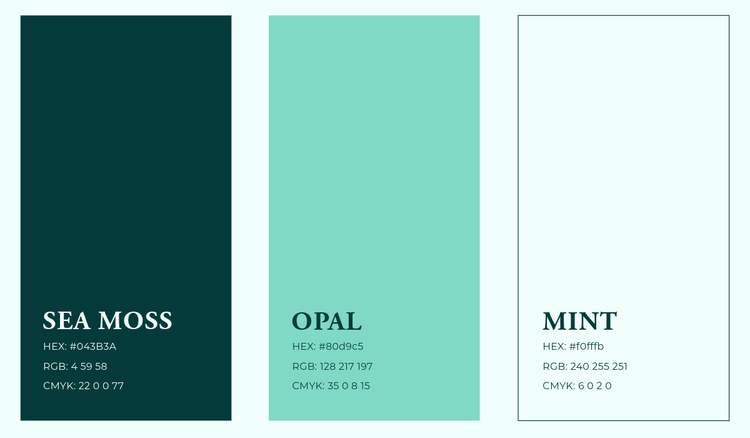
With both additive and subtractive colour methods, it’s always a good idea to make your own swatches so that once you’ve got the colours down, you’ve got a consistent reference.
Switching between modes can be a bit tedious because of the likelihood of colour changes. Tools like Adobe Colour Management can help keep your colours from shifting shades. With a bit of know-how, and a touch of preparation, you’ll be able to achieve consistent colours across your print and digital media.