https://www.adobe.com/cc-shared/assets/img/product-icons/svg/firefly-appicon-64-new.svg | Firefly {{Adobe Firefly}}

Translate Spanish to English and other languages online.
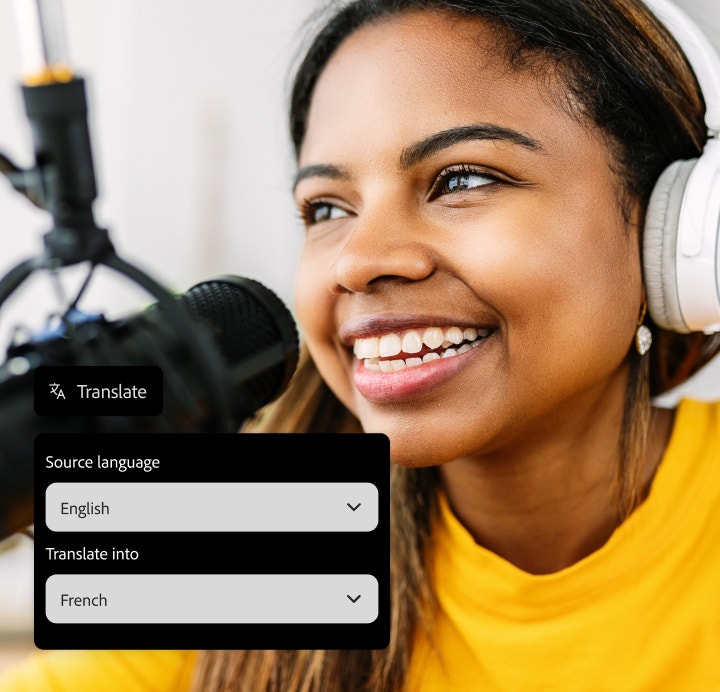
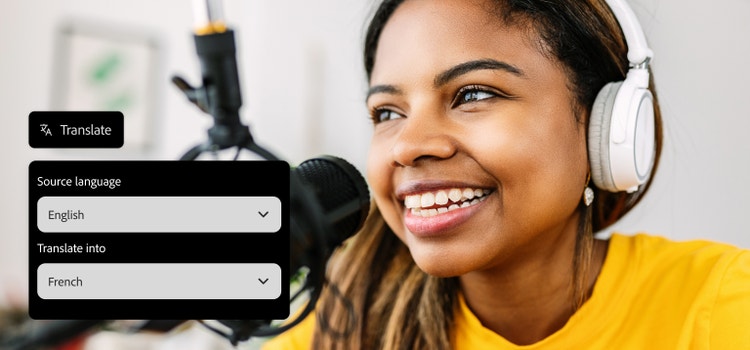
Translate Spanish audio and video files to English and other languages with Firefly’s AI convertor. Using the innovative tool, you can also translate Spanish to Italian, French, Greek and much more while maintaining the original voice and style. Reach a wide global audience, localise training materials, align social media content, and much more.

https://main--cc--adobecom.aem.live/cc-shared/assets/img/product-icons/svg/firefly-80.svg
Adobe Firefly
https://main--cc--adobecom.aem.live/cc-shared/assets/img/product-icons/svg/firefly-80.svg
Adobe Firefly
The next evolution of creative AI is here for all your ideas, with image, video, audio and vector tools.
How to translate Spanish audio.

Upload your file to the Firefly AI audio translator.
Upload your Spanish audio or video file directly to the Firefly AI audio translator to get started.

Select your target language.
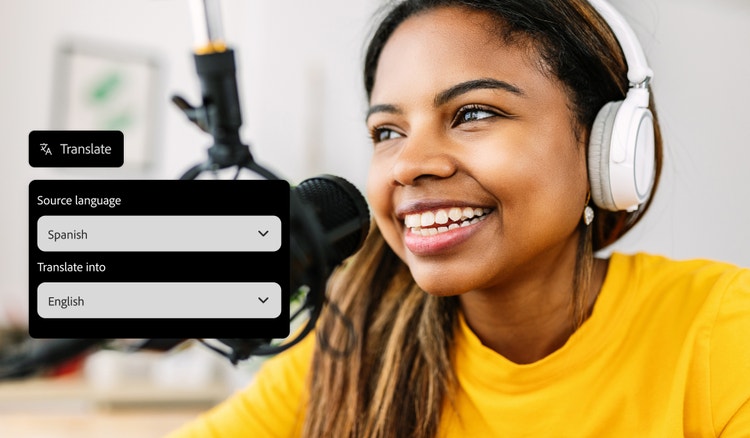
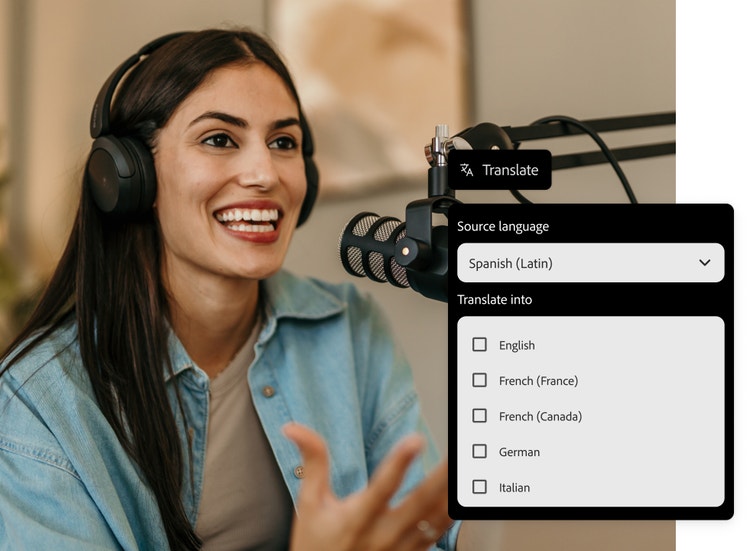
Choose the language you want to translate Spanish into from the list of options.

Review and export your translation.
Preview your translation, make any final adjustments and export your content in your preferred format.
Translate Spanish and reach global audiences.
Firefly makes translating Spanish videos easy, ready to be accessed by audiences worldwide. Whether you need to translate Spanish to German, Portuguese or even Welsh, Firefly helps keep it authentic by using the original voice, tone, and cadence. It’s a speedy way to translate audio in a matter of moments.
Translate Spanish to multiple languages and formats.
Adobe Firefly makes it easy to translate from Spanish into multiple languages. Simply upload the original file and the tool will create new, natural-sounding audio in the target language. This helps you maintain your brand voice and style, while ensuring international language speakers aren’t alienated by clunky audio.
You can then save the newly translated content into shareable formats like MP3, WAV, or MP4. These are easy to use and implement in audio and video assets – making cross-platform creation a breeze.

Generate subtitles to and from Spanish.
Firefly generative AI allows you to create Spanish subtitles quickly, with no need for extra tools or time. Adobe Firefly can search through hours of Spanish audio or video files to create seamless subtitles for you. Plus, if you’re not happy with the line breaks and phrasing, they’re fully editable so you can polish the result until you’re happy. Then, simply export it as a downloadable file or add it straight into your final version.
Accurately dub translated Spanish online.
Adobe Firefly’s automatic translations always sound natural. But there are many options to select, including a choice of voice types, and you can even control the pace at which your speakers talk. Experiment with different tools to ensure your audio sounds as natural as possible.
Firefly also supports multiple file formats, including MP4 and MOV files. You can also boost the video quality up to 4K. Whether it’s for social media posts or a full-scale professional production, you’ve got a great toolkit to play with.
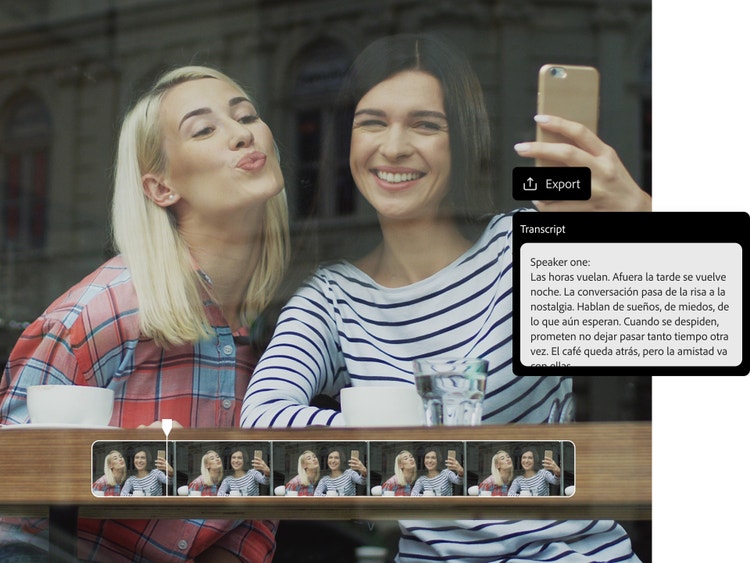
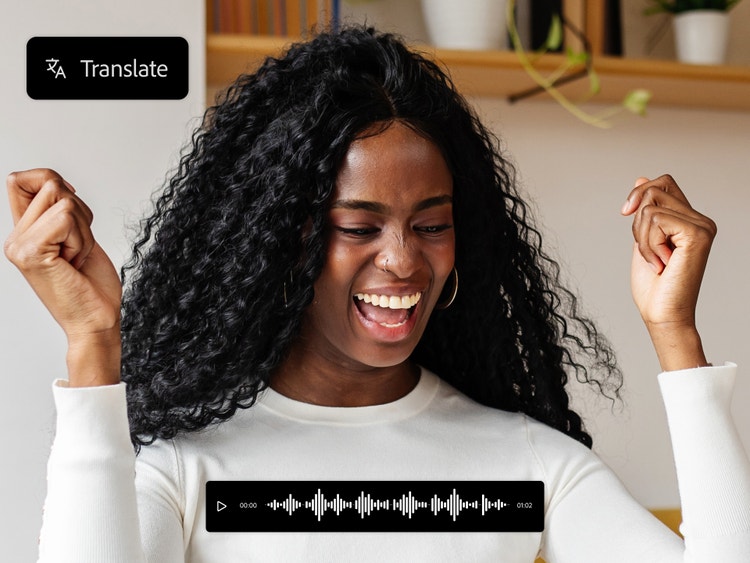
Localise content quickly and accurately.
Translation is simple with Firefly – no technical expertise required. It’s an accessible, innovative tool that can translate into local languages in just a few clicks. It allows you to keep to tight budgets and produce translations at speed and scale, freeing up time and energy to focus on the more creative aspects of your project.
How to translate Spanish audio.
Create your professional Spanish translation in seconds with Adobe Firefly. All you need to do is:
- Upload your Spanish audio or video file.
Upload an MP3, MP4, or MOV file type (with a minimum of five seconds of clear audio) to Firefly's AI translator. Translate anything from short clips to long-form content. - Choose your target language for Spanish translation.
After uploading, select the language you want to translate your Spanish content into. Firefly translates a variety of languages, including French, Italian, German and more. - Select subtitles or dubbing mode.
Choose subtitles, AI dubbing, or both. Translate Spanish audio for video, social media, and more in just a few clicks. - Customise subtitles or select a voice style.
Adjust subtitles, tone, or choose an AI voice to match your project. Firefly helps you create a polished and consistent Spanish translation. - Preview the Spanish translation.
Preview your translation to ensure it sounds natural. Share with others for feedback and adjust before exporting. - Export your translated media.
Export your finished Spanish translation in MP3, WAV, or MP4. Your AI-translated content is now ready to share. You can also publish it or save it to be used in other projects.