Flashcard maker
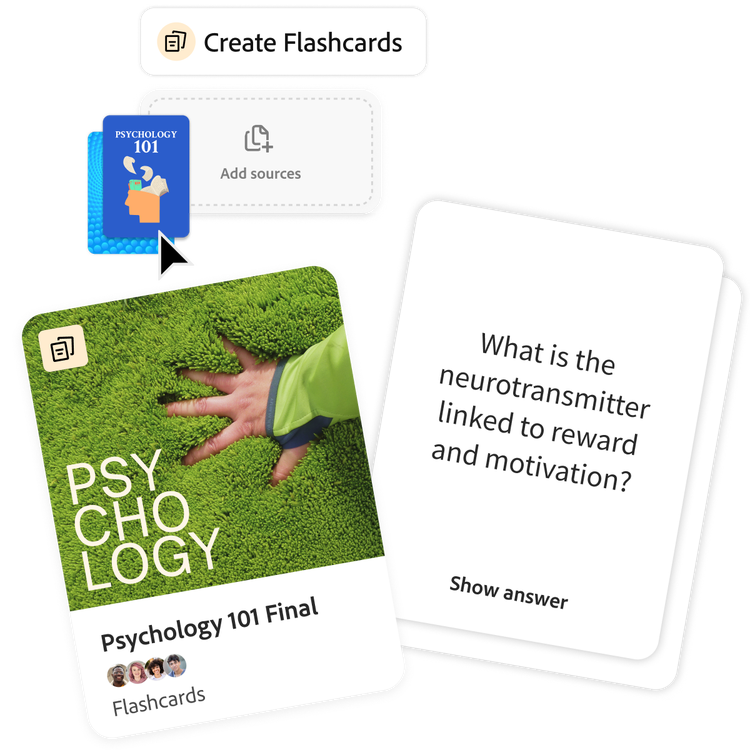
How to create online flashcards.
Our free AI flashcard maker turns long, confusing chapters and messy notes into clean, organised flashcards you can actually use. Follow these simple steps to make great flashcards fast.
https://main--da-dc--adobecom.aem.page/dc-shared/assets/images/features/upload.svg

1. Upload your class materials.
Turn PDFs, lecture slides, reading assignments or notes into class materials. The flashcard generator scans your content and finds the most important ideas for you.
https://main--da-dc--adobecom.aem.page/dc-shared/assets/images/features/generate.svg

2. Generate flashcards quickly.
Student Spaces pulls out key terms, definitions, formulas, examples and important points so you don’t have to make cards manually. Customise cards to focus on specific topics.
https://main--da-dc--adobecom.aem.page/dc-shared/assets/images/features/review.svg

3. Review. Repeat. Remember.
Repeated practice makes information stick, especially when you're prepping for a major exam. Revisit your flashcards whenever you need to test your knowledge.
A powerful, free flashcard maker.
Studying feels a lot more manageable when your notes are organised, clear and easy to review. This free flashcard maker helps break down complex material so you can learn faster, feel prepared and stay on top of things.
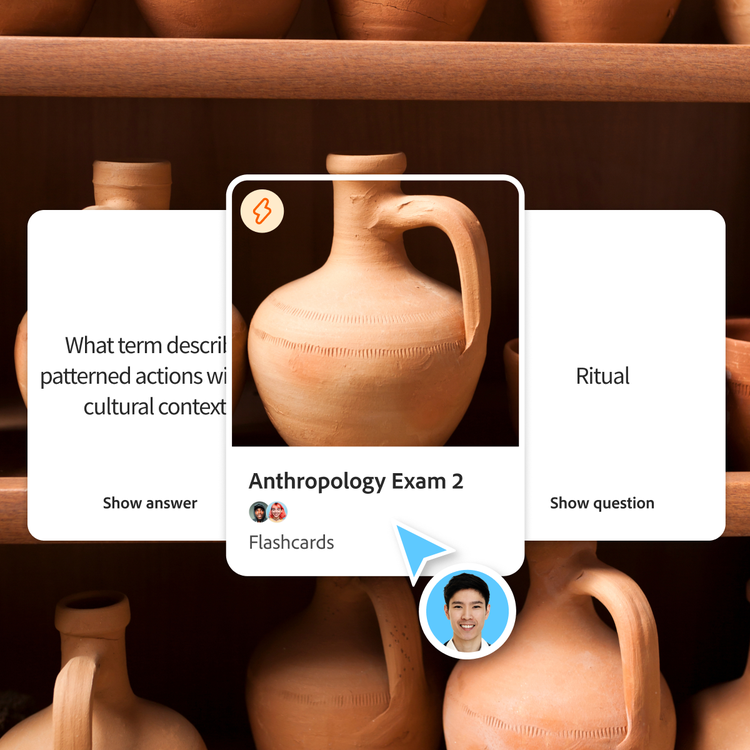
Start learning faster.
Creating flashcards quickly jump-starts your study journey. That’s why a flashcard maker is one of the most effective ways to study for exams, quizzes or any class with heavy memorisation.
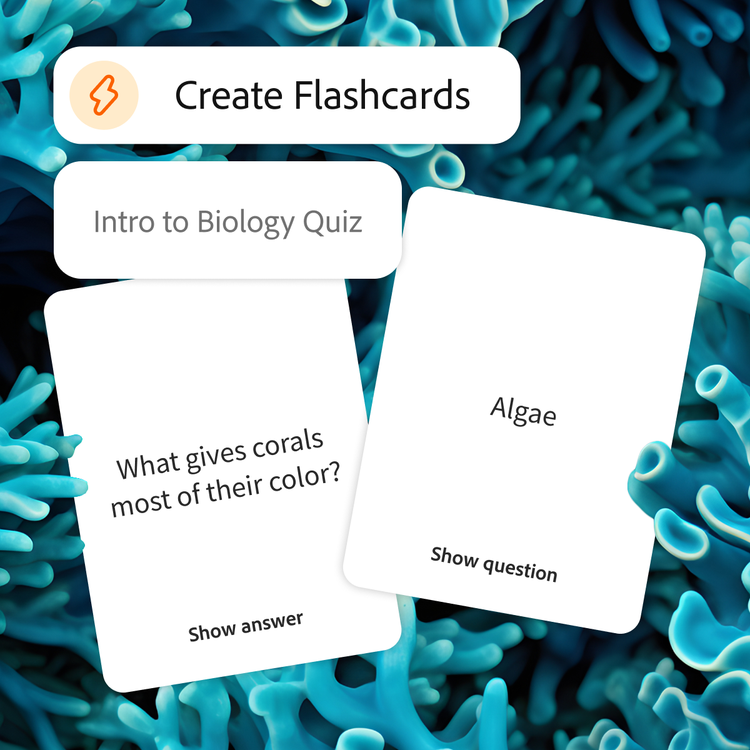
Remember key concepts easily.
Flashcards break big concepts into smaller pieces, making it easier to recognise patterns and make connections among definitions, formulas and core ideas.
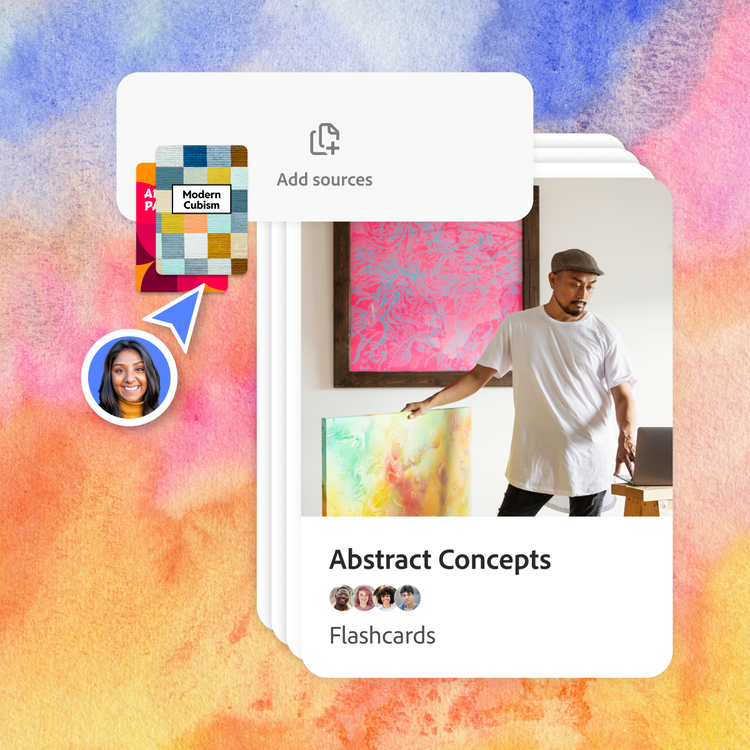
Edit, personalise and make your own decks.
Everyone studies differently. Add your own questions, generate new cards or create multiple decks for different units or chapters. Make it harder or easier to match where you are.
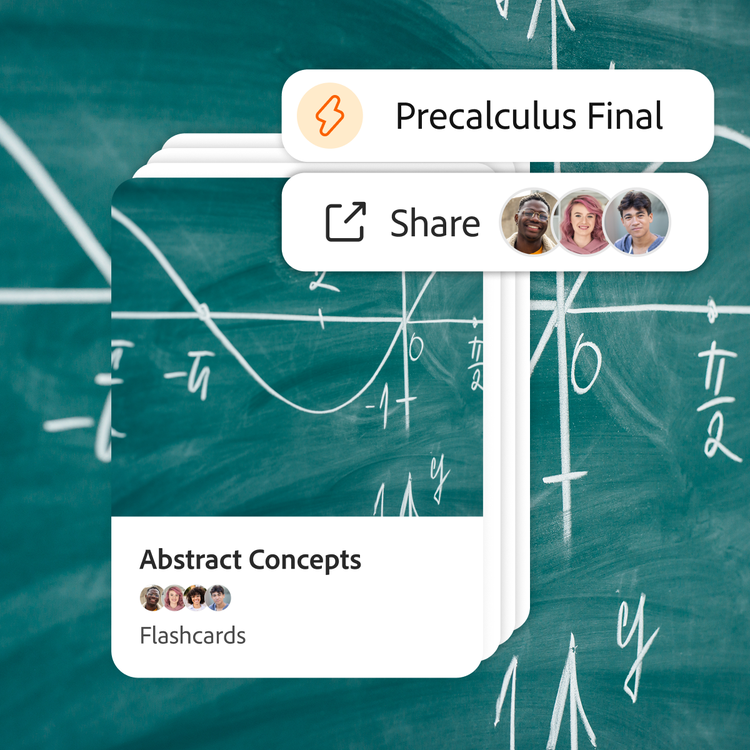
Simply share and review anywhere.
Send flashcards to your friends, use them in a study group or review them on the go. Whether cramming before class or studying on your phone between lectures, your materials stay synced and accessible.
Share online flashcards with your study group.
Studying together can help you to learn faster, stay on track and understand concepts from different angles. When you share flashcards with classmates, your class materials become stronger — and studying becomes way less stressful.

Stay organised as a group.
Keep all your decks, guides and summaries in one shared space. Focus on studying, not on digging through screenshots or group chat threads.

Learn from everyone’s strengths.
Your friends might catch things you missed in lecture. Make online flashcards together for a deeper, more complete understanding.
What can I create with Student Spaces?
Student Spaces isn’t just a flashcard generator — it’s a set of tools designed to help you to learn and create in one space.
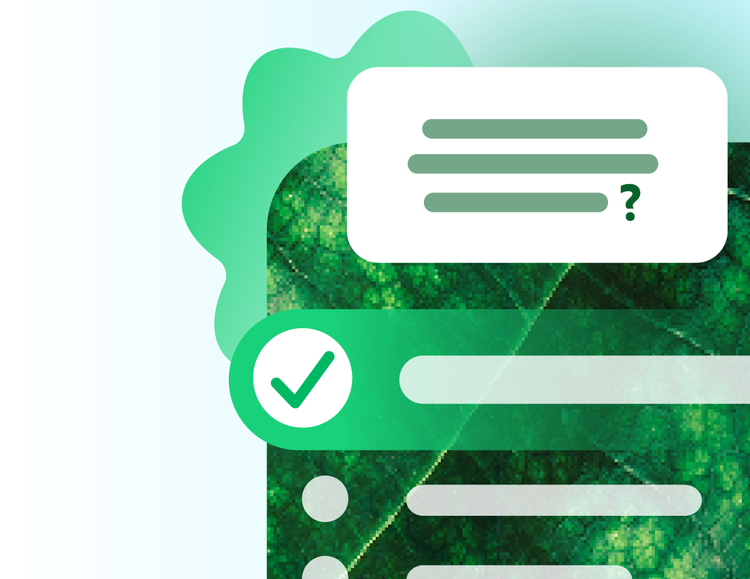
Quizzes
Challenge yourself with quizzes built from your study materials.
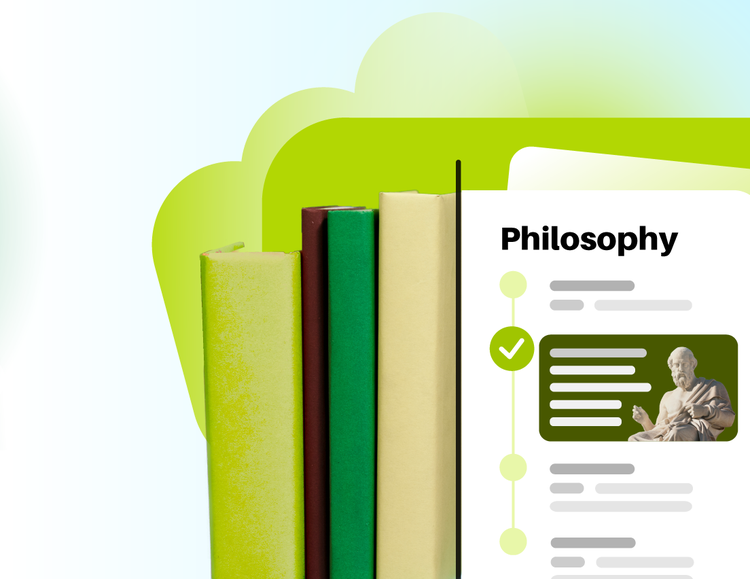
Study Guides
Breeze through studying with guides made from your notes.
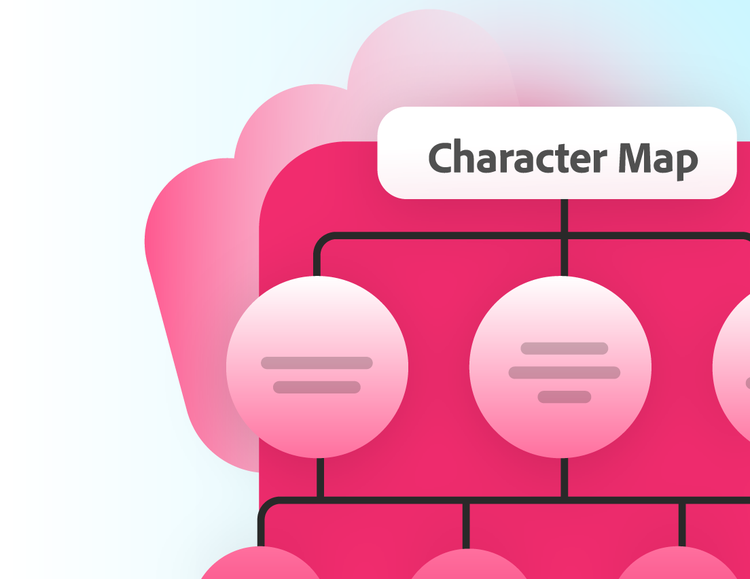
Mind Maps
Visualise how ideas connect and understand big concepts, at a glance.
Podcasts
Turn your courses into a digestible podcast you can listen to anywhere.