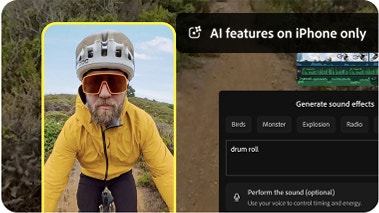
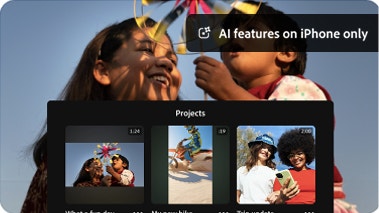
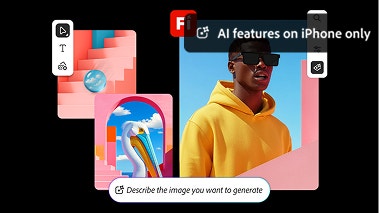
Yes, Adobe Premiere on mobile is a free, standalone video editing mobile app. You can use all core editing functions and export an unlimited number of videos in 4K resolution with no watermarks in the free version. Generative AI features powered by Firefly use generative credits which can be purchased with a subscription or are included as part of most Creative Cloud plans. Generative AI features are currently only available on iOS.
To download and install Adobe Premiere on mobile, scan the QR code above or visit the Apple App Store or Google Play Store on your device.
Adobe Premiere on mobile includes images, effects, music tracks, fonts and video assets. You can also generate custom sound effects, stickers, images and more using Adobe Firefly. Generative AI features powered by Firefly use generative credit, which can be purchased with a subscription or are included as part of existing Creative Cloud plans. Generative AI features are currently only available on iOS.
Adobe Premiere on mobile helps you create one-of-a-kind content with AI features like generative video, images, stickers, sound effects, and more. It also includes assistive AI tools like speech enhancement, background removal, and automatic caption creation to help you work faster. Generative AI features are currently only available on iOS.
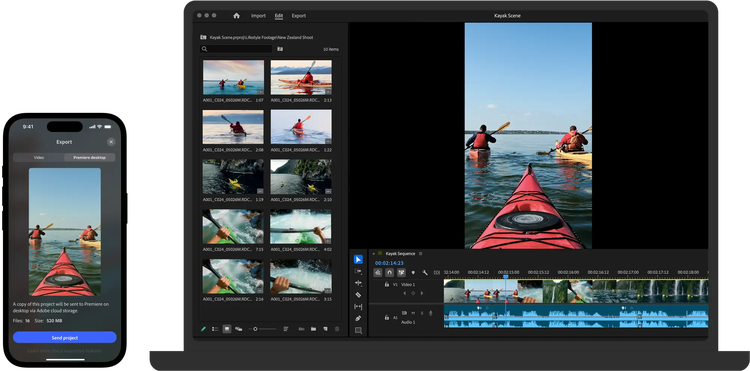
Yes, if you have a paid subscription to Adobe Premiere on desktop, you can import projects and media from Adobe Premiere on mobile.
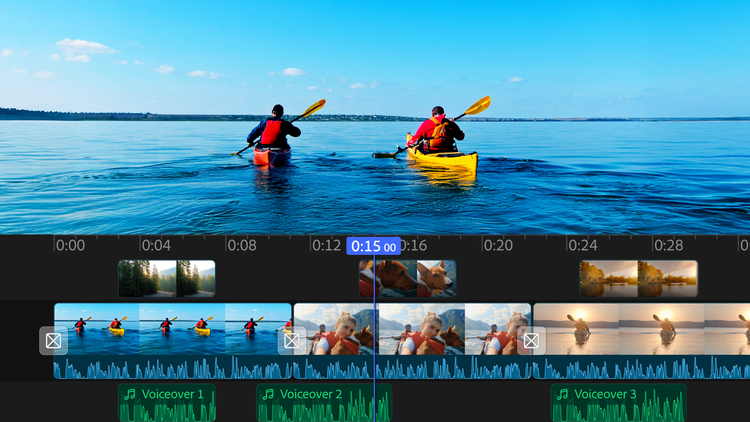
Adobe Premiere on mobile is best for creators who want professional-grade editing on mobile — frame-accurate timeline control, watermark-free exports, and commercially safe AI-generated content, all in a free app. It’s ideal for content creators who also use Adobe’s desktop tools and want a seamless mobile-to-desktop workflow.
Compared to other mobile editors, Adobe Premiere on mobile offers a more professional editing experience with a multi-track, resizable timeline, unlimited free auto-captions, and watermark-free exports at no cost. Adobe Firefly AI features are commercially safe because Adobe only trains Firefly on licensed content. Generative AI features are currently only available on iOS.
Adobe Premiere on mobile is available for both iOS and Android. Some features may vary between platforms. Visit the
Adobe Help Center to learn more.