Accessibility

Top features

Top features for web conferencing

Enter meetings instantly

Enter meetings instantly

Access meetings and content instantly with no software downloads. Get flexible, on-demand delivery through any standard web browser — even on low-bandwidth connections — with the Adobe® Flash® Player runtime.

Share your screen

Share your screen

Share your screen at three levels: window, application, or entire desktop. Synchronize the view of all participants and expand the viewing area for shared applications, documents, and whiteboards.


Use the same URL every time

Use the same URL every time

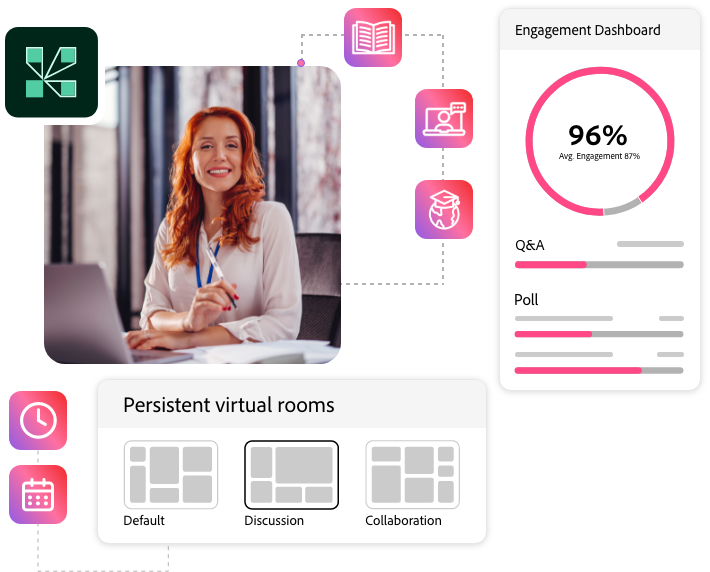
Use custom URLs for persistent meeting rooms that are always available and easy to access. Save meeting room layouts and content from one meeting to the next to help reduce setup time.

Registration Management

Work with any audio provider

Integrate with any audio conferencing platform, record any telephone-based audio with your web conference, and stream telephone-based audio to VoIP-only participants.


Record meetings for future playback

Record meetings for future playback

Record meeting audio, including integrated teleconferencing and VoIP. Capture participant interactions via chat, polling, whiteboarding, and rich media. Use the meeting index to quickly navigate to the most relevant content.

Customize and extend flexibility

Write to more than 100 Adobe Acrobat® Connect™ Pro APIs to customize the user interface, add security features, or otherwise extend functionality. Easily access the technology-agnostic XML API to write your own extensions.


See all features for web conferencing


Top features for eLearning

Rapidly create content

Rapidly create content

Deploy custom training programs that mix and reuse content — from previous virtual classroom sessions to Microsoft PowerPoint (using Adobe Presenter software) and captured screen recordings (using Adobe Captivate® software).

Share your screen

Share your screen

Share your screen at three levels: window, application, or entire desktop. Synchronize the view of all participants and expand the viewing area for shared applications, documents, and whiteboards.


Secure instant access

Track learner performance

Track learners' participation and scores for real-time performance data. For self-paced courses, view learner progress and completion rates. A curriculum view shows learners their required courses and time to completion.

Extend learning management

Use built-in learning management features — such as certification, survey and polling capabilities, and training reports — or easily integrate with third-party Learning Management Systems for enhanced capabilities and control.


See all features for eLearning


Top features for web seminars

Branding

Maintain branding

Brand all customer-facing event pages, including registration pages and event listing pages, to maintain the look and feel of your organization. Use Adobe Contribute® software to create completely customized web pages.

Attendee qualification

Qualify attendees

Track registration form answers to qualify attendees. Approve and deny attendance and send automatic e-mail notifications based on qualification.


Registration Management

Manage registration

Create registration forms that address the questions most important to your organization. Choose from a standard list or add your own custom questions. Enable self-registration by automatically approving and confirming attendees.

Extend your reach

With Acrobat Connect Pro Webcast, reach up to 80,000 attendees at one time. Get expert assistance with your event from the Adobe Event Services team.


See all features for web seminars

Next steps

Contact Adobe

Talk to Adobe:


AlertThis content requires Flash

To view this content, JavaScript must be enabled, and you need the latest version of the Adobe Flash Player.

Download the free Flash Player now!

Get Adobe Flash Player