


How to check grammar using AI
Use an AI grammar checker to correct spelling mistakes, punctuation errors, and awkward phrasing for improved clarity and flow.

How to use Acrobat as an AI grammar checker
Upload your document to request grammar feedback instantly. The AI assistant analyzes your text and highlights areas that need attention, making it easy to catch errors that a manual review might miss.
2. Upload or drag & drop.
Upload your document by clicking “Select files” or dragging and dropping your PDF.
3. Ask and generate.
Enter a prompt asking to grammar check your document, or a specific section of the document. You can also write or paste text directly into the chat panel to check grammar for any content, even if it’s not part of your original file.
4. Refine.
Review the feedback. Use your Acrobat Pro account or start a free trial if you want to make updates to your PDF.
Why use an online grammar checker?
An AI grammar checker saves time and improves your writing quality across any project. Whether you need to refine a single page or review multiple files, a free grammar checker offers the flexibility to work efficiently without extra costs.
Improve accessibility and readability
Clear grammar improves more than accuracy: it improves accessibility. By refining sentence structure and punctuation, an AI grammar checker helps make content easier to read for broader audiences, including non-native speakers and assistive technology users. This supports more inclusive communication overall.
Use AI for paraphrasing and clarity
Sometimes sentences feel awkward even when technically correct. Use a paraphrasing tool alongside grammar checking to rewrite clunky phrases and improve overall readability throughout your document.
Multi-document review
When working with several files at once, you can summarize documents in an AI workspace and check grammar across your entire project. This streamlines workflows for researchers, writers, and professionals managing large volumes of content.
Quick editing
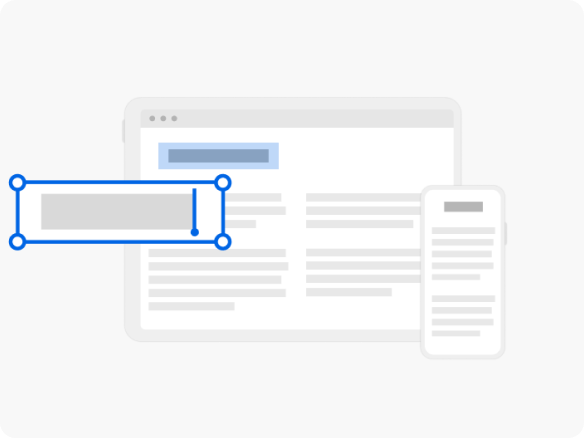
After identifying errors, use Acrobat Pro to edit your document directly and apply corrections. This eliminates the need to switch between multiple applications and keeps your revision process seamless.
FAQs about paraphrasing
How much does an AI grammar checker cost?
What languages are supported by AI grammar checkers?
What are the benefits of using an AI grammar checker?
What are the features of an AI grammar checker?
Can I use a grammar checker on PDF files?