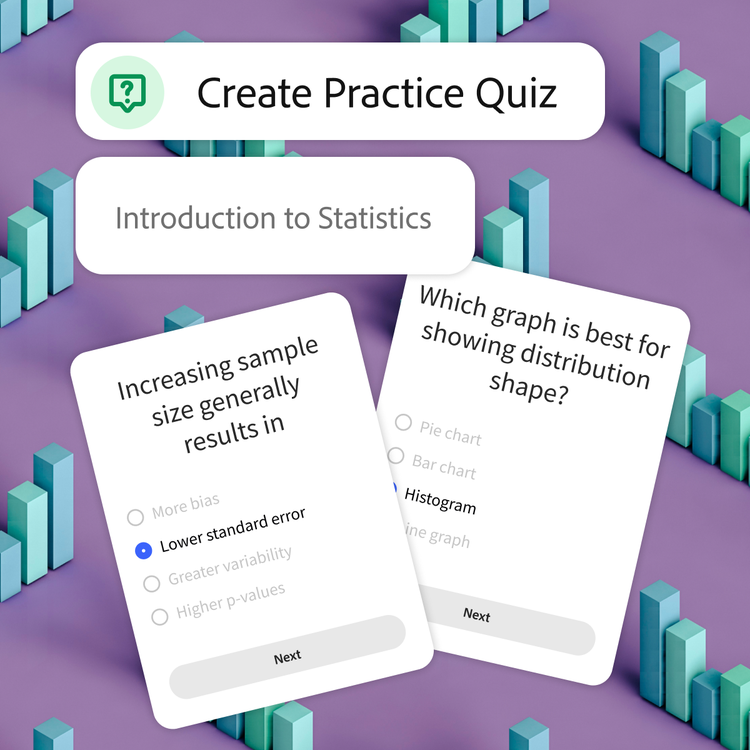
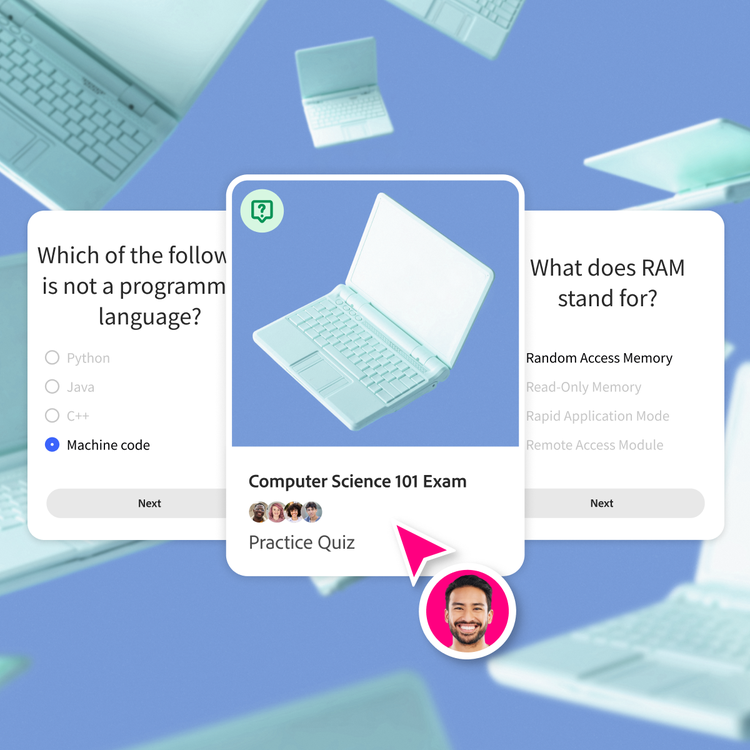
A quiz maker is a tool that lets you create practice quizzes from your own class materials. Upload your content, and our AI turns it into questions you can use to study smarter. A quiz maker analyzes text, identifies key concepts, and turns then into quiz questions.
Yes, you can create quizzes for free using Student Spaces. Just upload a file and you’ll get a quiz in seconds, which you can sign in to save or share.
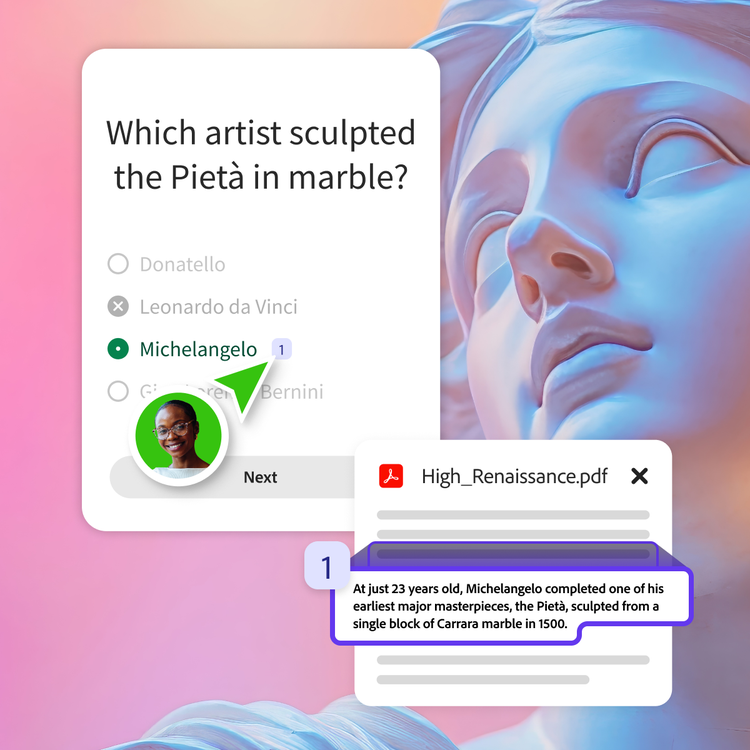
Our AI quiz generator pulls directly from the content you upload, so you can track citations. While we always strive for accuracy across our tools, please be sure to double check your responses as they maybe inaccurate. For more information, please learn more about our
generative AI user guidelines.
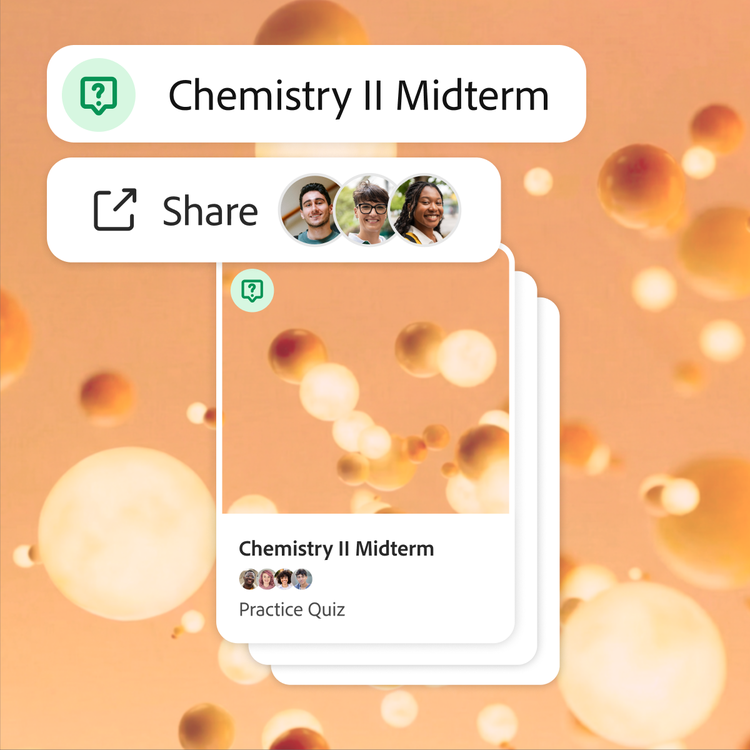
Absolutely. Share a link or send the quiz directly to classmates to study together or build a joint review plan before finals.
Yes, you can upload multiple files and create separate quizzes for each class, chapter, or unit.
Yes, you can tell the AI quiz maker to focus on specific textbook pages, chapters, or topics. Just upload your material and prompt it with exactly what you want.
Adobe servers securely handle your file and delete it unless you sign in to save it.