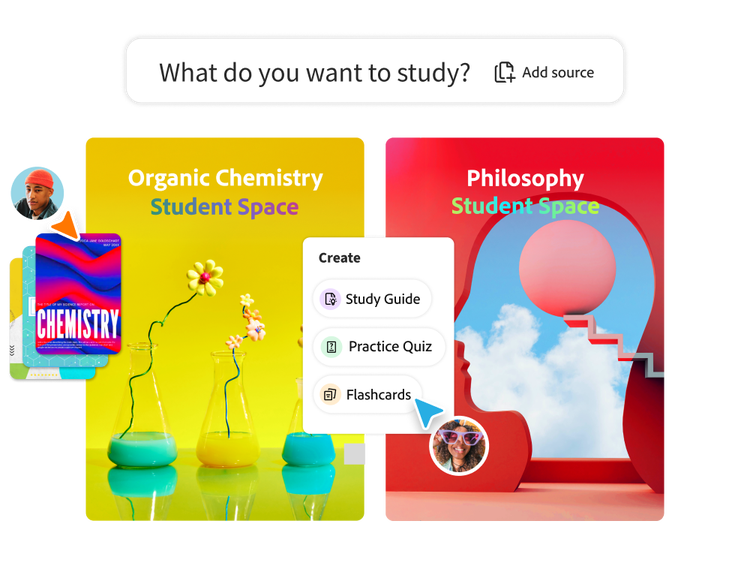


Quiz maker
https://main--da-dc--adobecom.aem.page/dc-shared/assets/images/features/upload.svg

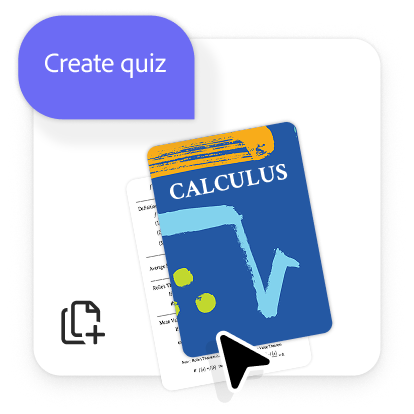
1. Upload your class materials or enter a prompt.
Add PDFs, notes, slides or study docs by clicking "Select files" or enter your quiz subject as a prompt.
https://main--da-dc--adobecom.aem.page/dc-shared/assets/images/features/generate.svg

2. Ask the AI quiz maker to generate a quiz in seconds.
Your quiz is auto‑generated based on your content or the topic you enter. Edit anything you want or generate new versions until it feels right.
https://main--da-dc--adobecom.aem.page/dc-shared/assets/images/features/review.svg

3. Study. Practice. Repeat.
Save your quizzes, retake them or share them with your study group so everyone levels up together.
“Student Spaces helped me to understand dense course readings and lecture materials when preparing for exams. The Quiz feature was so useful to me during those times.”
—Preksha, Data Science and Analytics
“The Quizzes feature stood out positively and I appreciated that explanations were provided for both correct and incorrect answers.”
—Karley, Computer Science major
The free quiz generator for every student.
Whether you're revising for senior secondary assessments, university exams or vocational coursework, create practice quizzes that help reinforce what you've learned.
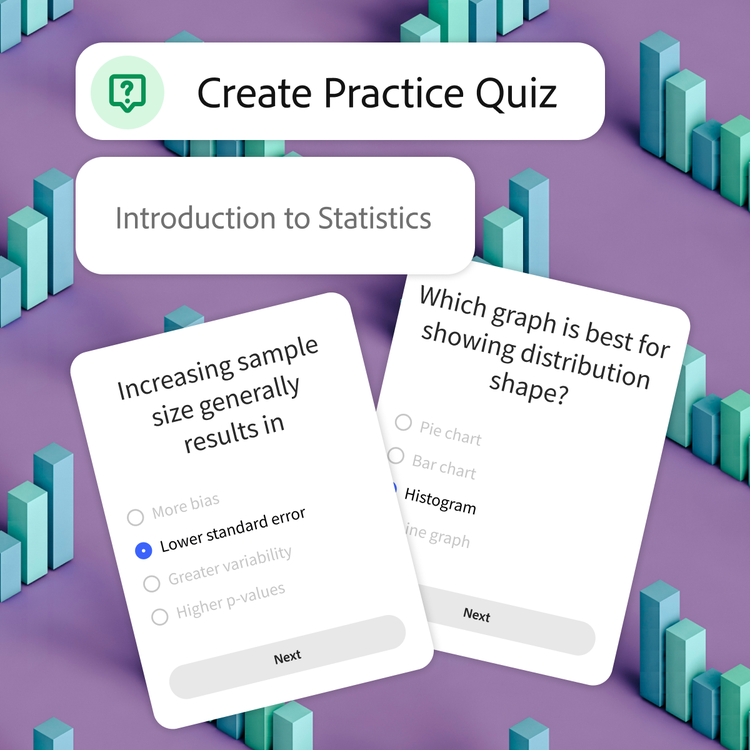
Master your material.
Creating your own quiz helps you process what you've learned and retain key concepts. Ideal for content-heavy subjects like Biology, Chemistry, Legal Studies and Modern History.
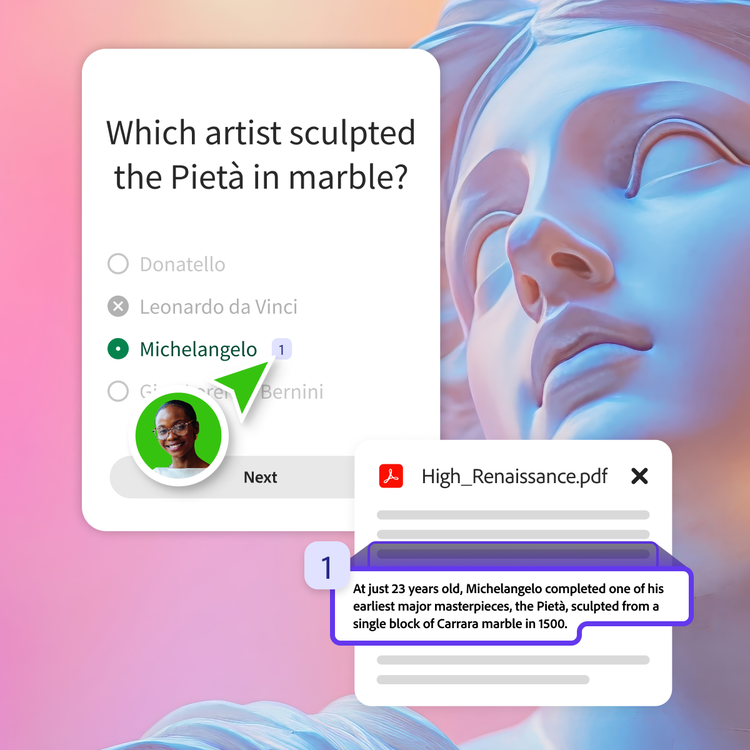
Study smarter, not harder.
Our free quiz maker highlights the key ideas from your docs, so you can trust every question is based on the material you are actually learning. Less guesswork, more confidence.
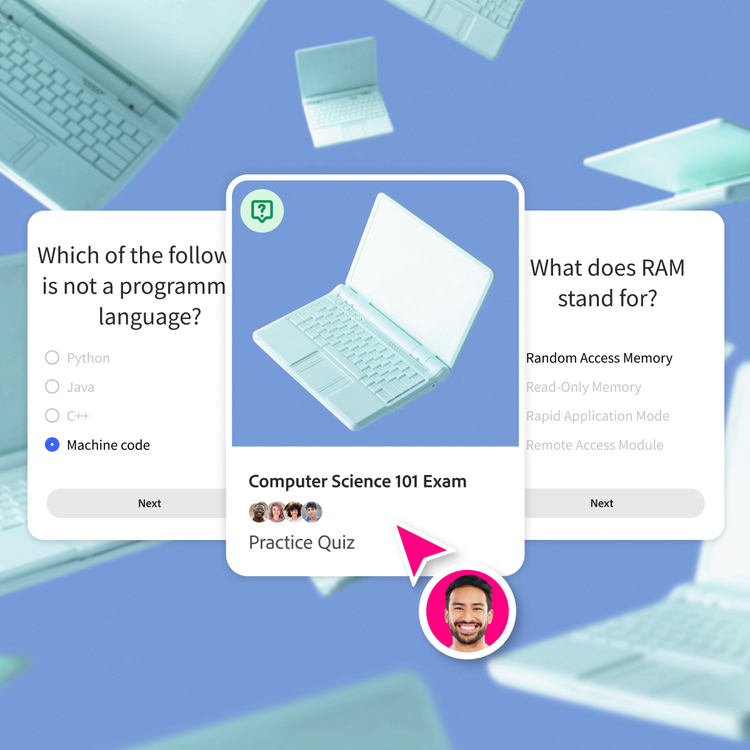
Get results and feedback in no time.
Take your quiz and review your results instantly. Identify weak areas, track progress and build confidence before exams, practicals and coursework deadlines.
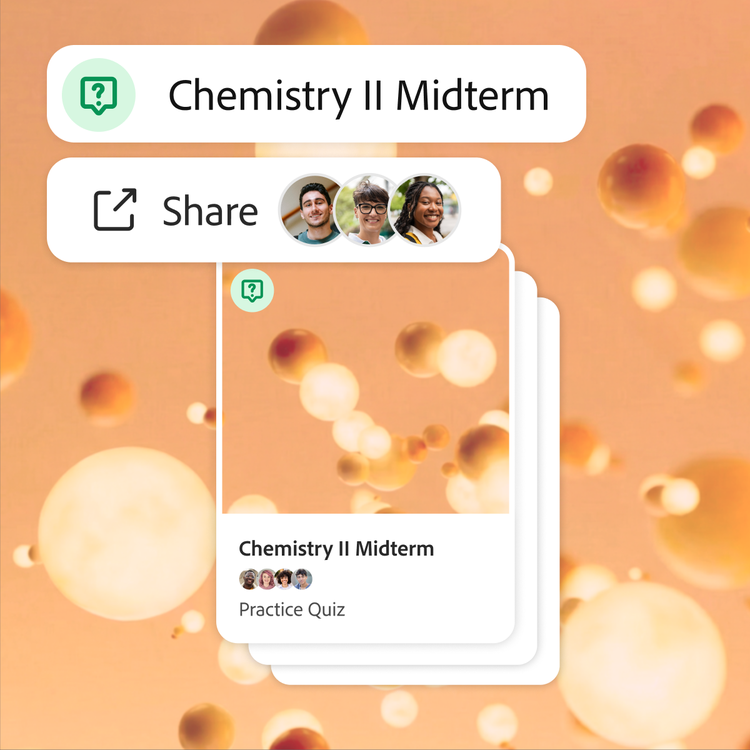
Easily share with your study group.
Share quizzes with classmates and compare understanding across units, tutorials and study sessions to support collaborative learning throughout the semester.
How quizzes support student success.
Quizzes help learners build confidence, test understanding and prepare effectively for assessments, exams and study pathways throughout their education.
- Senior secondary studies and ATAR pathways: Prepare for HSC, VCE, QCE, WACE, SACE and other senior secondary assessments with revision quizzes, topic tests and exam-style practice questions.
- University courses and semester assessments: Reinforce learning across lectures, tutorials and coursework with practice quizzes designed to support unit assessments and end-of-semester exams.
- TAFE courses and vocational training: Review training modules, practical assessments and workplace learning with quizzes that support certificates, diplomas, apprenticeships and trade pathways.
- Admissions, language and professional exams: Prepare for exams such as UCAT ANZ, GAMSAT, IELTS and PTE Academic using targeted practice quizzes that reinforce key concepts and knowledge areas.
Benefits of AI-generated practice tests.
Generate mock tests from your study materials and practise in exam-like conditions. Ideal for HSC, VCE, QCE, UCAT ANZ and GAMSAT preparation.
- Generate realistic practice tests: Create mock tests from PDFs, lecture notes, study guides and revision resources in just a few clicks, saving time while creating targeted practice.
- Practise under timed conditions: Set time limits for quizzes and practise answering questions under pressure to build confidence, improve focus and strengthen time management skills.
- Create different question formats: Generate multiple-choice, short-answer and extended-response questions to create practice tests that match your learning goals and study needs.
- Measure progress and identify gaps: Review results after each attempt, uncover weak areas and track improvement over time to focus your revision where it matters most.
More ways to study with Student Spaces.
Student Spaces is your go-to partner for learning, studying and research. Chat through your course material to understand it better and turn it into flashcards, mind maps and more.

AI Assistant
Clarify course questions or work through brainstorms with AI chat.

Flashcards
Turn your docs into flashcards and master concepts with ease.
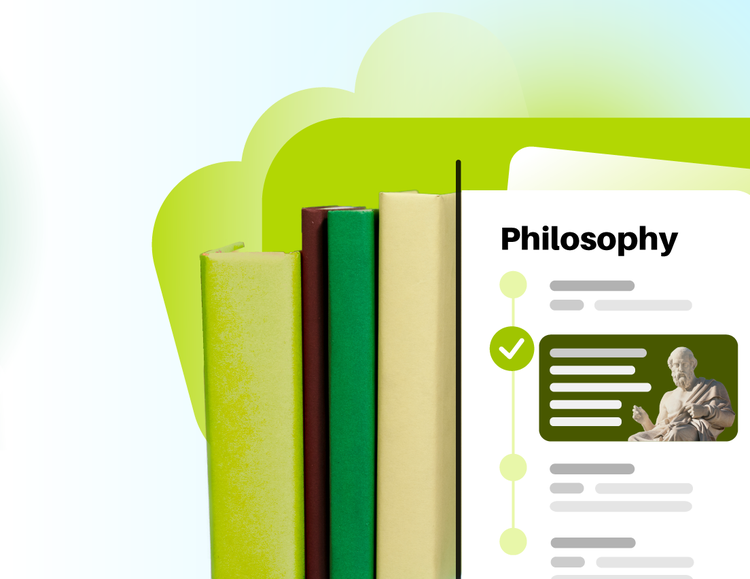
Study Guides
Breeze through studying with guides made from your notes.
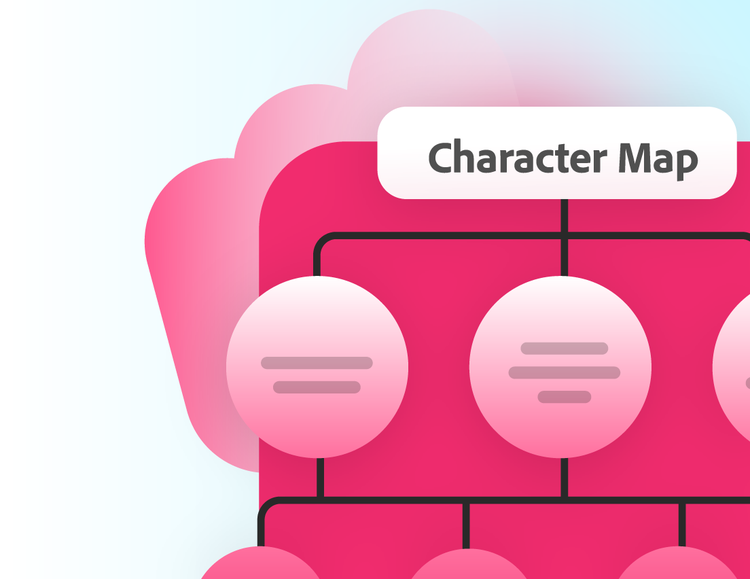
Mind Maps
Visualise how ideas connect and understand big concepts, at a glance.
Share online quizzes with study partners.
Studying solo is great — putting heads together is the ultimate hack. When you team up, you can combine notes, compare what you each understood from class and build stronger quizzes.

Create shared quizzes together.
Merge everyone's notes and material in one place and the AI quiz maker pulls from every classmate's upload to generate questions. Share a quiz generator with your classmates so that everyone preps from the same high-quality study sets.

Everything in one space.
Make group projects, midterms and finals easier by storing study materials in one organised hub. Your quizzes, flashcards, study guides and class summaries are saved and synced for the entire team.
Smart quiz strategies for better study results.
Use quizzes as part of your regular revision routine to stay organised, reinforce learning and make studying more effective throughout the term.
- Quiz yourself after each class: Turn fresh lecture notes, class notes or tutorial content into a short quiz while the material is still fresh in your mind.
- Break revision into smaller sessions: Create topic-based quizzes and review them regularly instead of leaving revision until assessment season or exam week.
- Test knowledge before group study: Complete a quiz before joining a study session so you can identify questions, compare understanding and contribute more confidently.
- Keep key concepts in rotation: Retake quizzes throughout the term to revisit important concepts from earlier topics and strengthen long-term retention.
Quiz maker FAQs



Ace that with Acrobat.
Student Spaces is a smarter way to study. Turn notes into podcasts, use AI assistant as a tutor and learn with your study group. Free for students.