

https://main--cc--adobecom.aem.live/cc-shared/assets/img/firefly.svg Adobe Firefly

Generate a rooster sound effect.
Whether it’s a rooster crowing, squawking, scratching in the dirt or any other sound, you can create the perfect rooster sound effect for your project with Adobe Firefly.
- audio
- Keep it short and specific, like birds chirping
- Adobe Generative AI Terms
- https://main--cc--adobecom.aem.live/creativecloud/animation/testdoc/unity/generate.svgGenerate
- Describe what you want to generate
- Prompt
- Suggestions
- Tip
- Variation 1
- Variation 2
- Variation 3
- Variation 4
- ff_campaign=embed_generate_acom&promoid=T6SQLDP7&mv=other
- Unable to process the request
- Please describe what you want to generate.
- Prompt exceeds the max length of 750 characters
- Unable to play audio. Please try other variations.


https://main--cc--adobecom.aem.live/cc-shared/assets/img/product-icons/svg/firefly-80.svg

Adobe Firefly
https://main--cc--adobecom.aem.live/cc-shared/assets/img/product-icons/svg/firefly-80.svg
Adobe Firefly
The next evolution of creative AI is here for all your ideas, with image, video, audio and vector tools.
Go from simple prompt to rooster sound effect.
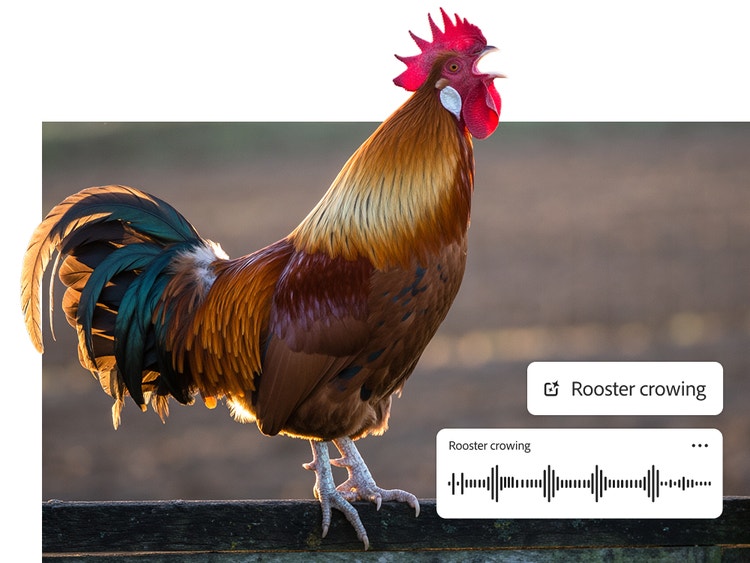
To create rooster sound effects, just type a description of the sound you want. Your prompt can be as simple as “morning rooster sound,” “rooster crowing in the distance” or “angry rooster flapping its wings.” Each generation produces four variations of the sound effect, so you can choose the option you prefer.
Edit and customise your rooster sound effect for any project.
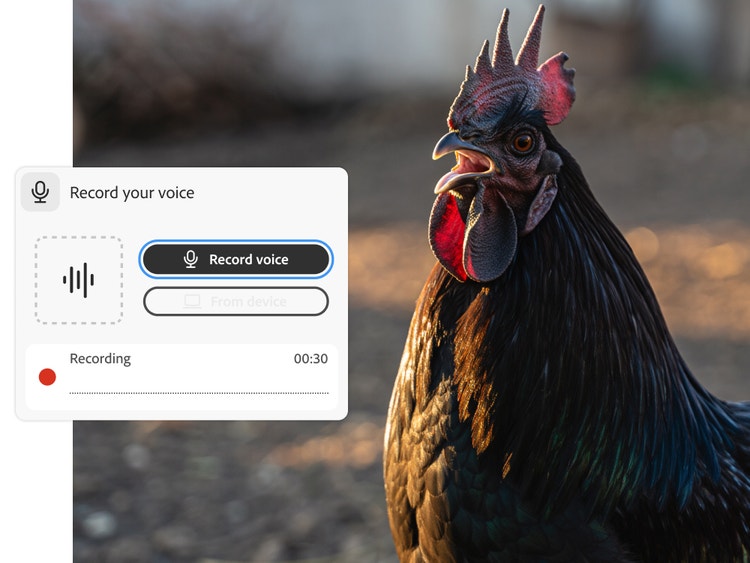
Control the timing and energy of a sound effect by recording your own voice imitating the sound. Use the timeline to get the timing just right, to layer multiple sound effects and to adjust the volume of each one, so you’re never stuck with an overly loud rooster.
Put your customised rooster sound effect to work.
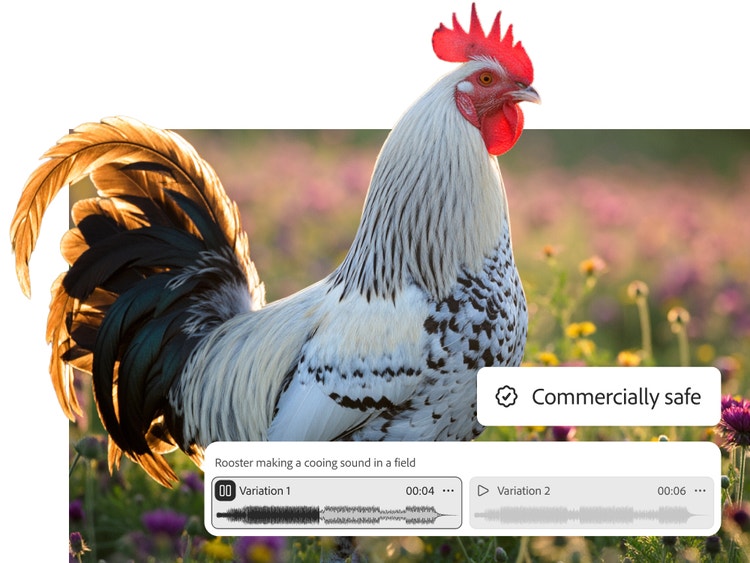
Trained on public domain and licensed content, Firefly models are commercially safe, so you can confidently use them in projects for everything from social media videos to feature films.
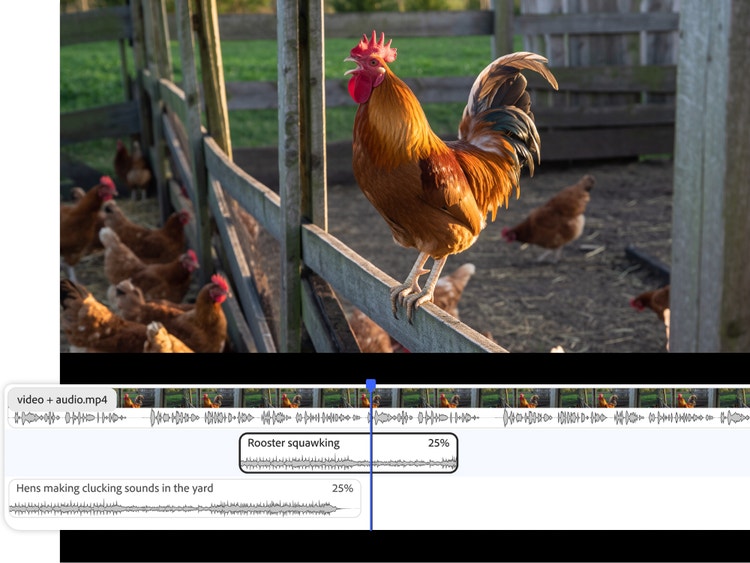
Strut your stuff with Creative Cloud.
It’s easy to take the sound effects you create in Firefly and use them in Adobe Express, Premiere and other Adobe Creative Cloud apps. Just download your favourite sound effect variations as WAV files to add them to your projects.
How to generate a rooster sound effect in Firefly.
Follow these quick steps to easily create rooster sounds with the Firefly AI sound effect generator.
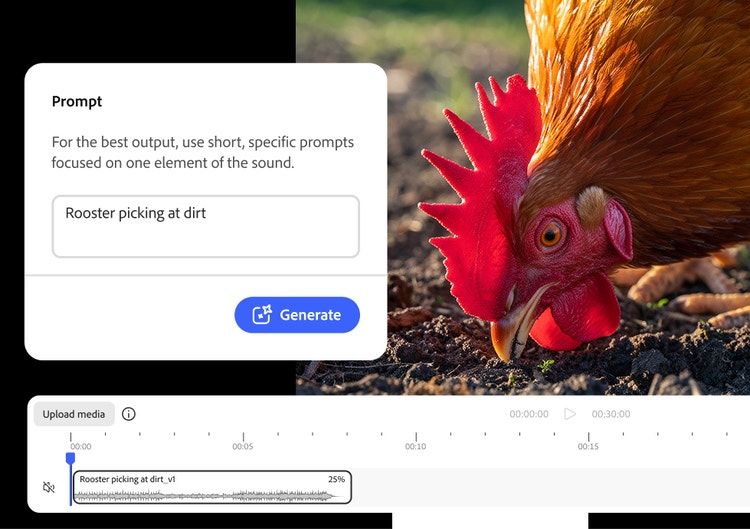
- Open Firefly.
On the Adobe Firefly homepage, click the New button and select Generate New Audio to go to Voice to Sound Effects. - Upload your media (optional).
On the Generate Sound Effects page, upload a video or audio file that you want to improve with sound effects. - Describe the rooster sound effect you want with a prompt.
Type a simple prompt, like “crowing rooster,” “rooster squawking” or “rooster eating seeds off the ground.” - Preview the rooster sound effect and refine your results.
Listen to the generated rooster sound effect and then fine-tune the length, tone and intensity until you’re satisfied. - Pick your clip and drop it in your timeline.
Preview output variations, select your favourite and add it to the timeline at your playhead. - Download.
Download your customised rooster sound effect by itself in WAV or embedded in your MP3 or MP4.
Why Firefly for rooster sound effect generation?
An AI rooster sound effect generator uses artificial intelligence to create realistic rooster sound effects and ambient farm sounds from text prompts and voice guides. Adobe Firefly is a great choice for generating a rooster sound effect because it offers the following advantages:
- Customised sound: No need to scroll through sound libraries for the perfect sound effect with the right timing when you can generate it yourself.
- Controls for fine-tuning: With a simple text prompt or voice sample, you can get the timing and intensity just right.
- Ease of use: Upload your own video or audio files and then add your rooster sound effect exactly where you want it. You can even layer multiple barnyard sound effects.
- Commercially safe models: Firefly is trained on licensed and public domain content so you can use your outputs for professional projects.
Discover even more generative AI features.
Text to speech AI music generator Translate Spanish AI dubbing Translate audio AI video editor AI video generator AI animation generator Translate video
Questions? We have answers.
What is the best rooster sound effect generator?
What formats are available for download?
What types of rooster sound effects are available?
What can I use the sound effects for?
Is the rooster sound effect generator free to use?
You may also like
AI for graphic designers.
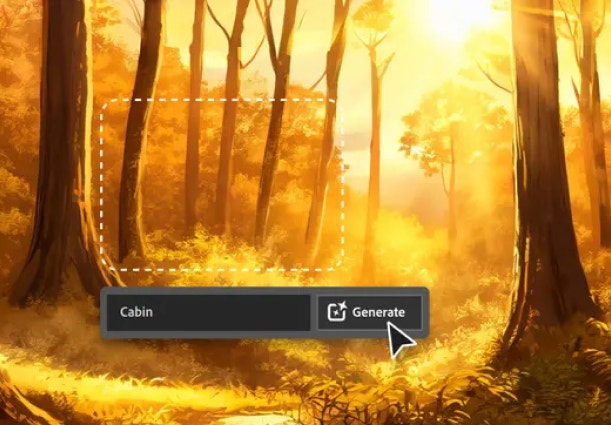
Learn about the AI tools available to graphic designers and how they can help you be more productive and take your work in surprising directions.
How generative AI works: From training to output.
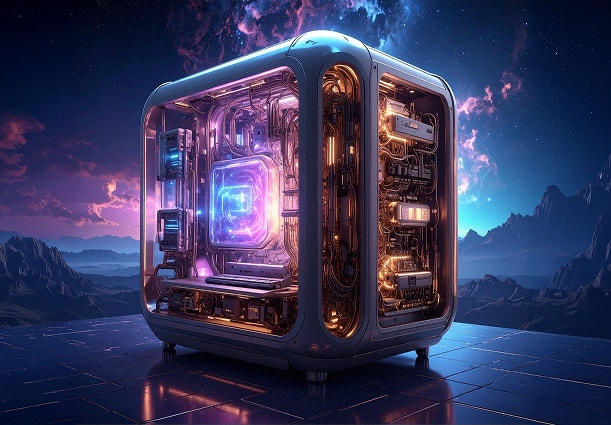
Generative AI is all over the headlines and that’s not empty hype. This new technology is likely to be part of your life soon — if it’s not already. Learn how generative AI works and start streamlining your workflow.
Learn more | Learn more - How generative AI works: From training to output.
A creative revolution: The top three use cases for AI art.

Discover the many applications of AI art and how it’s transforming the creative landscape
Learn more | Learn more - A creative revolution: The top three use cases for AI art.
AI art prompts for graphic designers.

Learn how to write effective prompts for generative AI to get amazing results for graphic design.
Learn more | Learn more - AI art prompts for graphic designers.