https://main--cc--adobecom.aem.live/cc-shared/assets/img/product-icons/svg/substance-64.svg | Substance 3D Adobe Substance 3D
Explore Substance 3D features.
Learn the tools and techniques you can use to create 3D assets and imagery.
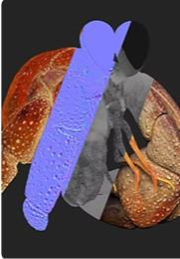
- Texture Models
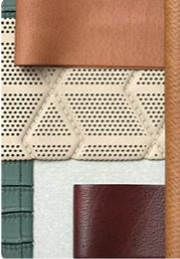
- Capture Objects & Materials
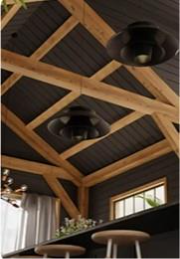
- Render Scenes
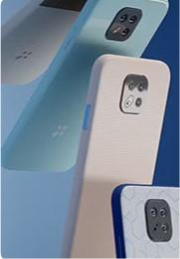
- Author Materials
- Sculpt Models
- Download Assets
Substance 3D Painter
Turn any asset into a digital canvas. Paint detailed textures directly onto its surface with parametric brushes and smart materials.
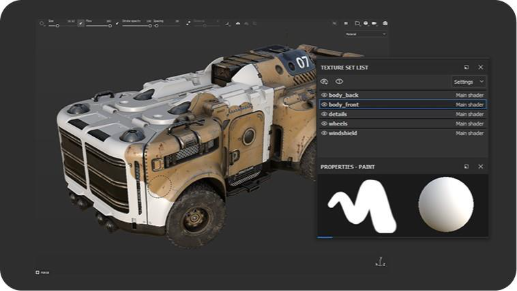
Paint textures in real time.
From smart materials as a base, to fully customizable texture creations, Painter gives you total control over texture painting.
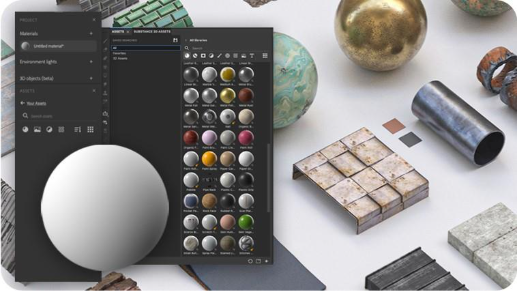
Access thousands of pre-built materials and assets.
With materials like plastics, fabrics, woods, metals, and more, texture smarter and faster.
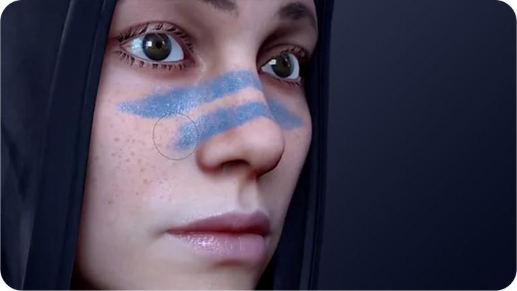
Texture with smart materials and masks.
Mask sections of an object to layer different materials, decals, and effects on a model's surface with precision.
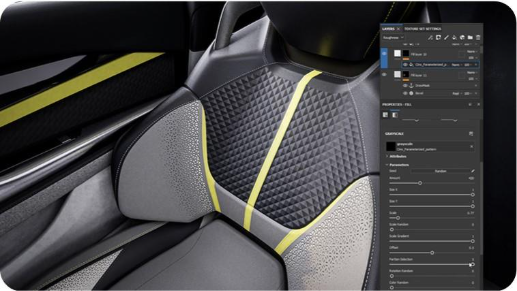
Non-destructive and procedural workflows
Painter's layer-based painting UI allows you to iterate, edit, and make changes easily. Create unique textures faster, or explore creative choices.
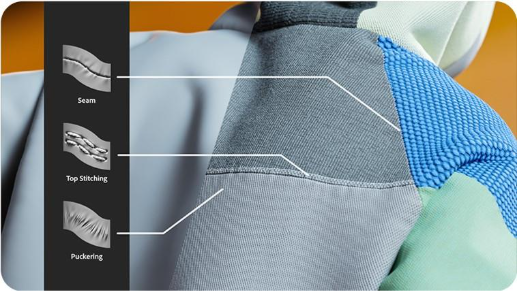
Apply details along spline-based paths.
Add details to textures like stitches, seams, and weld lines with pixel-perfect accuracy.
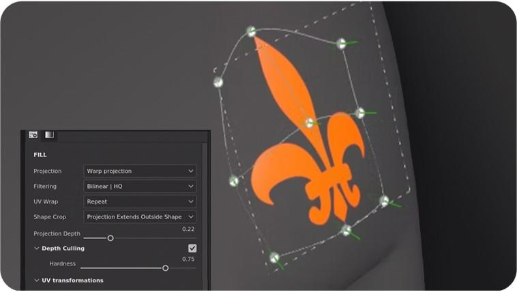
Add detail with decals that warp to surfaces.
Stamp an image on a mesh. Add text or small, low-cost surface elements like stains and cracks.
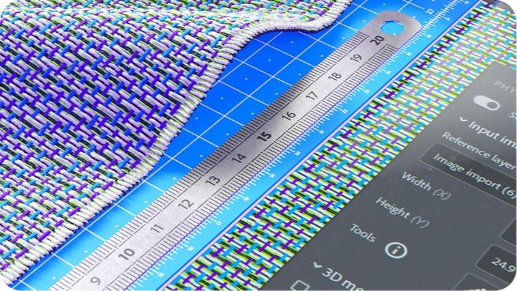
Manage scale with the physical size property.
Define a material's scale to accurately match its look and proportions across 3D surfaces.
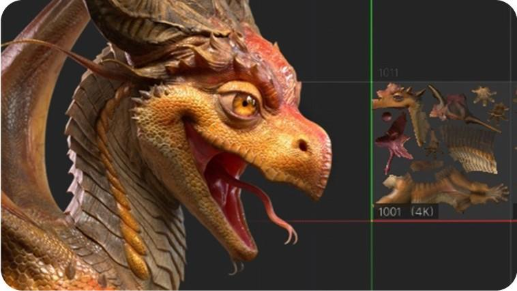
Access tools for VFX support.
Painter supports multi-tile painting (UDIMs), Python scripting, and is compliant with the VFX Reference Platform.
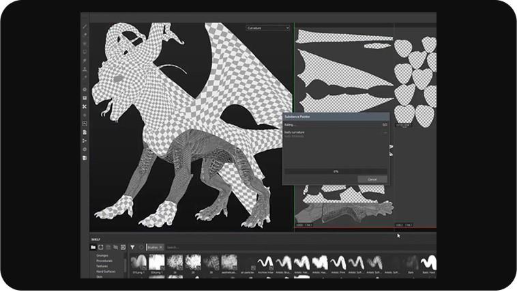
Automatic UV unwrapping whenever you need it.
Generate UV islands automatically when you import models into Painter, even if the object had no previous UVs made.
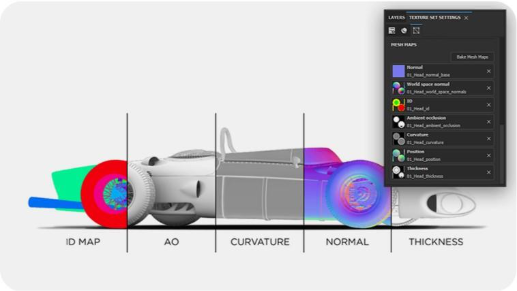
Improve advanced effects with baking mode.
Easily prepare a model for texturing by baking mesh maps via an intuitive, built-in interface.
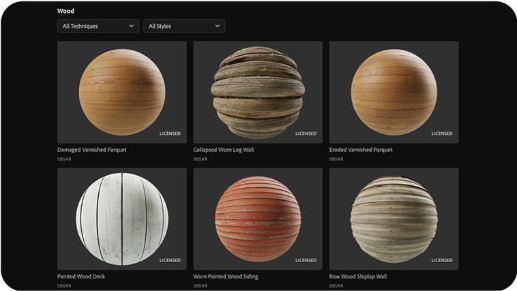
Build textures with physically-based rendering (PBR) materials.
Add heightened realism to your textures with detailed, seamless materials.
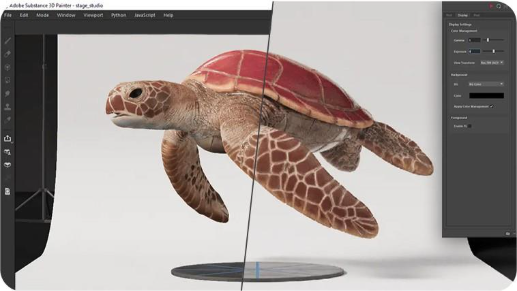
Manage color conversions accurately.
From importing resources to displaying colors on screen for exported textures, ensure the same look across third-party applications with OpenColorIO, the standard in film and animation.
Substance 3D Sampler
Turn real-life pictures into 3D models, materials, or lights, then mix and blend assets to create even more advanced surfaces.
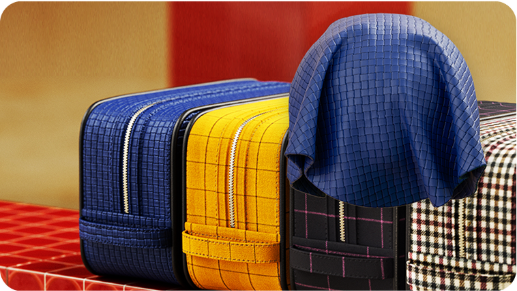
Transform physical samples into realistic digital materials.
Our intelligent tools handle tiling, fold removal, and surface details to create flawless digital replicas. Create photorealistic materials with or without a scanner.
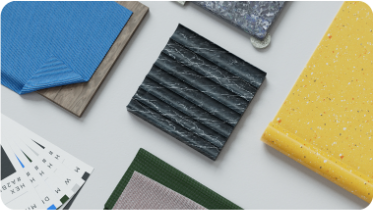
Turn any image into a complete 3D material.
Image to Material generates all the surface details you need, creating ready-to-use materials that work seamlessly across any 3D application.
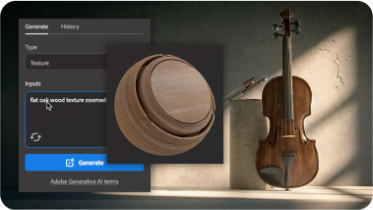
Create patterns and textures with generative AI.
Generate patterns and textures from text prompts powered by Adobe Firefly.
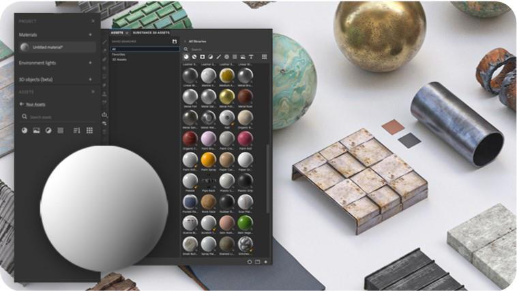
Access thousands of pre-built materials and assets.
The 3D Assets library contains world-class assets for a variety of industries, including models, materials, and lights, with new collections added regularly.
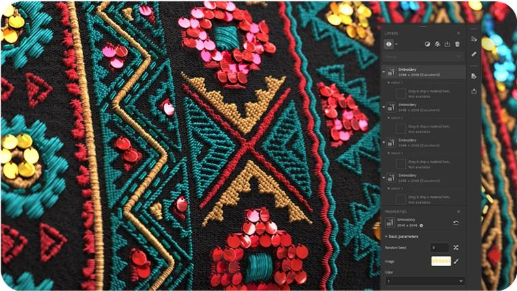
Make additive changes to materials with filters & generators.
Combine weathering and natural effects like snow or moss, or blend fabric, patterns and scanned materials with any other existing ones.
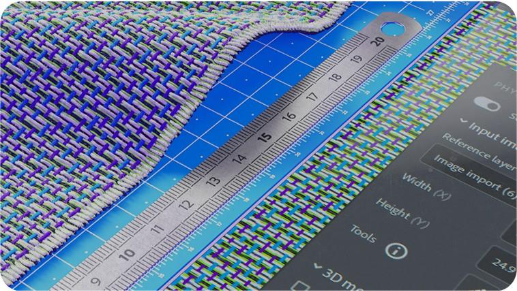
Manage scale with the physical size property.
Define a material's scale to accurately match its look and proportions across 3D surfaces.
Substance 3D Stager
Assemble and render photorealistic scenes. Use premade templates built by world-class photographers for stunning results in minutes.
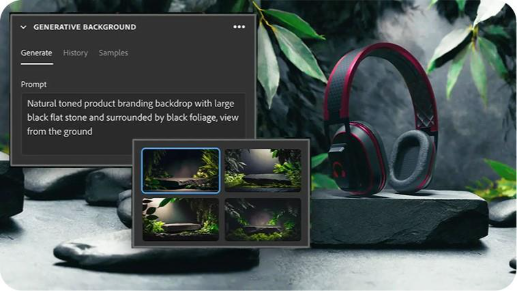
Create backgrounds with generative AI.
Generate backgrounds for your scenes from text prompts powered by Adobe Firefly.

Composite your scene to a background with Match Image.
Use Match Image to automatically detect the perspective and lighting of a background image and update your scene to match.
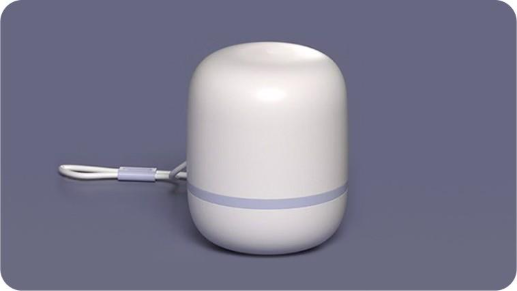
Import CAD models.
Stager supports many CAD file-types. Modify CAD import with settings like tesselation, UV generation, and more.
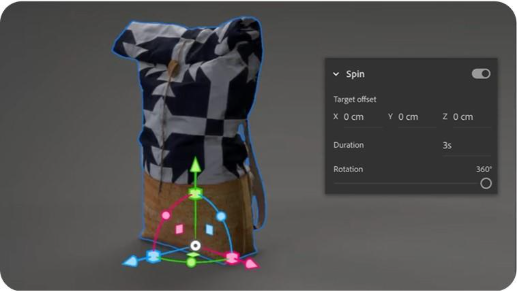
Add turntable animation to product visualizations.
Create video animation showing a product from every angle. Simply add the turntable animation preset to an object, then render the scene.
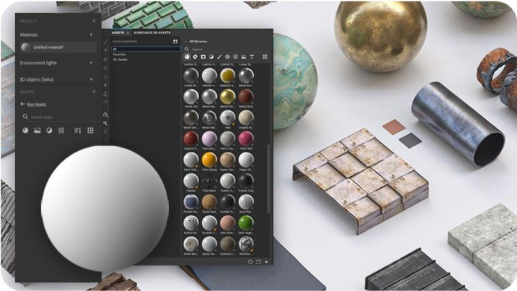
Access thousands of pre-built materials and assets.
The 3D Assets library contains world-class assets for a variety of industries, including models, materials, and lights, with new collections added regularly.
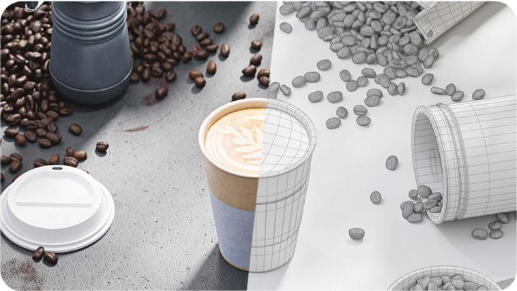
Arrange objects with realistic collisions.
Control which objects interact with physical-based collision awareness during positioning and transformation.
Substance 3D Designer
Author seamless materials, patterns, image filters, and lights with an Academy Award-winning app and node-based workflow.

Academy Award-winning software.
Used to create visual effects in hundreds of movies and television shows, the Academy of Motion Picture Arts and Sciences recognized four of Designer's creators with a Scientific and Technical Award.
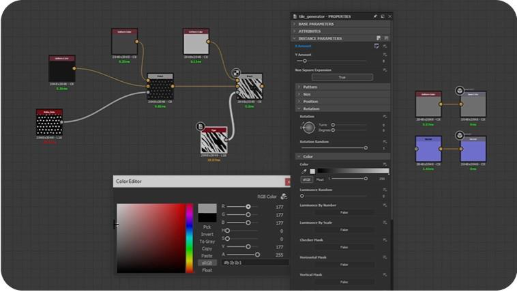
Design materials with a node-based workflow.
Create unique materials with Designer's flexible node-based workflow. Every step can be adjusted and modified later for endless possibilities.
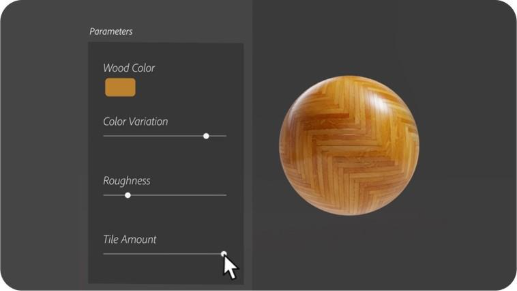
Create parametric materials.
Access parametric filters to blend and modify multiple textures and materials together to create something entirely new.
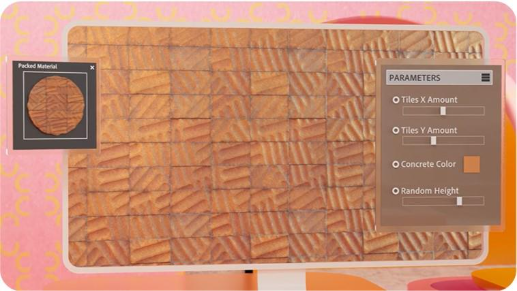
Save and load parameter presets.
Store and transfer large amounts of pre-configured values for a set of parameters by creating parameter presets.
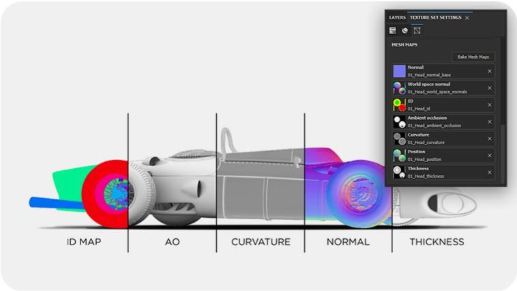
Bake model information.
Easily prepare a model for texturing by baking mesh maps via an intuitive, built-in interface.
Dynamic color management support.
Configure Designer to manage color with OpenColorIO (OCIO) or Adobe Color Engine (ACE) for consistent color across multiple applications.
Substance 3D Modeler
Liberate modeling from technical constraints with voxel-based sculpting, featuring VR and desktop interfaces.
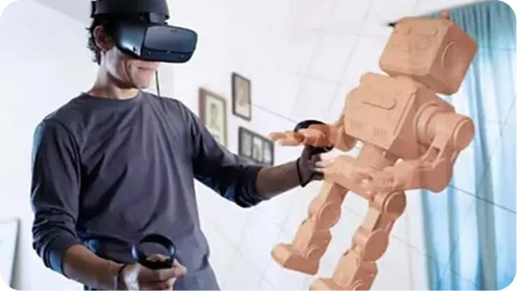
Switch between VR and desktop modes.
Switch seamlessly between modes to adapt your preferences, or to meet the needs of a specific 3D modeling project.
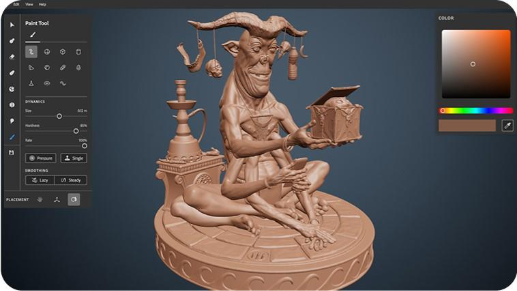
Organic sculpting.
Build, smooth, and shape organically with digital 3D sculpting tools inspired by real-world clay.
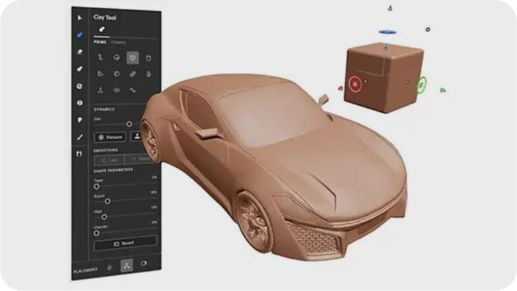
Hard surface sculpting.
Create clear, decisive forms using parametric shapes. Easily add and cut primitives to form complex models.
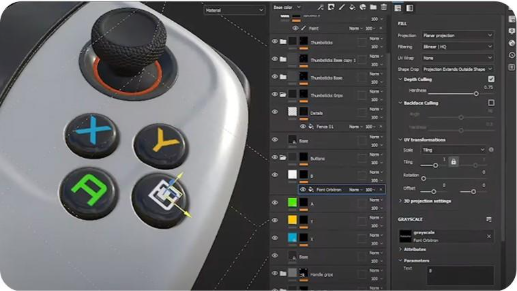
Export your creations.
Modeler supports robust exporting to standard 3D file formats. Speed up your workflow with export presets.
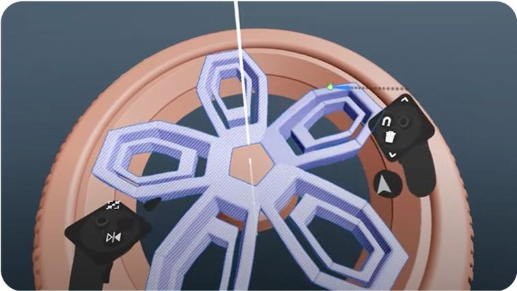
Sculpt with symmetry and repetition tools.
Work efficiently and accurately with these built-in tools to assemble complex objects or craft with incredible detail.
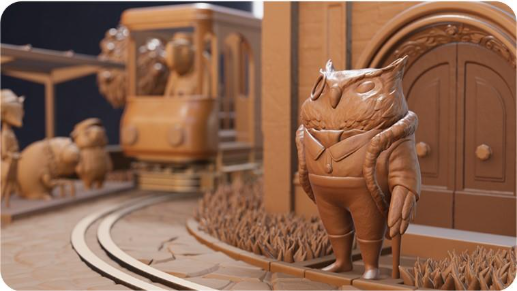
Cameras, lighting, raytracing
Preview your model in HD with cameras, adjustable lighting, and real-time raytracing.
Substance 3D Assets
Access 20,000+ 3D assets created by world-class artists for a variety of industries, including models, materials, and lights.
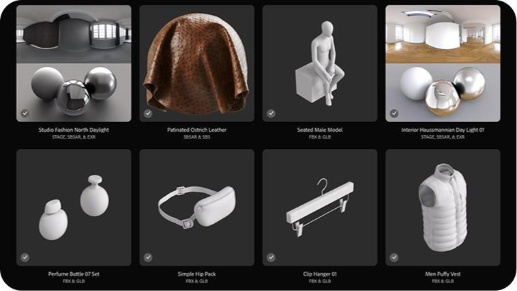
Access thousands of ready-to use assets.
The 3D Assets library includes models, materials, and IBL lights designed by world-class artists.
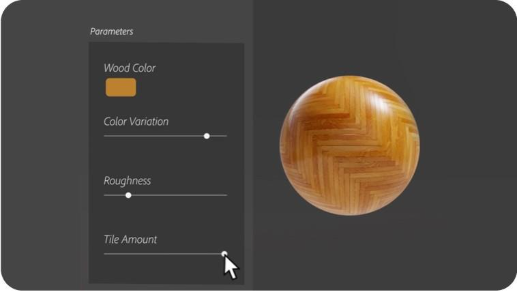
Parametric and presets
Many materials and models come with preconfigured presets, allowing for even more variation and customization.
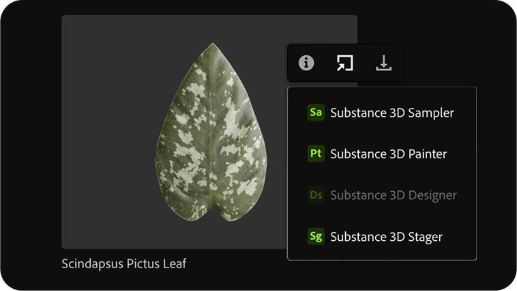
Send assets directly to Substance 3D apps.
With a single click, send any asset you'd like from the Assets library directly to the Substance 3D app of your choice.
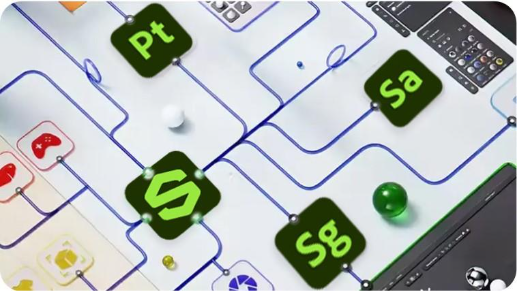
Access 3rd party integrations.
Use assets anywhere you need them, including Cinema4D, Maya, Blender, and more.
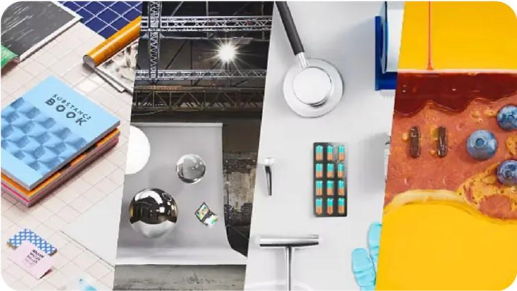
Standardized consistency across the library.
Stage, pair, and kitbash assets from the library confidently. Every asset meets Adobe's highest quality standard.
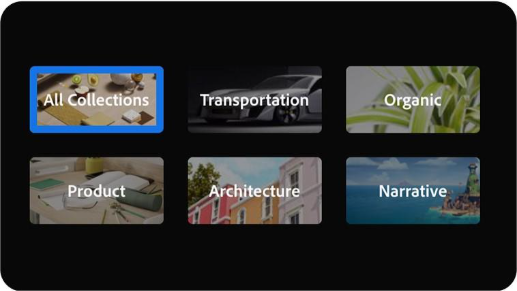
Explore thematic collections.
The Assets library is organized in over 40 different collections, grouped by theme and industry, with new collections added regularly.
What can you create in Substance 3D?
Find out how to use Substance 3D tools and features — then try them for yourself.