
Prøv disse selvstudier med Photoshop
Rediger fotos for at skabe nye billeder og grafiske elementer.
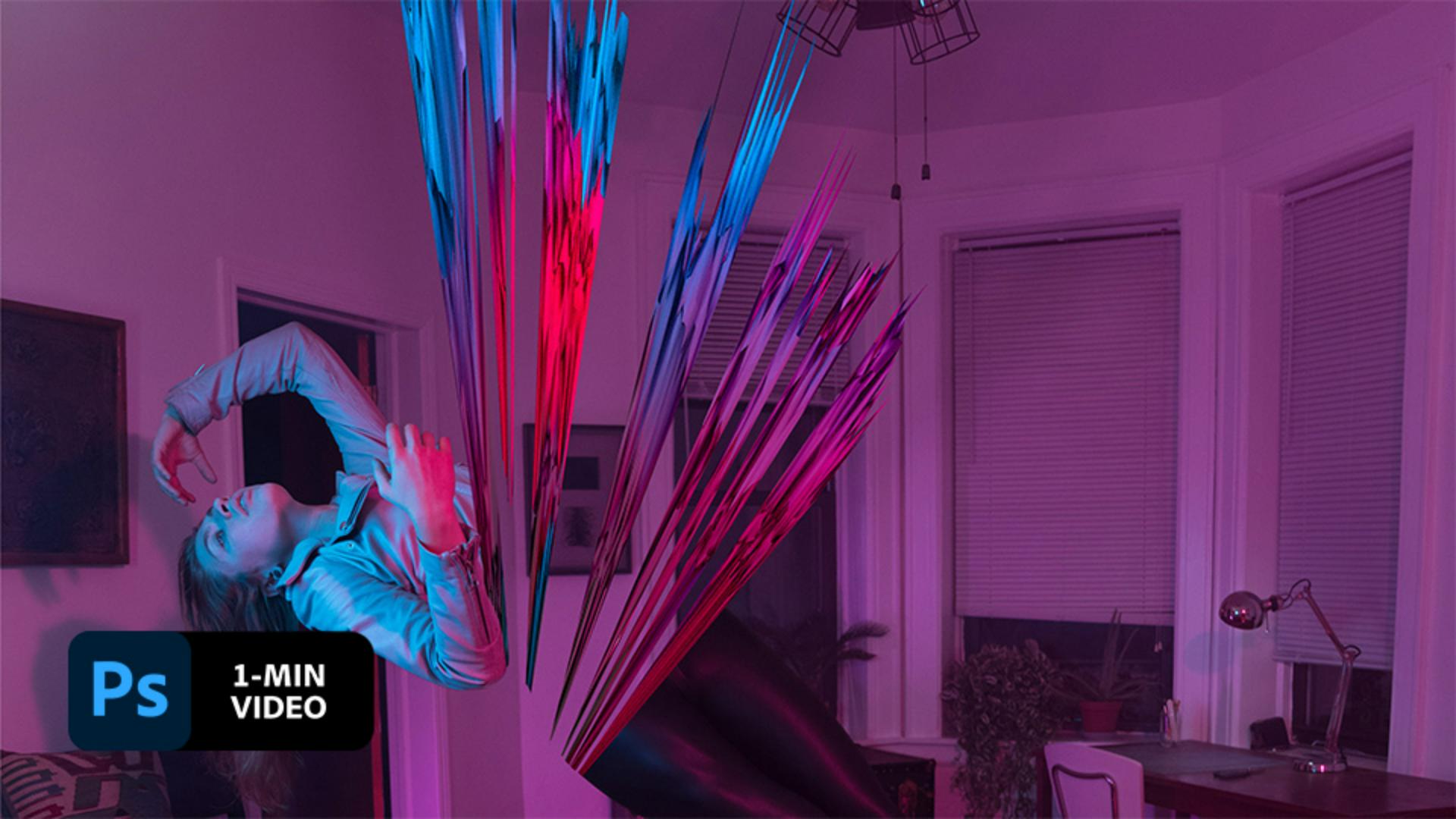
Rooted in the abstract, Victoria Siemer manipulates her images for a surreal finish. In this short tutorial, see how Siemer creates her unique aesthetic in Adobe Photoshop.
Victoria Siemer, also known as Witchoria, is a Visual Artist based in Brooklyn, NY. She works predominantly in the digital realm, creating surreal photo manipulations that reflect everything from the mundane to heartbreak.
Siemer opened the empty bedroom image in Photoshop then dragged the image with the model as a new layer on top.
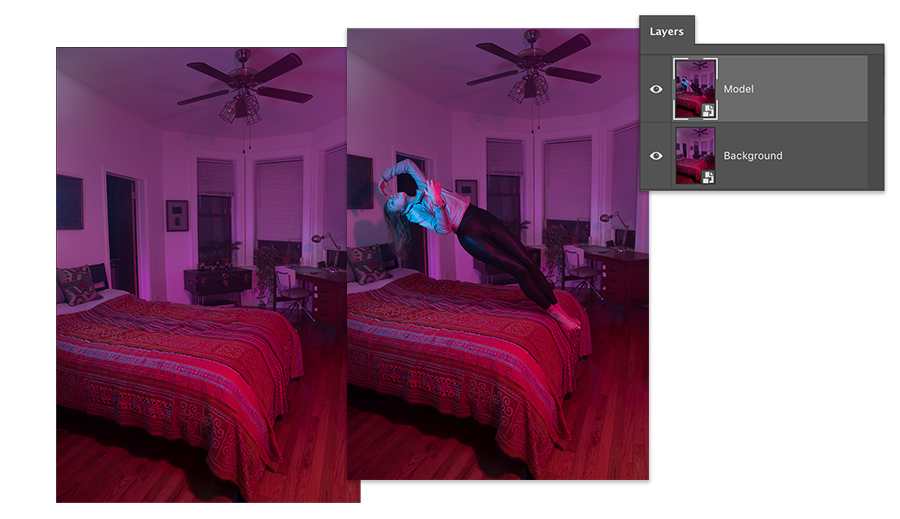
To capture colors to use for the explosion, Siemer used the Lasso tool to make a selection, then copied and pasted the cutout onto a new layer.
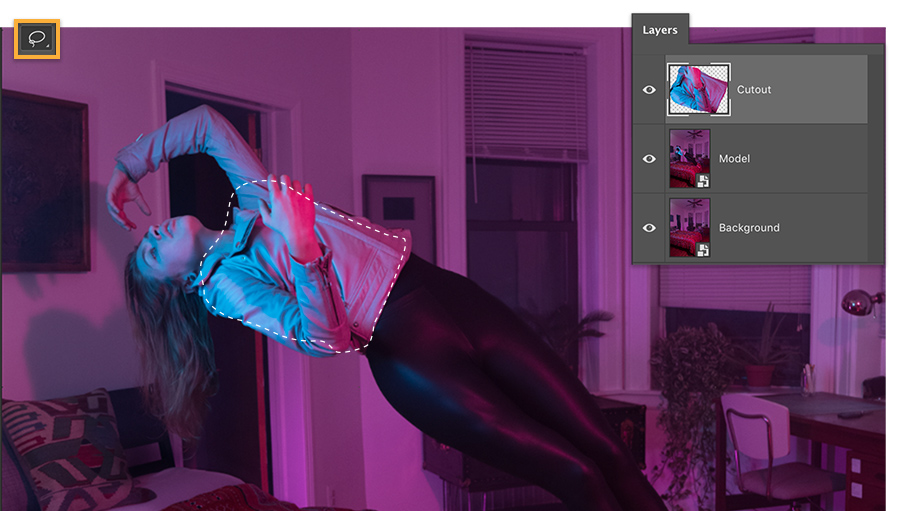
Siemer selected the new cutout layer and chose 3D > New Mesh From Layer > Depth Map To > Sphere to create the explosion. She then used the 3D Mode tools to move, rotate, and scale it.

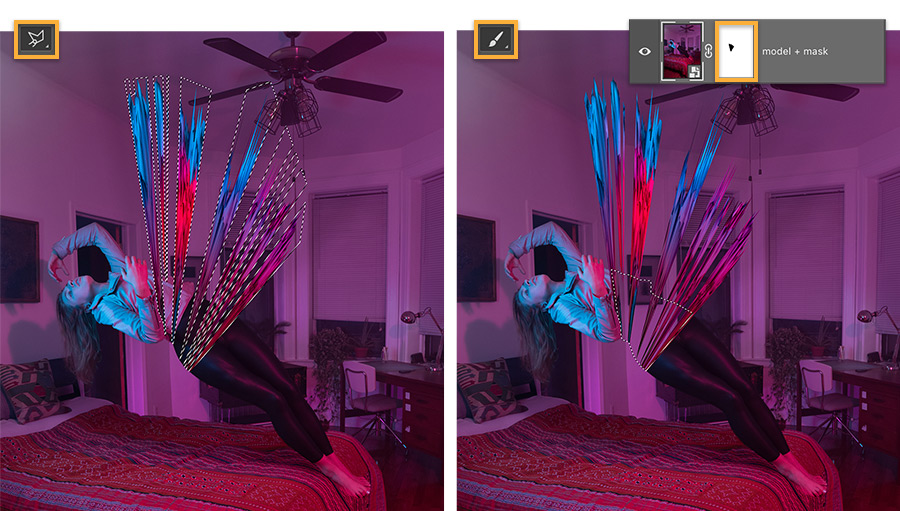
Siemer used the Polygonal Lasso to select parts of the explosion and applied a layer mask to hide the pieces and emphasize the fragmentation. Then, she applied a mask to the model layer and painted with a black brush to hide the model’s torso where it overlapped with the explosion area to reveal the background layer.
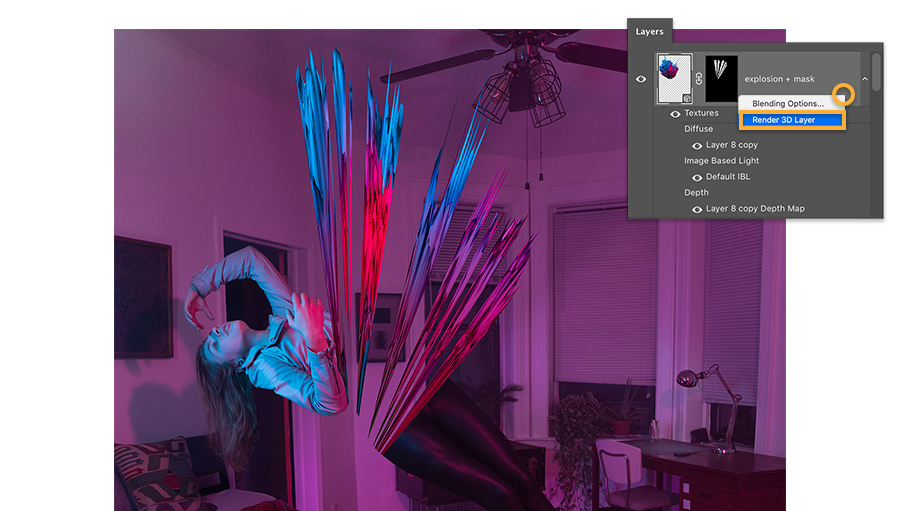
When Siemer was ready to output a high-quality version of her composition, she selected the 3D layer, then right-clicked and chose Render 3D Layer. This process takes a few minutes.
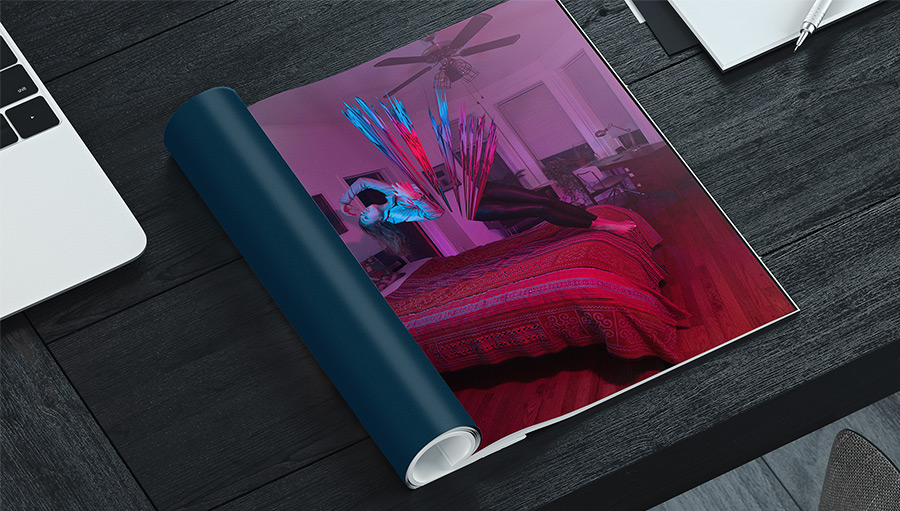
Add bursts of excitement to your photos with colorful explosions.
Note: Project files included with this tutorial are for practice purposes only.