

Prueba estos tutoriales con Illustrator
Crea ilustraciones y otros gráficos con vectores.
Sumérgete en el fascinante mundo de la IA en Illustrator y antes de que se derrita un helado, aprende paso a paso, cómo la inteligencia artificial puede convertirse en tu aliada para transformar simples ideas en motivos vectoriales únicos, incluyendo imágenes sorprendente.
En este completo tutorial de Adobe Illustrator, descubrirás cómo aprovechar el potencial de la ia generativa para desarrollar para desarrollar y mejorar nuevos diseños a partir de simples descripciones de texto, logrando patrones automáticos que podrás modificar y perfeccionar para que reflejen tu esencia como diseñador o artista visual.
No solo verás cómo generar tramas originales en segundos, sino también cómo adaptarlas para mostrar contenido personalizado en función de tus proyectos y necesidades.
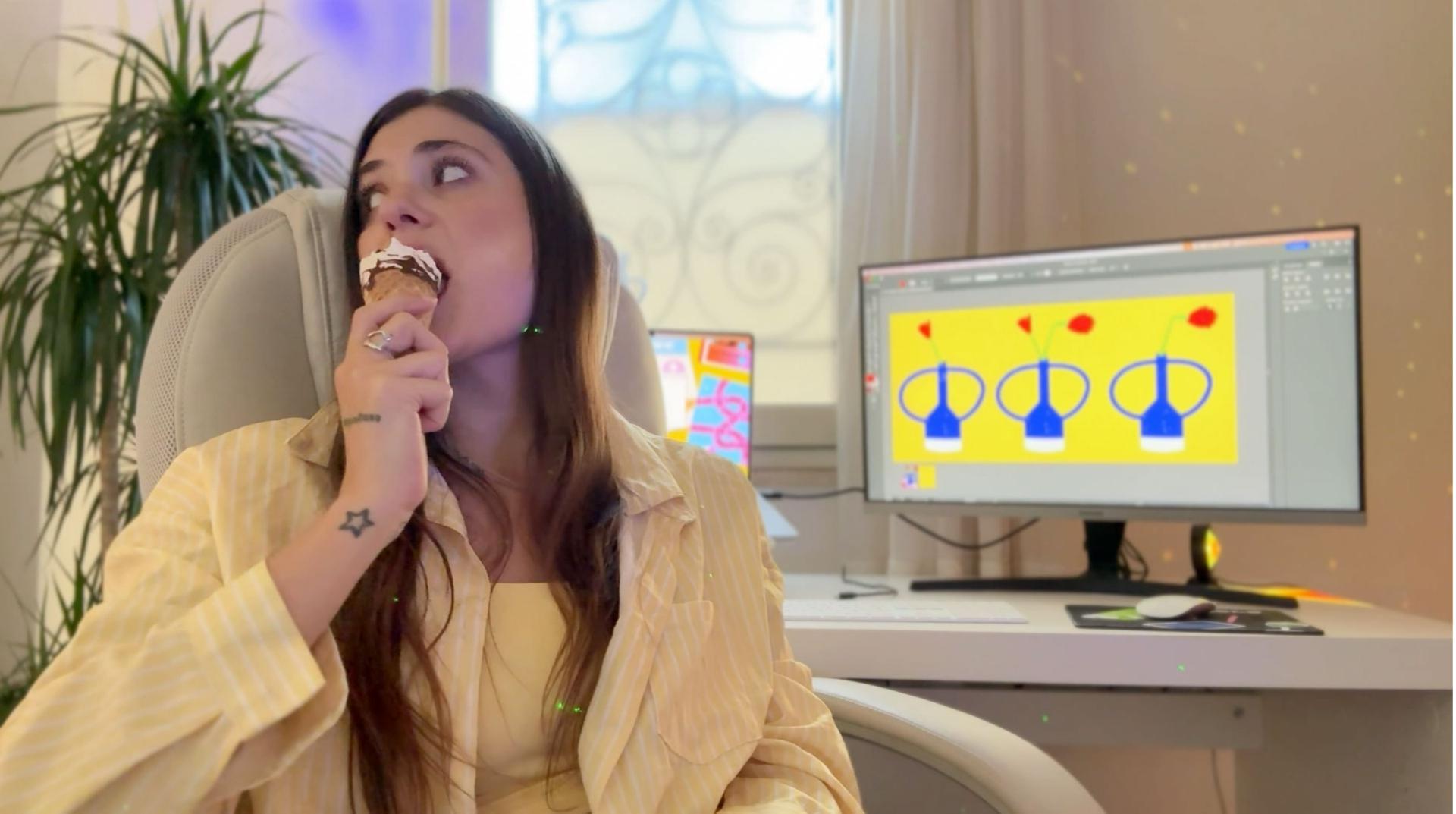
Acompañado por la diseñadora Ari Marasco, recorreremos juntos todo el proceso: desde la primera inspiración y la redacción de instrucciones precisas para que la IA entienda cómo se utilizan tus ideas, hasta la función de edición detallada, donde podrás modificar formas, colores y composiciones con total libertad.
Conocerás trucos para mantener la coherencia visual, consejos para aplicar colores corporativos o paletas armónicas, y estrategias para que tus creaciones tengan un impacto mayor.
Si buscas incorporar inteligencia artificial generativa en tu flujo de trabajo, pero sin renunciar al toque humano que hace únicas tus obras, este tutorial es el punto de partida ideal. Prepárate para desbloquear el verdadero potencial de la IA en Adobe Illustrator y llevar tus diseños a un nivel completamente nuevo. ¡Manos a los trazos!
En esta primera parte, Ari Marasco te mostrará cómo redactar instrucciones claras para que la IA entienda cómo se utilizan tus indicaciones y la función de tus ajustes para desarrollar y mejorar nuevos diseños.
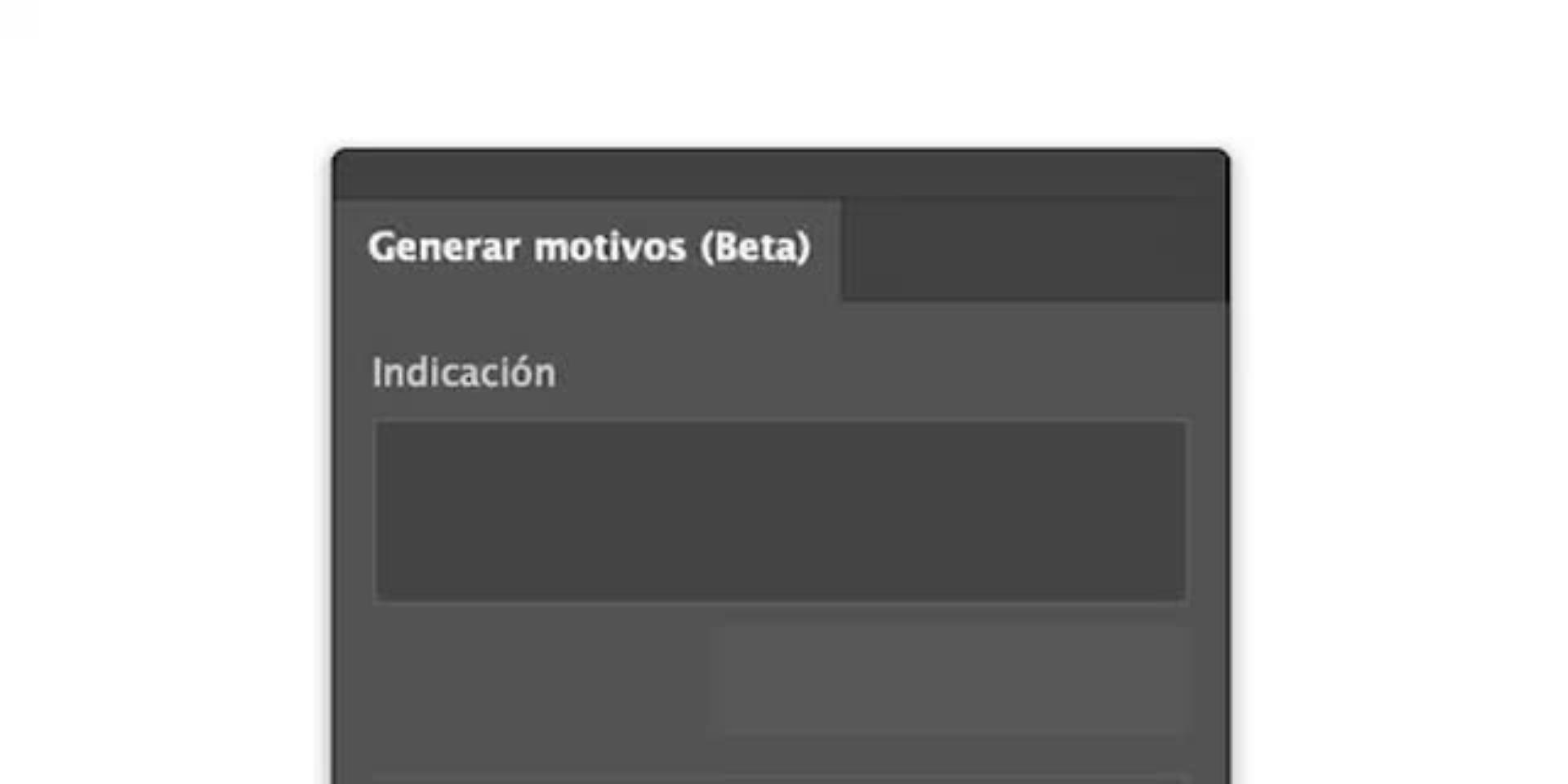
Lo primero que harás en Adobe Illustrator será trabajar con el menú "Generar Motivo", al cual puedes acceder fácilmente desde Objeto > Motivo > Generar motivo. Una vez allí, en la sección "Indicación" deberás escribir una descripción clara y detallada del diseño que quieras crear; cuanto más datos, palabras clave y especificaciones incluyas, mejores serán los resultados generados por la herramienta. Para ayudarte, Ari te sugiere una indicación modelo con una narrativa creativa que puedes utilizar como punto de partida y tomar como referencia en futuras ocasiones, optimizando así tu flujo de trabajo y sacando el máximo provecho.
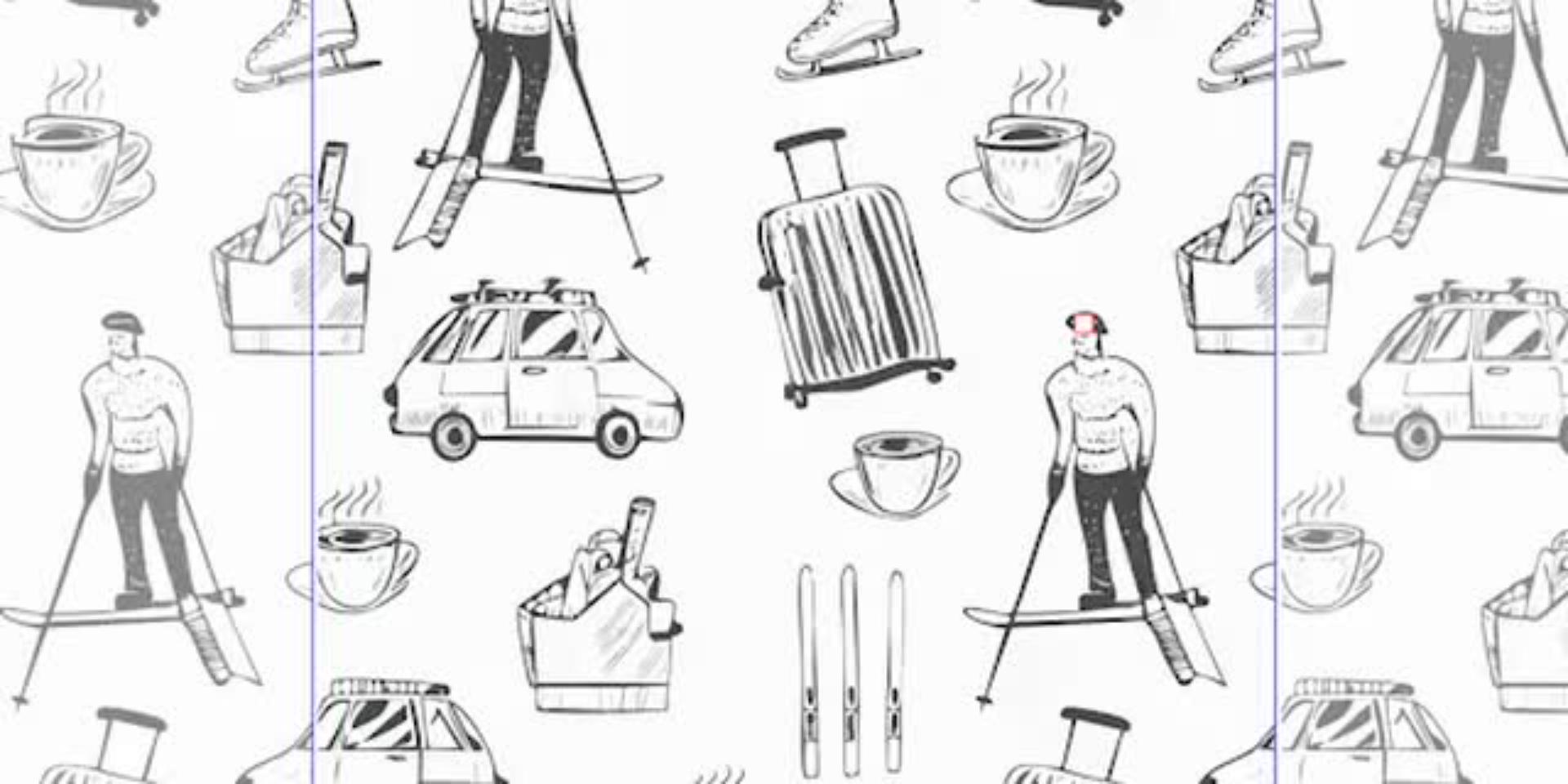
Una vez escrita la indicación o prompt y tras pulsar el botón "Generar" en Adobe Illustrator, casi como por arte de magia, obtendrás tres variaciones de imágenes y patrones creadas automáticamente por la inteligencia artificial integrada en la herramienta. Navegarás entre las variaciones generadas, comparando estilos y composiciones, para finalmente seleccionar el patrón que mejor se adapte a tu concepto creativo.
Una vez generado el patrón, Illustrator permite refinarlo con total libertad. En esta etapa, descubrirás cómo eliminar elementos no deseados y personalizar los colores de forma estratégica.
Ari te guiará para aplicar tu propia paleta cromática o adaptar una sugerida, manteniendo coherencia visual en contenido y los anuncios de tu marca o proyecto. Con estas técnicas podrás aprovechar la inteligencia artificial en diseño gráfico sin perder el toque humano.
En esta última etapa, transformarás tu motivo base en un diseño completamente tuyo. Desde el modo de edición, podrás ajustar escalas, rotar elementos, agregar texto y distribuir visualmente los elementos hasta lograr un patrón original.
Este proceso te ayudará a generar contenido personalizado en función de tu marca. Además, aprenderás a adaptar tus patrones a diferentes formatos, ya sea para redes sociales, marketing, ilustración profesional o programas de identidad visual.
Ahora que conoces cómo usar la inteligencia artificial en Illustrator para crear patrones personalizados, es el momento perfecto para poner en práctica todo lo aprendido y descubrir hasta dónde puede llegar tu creatividad.
Con la función de tus ajustes, podrás desarrollar y mejorar nuevos diseños adaptados a tus proyectos, ya sea para ilustración, branding, redes sociales o marketing.
Esta herramienta de diseño gráfico combina innovación y facilidad de uso para transformar simples indicaciones de texto en imágenes y composiciones originales que podrás adaptar en contenido personalizado en función de tu marca o de la interacción de la audiencia.
Aprovecha la posibilidad de proporcionar y mantener la coherencia visual de tus creaciones, generar anuncios personalizados en función de tus objetivos y optimizar tus recursos con el poder de la inteligencia artificial.
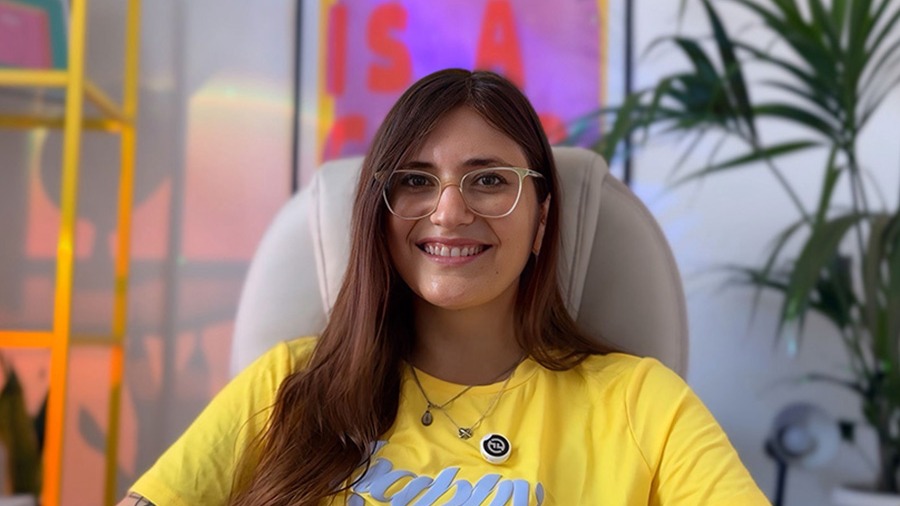
Ari Marasco es una diseñadora gráfica argentina que vive en Sicilia, Italia. Se formó en Diseño Gráfico y Comunicación Visual y ha desarrollado una carrera versátil que combina creatividad, estrategia y comunicación visual. Trabaja de forma independiente colaborando con proyectos internacionales, aportando una mirada fresca, detallista y enfocada en soluciones visuales efectivas. Además, dirige su propia escuela online, donde más de 700 estudiantes han aprendido a través de cursos prácticos diseñados, grabados y editados por ella misma sobre diseño gráfico, branding y herramientas creativas. Se destaca por su compromiso con la enseñanza, su capacidad de síntesis visual y su estilo claro y funcional. En redes sociales comparte procesos, consejos y experiencias reales de su vida como diseñadora y creadora de contenido, inspirando a una comunidad creativa en constante crecimiento.


All Consent Allowed