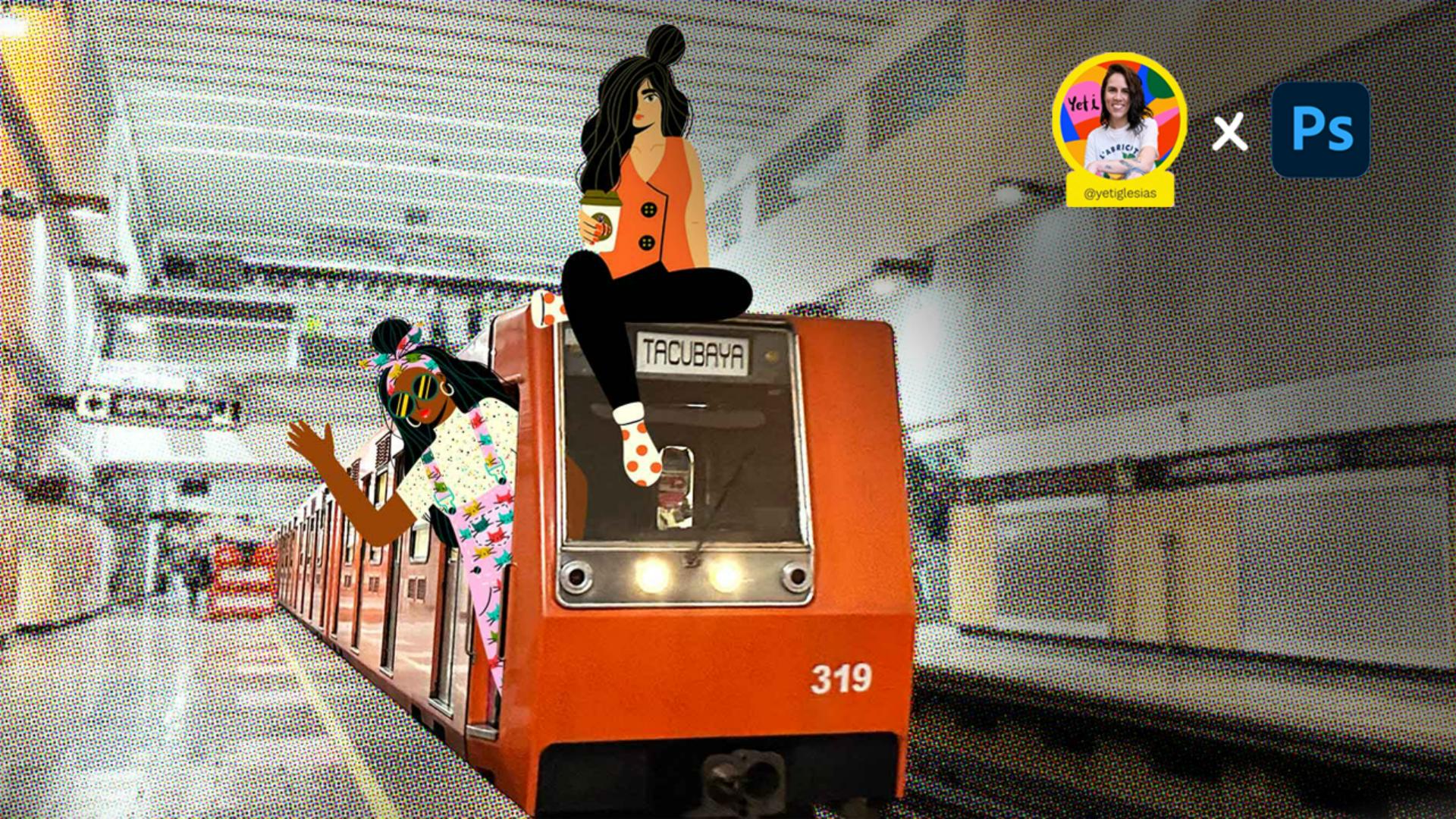
Crea un efecto semitono pop art en el metro de Ciudad de México utilizando Photoshop y agregando personajes divertidos.
Hi, I'm Yeti Iglesias, a freelance Mexican illustrator, and today we'll be taking an illustrated journey through the Mexico City subway.
Come with me!
Create a very original photo by separating the main subject from the entire background.
Discover how easy it is to give it a halftone effect and also edit the levels globally.
Have fun transforming your photos, and see you in the next tutorial.
Elementos que necesitarás
Practicar en la aplicación
Lo que aprenderás: El arte de intervenir imágenes urbanas
¡Ponle un toque de cómic a tus viajes diarios! En este tutorial, aprenderás a separar el metro y los personajes del fondo con un solo clic, para otorgar un look retro de revista clásica usando el efecto semitono de color.
El gran truco de esta aventura es la integración: descubrirás cómo activar capas ocultas llenas de personajes ilustrados y cómo ajustar los niveles de forma global para que la fotografía real y los dibujos convivan en perfecta armonía. ¡Prepárate para ver la ciudad con otros ojos y llenar tus fotos de juego, texturas y dinamismo!
Herramientas clave para un diseño al estilo Pop Art
Conocerás cómo trabajar e integrar diferentes herramientas y efectos en Photoshop, como:
Objetos inteligentes: Edición no destructiva para ajustar el brillo y contraste cuidando la calidad original de la foto.
Selección de sujeto y pegar en Contexto:
El método más rápido y limpio para aislar el tren del metro y duplicarlo exactamente en la misma posición.
Filtro semitono de color: Cómo configurar las tramas y el radio de los puntos para simular la impresión tradicional de periódicos y cómics retro.
Capas de ajuste global: El uso estratégico de la herramienta niveles para unificar los tonos de toda la composición y fusionar la foto con la ilustración.
De la captura al comic urbano
Para Yeti, el transporte público, o cualquier espacio urbano, puede ser un lienzo ideal para dejar volar la imaginación.
Capturar el metro en movimiento no es solo registrar el viaje, sino pensar qué personajes divertidos podrían estar viajando al lado tuyo en ese vagón. En este tutorial, aprenderás a usar Photoshop para romper la estética tradicional de una foto usando filtros gráficos y tramas de puntos.
Es el recurso perfecto si buscas experimentar con el diseño Pop Art, aprender a integrar ilustraciones de forma ordenada y dominar las capas de ajuste para que tus ediciones digitales tengan un acabado integrado, prolijo y con mucha identidad.
¡Ajusta tus herramientas y empieza este viaje ilustrado!
Sobre la artista
Yeti Iglesias es una ilustradora independiente mexicana. Su estilo es vibrante, único, atrevido y está lleno de colores. Las plantas, las formas orgánicas, las sombras, los degradados y la textura son muy frecuentes en sus proyectos. Ha colaborado con grandes marcas alrededor del mundo, potenciando sus mensajes a través de impactantes ilustraciones.
You can control how Adobe websites use cookies and similar technologies by making choices below. But note that if you disable cookies and similar technologies entirely, Adobe websites may not function properly.
Cookies are small text files stored by your web browser when you use websites. There are also other technologies that can be used for similar purposes like HTML5 Local Storage and local shared objects, web beacons, and embedded scripts. These technologies help us do things like remembering you and your preferences when you return to our sites, measure how you use the website, conduct market research, and gather information about the ads you see and interact with.
You can make choices in the menu below about what cookies and other technologies you want us to use on Adobe sites when you visit them from this browser. You can always change those choices later by clicking on the Cookie Preferences link at the bottom of the page.
If enabled:
We can improve your experience by tailoring the site and the content to things we think might be of interest
We can better keep track of your preferences — like what language you prefer to use
We will better understand your likely interests so we can provide you more relevant Adobe ads and content on non-Adobe websites and in non-Adobe apps
It will help us improve the performance of our website and those of our partners who use the Adobe Experience Cloud
If disabled:
We won’t be able to remember you from session to session so the experience may not be tailored to your interests
You’ll still have access to the content of the site but certain features that depend on cookies may not function
You’ll still see ads, they just may not be as relevant to you
General information
You can control how Adobe websites use cookies and similar technologies by making choices below. But note that if you disable cookies and similar technologies entirely, Adobe websites may not function properly.
Cookies are small text files stored by your web browser when you use websites. There are also other technologies that can be used for similar purposes like HTML5 Local Storage, web beacons, and embedded scripts. These technologies help us do things like remembering you and your preferences when you return to our sites, measure how you use the website, conduct market research, and gather information about the ads you see and interact with.
You can make choices in the menu below about what cookies and other technologies you want us to use on Adobe sites when you visit them from this browser. You can always change those choices later by clicking on the Cookie Preferences link at the bottom of the page.
If enabled:
We can improve your experience by tailoring the site and the content to things we think might be of interest
We can better keep track of your preferences — like what language you prefer to use
We will better understand your likely interests so we can provide you more relevant Adobe ads and content on non-Adobe websites and in non-Adobe apps
It will help us improve the performance of our website and those of our partners who use the Adobe Experience Cloud
If disabled:
We won’t be able to remember you from session to session so the experience may not be tailored to your interests
We’ll still count your use of our site and services
You’ll still have access to the content of the site but certain features that depend on cookies may not function
You’ll still see ads, they just may not be as relevant to you
Operate the site and core servicesOperate site and measure engagement
Always active
These cookies are required, and they are used to enable the site and related services core functionality. Without them the site could not operate, so they cannot be disabled.
These cookies enable the site and related services’ core functionality and collect statistics about user engagement, such as counting active use to help us understand trends. These cookies cannot be disabled.
Measure performance
These cookies are used to analyze site usage to measure and improve performance. Without them Adobe cannot know what content is most valued and how often unique visitors return to the site, making it hard to improve information we offer to you.
These cookies are used to analyze site usage to measure and improve performance. Without them Adobe cannot know what content is most valued, making it hard to improve information we offer to you.
Extend functionality
These cookies are used to enhance the functionality of Adobe sites such as remembering your settings and preferences to deliver a personalized experience; for example, your username, your repeated visits, preferred language, your country, or any other saved preference.
Personalize advertising
These cookies are used to enable Adobe and our partners to serve ads more relevant to your interests. Without them you will still see ads, but they might not be as relevant to you.
Personalize advertising
These cookies are used to enable Adobe and our partners to serve ads more relevant to your interests. Without them you will still see ads, but they might not be as relevant to you.