Free Happy Easter GIF maker.
Got an Easter message to send? Hop to it with your own video-turned-GIF using the fast and simple Happy Easter GIF maker from Adobe Express. Upload your video or photo below, customize it your way with text and animations, and send your audience springtime vibes.
How to make a Happy Easter GIF.
1. Upload.
Drag and drop your video or photo to the Happy Easter GIF maker or browse your computer for the ideal clip.

2. Customize.
Fine-tune the length of the clip using the slider. Then select the desired file size (large, medium, or small) and your preferred layout (square, landscape or portrait).

3. Share.
Download your new Happy Easter GIF and share via texts, social media, email newsletters, and more.
Customize your Happy Easter GIF for any platform.
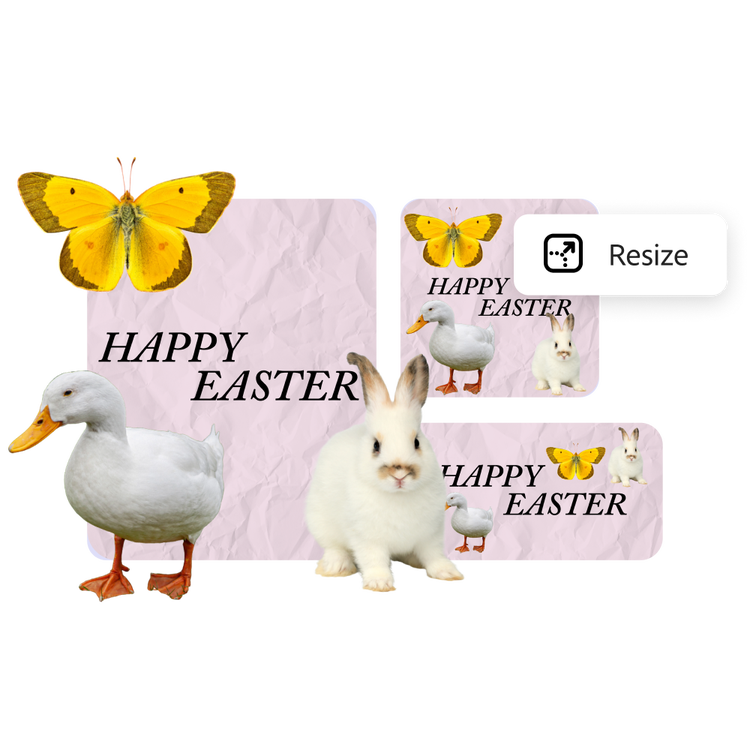
Create pastel-perfect Happy Easter GIFs replete with bunnies and baskets. With the Adobe Express GIF maker, you can easily adjust the orientation of the Happy Easter GIF to fit various social media platforms, websites, and newsletters.
A short hop or a giant leap — tailor the timing of your GIF.
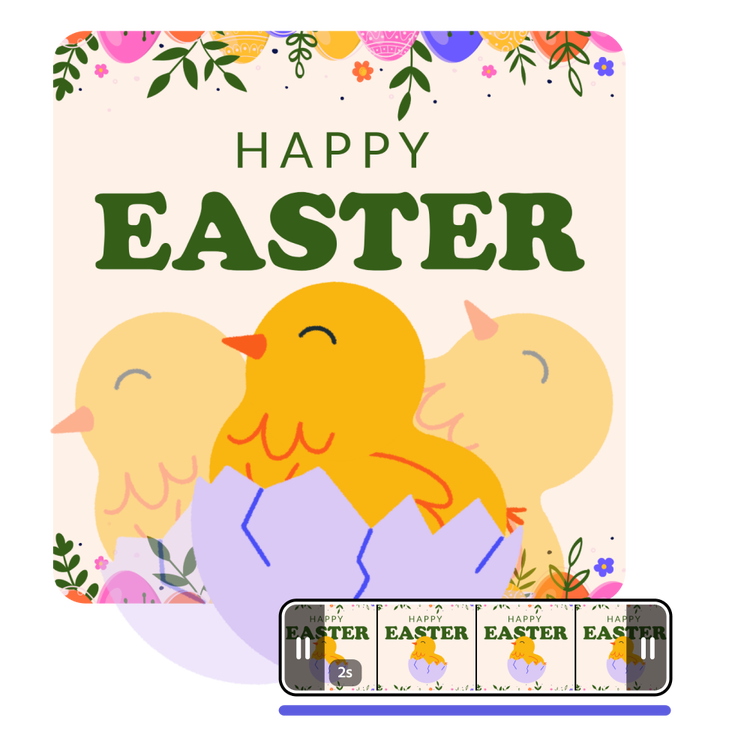
Create flowery Happy Easter GIFs that loop at the right speed to deliver your message. Play around with the easy-to-use video slider to trim and select the perfect clip. You can even preview the GIF in the Happy Easter GIF maker before you download. Adobe Express makes it simple to create and customize GIFs.
Make your Happy Easter GIF personal with your own videos.
Personalize your Happy Easter GIF with video clips you’ve saved from holidays past. Enhance the video by adding text effects, filters, and cute graphic elements in Adobe Express. Then drop your edited video into the Happy Easter GIF maker and celebrate the spring holiday with color, character, and fun.
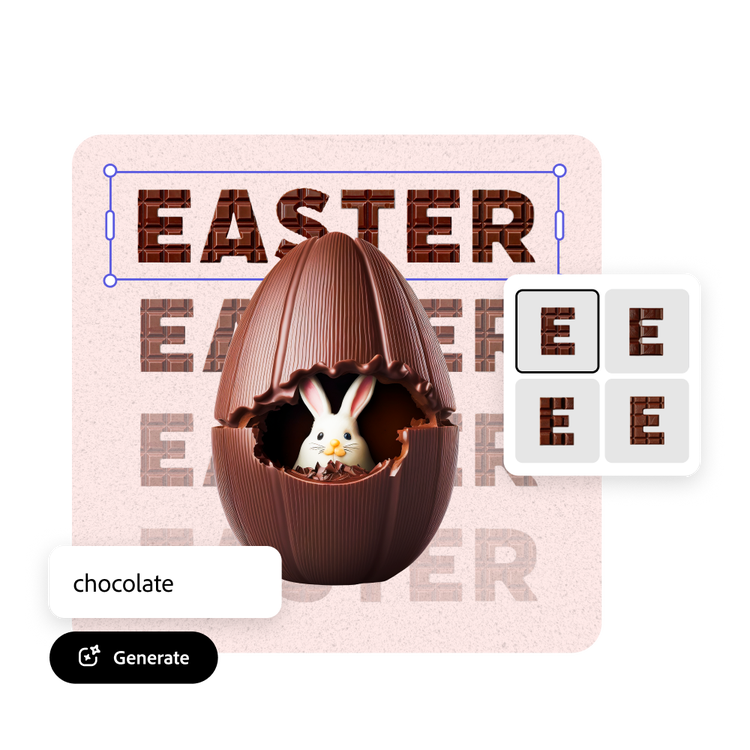
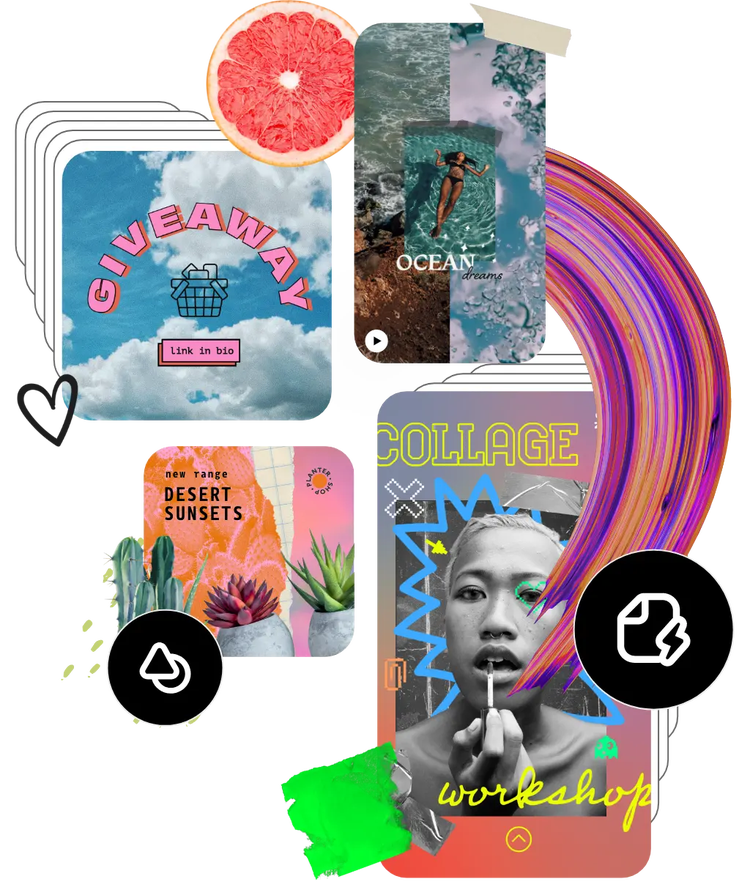
Browse hundreds of thousands of assets to start customizing today.
Use video to say what you can’t with words. Browse the Adobe Stock collection of videos to get started. Easily search for the message you’re trying to send and continue editing from there. You can even bring multiple videos together and turn them into a one-of-a-kind GIF.