



Free GIF editor.
Make animated GIFs for free with Adobe Express, the quick and easy create-anything app. Upload your images and videos to customize, then turn them into eye-catching GIFs for sharing to your favorite social channels. No design experience needed.
1. Upload.
Drag and drop your images or video clips to the animated GIF maker. Don’t have your own media? Choose from our collection of royalty-free Adobe Stock photos and videos to add to your GIF. Or, start from scratch.

2. Customize.
Use the timeline to make adjustments to the duration of your GIF. Split, cut, or trim down videos for the perfect length. Add text, graphics, or filters for further personalization.
3. Download and share.
Download your new animated GIF to share to your favorite social channels, via email, or anywhere you like.
Showcase products and services in eye-catching ways.
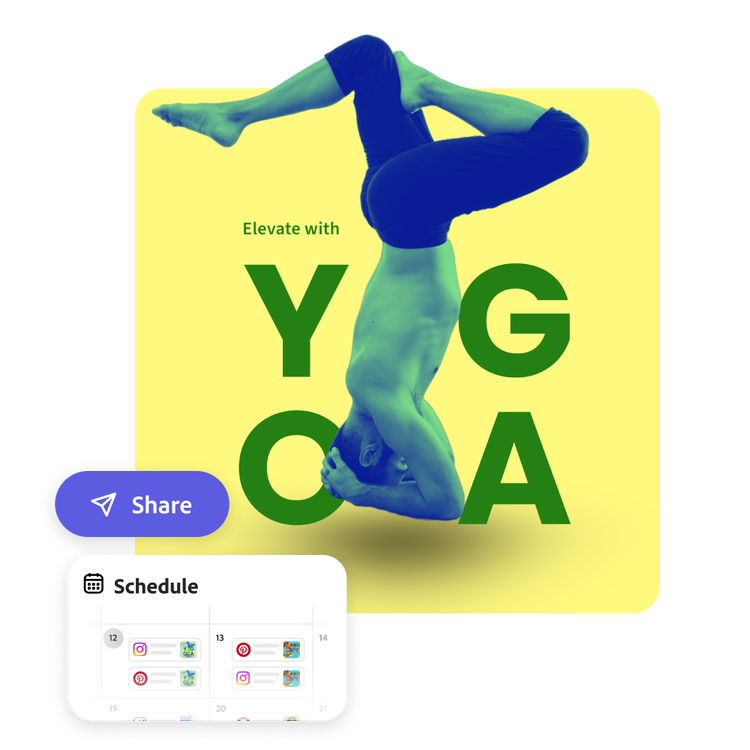
Whether you're a social media manager for a beauty company or a yoga studio owner, quickly create captivating image GIFs that engage your audience. Create stunning GIFs to demonstrate new products in an Instagram story, make a meme to show before-and-after transformations, or create a Facebook post highlighting different yoga poses covered in your next class. When you’re finished, use the built-in Content Scheduler to plan and publish your social posts to your favorite channels.
Create perfectly timed animated GIFs using the GIF editor.
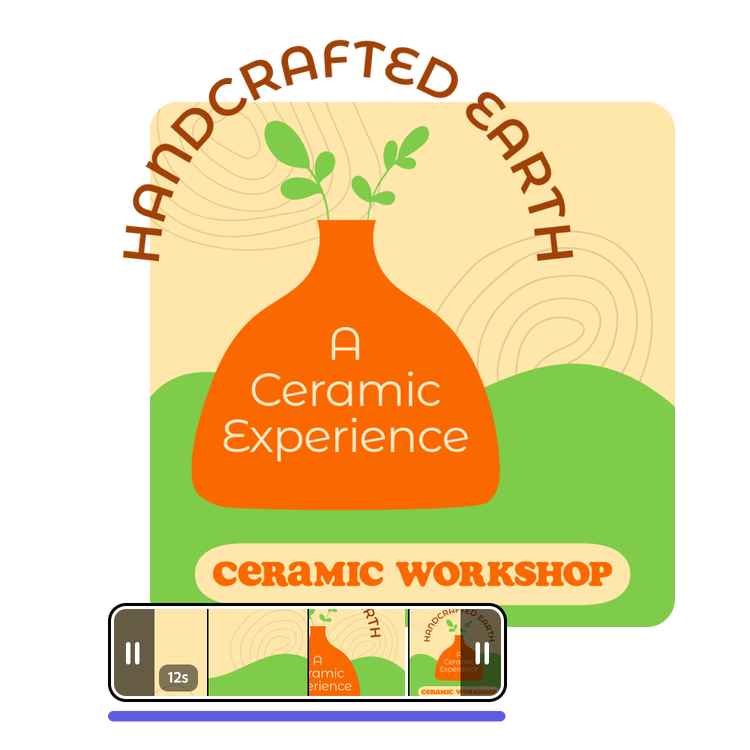
Create charming image GIFs that loop quickly to deliver your visual message. Use the handlebars on your timeline to adjust the length of your GIF. Easily dial in the display time of each image or video you add to your timeline to maximize the impact of your visual message. Use the GIF maker to announce upcoming events or special offers. Highlight seasonal sales, promote new class schedules, workshops, or anything you can imagine.
Do more with your images.
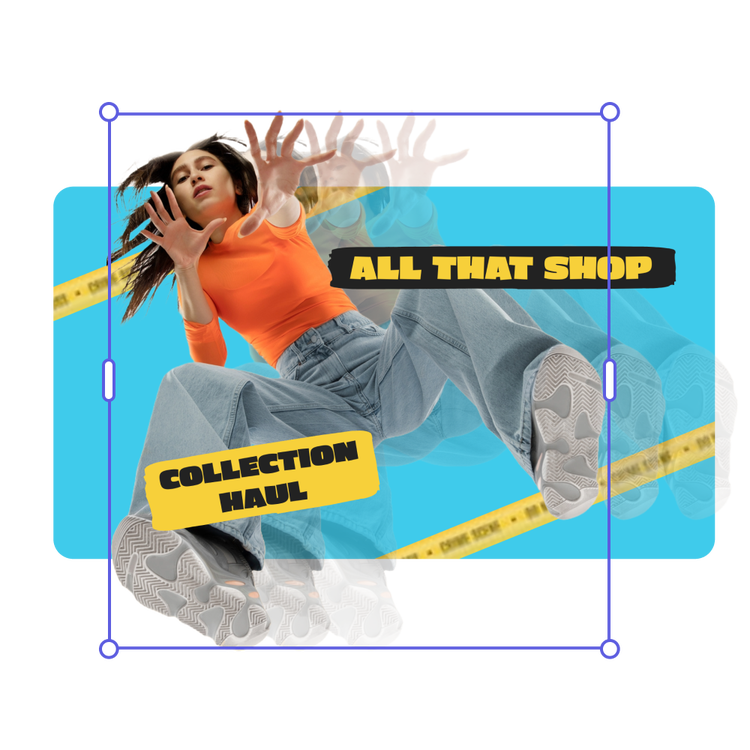
Elevate your business promotions when you edit your GIF in Adobe Express. Enhance your images with filters, Text Effects, and so much more. Once perfected, effortlessly transform these images into eye-catching animated GIFs that draw attention and generate excitement among your audience.
Hundreds of thousands of templates and assets to start customizing today.
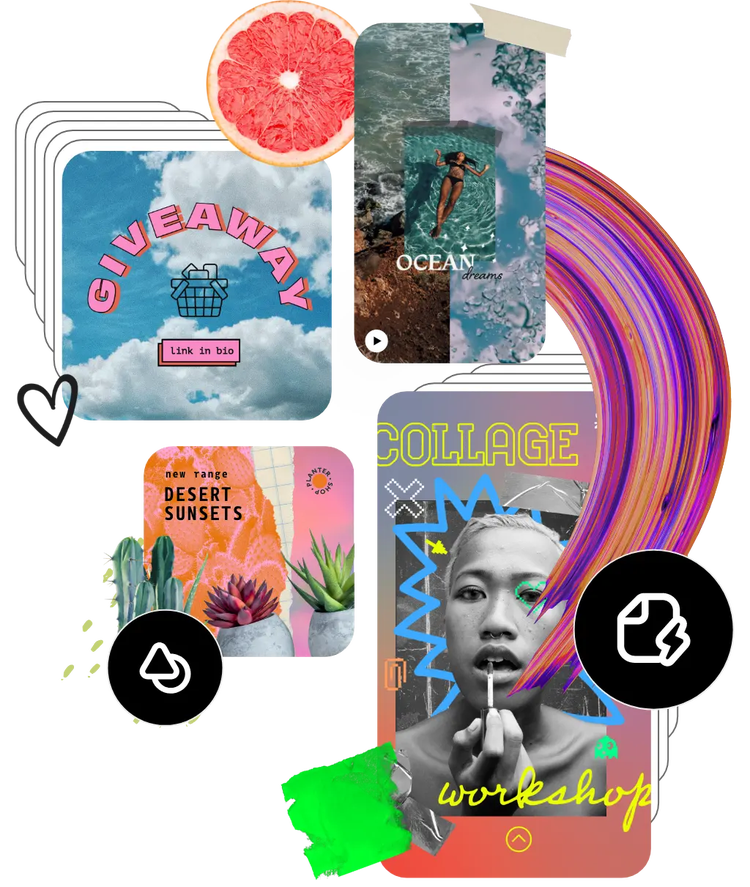
Get inspired and save time with expertly designed templates to get you started. Adobe Express has an ever-growing collection of portrait, landscape, square, and vertical templates to create designs that stand out on any channel, any device.
Frequently asked questions.
Can I edit my images before converting them into a GIF?
You can edit them before or after, or both. Adobe Express offers a range of editing tools, including filters, text overlays, and cropping options, allowing you to perfect your images before and/or after turning them into an animated GIF.
What file formats are supported for creating GIFs?
Adobe Express supports JPEG and PNG. You can upload images in these formats to create your GIFs seamlessly.
Will the quality of my images be preserved in the GIF?
Yes, Adobe Express is designed to maintain the high quality of your images during the conversion process. Your GIFs will retain clarity and detail, ensuring they look professional and captivating.
How quickly can I create a GIF using Adobe Express?
Creating a GIF is incredibly fast. Once you've uploaded your images and customized your settings, your GIF can be created in just a few seconds, making it a time-efficient tool for busy business owners and content creators.
Can I get Adobe Express for free? If so, what’s included?
Yes, we have a free plan available for anyone. Enjoy everything you need to stand out, including thousands of templates, hundreds of Adobe Stock images, photo editing and effects, and much more. Visit our plans and pricing for details.
Can I make a gif from photos?
Yes. You can use Adobe Express to turn your photos into fun, shareable GIFs. Simply upload your images, arrange them in the order you want, and adjust the speed or animation style. Download your GIF instantly to share across social media, messages, or your website.
Can I make a gif from videos?
Yes. With Adobe Express, you can easily convert short video clips into animated GIFs. Upload your video, trim it to the perfect length, and adjust playback speed or looping options. Then download your GIF to share on social media, in emails, or anywhere you want to add motion to your message.
illustrator

