Free party GIF maker.
Turn the music up and the lights down, it’s party time. Send out the invites with your own video-turned-GIF using the fast and simple party GIF maker from Adobe Express. Upload your video or photo below, customize it your way with text and animations, and you’re ready to mingle.
How to make a party GIF.
1. Upload.
Drag and drop your video or photo to the party GIF maker or browse your computer for the ideal clip.

2. Customize.
Fine-tune the length of the clip using the slider. Then select the desired file size (large, medium, or small) and your preferred layout (square, landscape or portrait).

3. Share.
Download your new party GIF and share via texts, social media, email newsletters, and more.
Create a party GIF for newsletters, social media, and websites.
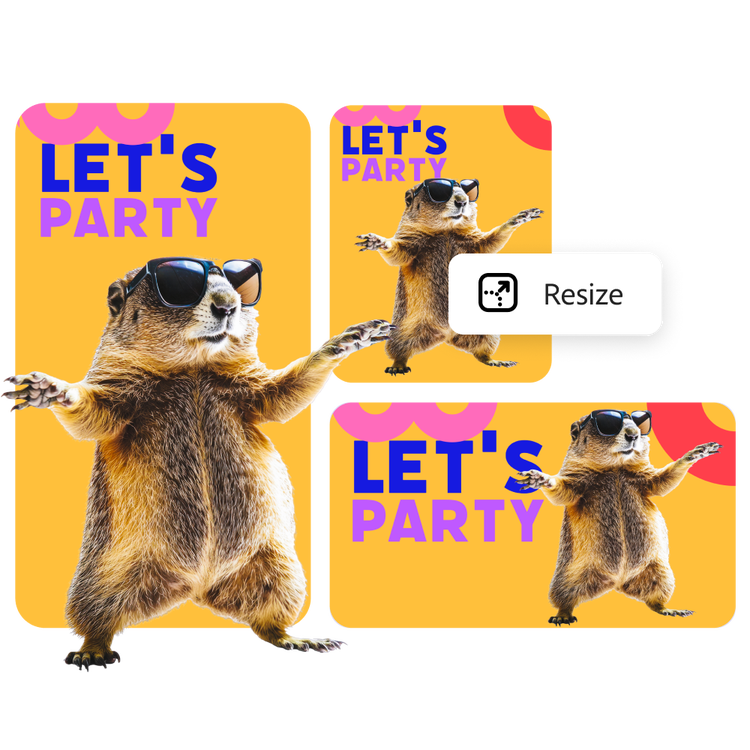
Whether you’re sending out an invitation or just setting the mood with a party GIF, you can adjust the size and orientation to suit your needs. With the Adobe Express GIF maker, you can easily adjust the orientation of the GIF to fit various social media platforms, newsletters, and websites.
Sample your party GIF before you download.
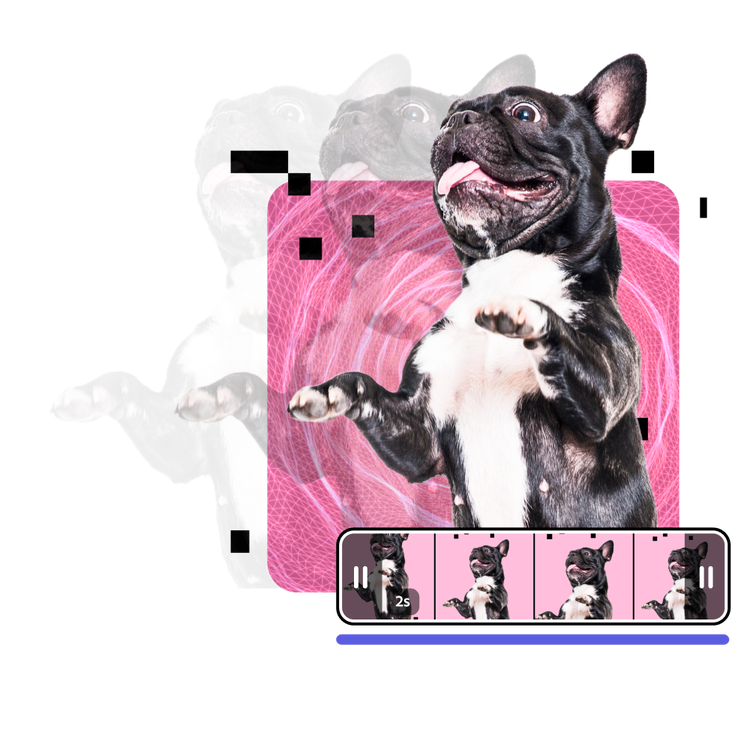
Bring the house down with party GIFs that loop at the right speed to deliver your message. Play around with the easy-to-use video slider to trim and select the perfect clip. You can even preview the GIF in the party GIF maker before you download. Adobe Express makes it simple to create and customize GIFs.
Personalize your party GIF with your own video clips.
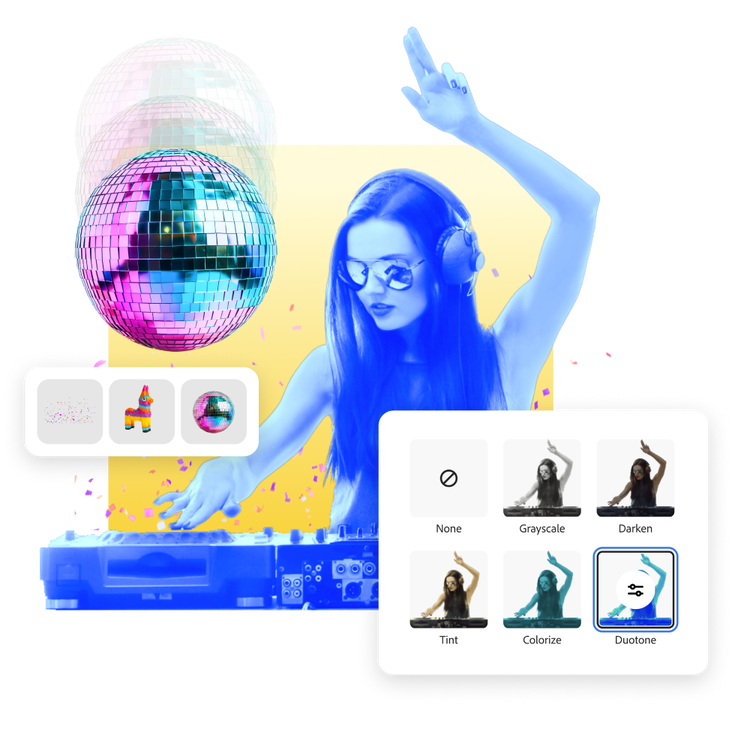
Loop the moment the piñata explodes, or the stunning video of the DJ enthralling the crowd. Enhance the video by adding text effects, filters, and cute graphic elements in Adobe Express. Then drop your edited video into the party GIF maker and get your audience into a festive mood quickly and easily.
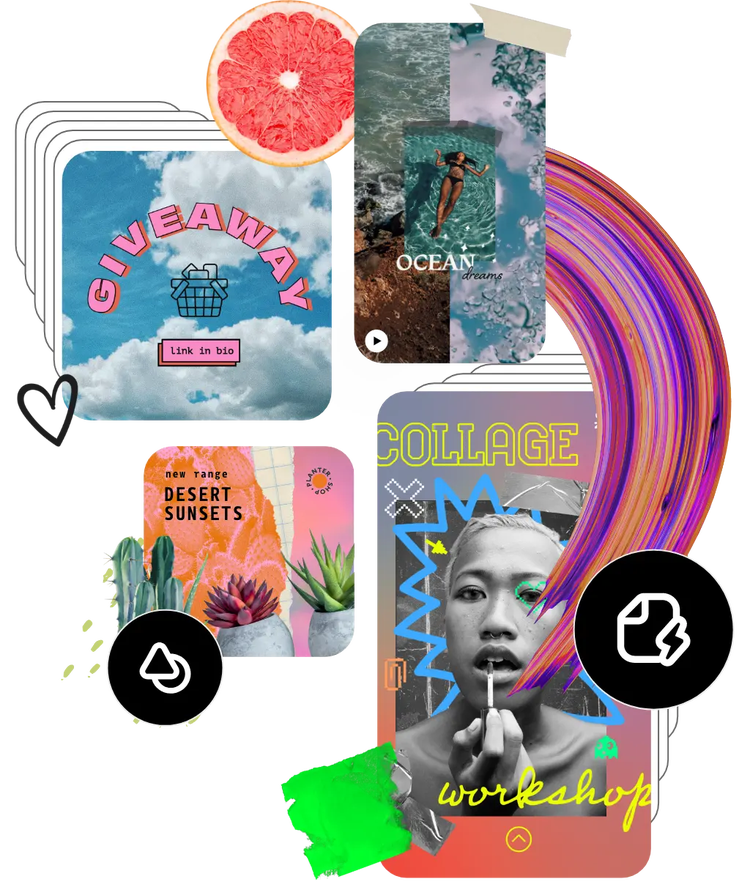
Browse hundreds of thousands of assets to start customizing today.
Use video to say what you can’t with words. Browse the Adobe Stock collection of videos to get started. Easily search for the message you’re trying to send and continue editing from there. You can even bring multiple videos together and turn them into a one-of-a-kind GIF.