Free breakfast invitation maker.
Spread the word about your breakfast event. Begin making your breakfast invitation with free, professionally designed templates you can personalize with your own images and color schemes. Print available for US, UK, Australia, and Canada desktop and mobile users.

Or start with these popular templates
How to make breakfast invitations.
1. Pick a template.
Start by searching for breakfast invitations. You’ll find a range of styles from corporate and simple to vibrant and spunky. There are tons of templates to choose from.
2. Customize it.
Select any text box to switch font styles and add in your breakfast invitation's details such as date, location, and how to RSVP. Easily upload any photos you’d like and swap out color schemes to finish your design.
3. Print or save.
If you’re sending your breakfast invitation digitally, you can download it as a PDF, JPG, or PNG file. If you’d rather get professional prints, Adobe Express desktop or mobile users in the US, UK, Australia, or Canada can order directly from the app and have high-quality prints delivered in days.
Make a breakfast invitation faster than you can fry an egg.
Any bottomless breakfast party is a cause for celebration. With the Adobe Express breakfast invitation maker on your side, it’s easy to generate buzz about your event with tons of free templates to start with. Easily edit the text, upload your photos, and change the color schemes. Your guests will be excited to be early birds for your brunch party.
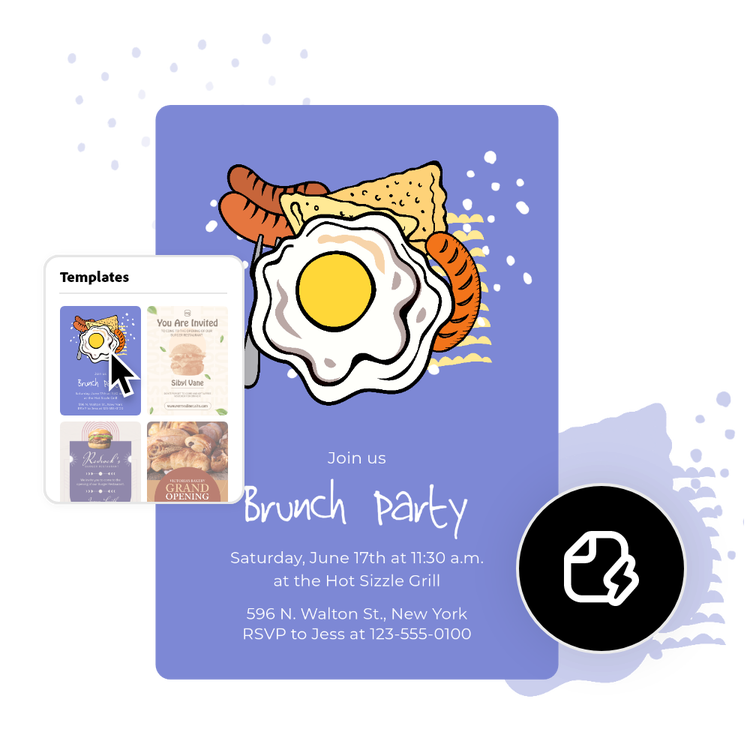

Generate text effects to stand out.
Promoting a breakfast-themed fundraiser event? Or a brunch housewarming party? You’ll want it to be eye-catching. Use the Generate text effects tool to create an attention-grabbing bacon font or the Resize tool to transform your breakfast invitation into a social post. Create and edit designs regardless of skill level.
Send off breakfast invitations via mail.
The breakfast invitation maker easily takes you from design to print. Whether you’re an experienced event planner or new to hosting, you want an invitation that won’t end up in the junk mail. Once your design is ready to go, you can either download to print from your computer or order prints from the Adobe Express app and have them delivered to you (available to US, UK, Australia, or Canada desktop or mobile users). All that’s left is to address and stamp the envelopes.
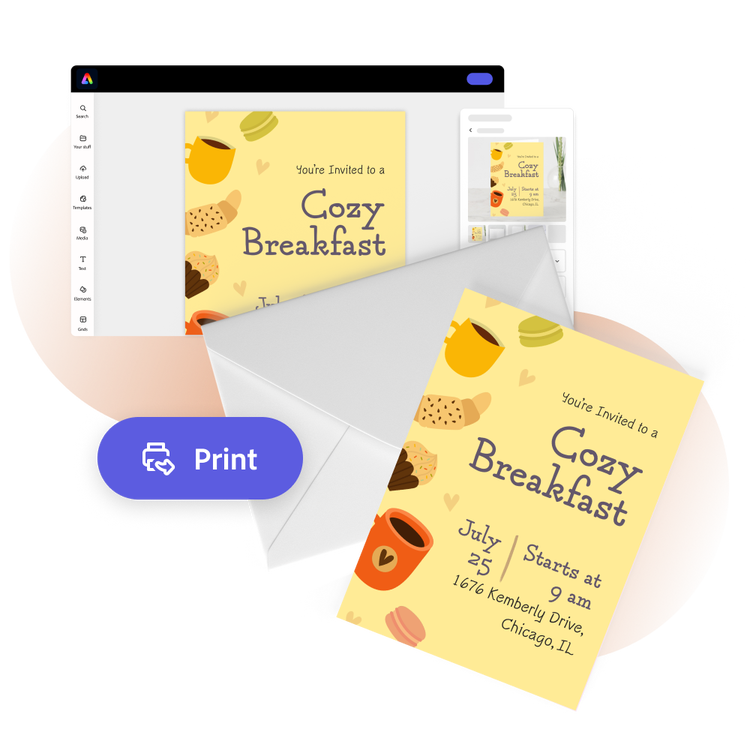
The fast, easy, and free breakfast invitation maker for everyone.
Whether you're planning a get-to-know-you brunch for the office or a big Christmas breakfast, the invitations you send must strike a chord with invitees. Adobe Express offers a wide array of templates to make getting started on your breakfast invitation easy. Type in your event details and add any images you want. Play around with color schemes and fonts and then your invitation is complete. Create and edit designs regardless of skill level.

Collection ID
(To pull in manually curated templates if needed)
Orientation
(Horizontal/Vertical)
Width
(Full, Std, sixcols)
Limit
(number of templates to load each pagination. Min. 5)
Behaviors
(still/multiple-pages/video/animated)
Sort
Most Viewed
Rare & Original
Newest to Oldest
Oldest to Newest
Premium
(true, false, all) true or false will limit to premium only or free only.