.
Black Friday offer - Get Premium access for 30-days, on us. No credit card required. Ends Dec 07.
Claim offer

Free birthday photo collage maker.

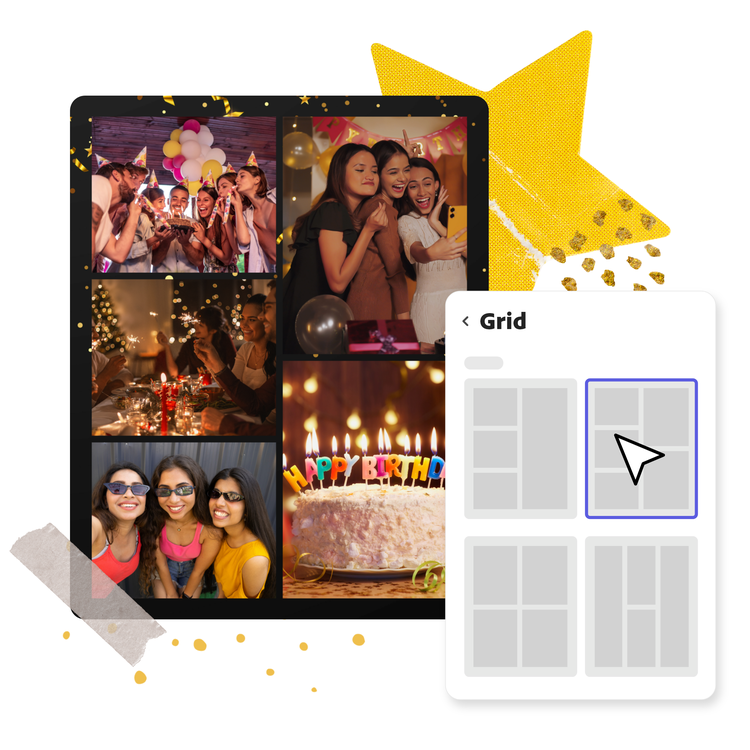
Craft vibrant and festive birthday photo collages with Adobe Express. Upload a collection of birthday memories in one go and watch as they’re stitched together into a stunning collage. Designing your collage is as easy as blowing out birthday candles.
Create now


How to create a happy birthday photo collage.

1. Upload.

Add photos of the birthday celebrant from your camera roll or choose royalty-free Adobe Stock photos to get started.

2. Customize your collage.

Pick your perfect party layout. Tweak the colors, spacing, and border thickness until your collage is the life of the birthday bash.

3. Continue editing.

Download your new birthday photo collage or keep editing within Adobe Express. Add animations, funky filter effects, or icons for an extra dose of birthday brilliance.
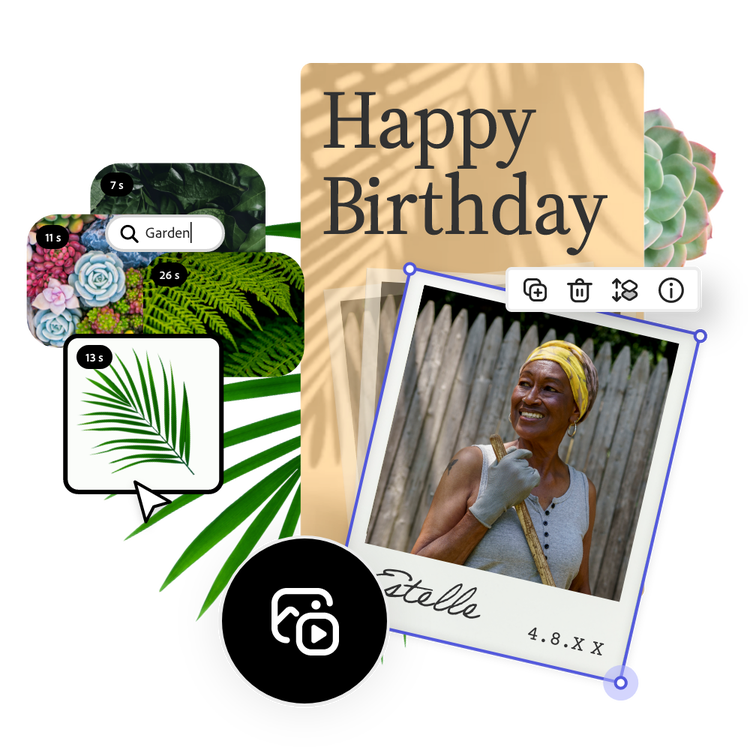
Enhance your birthday photo collage with filters and animated effects.

Transform your static images into dynamic works of art, capturing the essence of celebration and joy. Whether you want to add a playful touch with animated icons or apply stylish filters to enhance the mood, Adobe Express offers a range of options to suit the birthday festivities and add vibrancy, making your birthday photo collage perfect for sharing and commemorating special moments.

Invite collaborators to leave birthday wishes.

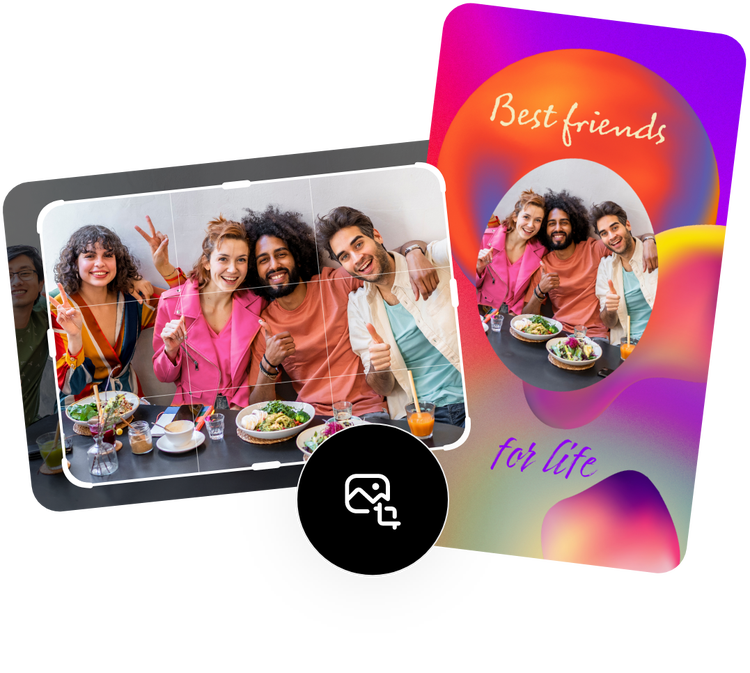
Send a share link to friends, family, and coworkers to edit the same birthday photo collage. Have them upload their own photos with the celebrant, or leave birthday wishes in a variety of festive fonts.
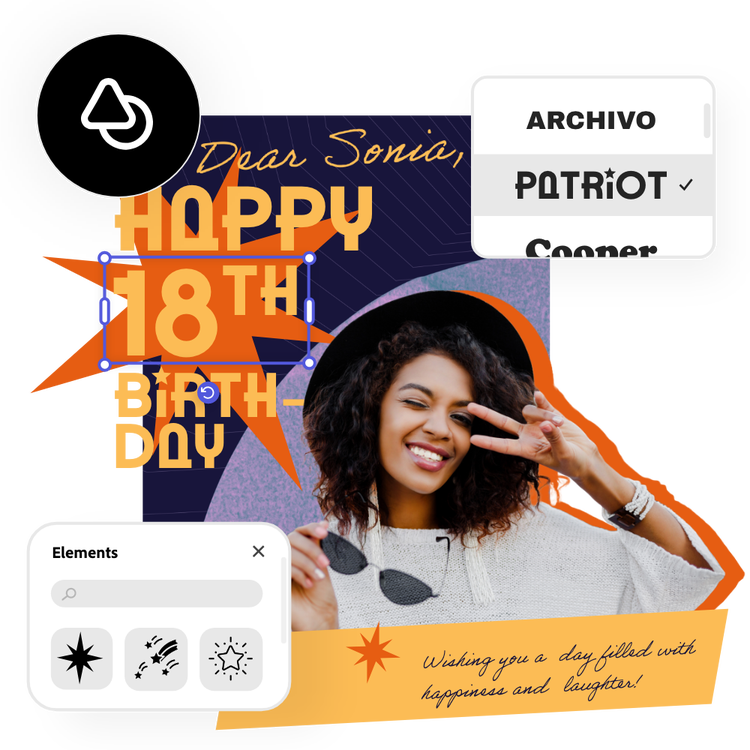
Say “Happy Birthday” with Generate Text Effect.

Amp up the festivities when you add text effects to your birthday photo collage.

Make any title or text in your design turn into candle letters or add a balloon-style effect to make things pop. All you must do is type a simple description into the Generate Text Effect tool and watch it create stunning textures and styles for your text.

Create custom birthday photo collages with Adobe Express.

Surprise your friends and family with a personalized birthday photo collage made with Adobe Express. Upload your images or choose free photos from Adobe Stock’s collection. Add icons, color schemes, and a heartfelt birthday message. Make your birthday collage as festive or as simple as you’d like with tons of free templates to kickstart your design.

Start from scratch
Brown and Pink Birthday Party Instagram Square Post
Edit this template
Purple Bold Retro Photo Collage Birthday Invite
Edit this template
Pink And Green Collage Baby Birthday Invitation Card
Edit this template
Blue and Pink Friends Happy Birthday Instagram Story
Edit this template
Beige Paper Birthday Instagram Portrait Collage
Edit this template
White Yellow Bright Neon Astronaut Space Kids Party Instagram Collage
Edit this template
Blue Sparks and Confetti Birthday Card
Edit this template
Pink and Red Birthday Party Invitation
Edit this template
Green Jungle Birthday Instagram Square Post
Edit this template
Yellow White & Beige Collage Happy Birthday To My Wonderful Mum Instagram Square Post
Edit this template
Pink with Photos and Confetti Birthday Party Instagram Story
Edit this template
Blue and Yellow Birthday Instagram Story
Edit this template
Luna 4th Birthday Collage Instagram Portrait
Edit this template
Yellow White & Beige Collage Happy Birthday To My Wonderful Mum Instagram Square Post
Edit this template
Red & Yellow Happy Birthday Collage Instagram Square Post
Edit this template
Orange background with photo collage greetings for Happy Birthday Instagram Story
Edit this template
Green Yellow Pink Jungle Birthday Party Collage Instagram Portrait
Edit this template
Pink Film Photo Grid Birthday Instagram Square Post
Edit this template
Purple and Pink Collage Birthday Invitation
Edit this template
Neutral Birthday Invitation
Edit this template
Orange Collage Doodle Birthday Poster
Edit this template
White & Black Trendy Burnt Edges Scrapbook Friendship Birthday Collage Instagram Story
Edit this template

Frequently asked questions.

Can I make more than one birthday collage?

Absolutely. You can make as many birthday photo collages as you like with Adobe Express, so have fun creating multiple versions of your design or experimenting with different templates and color schemes until you’ve created the perfect one. Adobe Express automatically saves your work, so you can go back and edit anytime.

Can you make a birthday picture collage with Adobe Express?

Absolutely. Open the Adobe Express app or start your project from your browser. Upload your favorite birthday photos, arrange them within the collage template, and add some text, icons, photo filter effects, and more. Once you're satisfied, save or share it on social media to surprise the celebrant, or print it out and turn it into a birthday card. It’s a breeze to create personalized birthday collages that'll make everyone smile.

Can I create my own birthday collage template?

Any new or existing project can be turned into a shareable template. To turn your birthday photo collage into a template, click on the three-dot menu at the left of the Download button and follow the steps to turn your design into a template.

Can I get Adobe Express for free? If so, what’s included?

Yes, our free plan offers many core features including thousands of templates, photo editing and effects, animation, and 2GB of storage. See our pricing page for details and to compare plans.

Which social media channels can I upload my birthday collage to?

You can upload your Adobe Express birthday collage to various social media channels like Facebook, Instagram, X (Twitter), and more.