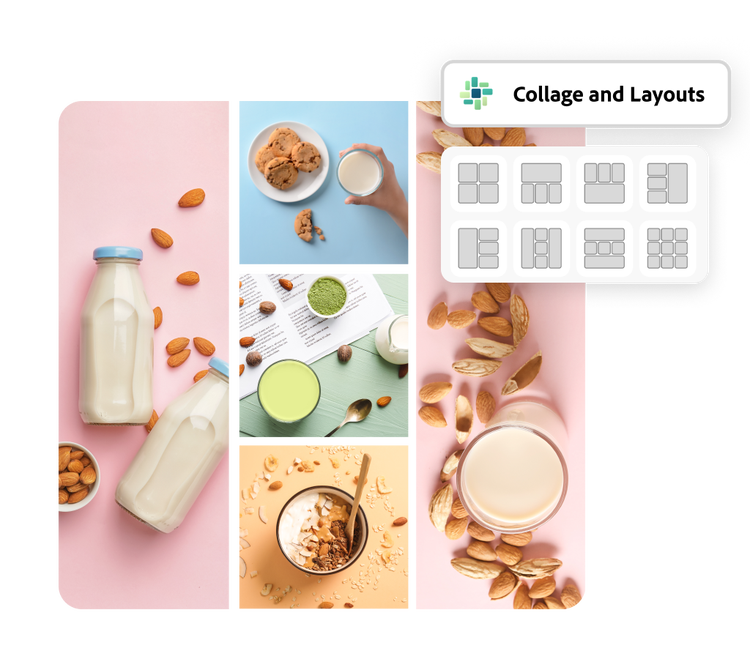
Start by selecting images from your camera roll or desktop.
2. Customize your grid.
Choose a grid layout, then add icons, backgrounds, or graphics. Personalize with text effects and adjustments.
3. Continue editing.
Download your new photo grid or keep editing in Adobe Express.
Why Adobe Express is the perfect photo grid app.
Boost your social media influence by sharing your photo collage on your favorite platform or designing a grid takeover for your Instagram feed. With the click of a button, you can automatically format your grid design for any website. You can even print your grid at home on photo paper to frame or give as a gift.

Let Adobe Express be your photo grid design expert.
Hone your creativity with the power of Adobe Express. Explore professionally designed templates to get your wheels spinning or create your photo grid from scratch. Establish a theme for your designs using photos, icons, logos, personalized fonts, and other customizable elements to make them feel entirely authentic. Duplicate designs and resize them to create consistency across multiple types of assets.
Design your photo grid with our templates.
You can use grids to make photo collages, mood boards, and eye-catching posters. Curate crisp designs with the Adobe Express grid maker, use a combination of stock photos and your own uploaded images. The amount of customization available allows you to create genuinely unique grids without having to start from scratch.
Add as many as you’d like. Browse our templates to find one that has the number of photos you’d like to feature, or upload your images to a blank canvas and organize it according to the number of photos. Use cropping, shape crops, or borders to create your grid.
Can I edit the images in my photo grid?
Absolutely. Select any specific image in your collage to pull up the editing options. Apply Photoshop-worthy filters, edits, or enhancements in seconds. You can also crop or rotate an image to fit it perfectly into your collage design.
How do I add graphics to my photo grid?
Use our Design Assets and Backgrounds collections to find standout graphics that you can drop right into your design. Play with layers, repetition, and transparency to give your photo grid depth.
Can I get Adobe Express for free? If so, what’s included?
Yes, our free plan offers many core features including thousands of templates, photo editing and effects, animation, and 2GB of storage. See our pricing page for details and to compare plans.
Can I create my own photo grid template?
Any new or existing project can be turned into a shareable template. To turn your photo grid into a template, click on the three-dot menu at the left of the Download button and follow the steps to turn your design into a template.
You can control how Adobe websites use cookies and similar technologies by making choices below. But note that if you disable cookies and similar technologies entirely, Adobe websites may not function properly.
Cookies are small text files stored by your web browser when you use websites. There are also other technologies that can be used for similar purposes like HTML5 Local Storage and local shared objects, web beacons, and embedded scripts. These technologies help us do things like remembering you and your preferences when you return to our sites, measure how you use the website, conduct market research, and gather information about the ads you see and interact with.
You can make choices in the menu below about what cookies and other technologies you want us to use on Adobe sites when you visit them from this browser. You can always change those choices later by clicking on the Cookie Preferences link at the bottom of the page.
If enabled:
We can improve your experience by tailoring the site and the content to things we think might be of interest
We can better keep track of your preferences — like what language you prefer to use
We will better understand your likely interests so we can provide you more relevant Adobe ads and content on non-Adobe websites and in non-Adobe apps
It will help us improve the performance of our website and those of our partners who use the Adobe Experience Cloud
If disabled:
We won’t be able to remember you from session to session so the experience may not be tailored to your interests
You’ll still have access to the content of the site but certain features that depend on cookies may not function
You’ll still see ads, they just may not be as relevant to you
General information
You can control how Adobe websites use cookies and similar technologies by making choices below. But note that if you disable cookies and similar technologies entirely, Adobe websites may not function properly.
Cookies are small text files stored by your web browser when you use websites. There are also other technologies that can be used for similar purposes like HTML5 Local Storage, web beacons, and embedded scripts. These technologies help us do things like remembering you and your preferences when you return to our sites, measure how you use the website, conduct market research, and gather information about the ads you see and interact with.
You can make choices in the menu below about what cookies and other technologies you want us to use on Adobe sites when you visit them from this browser. You can always change those choices later by clicking on the Cookie Preferences link at the bottom of the page.
If enabled:
We can improve your experience by tailoring the site and the content to things we think might be of interest
We can better keep track of your preferences — like what language you prefer to use
We will better understand your likely interests so we can provide you more relevant Adobe ads and content on non-Adobe websites and in non-Adobe apps
It will help us improve the performance of our website and those of our partners who use the Adobe Experience Cloud
If disabled:
We won’t be able to remember you from session to session so the experience may not be tailored to your interests
We’ll still count your use of our site and services
You’ll still have access to the content of the site but certain features that depend on cookies may not function
You’ll still see ads, they just may not be as relevant to you
Operate the site and core servicesOperate site and measure engagement
Always active
These cookies are required, and they are used to enable the site and related services core functionality. Without them the site could not operate, so they cannot be disabled.
These cookies enable the site and related services’ core functionality and collect statistics about user engagement, such as counting active use to help us understand trends. These cookies cannot be disabled.
Measure performance
These cookies are used to analyze site usage to measure and improve performance. Without them Adobe cannot know what content is most valued and how often unique visitors return to the site, making it hard to improve information we offer to you.
These cookies are used to analyze site usage to measure and improve performance. Without them Adobe cannot know what content is most valued, making it hard to improve information we offer to you.
Extend functionality
These cookies are used to enhance the functionality of Adobe sites such as remembering your settings and preferences to deliver a personalized experience; for example, your username, your repeated visits, preferred language, your country, or any other saved preference.
Personalize advertising
These cookies are used to enable Adobe and our partners to serve ads more relevant to your interests. Without them you will still see ads, but they might not be as relevant to you.