



Free photo grid maker.
Make a custom design with the photo grid app from Adobe Express. Add free images, filters, and more to your photo grid.

1. Upload.
Start by selecting images from your camera roll or desktop.
2. Customize your grid.
Choose a grid layout, then add icons, backgrounds, or graphics. Personalize with text effects and adjustments.
3. Continue editing.
Download your new photo grid or keep editing in Adobe Express.
Why Adobe Express is the perfect photo grid app.
Boost your social media influence by sharing your photo collage on your favorite platform or designing a grid takeover for your Instagram feed. With the click of a button, you can automatically format your grid design for any website. You can even print your grid at home on photo paper to frame or give as a gift.
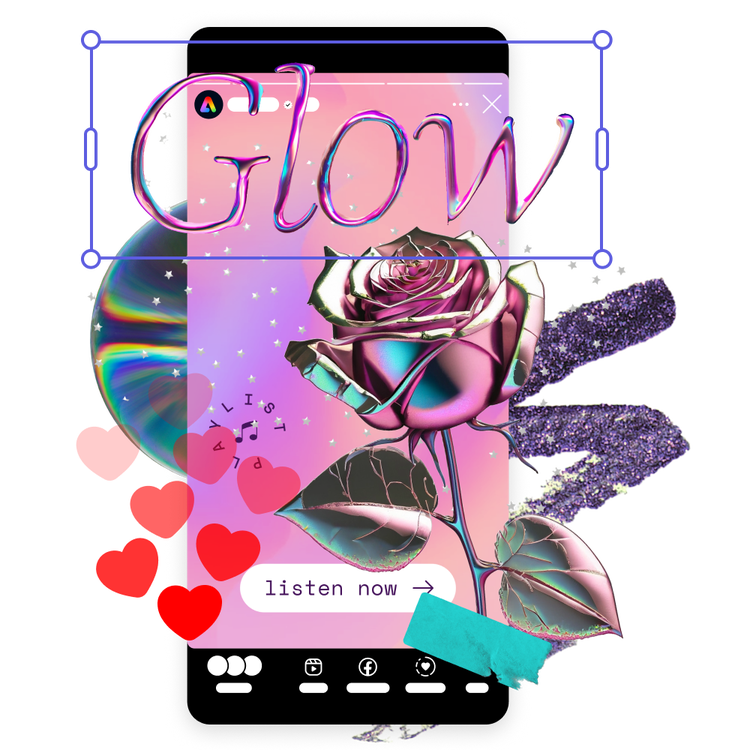

Let Adobe Express be your photo grid design expert.
Hone your creativity with the power of Adobe Express. Explore professionally designed templates to get your wheels spinning or create your photo grid from scratch. Establish a theme for your designs using photos, icons, logos, personalized fonts, and other customizable elements to make them feel entirely authentic. Duplicate designs and resize them to create consistency across multiple types of assets.
Design your photo grid with our templates.
You can use grids to make photo collages, mood boards, and eye-catching posters. Curate crisp designs with the Adobe Express grid maker, use a combination of stock photos and your own uploaded images. The amount of customization available allows you to create genuinely unique grids without having to start from scratch.


Frequently asked questions.
How many photos can I add to my photo grid?
Add as many as you’d like. Browse our templates to find one that has the number of photos you’d like to feature, or upload your images to a blank canvas and organize it according to the number of photos. Use cropping, shape crops, or borders to create your grid.
Can I edit the images in my photo grid?
Absolutely. Select any specific image in your collage to pull up the editing options. Apply Photoshop-worthy filters, edits, or enhancements in seconds. You can also crop or rotate an image to fit it perfectly into your collage design.
How do I add graphics to my photo grid?
Use our Design Assets and Backgrounds collections to find standout graphics that you can drop right into your design. Play with layers, repetition, and transparency to give your photo grid depth.
Can I get Adobe Express for free? If so, what’s included?
Yes, our free plan offers many core features including thousands of templates, photo editing and effects, animation, and 2GB of storage. See our pricing page for details and to compare plans.
Can I create my own photo grid template?
Any new or existing project can be turned into a shareable template. To turn your photo grid into a template, click on the three-dot menu at the left of the Download button and follow the steps to turn your design into a template.
illustrator

