



Make a school logo for free in minutes.
Choose from our templates and quickly design a school logo that stands out.
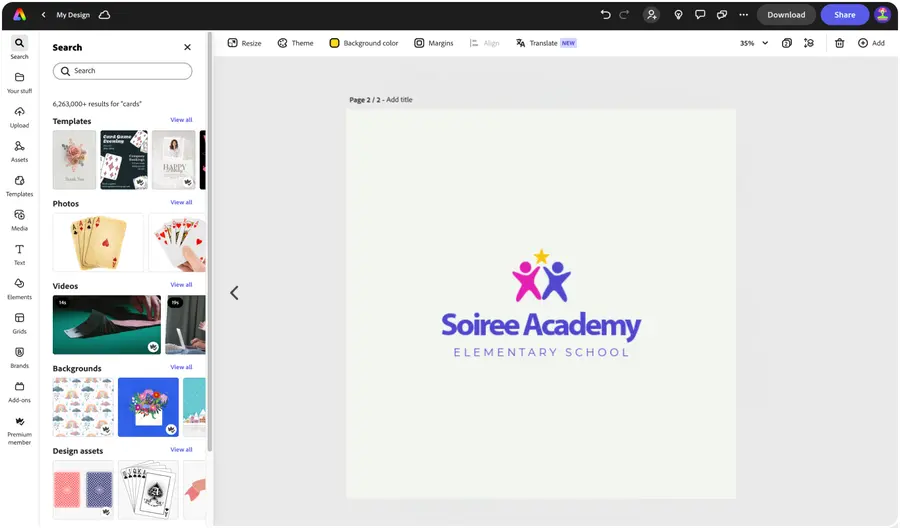


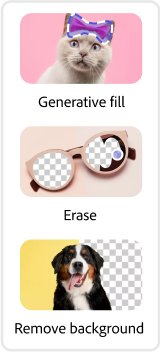
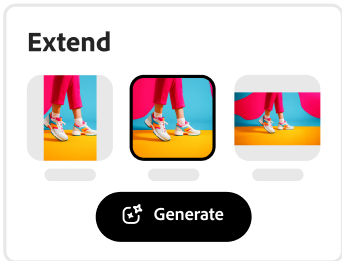


Easy all-in-one editor

One-click edits from any device

Fast creation with generative AI

Thousands of professionally-designed templates
Easily get started in Adobe Express.
Discover free school logo templates from Adobe Express.
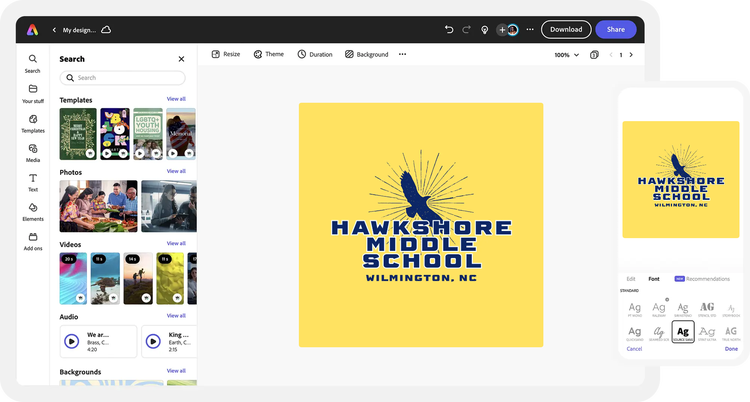
With Adobe Express, it’s easy to create a logo that shows what your school is all about. Use professionally designed templates, beautiful fonts, and your choice of colors plus a wide range of school-themed icons like desks, notepads, pens, and backpacks. It’s as simple as choosing a template, customizing it, and sharing on your website, social media channels, brochures, flyers, and more.
 New templates
- Popular
- New templates









Launch the logo maker.
Get started by telling us about your school logo idea with a few details.Decide on a visual style.
Choose an aesthetic that resonates with you, then handpick an icon for your school logo.Generate logo options.
Browse from dozens of custom school logo options generated just for you. Select your favorite to customize further.Complete your logo.
Adjust the fonts and colors of your school logo exactly to your liking. For even more personalization options, open your logo in the Adobe Express editor.Save and share your custom school logo.
Download your logo right to your mobile device or download an entire folder of logo variations when using your desktop. Feature your logo across all your channels.
See what people are saying about Adobe Express.

Abs Ahlijah
Marketing & Content Coordinator @ Soul Session
"As a marketer who is always on the move. Adobe Express helps me to create fast, high quality content. Absolute endless features to enhance my creativity!"

Liz Mosley
Owner, Liz Mosley Design
"I use Adobe Express to create and schedule a lot of my own content, and by creating templates for my own brand I have saved my self hours marketing my business!”

Penuel Stanley-Zebulon
Student @ Pennsylvania State University
"The remove background image tool in Adobe Express saved me hours of tedious editing, effortlessly removing backgrounds and refining my images with just a few clicks."

Attabeira German de Turowski
Owner, Attabeira Oneline
"I use Express Premium for my social media efforts and Content Scheduler has helped me grow my following through consistent posting."

Mike Nappi
Owner, NappiMusic
"I'm all in on Adobe Express. Premium makes it easy for me to maintain a cohesive look and feel for my brand."
Discover even more features for easy content creation.
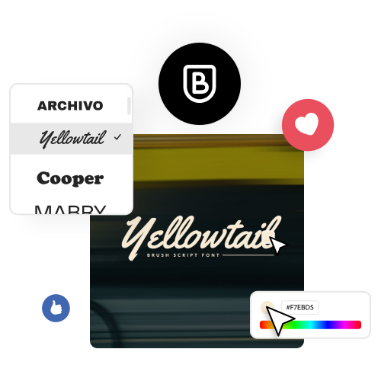
Create animated logos for videos and more.

Further personalize your school logo in the Adobe Express online editor. Select from dozens of animation styles to apply to the text or images in your logo. Then, download your animated logo as an MP4 file to share in video intros, Instagram stories and reels, and more.

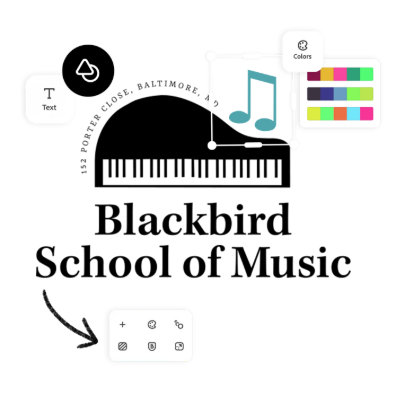
Make an iconic school logo with Adobe Express.
Each step in the design process empowers you with various choices, allowing you to experiment with multiple outline shapes, backgrounds, color schemes, and layouts. Enjoy the freedom of having countless options and feel confident in making the final call about what’s best for your design. Make a logo that will tell your school’s story to the larger community. And remember to continue using your school logo on all your Adobe Express school designs.
The world's leading businesses use Adobe Express.





Discover even more.

Frequently asked questions.
Why is Adobe Express a great tool for busy educators?

You have plenty to do and not much time for design. That’s why Adobe Express makes it fast and easy for you to create beautiful, customized school logos and so much more — including posters, flyers, newsletters, and social media graphics. No need to learn complicated technical steps or advanced design techniques.
What are the advantages of creating school logos with Adobe Express?

What makes a school logo grab attention?
Can I create my own school logo template?
Can I get Adobe Express for free? If so, what’s included?
Why is Adobe Express a great tool for busy educators? opened
illustrator

