Free online presentation maker.
Start in Adobe Express for free and build a polished presentation in minutes. Import your existing slides or PowerPoint files, or browse hundreds of professionally designed templates. Customize layouts, add images, and download as a Microsoft PowerPoint or PDF when you're done.
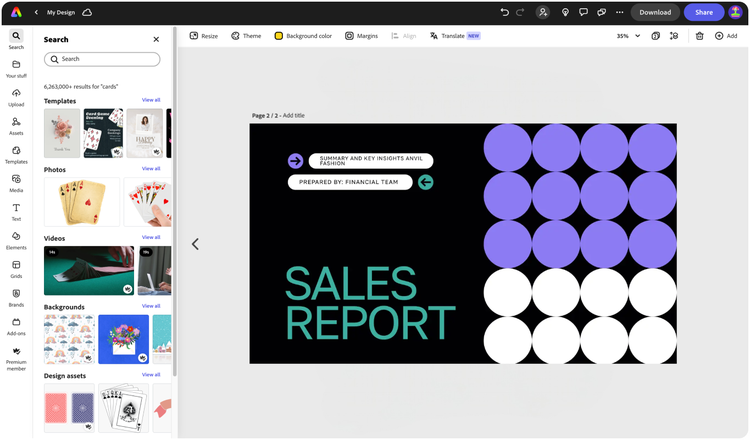

Easy all-in-one editor

One-click edits from any device

Fast creation with generative AI

Thousands of professionally-designed templates
Easily get started in Adobe Express.
- Templates
- Upload Content
- Stock Content
- AI
Explore more categories:
Upload or import your content.
Add your own photos, videos, or existing Microsoft PowerPoint (.pptx) files and start your presentation from there. You can also import PSD or Ai files and Adobe Express will recognize all of your layers.


Upload your photos or videos
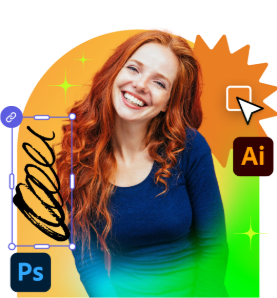
Upload your PSD or Ai files
Upload or import your content.
Add your own photos or videos and start your creation from there.
Upload your photos or videos
Start from our amazing collection of stock content.
You can start your project from the Adobe Stock royalty-free photo, video, or audio collection.

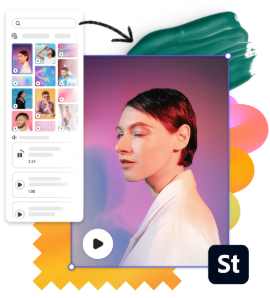
Start with video

Start with photo
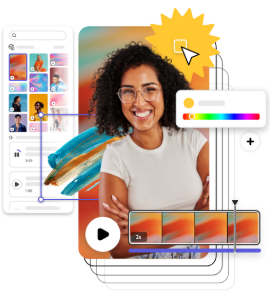
Start with audio
Imagine and create from a text prompt.
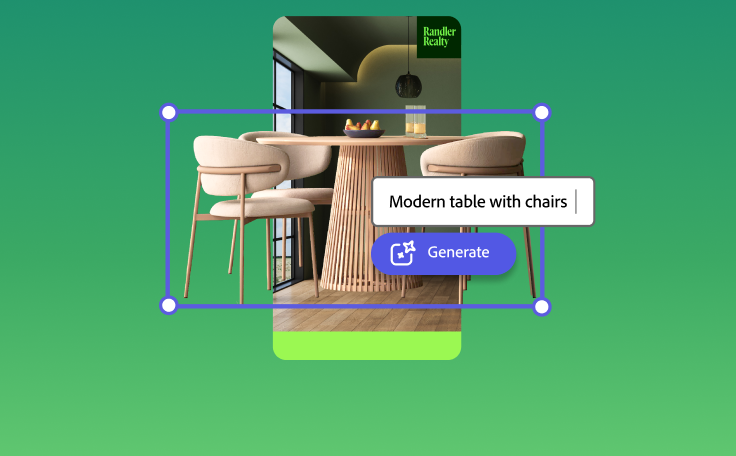
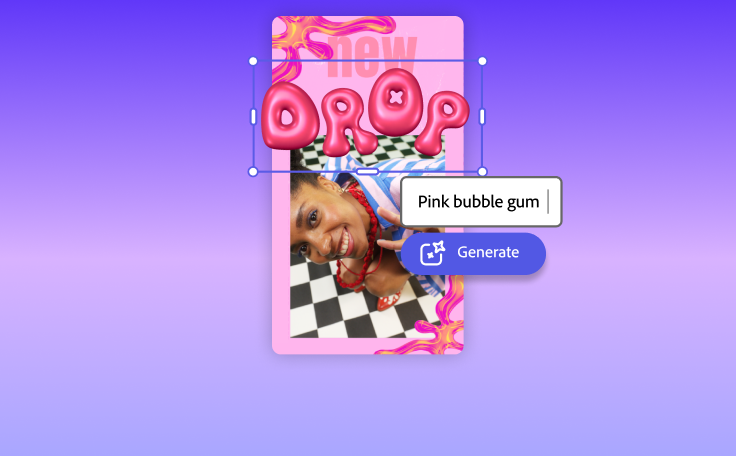
Your imagination is your only limitation. You type it. Adobe Express generates it.
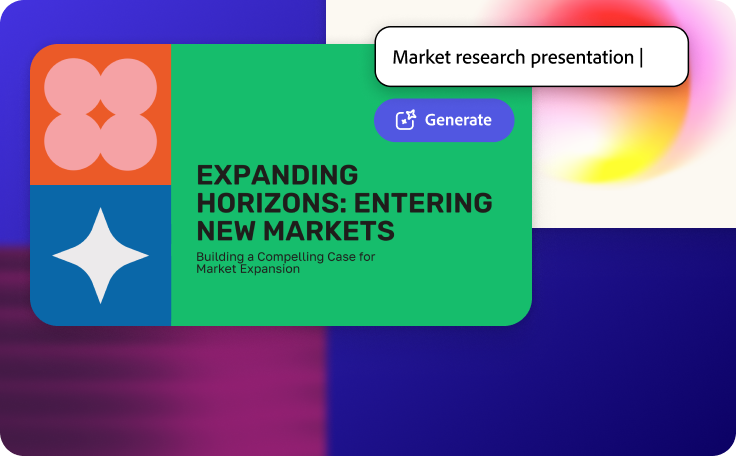
Generate presentation
Type a prompt and Adobe Express generates a complete slide deck for you.


How to make a presentation.

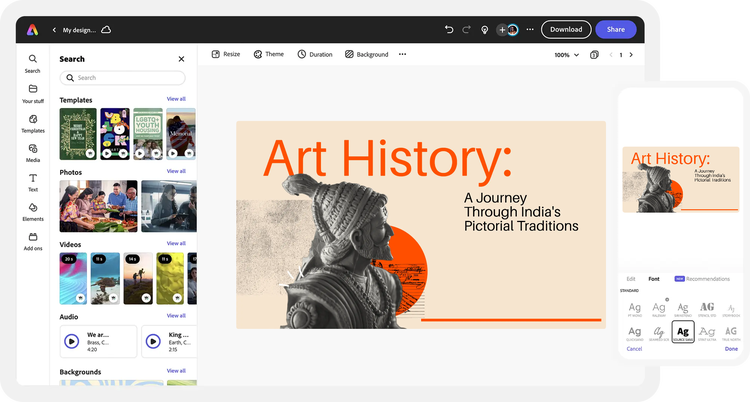
See what people are saying about Adobe Express.

Abs Ahlijah
Marketing & Content Coordinator @ Soul Session

Liz Mosley
Owner, Liz Mosley Design

Penuel Stanley-Zebulon
Student @ Pennsylvania State University

Attabeira German de Turowski
Owner, Attabeira Oneline

Mike Nappi
Owner, NappiMusic
Discover even more features for easy content creation.
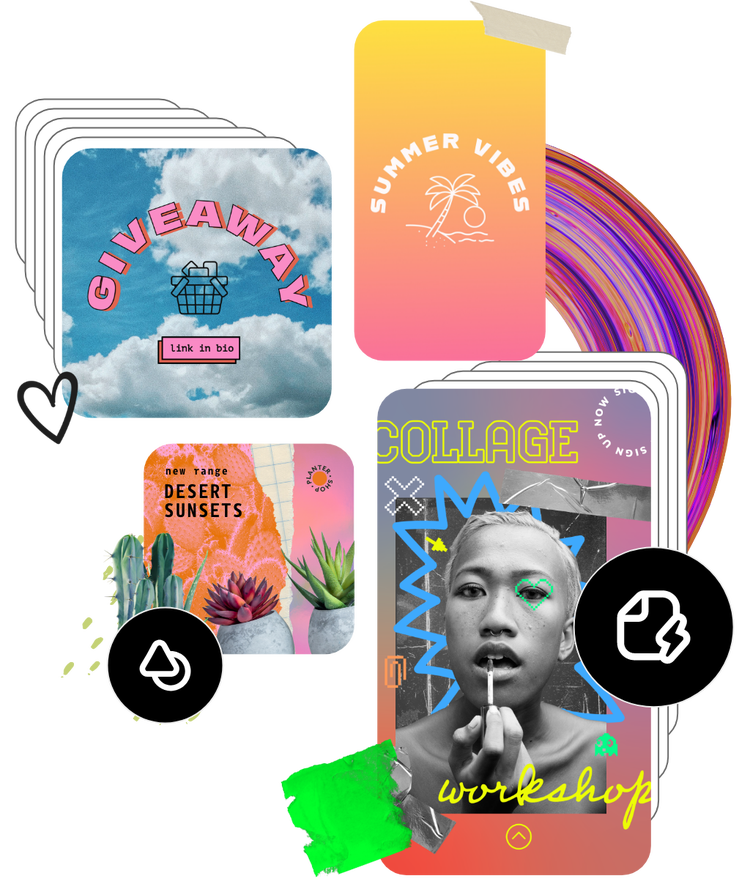
Create a custom presentation in minutes.
Adobe Express helps you bring ideas to life effortlessly. Explore thousands of presentation templates to get inspired, then make them your own with brand colors, fonts, logos, and layouts. Add charts, icons, and infographics to present information clearly and impress your audience every time.
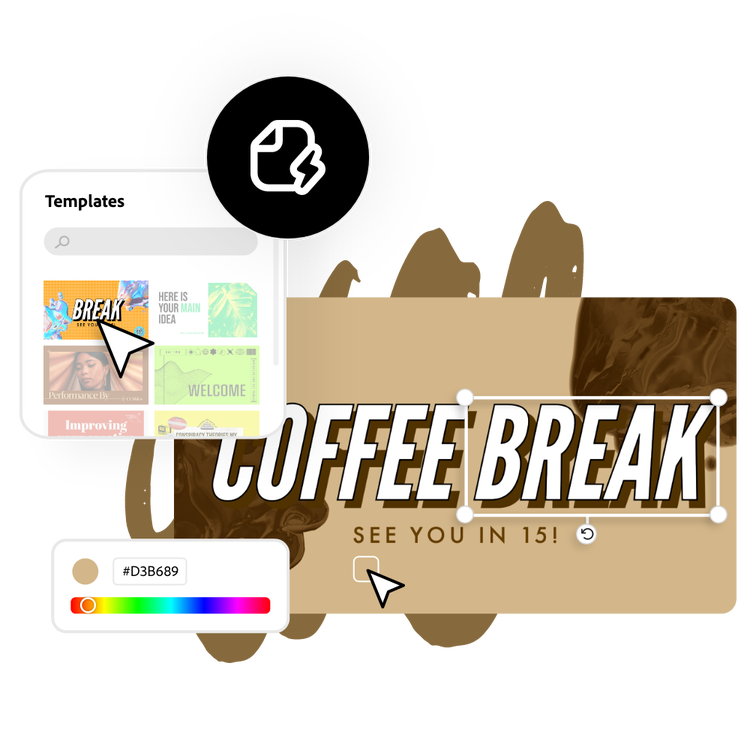
Add visuals that capture attention.
Make your slides stand out with visuals that match your message. Upload your own photos or browse Adobe Stock’s library of high-quality images, icons, and graphics. Customize effects, backgrounds, and filters to design slides that look professional and stay memorable.

Work together seamlessly.
Invite teammates, classmates, or collaborators to edit and refine your presentation in real time. Share feedback, adjust layouts, and finalize slides together all within Adobe Express. Collaborating on visual storytelling has never been faster or easier.

Share or present anywhere.
Download your finished presentation as a PDF, JPG, or PowerPoint (.pptx) file, or present directly from Adobe Express. You can also open your downloaded .pptx file in Google Slides for further editing or sharing within Google Workspace. Wherever your audience is, your presentation will look professional on every screen.