

Resize photos for Instagram for free.
Edit any image to fit Instagram’s upload requirements for posts, stories, profile pictures, and more.
Drag and drop an image
or browse to upload.
File must be JPEG, JPG, PNG or WebP and less than 40MB
 Free to useNo credit card required
By uploading your image or video, you agree to the Adobe Terms of Use and Privacy Policy
1. Upload.
Upload your JPG or PNG to our image resizer.
2. Resize.
Select an Instagram image type to adjust the photo.

3. Continue editing.
Instantly download your resized image or keep editing.
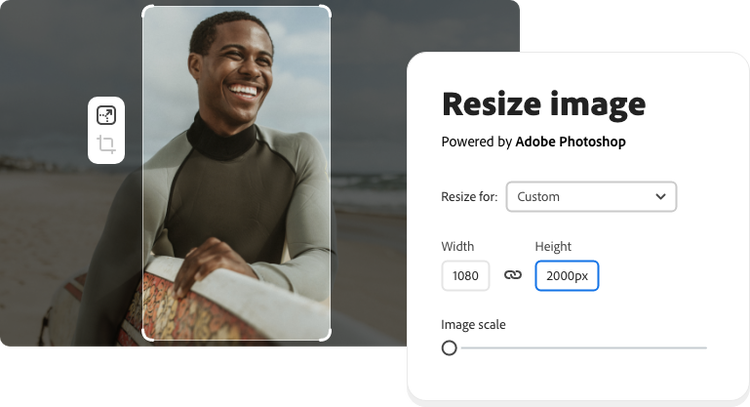
What are the best sizes for Instagram images?
When sharing on Instagram, you can post square images, portrait shots, or landscape photos. But the aspect ratio rules for your Instagram posts are different than the ratio for an Instagram Stories post. When resizing images, keep these pixel aspect ratios in mind.
Instagram profile: 110 x 110 pixels, 1:1 aspect ratio.
Instagram post: 1080 x 1080 pixels, 1:1 aspect ratio.
Instagram stories: 1080 x 1920 pixels, 16:9 aspect ratio.
Make outstanding Instagram posts.
To resize your images for Instagram, use a 1:1 square shape, a 4:5 ratio for vertical posts, and a 1.91:1 ratio for horizontal posts. The Adobe Express image resizer has all these sizes preset for you, so you can resize your images instantly and waste no time sharing them with your followers. And remember, all posts will be cropped to a square shape in your feed, so be sure to adjust your image cropping as necessary to keep your subject near the center of your image.
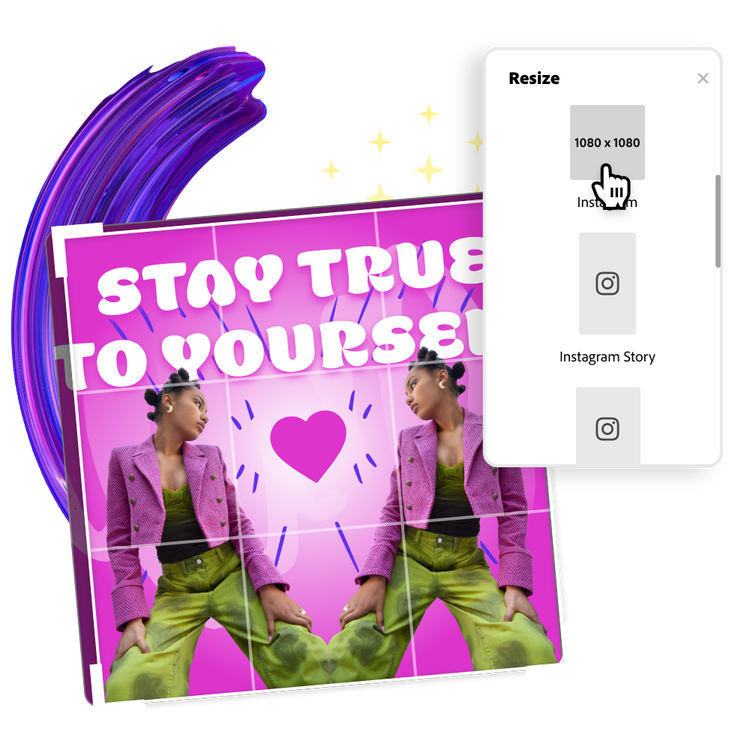

Create stunning and share-worthy Instagram Stories.
While images can be manually cropped and sized to fit a story, the recommended full screen size for Instagram Stories content is 1080px by 1920px (a 9:16 aspect ratio). This applies to both photos and videos. Easily resize your images with the image resizer, and then head to Adobe Express to personalize your images even further with icons, graphic assets, typography, animated stickers, and so much more.
Hundreds of thousands of templates and assets to start customizing today.
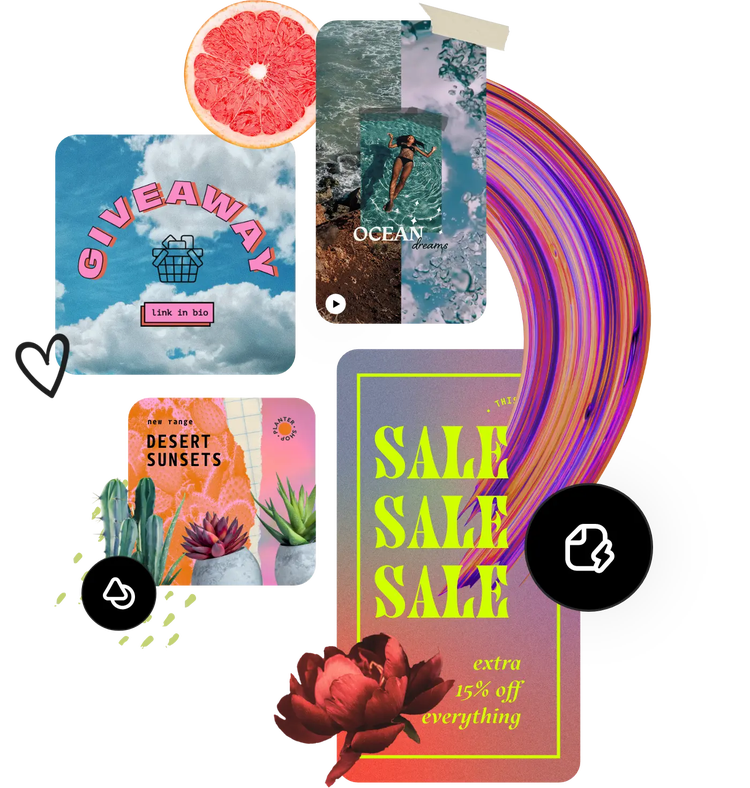
Get inspired and save time with expertly designed templates to get you started. Adobe Express has an ever-growing collection of portrait, landscape, square, and vertical templates to create designs that stand out on any channel, any device.
Frequently asked questions.
Can I resize a photo for Instagram on my phone?
Absolutely. Quickly and easily resize images on the go using the browser on your mobile device – no app download is necessary.
Can I crop or flip a photo for Instagram with Adobe Express?
Easily crop, flip, rotate, and do so much more to your image when you edit with Adobe Express.
What are the best image sizes for Instagram?
When you upload your image to the Resize image tool, use the dropdown menu to resize for Instagram. From there, enjoy preset sizes for all your Instagram needs. Select your preferred size and download instantly.
Does Adobe Express have Instagram templates?
Explore an ever-growing collection of free templates for Instagram stories, infographic posts, giveaways, and so much more from Adobe Express. Browse some of our favorite Instagram post templates to get started.
Can I get Adobe Express for free? If so, what’s included?
Yes, Adobe Express has a free plan that includes core features like photo editing tools and effects and thousands of free templates. Learn more about our plans and pricing.


