


Adobe Express is a comprehensive content creation platform built for social media marketers, small business owners, educators, and creators who need to produce professional-quality visuals, videos, and web stories without advanced design skills. This overview of Adobe Express features covers the platform's core capabilities: thousands of customizable templates for social posts, presentations, flyers, and videos; access to the full Adobe Stock library; 20,000-plus licensed fonts; one-click background removal; photo effects and filters; animation tools; and the Content Scheduler for planning and publishing directly to social platforms. The brand kit feature stores logos, colors, and fonts in one central location, enabling consistent on-brand output across every asset. Real-time collaboration tools allow teams to work together on projects without version confusion. Adobe Express integrates with Creative Cloud Libraries and other Adobe tools, making it a natural extension of existing professional workflows. For anyone looking to produce great-looking content quickly — from a quick Instagram post to a full marketing campaign — Adobe Express delivers speed, quality, and creative flexibility in one accessible platform.
News
Explore Adobe Express features
Your path to quick and easy content that stands out.

Justin Church
12/13/2021
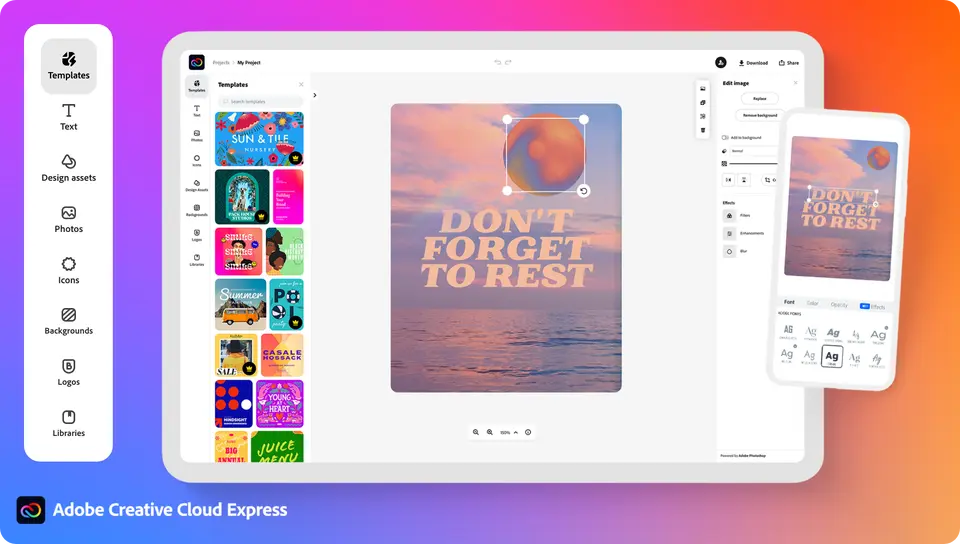
Quickly make content from templates and Adobe Stock* photos
We’ve added new templates and design elements to help you quickly make content that stands out. You’ll never have to start from scratch, so no need to fear the blank page. Instead, build off of beautiful templates and design elements that help make your work look great from the start.
It’s fast and easy to find everything you’ll need to kick off your project right. Search and access the entire Adobe Stock licensed photo collection right from the app. Need to find a photo that will perfectly represent your idea, brand, or product? Search millions of on-trend, current, and seasonal images. You have so much to choose from that you’ll always be able to find the right details to make your content sparkle.
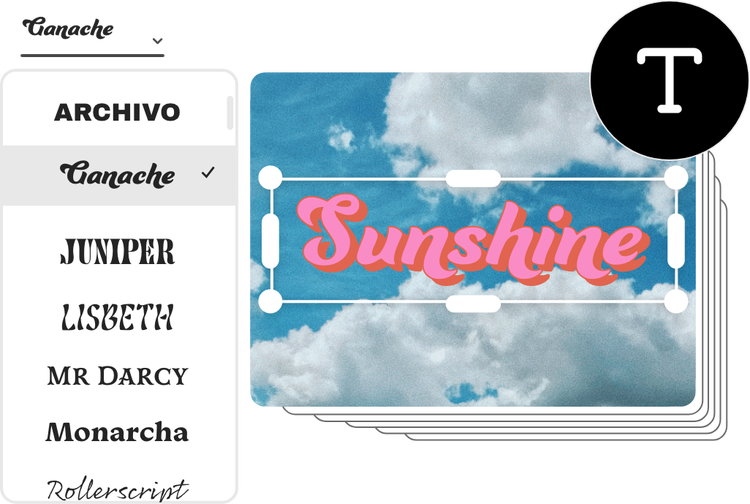
Stand out with just the right font
Now, let’s talk fonts. An ugly or mismatched font can ruin an otherwise perfect project. Thankfully, the flip side of this means that a perfect font can make your work just right. Browse the more than 20,000 high-quality Adobe Fonts from within the Adobe Express app and make your content shine.
Get it done with quick actions
Want to make edits lightning fast? Introducing quick actions for Adobe Express. These one-tap tools help you quickly remove an image background and resize images and videos. Trim, crop, reverse, and merge videos. While you’re at it, effortlessly convert a video to a GIF.
Sometimes when you convert a PDF, it doesn’t hold onto specific details and elements of the original. Nothing is more frustrating than having your fonts and formatting wiped. In Adobe Express, move between PDF, Microsoft Word, Excel, PowerPoint, and other file types while preserving all your hard work. Quick actions help you make content without sacrificing speed, quality, or creativity.
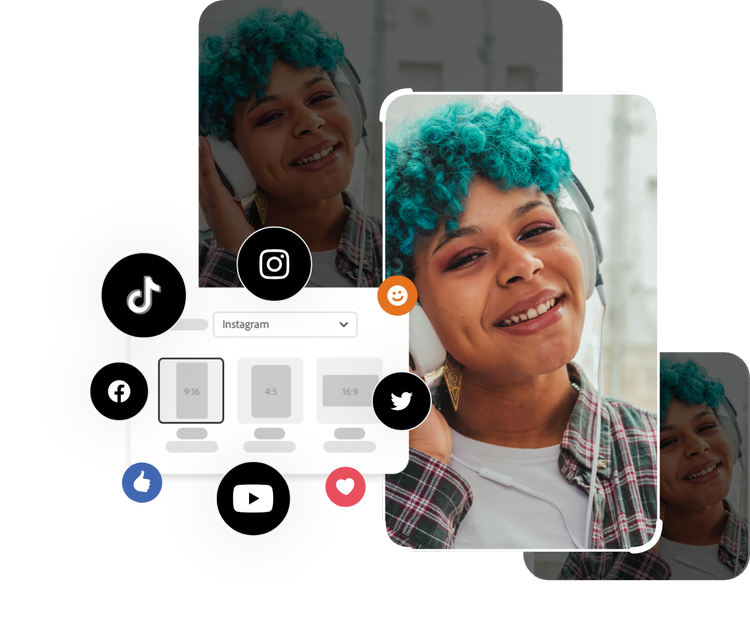
Resize images instantly.
Use our online photo resizer to change the dimensions of any image.
Remove backgrounds from photos.
Easily remove backgrounds to add shapes, colors, graphics, and more.
Convert PNGs into JPG files.
Use our online image converter to reduce file size and improve quality by changing your PNG images into JPG files.
Convert JPGs into PNG files.
Save your JPG images as PNG files to improve file quality or add transparency with our instant online converter.
Trim and edit video clips.
Use our online trimming tool to trim the length of your video in seconds.
Convert videos to GIFs.
Transform your videos into GIFs with our online converter, and share them in a flash.
Crop video clips.
Easily crop your video in seconds. Select from a handful of sizes to crop your video; and select the aspect ratio you need.
Resize video content.
Easily resize your video in seconds. Select from preset sizes to change the dimensions of your video for any digital destination.
Make your images pop
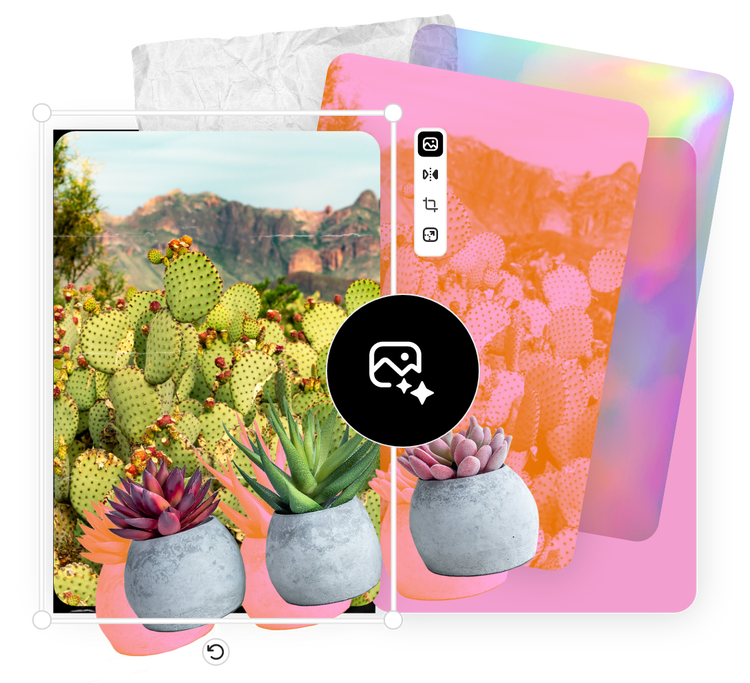
Adobe Express lets you apply cool and compelling photo effects with just a few taps. Also, there’s no need to tediously outline your subject to remove the background. Easily set your subject on a clean background by using the remove background tool to erase unwanted backdrops. Next, choose a new background, overlays, and effects to make your image pop in a matter of minutes.
Another imaging feature is our easy-to-apply duotone effect. Make eye-catching content with images that are filtered with your primary brand colors or any two hues that evoke the right mood.
Design made simple
Now that we’ve covered images, let’s explore the world of graphics. There are endless ways to combine design assets such as icons, shapes, overlays, and frames. Of course, we know you don’t have endless time. We’ve done the heavy lifting for you by providing high quality templates so that you can get a running start. In other words, we’ve grouped assets that work well together so that you don’t have to start from scratch.
Once you choose a graphic group you like, you can easily personalize it by swapping in your own mix of images, graphics, and text. This personalization is a great way to show your creativity while taking advantage of the head start you gained from using a template.
Share templates and libraries
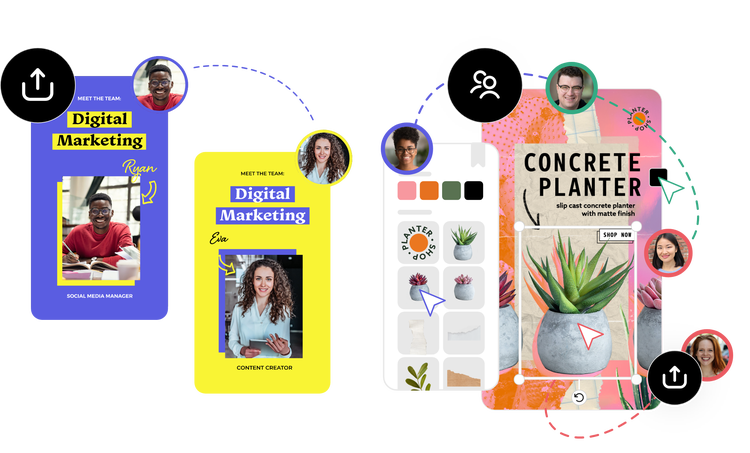
Adobe Express lets every member of your team members make consistent, on-brand content from just about anywhere. You’ll have access to Creative Cloud Libraries, which help you manage, organize, and access creative elements. Use Creative Cloud Libraries to easily collaborate across your team by sharing Adobe Express templates, assets, and brand identities such as logos.
More benefits
The Adobe Express membership also includes:
- Photoshop Express mobile app on iOS and Android: Edit and retouch photos, assemble collages, and combine photos.
- Adobe Spark Video on iOS: Make compelling video stories on iOS in minutes.
- Adobe Spark Page on iOS: Turn words and images into beautiful web pages.
- Adobe Premiere on mobile app: Easily create, edit, and share sharp, stylish videos from anywhere.
Make standout content with Adobe Express.
You can get started creating in Adobe Express for free or upgrade for a monthly fee to unlock all the premium value. Please see our pricing page for specifics on how much each plan costs. The premium value plan also comes with certain Creative Cloud plans — check your Adobe account page to see if your plan qualifies. As an Adobe Spark member, you will automatically get all the value associated with your respective plans with no action required.
The shift from Adobe Spark to Adobe Express is just the beginning. Remember to take a look at our roadmap for a sneak peek at new features and functionality coming next year. We’ll be updating our roadmap regularly, so be sure to check back.
We’re thrilled you’re joining Adobe Express as we help make creativity for all easier than ever. We can’t wait to see what you make.
*Adobe Express paid membership required. The Adobe Stock photo collection does not include Premium or editorial content. Limited Adobe Stock functionality available in web page and video features within the desktop app.


