



PNG to JPG converter.
Use our fast, easy, and free online image converter to convert from PNG to JPG in seconds.
Drag and drop an image
or browse to upload.
File must be PNG, WebP or HEIC and up to 40MB
 Free to useNo credit card required
By uploading your image or video, you agree to the Adobe Terms of Use and Privacy Policy
1. Select.
Choose a PNG image from your photo library that is less than 40MB in size.
2. Convert.
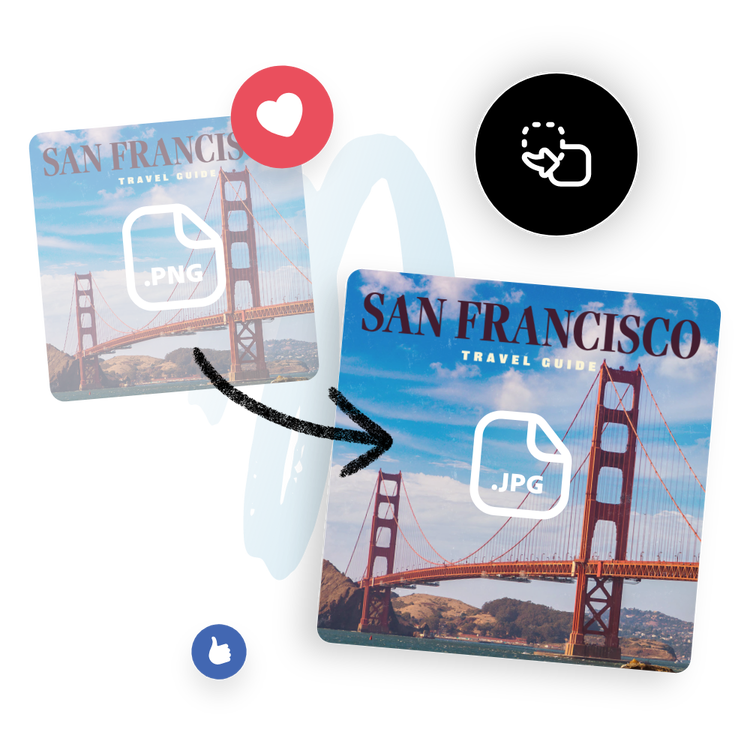
Upload your image to automatically convert it to JPG format in an instant.

3. Continue editing.
Your new image will download as a JPG file. Save it, share it, or keep editing it to make it your own.
Turn your PNG files into high-quality JPG images.
JPG (or JPEG) images are smaller in file size than PNG, making them great for social media or blog posts. Easily convert your images from PNG to JPG to meet upload requirements for any destination with this PNG to JPG converter. Save time formatting your photos so you can have more opportunities to publish your images and take even more.
Share your new JPG images online.
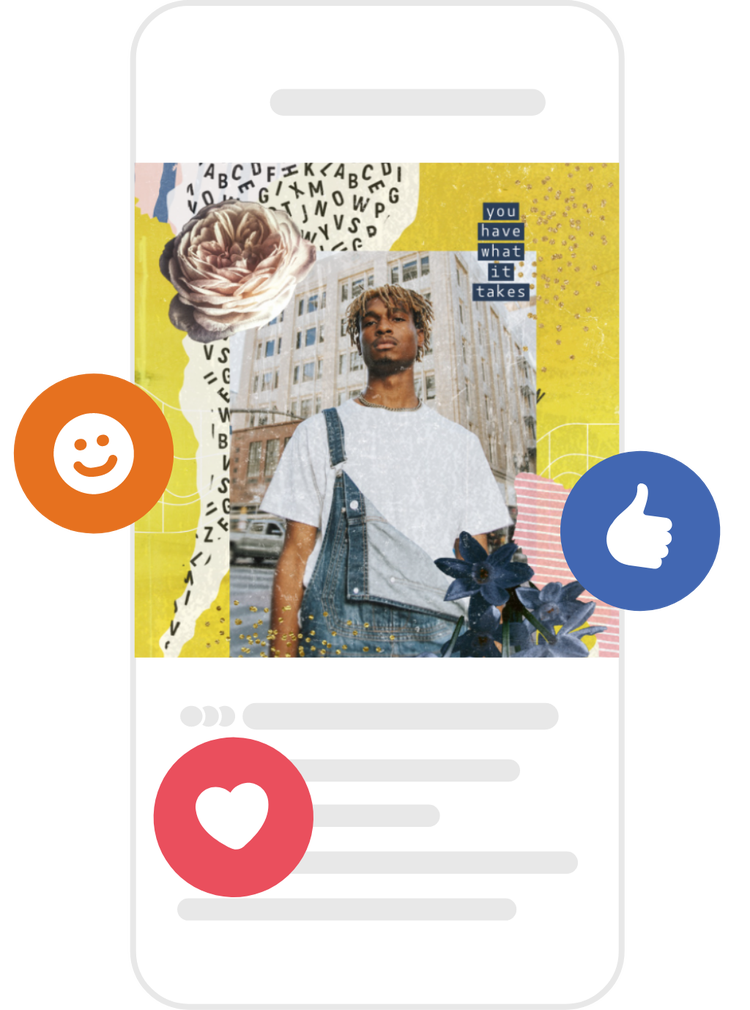
Instantly download your newly converted image right to your device. Share it with your friends, family, and followers across all your digital and printed destinations.
Do more with your image.
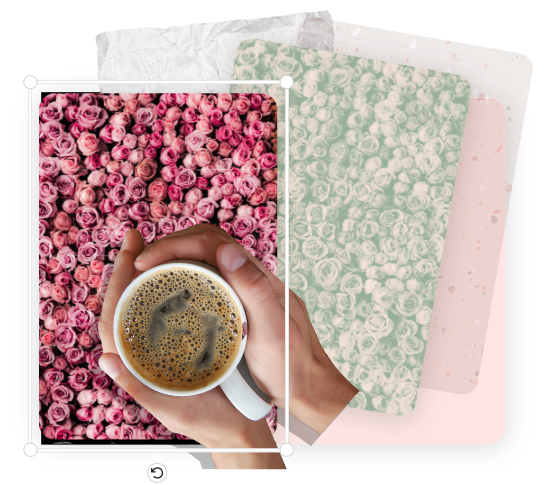
Converting your image to use as part of another project? Unleash your creativity with photo editing capabilities and design tools from Adobe Express. Incorporate typography, apply photo filters, make editing enhancements, or add GIFs and animation for a dynamic design.
Hundreds of thousands of templates and assets to start customizing today.
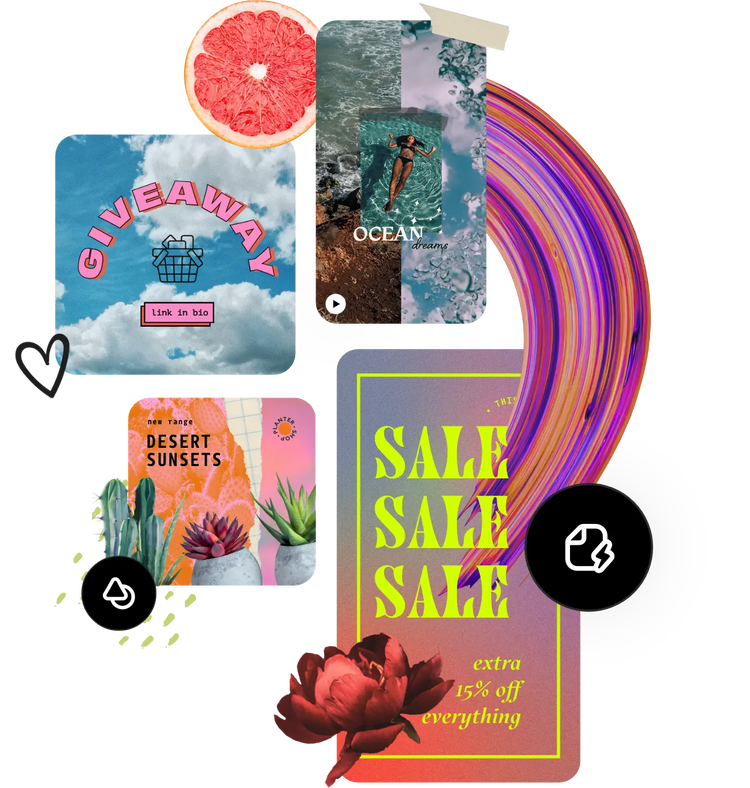
Turn your newly converted image into a stunning profile picture, social post, or flyer, among unlimited other designs. Explore our template library to get started. Then, add other pre-loaded design assets, fonts, icons, or GIFs to personalize your image. There are endless creative opportunities to elevate your designs.
Convert PNG to JPG for free and save space.
Are your PNG images taking up too much space on your device or website? Need a solution to optimize your image files without compromising on quality? Adobe Express, can help you transform your PNG images into high-quality, web-friendly JPEG format for free. Plus, you don’t have to worry about cumbersome PNG files that slow down your website or take forever to load.
JPG files are significantly smaller compared to PNG files, making them ideal for online sharing, social media posting, and website optimization. So, don't let large PNG files hold you back. Make your images perfect for your social channels from Instagram to Thread, Twitter, and even Twitch with Adobe Express PNG to JPG converter. Or, download and share your images instantly with your loved ones.
The easy way to preserve image quality even for beginners.
Why settle for grainy, pixelated images when you can convert PNG to JPG seamlessly without sacrificing quality? With Adobe Express PNG to JPG converter, you can reduce your image size without worrying about losing image quality, unlike when converting from JPG to SVG. Adobe Express PNG to JPG converter helps you preserve the finest details of your images when you change PNG to JPG from the colors to sharpness. No experience required.
Simply upload your PNG File less than 2GB, and Adobe Express PNG to JPG converter will change PNG to JPG file in minutes. Then, keep editing to enhance image quality. Use the Enhancement menu to incorporate filters, add GIFS, or animation to create captivating images that will leave you in awe. The best part, with your smartphone or laptop, you can convert from PNG to JPG or PNG to SVG on the go!
Frequently asked questions.
What are JPG files?
JPG (also written as JPEG) files are raster images that are arguably the most universally recognized image format – compatible with just about any platform. JPGs can offer small file sizes that allow for quick transfer and fast access for viewing online.
How can I convert JPG files for free?
The Adobe Express PNG to JPG converter is fast, free, and easy to use. Simply launch the converter, upload your PNG file, and then instantly download your new JPG image.
Can I convert a PNG to a JPG?
This free converter tool specializes in converting PNGs to JPGs.
Can I convert JPG files on my phone?
Absolutely. This JPG converter works on both web and mobile, so you can convert your images anytime, anywhere.
Can I use Adobe Express for free? If so, what’s included?
Yes, we have a free plan available for anyone. Enjoy everything you need to stand out, including dozens of quick action tools, thousands of templates, photo editing and effects, and much more. Explore our plans and pricing for details.

