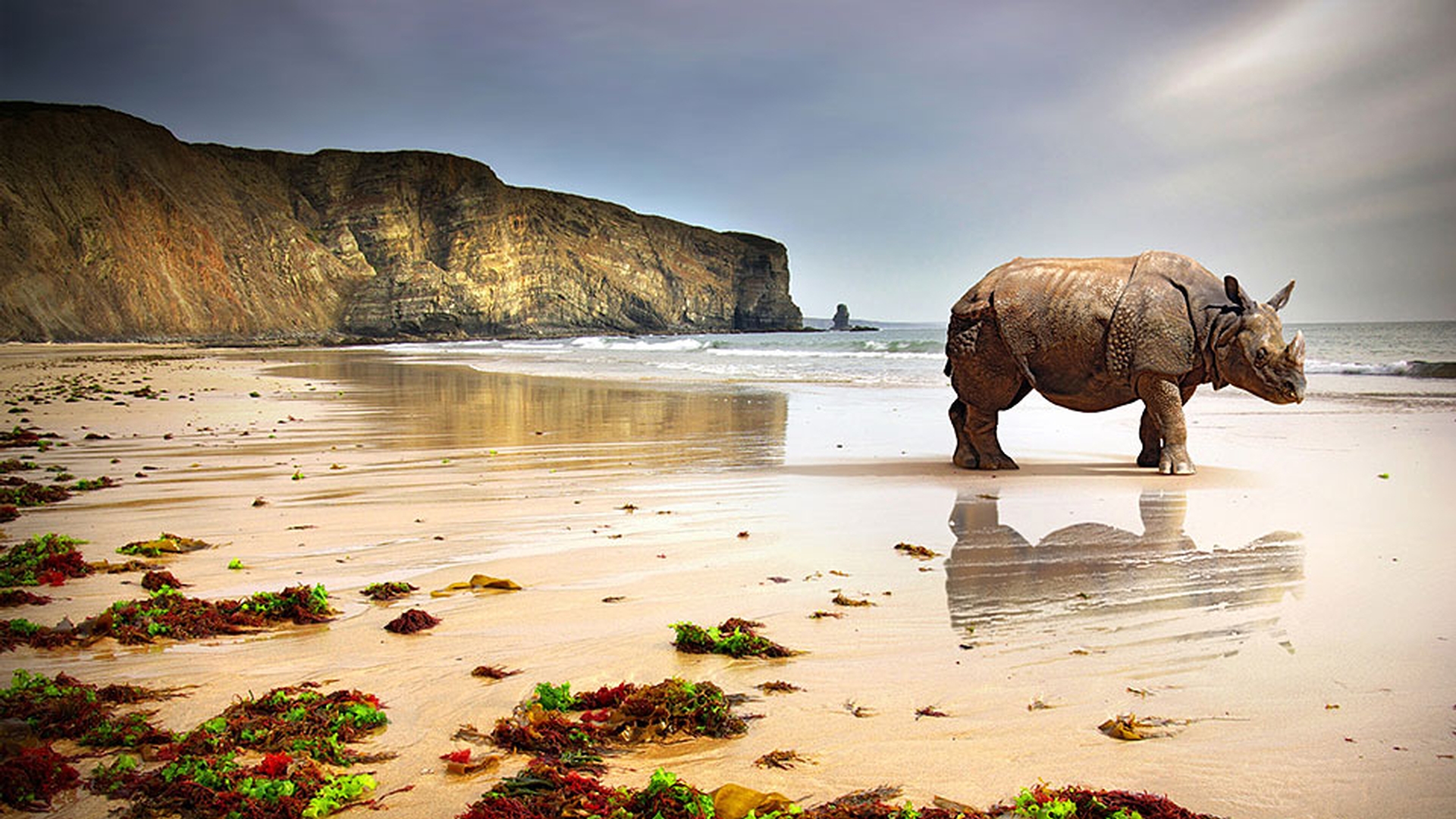
- Lightroom is my essential tool for organizing, editing, and sharing photos.
But when my imagination takes hold, I turn to Photoshop to take my photography even further.
With Photoshop on my desktop and Photoshop Mix on my mobile device, I can combine images, touch up a photo, move or remove and object, or add creative effects.
I have a photo of a giraffe that I want to drop into this background.
Here in Lightroom, I'll select both photos and send them to Photoshop so I can combine the two images into a new scene.
In Photoshop, we see the two images in separate layers.
I'll select the giraffe and then click here to cut it out of the first photo.
If needed, I can make refinements so it blends perfectly with the new background.
In this family group shot, not everyone was available when the photo was taken, so I used a similar technique and added the young man.
When I'm out shooting with my phone or tablet, I use Photoshop Mix to combine parts of the two photos.
I'll often replace the sky to get a more dramatic effect.
Later, I can easily bring my combined photo into Photoshop CC and work on that image using all the tools on the desktop.
Photoshop has superior tools for removing objects from a photo or just moving an object.
I want to move the dog to the left, and make it appear a little farther away.
I'll choose the Content Aware Move tool and select the dog.
Then I'll click on the dog and drag him to where I want him.
To make the image more realistic, I'll drag on a corner handle and make the dog smaller.
Using the same content aware technology, I could easily remove the second dog, and the background will look like he was never there.
While I do basic image cleanup and retouching in Lightroom, when I need to do more refined work, I go to Photoshop where I can easily improve a portrait or restore an old photo with its retouching tools.
In this old photo, I can easily fix tears and stains, remove creases, or restore faded colors.
I've shown you just some of the things you can do and there's so much more.
For example, I can adjust the prospective or the point of view from where I took a photo.
I can make a parked car appear in motion by blurring the background and making the wheels appear to spin.
Lightroom and Photoshop are essential tools for photography whether it's on your desktop or mobile devices.
Lightroom's great for organizing, editing, and sharing photos, but when you want to take your photography even further, Photoshop helps you create anything you can imagine.