Introduction
Hello, my name is Russell Preston Brown from Adobe.
And this quick tutorial is all about working with the new powerful Generative AI technology called Adobe Firefly that is now natively integrated into Adobe Photoshop.
It's magical and non-destructive.
In this project I want to discuss how to stack and order layers
Understanding layer stacking for generative costume makeovers
for your best results when creating a total costume makeover.
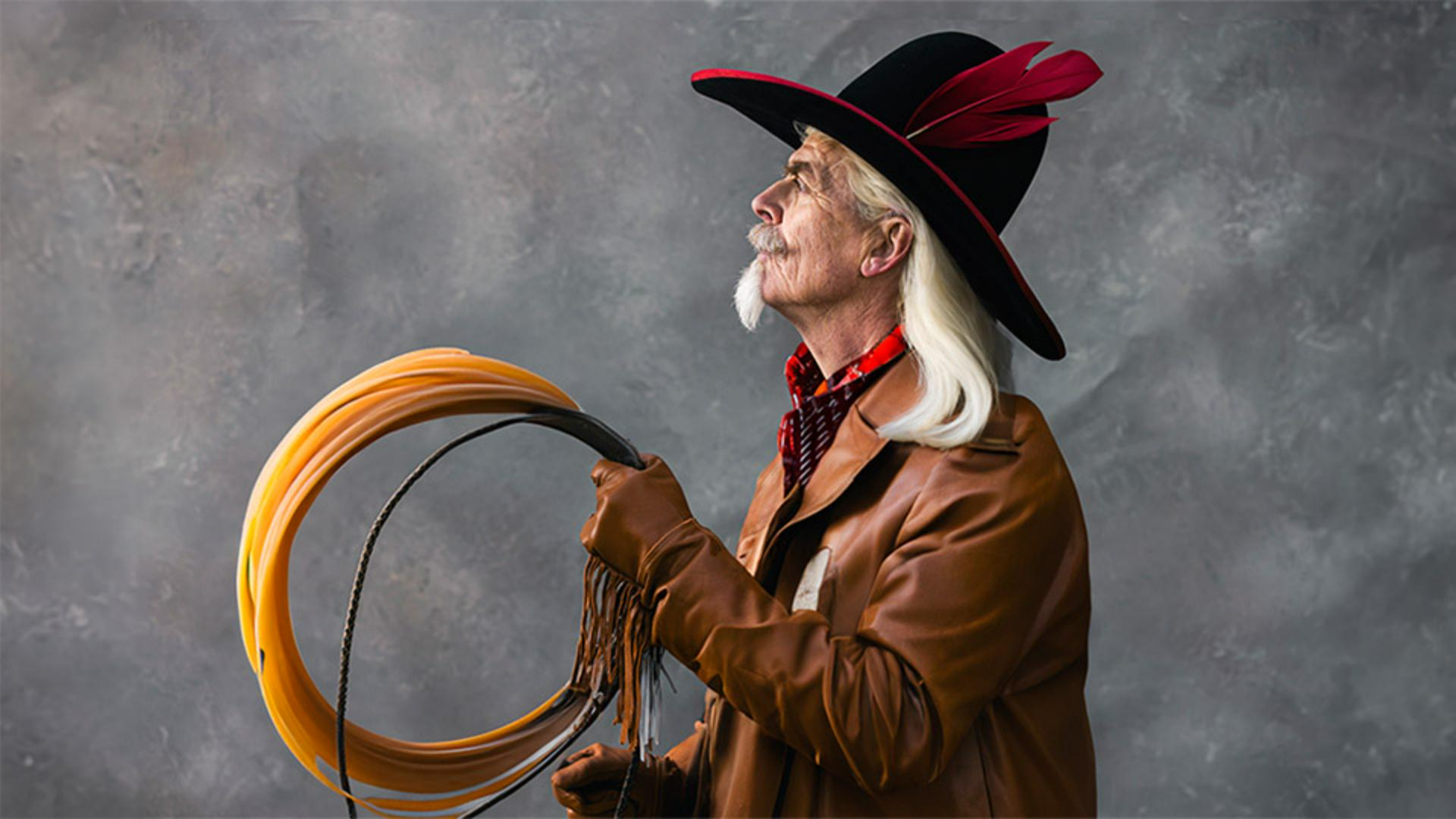
It's really quite amazing how I've added each of these layers by making a selection and then entering a prompt for each of them and then stacking them in this order, so that I get my final results, you see here.
Now, the order in which I do these is very important, especially when it comes to the hair, because it's the last step in this whole process, because I want the hair to blend in and over the jacket in this case.
So, keep that in mind as you work on your projects.
Creating effective hair selections for generative results
So let's talk about this hair, turning this layer on and then turning on the selection I used for this hair can really help us understand how to create hair of your own.
Notice, in this layer that my selection goes up and around my forehead into the hat and back down around my shoulder.
I even go up over my ear so that I don't distort my ear and it also defines the hair wraps over my ear.
That's pretty amazing.
So, this is the selection I make for this hair, and I specifically want nice, long flowing hair.
You notice here my prompt is Long white hair, really simple and straightforward.
I can then regenerate more hair by selecting Generate.
But let's see a situation where I might want to do this.
Let's turn on a new layer I created with a black outfit.
Regenerating hair to match changes in costume layers
This black cowboy jacket does not match the previously generated layer of the hair against the brown jacket.
So, we'd have to correct this issue.
We can do this by targeting an existing layer and then regenerating that layer.
Here it says Long white hair.
I'm targeting my layer.
Let's get new generated images based upon my new stacking order within this project.
Again, the order in which you create your stacked image is very important and then always leave that hair to the very end to get results like this.
That looks great.
Let's look at some of these other variations.
I love this one.
So there you have it, the ability to do a total costume makeover,
Final results and key selection tips
as you see here.
And then finally going in and adding hair that blends into the jacket.
Don't forget my tips and techniques for making that perfect selection of up and over the forehead, around the ear, and typing in long hair.
Fantastic.
Give this technique a try.