372 pinceaux grunge et granuleux gratuits pour Photoshop
372 pinceaux grunge et granuleux gratuits pour Photoshop
Publié le
Pour un effet de street art urbain
Créez un joyeux désordre avec ce kit grunge d’Alejandro Chavetta.
Commencer
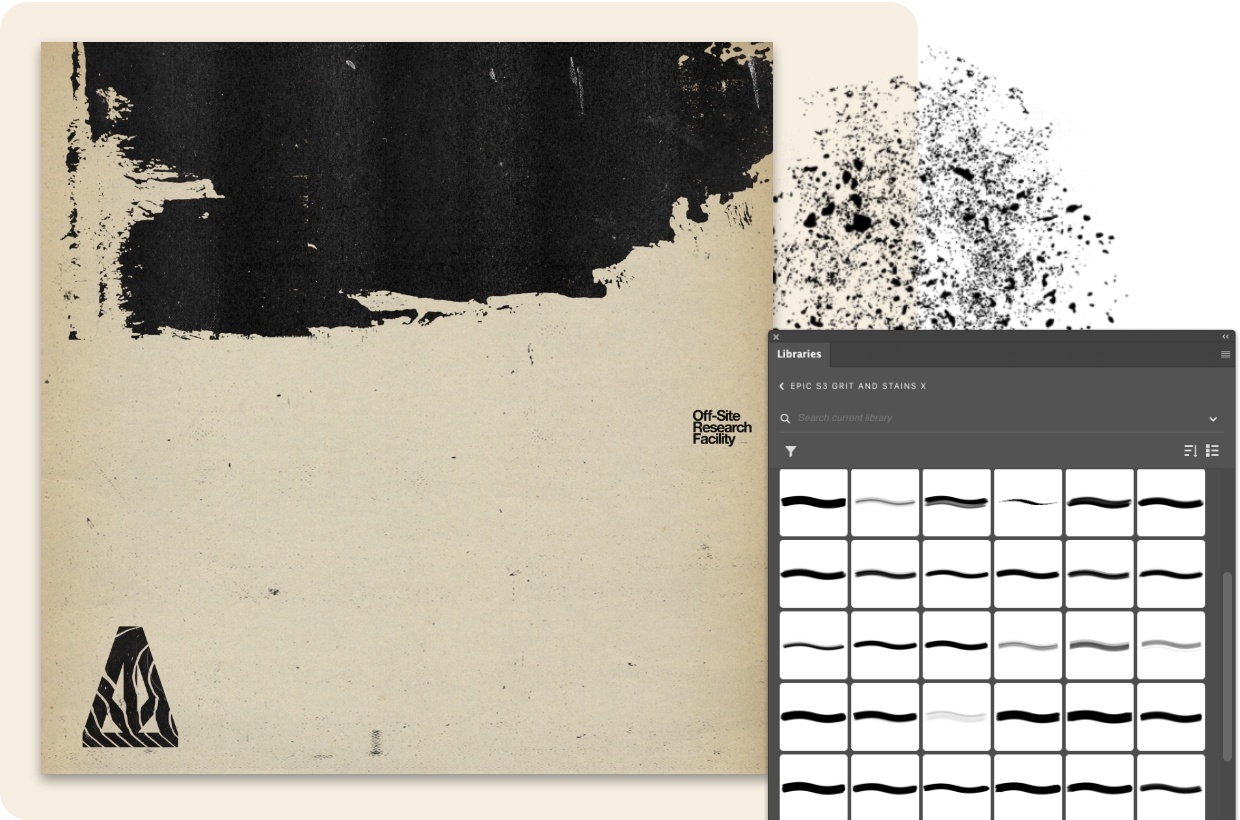
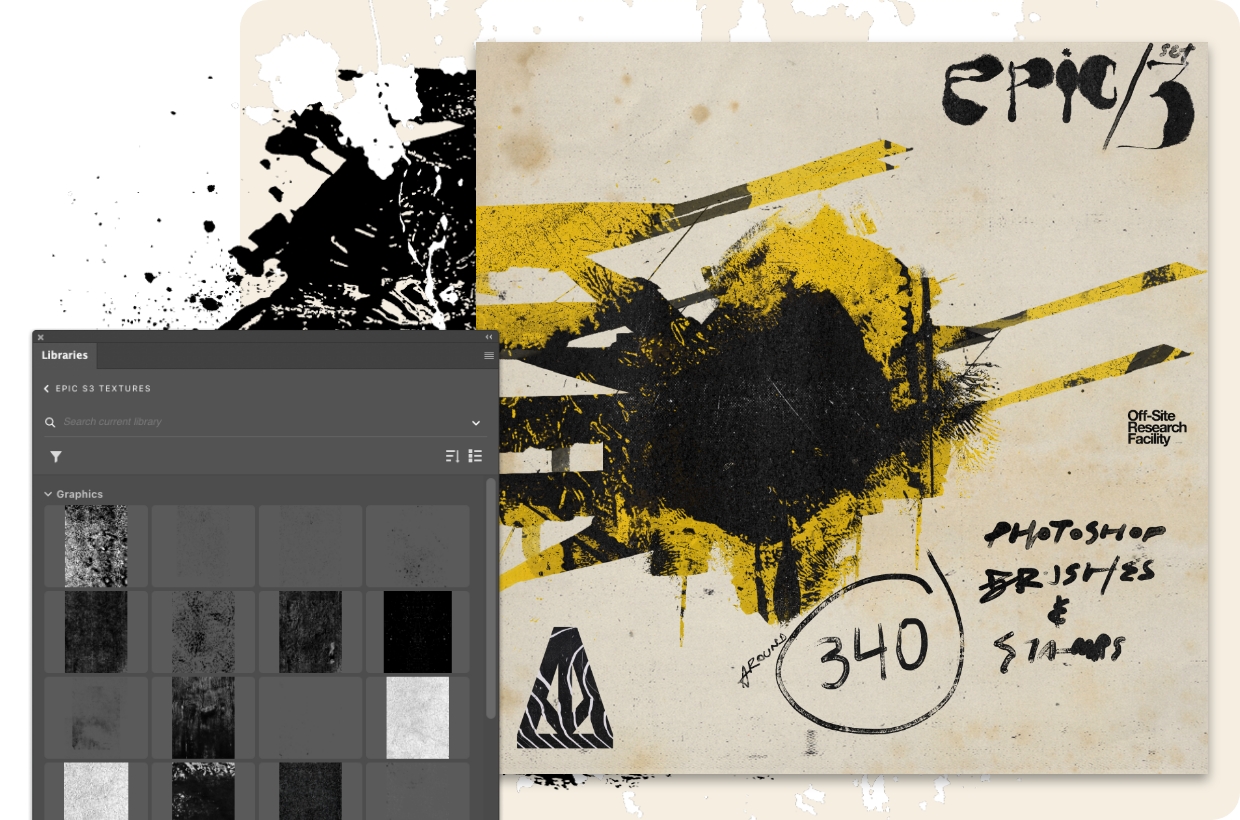
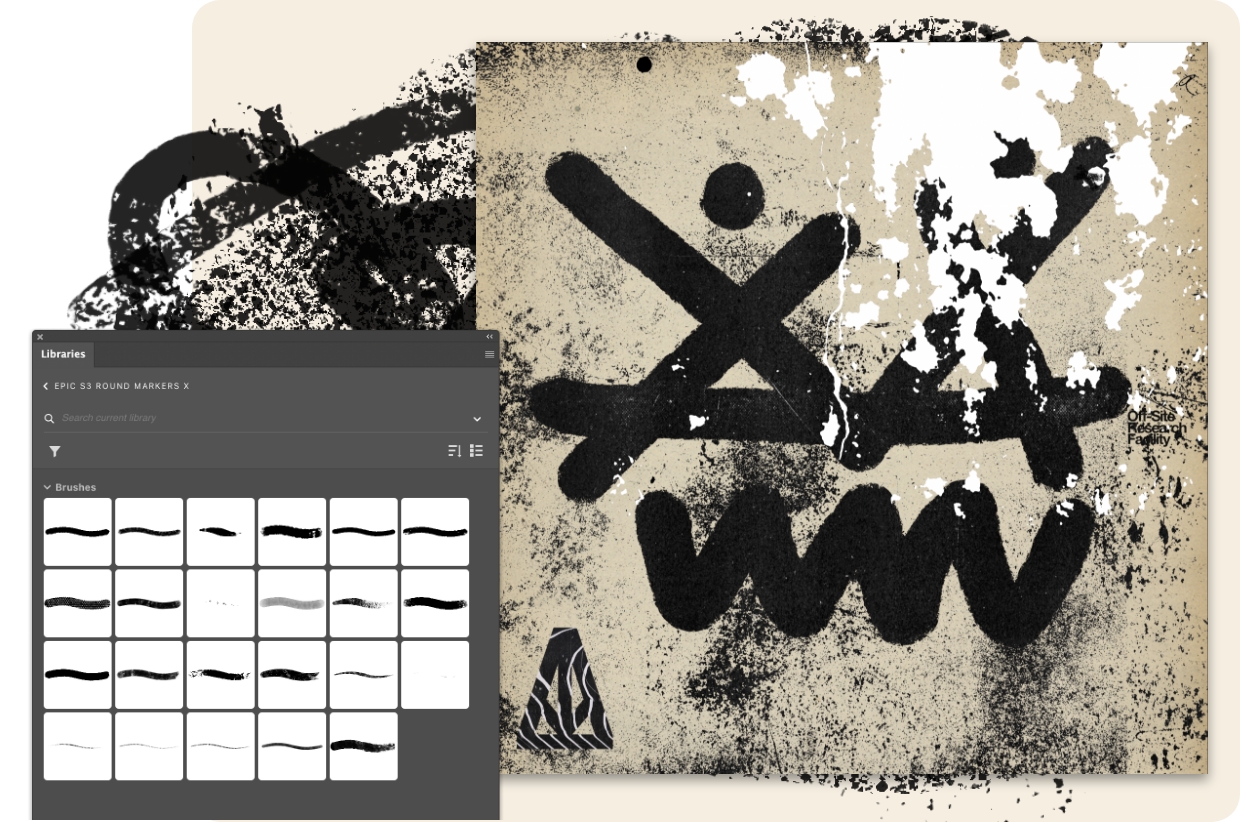
Ouvrez le fichier dans Adobe Photoshop et découvrez la façon dont il superpose ses illustrations et textures. Ajoutez ensuite les bibliothèques de pinceaux et peignez à la bombe vos propres tags pour parachever l’illustration.
Les taches ne font pas toujours tache
« Je voulais créer un kit “trash/grunge” pour faire évoluer les jeux de pinceaux Epic sur lesquels j’avais déjà travaillé », raconte Alejandro Chavetta. Maintenant, vous pouvez vraiment créer un joyeux désordre grâce à 88 taches et grains gratuits.
« J’ai créé les bits d’encre analogique et les taches dans mon studio et photographié une tonne de textures au cours de mes promenades autour de San Francisco, puis j’ai tout mélangé dans Photoshop », explique Alejandro Chavetta. Ajoutez 47 textures granuleuses gratuites dès à présent.
Profitez gratuitement de 34 rouleaux et brosses qui donneront cet aspect de peinture fraîche. « Cette collection de pinceaux, de tampons et de textures comprend des ressources à glisser-déposer qui vous permettent d’ajouter rapidement des textures granuleuses », explique-t-il.
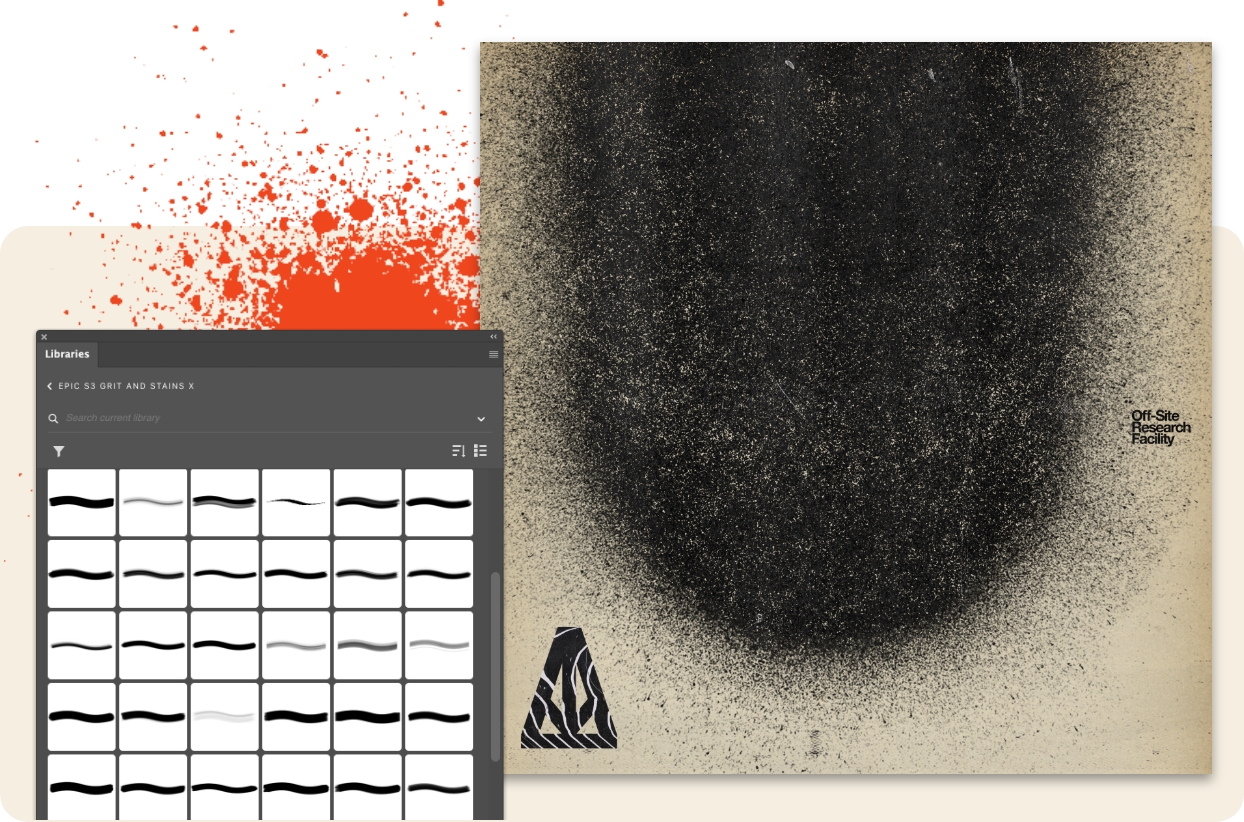
Récupérez 83 pinceaux granuleux gratuits et mettez-vous au travail. « N’oubliez pas de jouer sur la taille et le flux, et de combiner les traits de pinceau pour donner plus de caractère aux lettres et à la typographie », conseille Alejandro Chavetta.
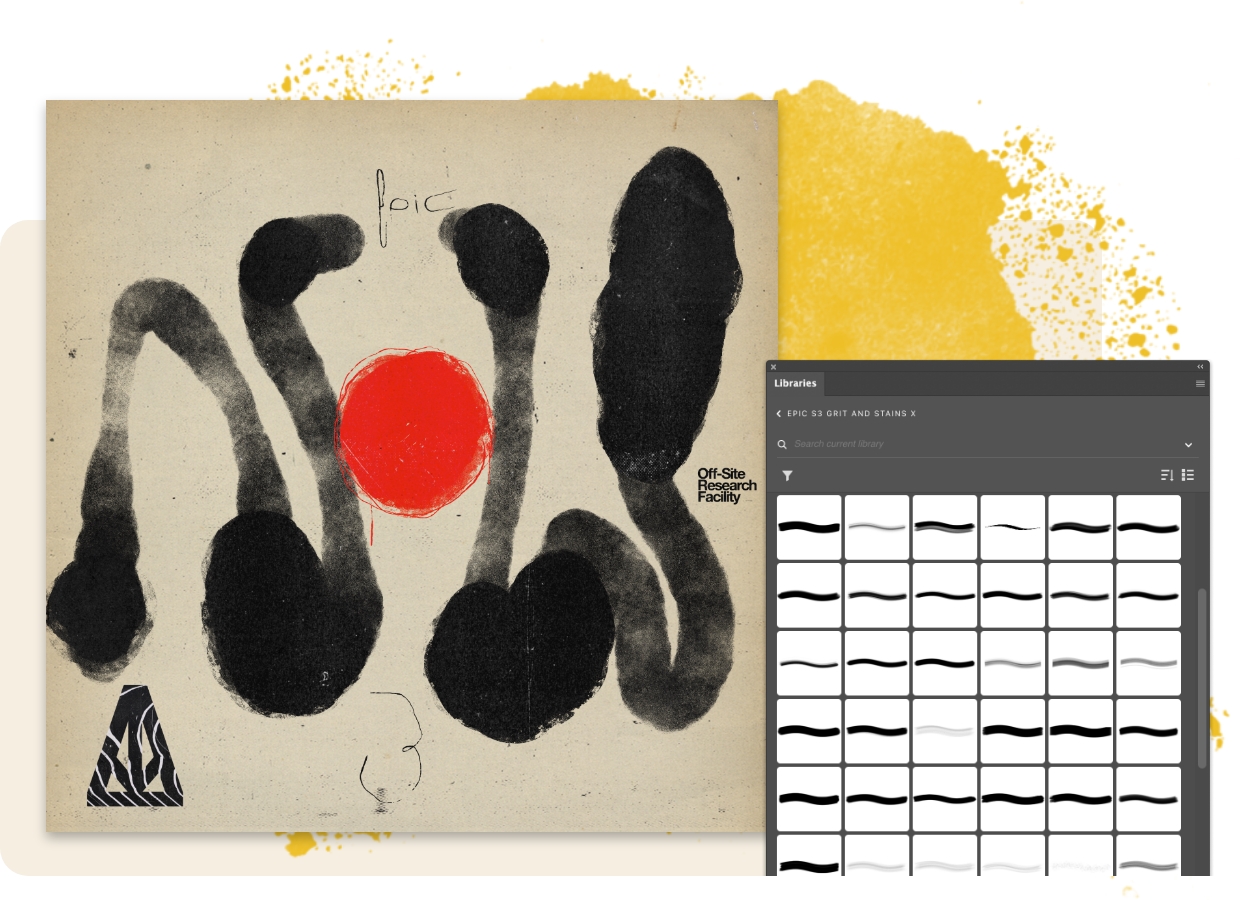
Alejandro Chavetta a créé ces 23 pinceaux marqueurs ronds exclusifs. « Ils sont sensibles à la pression et doivent être essayés dans différentes tailles », explique-t-il. « Parfois, un pinceau employé jusqu’à son maximum de 5 000 pixels peut produire des résultats inattendus au niveau de la texture. »
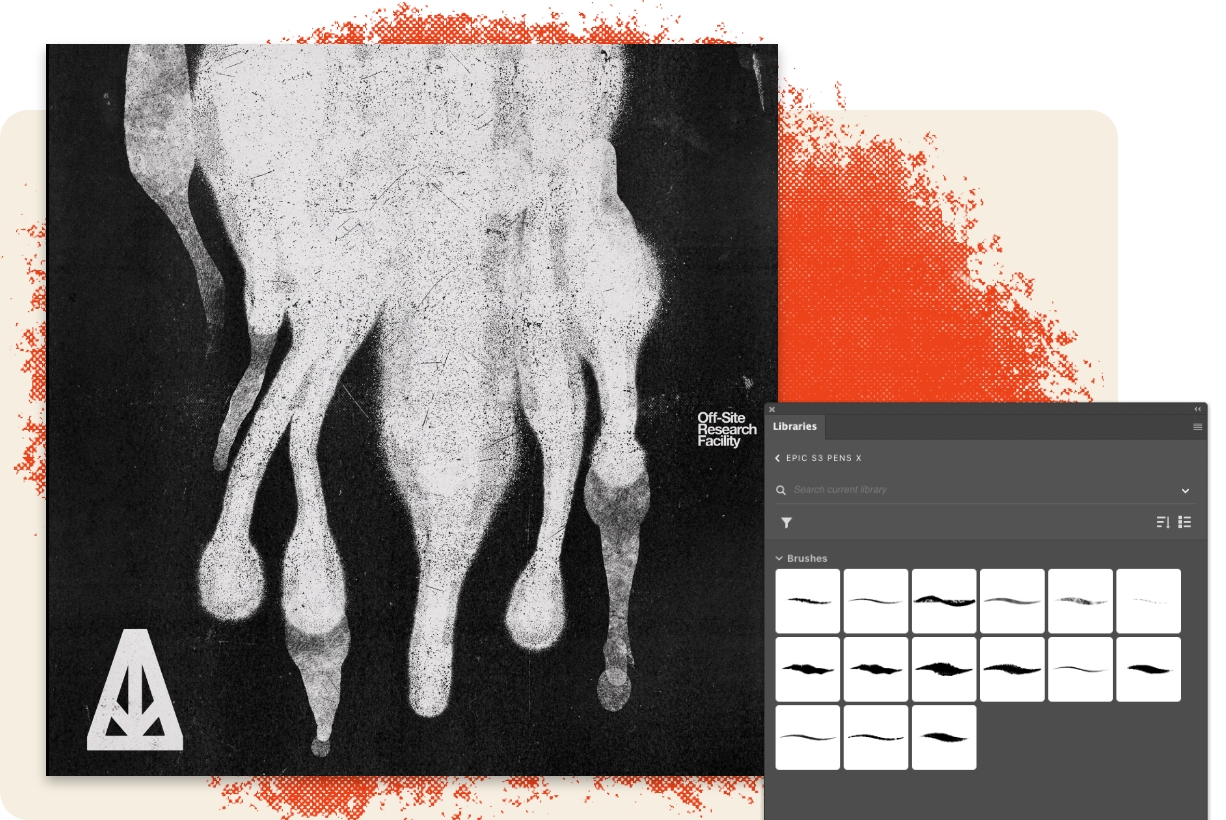
Testez gratuitement ces 15 pinceaux stylos de style urbain. « Ils donnent les meilleurs résultats dans Photoshop, et nombre d’entre eux peuvent également être utilisés dans Adobe Fresco », ajoute Alejandro Chavetta.
You can control how Adobe websites use cookies and similar technologies by making choices below. But note that if you disable cookies and similar technologies entirely, Adobe websites may not function properly.
Cookies are small text files stored by your web browser when you use websites. There are also other technologies that can be used for similar purposes like HTML5 Local Storage and local shared objects, web beacons, and embedded scripts. These technologies help us do things like remembering you and your preferences when you return to our sites, measure how you use the website, conduct market research, and gather information about the ads you see and interact with.
You can make choices in the menu below about what cookies and other technologies you want us to use on Adobe sites when you visit them from this browser. You can always change those choices later by clicking on the Cookie Preferences link at the bottom of the page.
If enabled:
We can improve your experience by tailoring the site and the content to things we think might be of interest
We can better keep track of your preferences — like what language you prefer to use
We will better understand your likely interests so we can provide you more relevant Adobe ads and content on non-Adobe websites and in non-Adobe apps
It will help us improve the performance of our website and those of our partners who use the Adobe Experience Cloud
If disabled:
We won’t be able to remember you from session to session so the experience may not be tailored to your interests
You’ll still have access to the content of the site but certain features that depend on cookies may not function
You’ll still see ads, they just may not be as relevant to you
General information
You can control how Adobe websites use cookies and similar technologies by making choices below. But note that if you disable cookies and similar technologies entirely, Adobe websites may not function properly.
Cookies are small text files stored by your web browser when you use websites. There are also other technologies that can be used for similar purposes like HTML5 Local Storage, web beacons, and embedded scripts. These technologies help us do things like remembering you and your preferences when you return to our sites, measure how you use the website, conduct market research, and gather information about the ads you see and interact with.
You can make choices in the menu below about what cookies and other technologies you want us to use on Adobe sites when you visit them from this browser. You can always change those choices later by clicking on the Cookie Preferences link at the bottom of the page.
If enabled:
We can improve your experience by tailoring the site and the content to things we think might be of interest
We can better keep track of your preferences — like what language you prefer to use
We will better understand your likely interests so we can provide you more relevant Adobe ads and content on non-Adobe websites and in non-Adobe apps
It will help us improve the performance of our website and those of our partners who use the Adobe Experience Cloud
If disabled:
We won’t be able to remember you from session to session so the experience may not be tailored to your interests
We’ll still count your use of our site and services
You’ll still have access to the content of the site but certain features that depend on cookies may not function
You’ll still see ads, they just may not be as relevant to you
Operate the site and core servicesOperate site and measure engagement
Always active
These cookies are required, and they are used to enable the site and related services core functionality. Without them the site could not operate, so they cannot be disabled.
These cookies enable the site and related services’ core functionality and collect statistics about user engagement, such as counting active use to help us understand trends. These cookies cannot be disabled.
Measure performance
These cookies are used to analyze site usage to measure and improve performance. Without them Adobe cannot know what content is most valued and how often unique visitors return to the site, making it hard to improve information we offer to you.
These cookies are used to analyze site usage to measure and improve performance. Without them Adobe cannot know what content is most valued, making it hard to improve information we offer to you.
Extend functionality
These cookies are used to enhance the functionality of Adobe sites such as remembering your settings and preferences to deliver a personalized experience; for example, your username, your repeated visits, preferred language, your country, or any other saved preference.
Personalize advertising
These cookies are used to enable Adobe and our partners to serve ads more relevant to your interests. Without them you will still see ads, but they might not be as relevant to you.
Personalize advertising
These cookies are used to enable Adobe and our partners to serve ads more relevant to your interests. Without them you will still see ads, but they might not be as relevant to you.