
Inicie uma avaliação gratuita do Acrobat para empresas.
Obtenha acesso total a uma ferramenta de PDF essencial. Edite, assine eletronicamente, exporte PDFs e muito mais — em qualquer lugar e em qualquer dispositivo.


Impulsione o seu negócio com dicas e tutoriais sobre como criar, partilhar e assinar eletronicamente documentos a qualquer hora e em qualquer lugar.
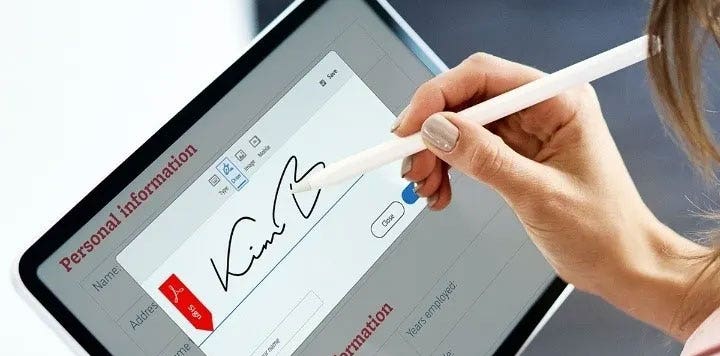
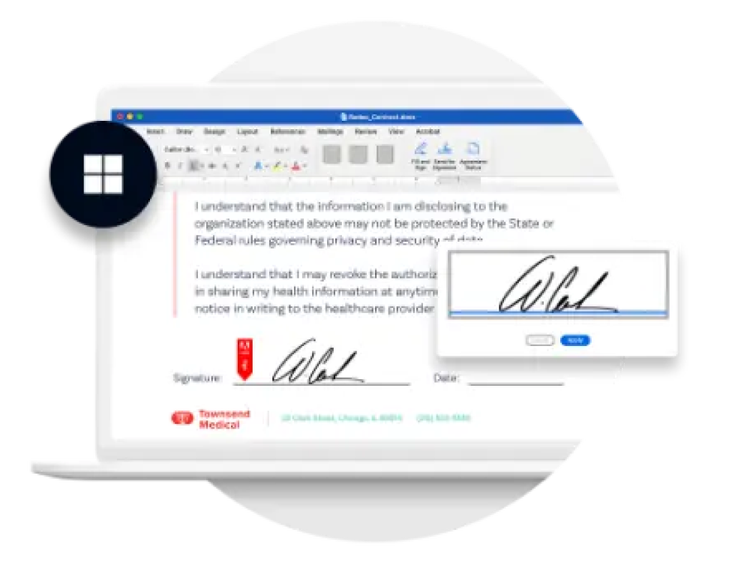
Descubra como redigir, editar e partilhar os seus documentos empresariais para poupar tempo e fazer avançar o seu negócio.
Addendum vs. amendment: What is an addendum and 2 key differences.
Learn the meaning of an addendum and the main differences between addendum vs amendment to streamline your business contract needs.
ESIGN Act: The Electronic Signatures in Global and National Commerce
The Esign Act is a federal law that facilitates the use of electronic records and electronic signatures in national and global commerce.
Project proposal: What is it and how to write one?
Learn how to write a proposal for a project step by step and what are the key elements of a successful proposal.
Streamline your systems of agreement with document digitization
Digitize your paper documents with Adobe tools to keep your systems of agreement workflow from hitting a bottleneck.
How to write a debit note invoice.
What is a debit note invoice? Learn what it is and how to write one effectively to adjust for mistakes or changes after sending invoices.
What is an invoice number
Learn what an invoice number is, how to create or assign one, and why it's important for your business.
Explore 5 School Forms That You Can Sign Remotely
From parent consent forms and class enrollment to college application forms, here are 5 school documents you can sign remotely.
How to make an invoice template in Google Docs.
Follow these four simple steps to create your invoice template in Google Docs, customize it, and share it with others.
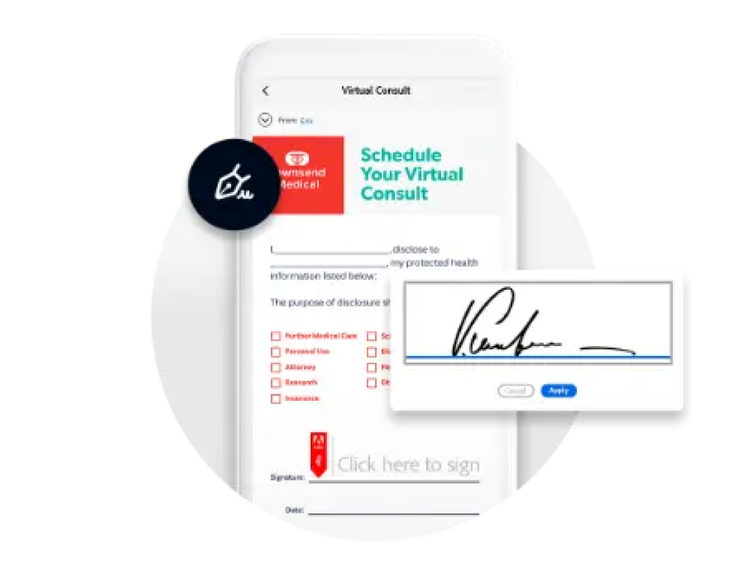
A confiança e a segurança nunca foram tão importantes para os documentos empresariais como são hoje. Compreenda por que motivo os certificados digitais são essenciais para o seu negócio.
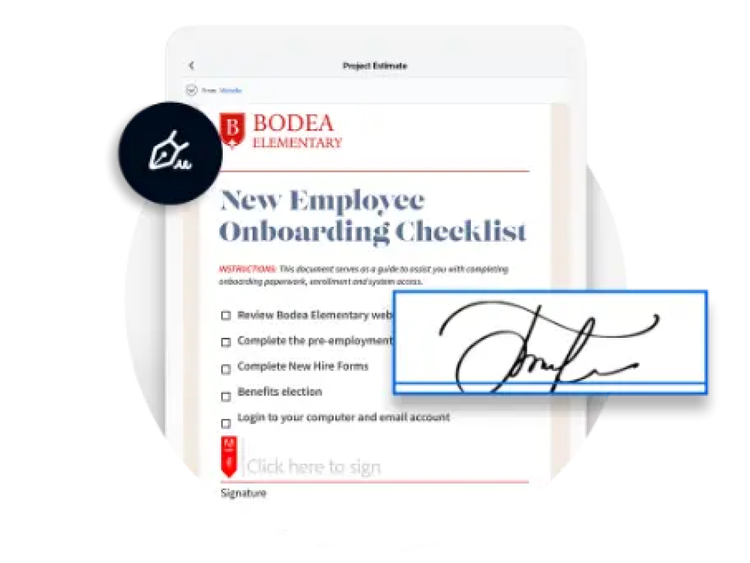
Aprenda a assinar eletronicamente PDFs para acelerar os seus fluxos de trabalho e concluir qualquer tarefa mais rapidamente.
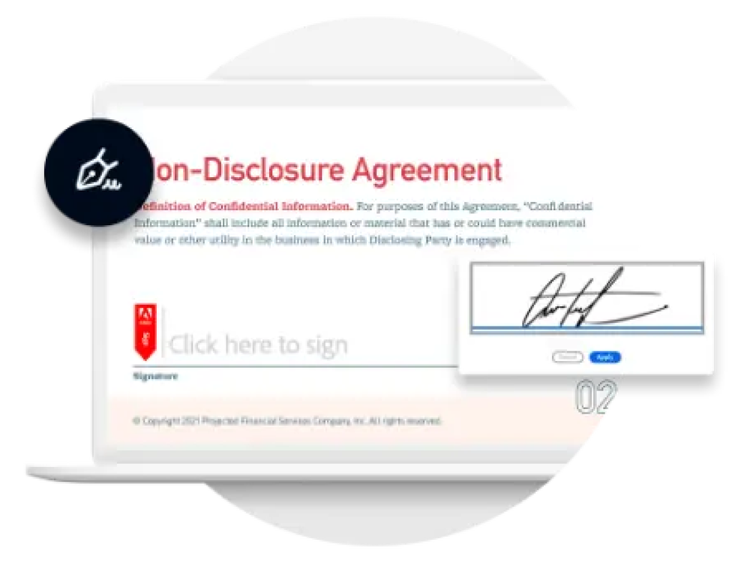
Os acordos e contratos asseguram a integridade do trabalho, garantindo que a sua empresa está protegida durante toda a execução dos serviços.
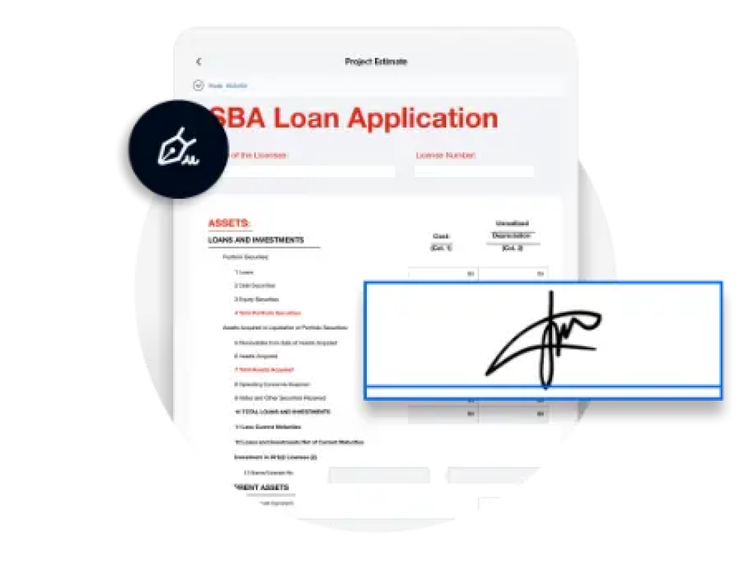
Os seus documentos empresariais em PDF requerem um pouco mais de segurança. Nós garantimos que a têm.
Obtenha acesso total a uma ferramenta de PDF essencial. Edite, assine eletronicamente, exporte PDFs e muito mais — em qualquer lugar e em qualquer dispositivo.

