
https://main--cc--adobecom.aem.live/cc-shared/assets/img/firefly.svg Adobe Firefly

Free AI tattoo generator to bring tattoo ideas to life.
The free Firefly AI tattoo generator lets you turn your tattoo design ideas into reality — perfect for exploring unique tattoo styles, sparking inspiration or starting your next customised piece quickly.
- image
- video
- Describe a subject, an action, a place, a mood or a style.
- Adobe Generative AI Terms
- https://main--cc--adobecom.aem.live/creativecloud/animation/testdoc/unity/generate.svgGenerate
- Describe what you want to generate
- Prompt
- Tip
- ff_campaign=embed_generate_acom&promoid=TPQVKYCL&mv=other
- Unable to process the request
- Please describe what you want to generate.
- Prompt exceeds the max length of 750 characters


https://main--cc--adobecom.aem.live/cc-shared/assets/img/product-icons/svg/firefly-80.svg
Adobe Firefly
https://main--cc--adobecom.aem.live/cc-shared/assets/img/product-icons/svg/firefly-80.svg
Adobe Firefly
Use everyday language to create extraordinary results with generative AI.
Get inspired by AI generated tattoo designs.
Whether you’re dreaming up something symbolic, abstract or traditional, Firefly can transform your imagination into a unique, ready-to-ink AI tattoo design in seconds.
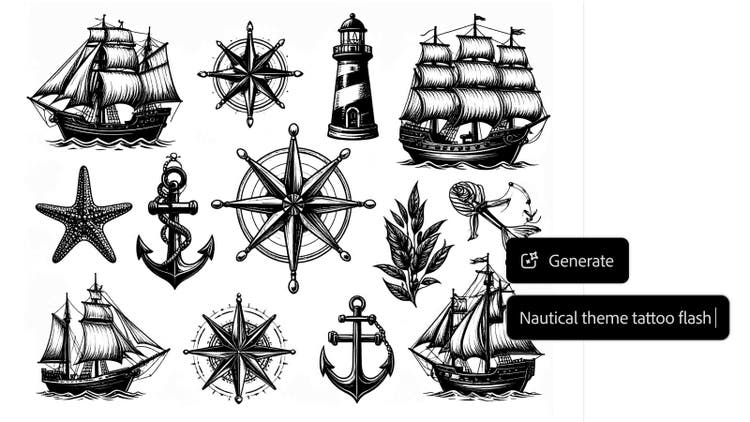
Create designs with the free AI tattoo generator.
Turn your next ink concept into art with the fast, web-based AI tattoo generator. Just type a text prompt or upload a reference image and Firefly will turn your tattoo idea into a one-of-a-kind AI generated tattoo design. From minimalist line work to bold, expressive pieces, find inspiration faster than ever.

Explore any style for AI tattoo design.
Firefly makes it easy to explore a wide range of tattoo styles. Try everything from bold traditional and detailed realism to minimalist linework, blackwork, tattoo lettering or neotraditional designs — all with just a few prompts. Instantly see how your tattoo idea looks across different aesthetics to find the perfect match for your next piece.
Generate tattoos and refine your artwork.
Quickly create AI generated tattoo designs, then fine-tune the results by adjusting your prompt, exploring variations or remixing your favourite outputs. Whether you want sharper detail, a different layout or a new artistic twist, you can iterate in seconds until it feels personal. AI image generation is the fastest way to dial in the perfect look for your next tattoo.
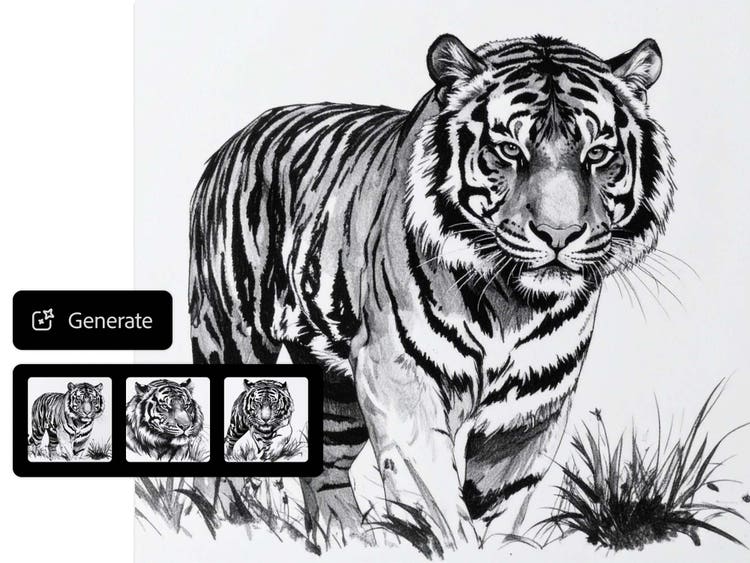
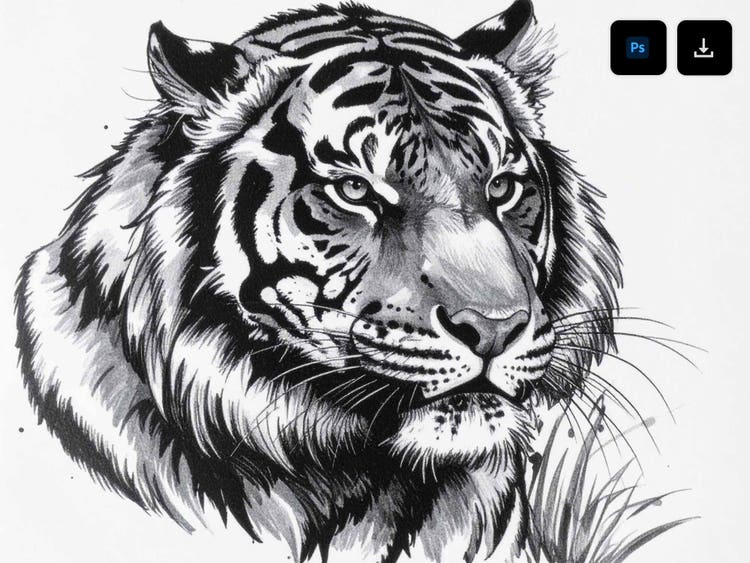
Easily save or share design ideas.
When you find a design you love, it’s easy to share it or save it to your favourites. Download high-quality images of your AI-generated tattoo concepts or send them to your tattoo artist to refine the details together. Whether you’re collecting inspiration, exploring an edit of a design you already love or prepping for your next session, it’s easy to bring others into the creative process.
Commercially safe for pro artists or new designers.
Whether you’re a seasoned tattoo artist looking for fresh ideas or exploring your first ink, the AI tattoo generator is built for everyone. Generate commercially-safe AI tattoo design ideas knowing every output is created with ethically trained AI. Experiment and edit freely to bring your next concept to life with confidence. Learn more about Adobe AI ethics principles.
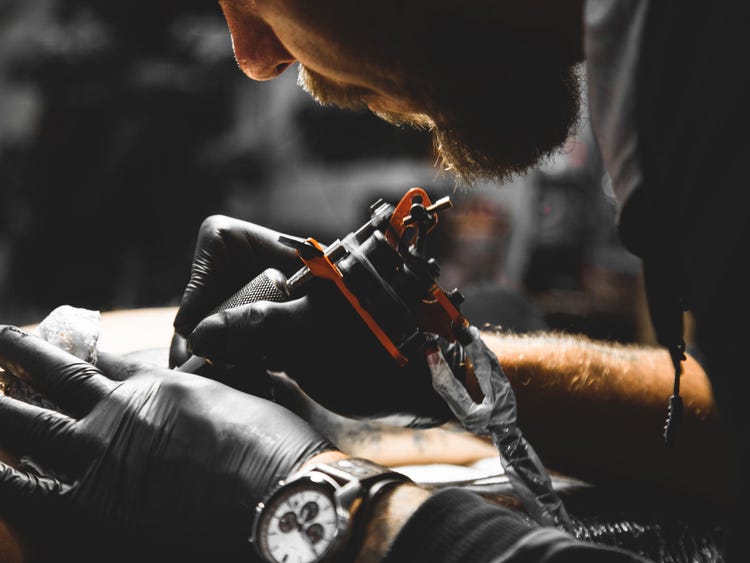

Ideal for every tattoo lover.
Whether you’re planning your very first tattoo, working with clients as a professional tattoo artist or searching for new illustration styles, the Firefly AI tattoo generator is the ultimate tool for visualising tattoo designs before they’re inked.
How to create a tattoo with the AI tattoo generator.
Creating a tattoo design has never been easier. The AI tattoo generator helps you to turn your ideas into customised artwork with just a few words or a reference image. Whether you’re starting with a clear concept or just exploring ideas, you can quickly generate tattoos in any style, from photorealistic to fine-line minimalist. Refine your tattoo design prompt, test out different aesthetics, edit as much as you want and share results with your tattoo artist or client — all in a few clicks.
- Open the AI image generator in Adobe Firefly.
To get started, log in to Adobe Firefly with your Adobe ID or create a free account if you don’t have one. - Brainstorm tattoo design ideas.
Think about symbols, words, themes or emotions you want your tattoo to express. No need to be exact — Adobe Firefly can help shape your idea. - Add a tattoo design prompt.
Type a short description of what you want, like “sun and moon with floral accents in blackwork style.” Be as detailed or open-ended as you like. You can also upload a visual reference as a starting point, like a photo, sketch or AI art image. - Refine your tattoo design.
Adjust your prompt, remix outputs, explore variations to get your desired look. Iterate and edit until your AI generated tattoo idea feels personal and polished. - Save and share your tattoo design.
Download your favourite results or share them with friends, artists or collaborators. You can always return to edit your designs later.
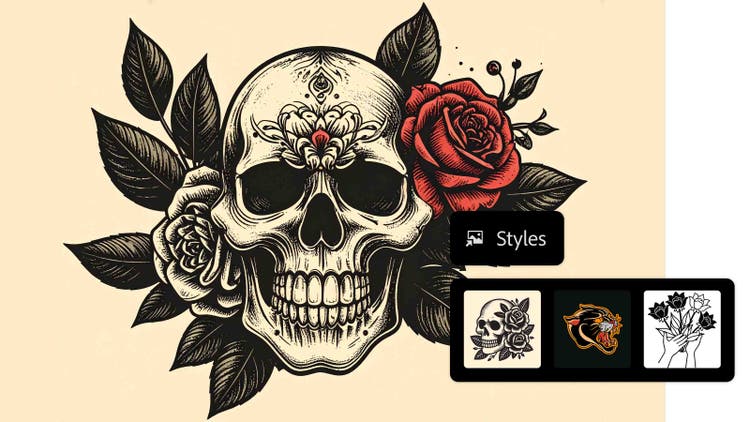
Tips for creating art with a tattoo generator.
The best tattoo designs start with a strong concept. Whether designing for yourself or collaborating with an artist, a little clarity can go a long way. Use these tips to spark ideas, guide the AI tattoo generator and get results you’ll love.
Tip 1. Upload tattoo style references.
Upload tattoo style references like sketches, inspiration images, fonts or even other tattoos to guide the look of your design. Visual references help the AI tattoo generator better understand your intent and deliver more personalised results. It’s a quick way to get closer to the style you want before you meet with a professional tattoo artist.
Tip 2. Create tattoo designs in stages.
Great ideas evolve over time — and with Firefly image generation, you can easily create and edit tattoo designs in stages. Start with a simple prompt, then explore different visuals, styles or details as you go. Try using AI art prompts to spark fresh ideas or refine your direction. Remix results, iterate and edit until your AI generated tattoo design is dialled in.
Tip 3. Customise your tattoo design prompt.
The best AI tattoo design starts with a strong prompt. Be specific about what you want, including subject matter, style, mood and even colour palette. For example, “majestic dragon, fierce, red and black” will generate more tailored results than simply “dragon tattoo.” The more context you give, the more your AI-generated tattoo will match your vision.
Why Firefly for AI tattoo generation?
- Full creative control: Firefly makes it possible to generate customised AI tattoo designs across a wide range of styles using simple prompts, reference images and intuitive editing controls.
- High-quality designs: The Firefly tattoo generator produces clean, high-resolution results with consistent detail, making it easy to visualise a tattoo idea before meeting with your artist.
- Commercially safe outputs: Content generated with Firefly models is commercially safe, so designs can be used confidently for professional, client-facing or creative projects.
Firefly brings together creative flexibility and technical quality to support every stage of the tattoo design process. With an intuitive interface for generating, editing and refining designs, it’s easy to explore multiple directions quickly and move ideas forward with clarity. From early inspiration to polished concepts, Firefly makes it possible to turn tattoo ideas into designs — no design skills required.
The ultimate in creative AI, now with video.
Create stunning images, audio and now video, all in one place, with Adobe Firefly. Go from ideation to production seamlessly with your favourite Adobe apps and commercially safe Firefly models. Control even more details along the way so you can get to final faster.
Remix content from the community.
Discover Firefly prompts to remix and submit your own images to the gallery.
FAQs about the AI tattoo generator.
What is an AI tattoo generator and how does it work?
Can I use Adobe Firefly to generate realistic tattoo concepts?
Is Adobe Firefly free to use?
What styles of tattoos can Adobe Firefly generate?
How to design a tattoo if you can’t draw?
Which partner models are available in Adobe Firefly?
Can I use the Adobe Firefly AI tattoo generator for personal and commercial projects?
Are there any drawbacks to using AI for tattoo design?
Do AI generated tattoo designs work for all skin tones and body types?
What is the best AI tattoo generator?
Who is the Adobe Firefly tattoo generator for?
How can I virtually try on a tattoo?
Does Adobe Firefly store the tattoo designs I generate?
What file formats can I download my AI-generated tattoo designs in?
What devices and browsers support the Adobe Firefly tattoo generator?
Learn more about generative AI.

What is AI art and how is it made?
Generative AI is quickly becoming a vital tool for artists. Read on to learn about what generative AI art is, how to create it and how you can use it in your practice.
How generative AI works: From training to output.
Generative AI is all over the headlines and that’s not empty hype. This new technology is likely to be part of your life soon — if it’s not already. Learn how generative AI works and start streamlining your workflow.
Learn how | Learn how - How generative AI works: From training to output
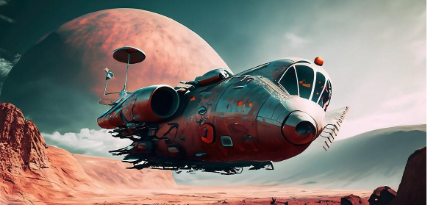
How to write AI art prompts that get results.
The best prompts for AI aren't always obvious. These tips get you to your destination in record time.
Learn more | Learn more - How to write AI art prompts that get results.
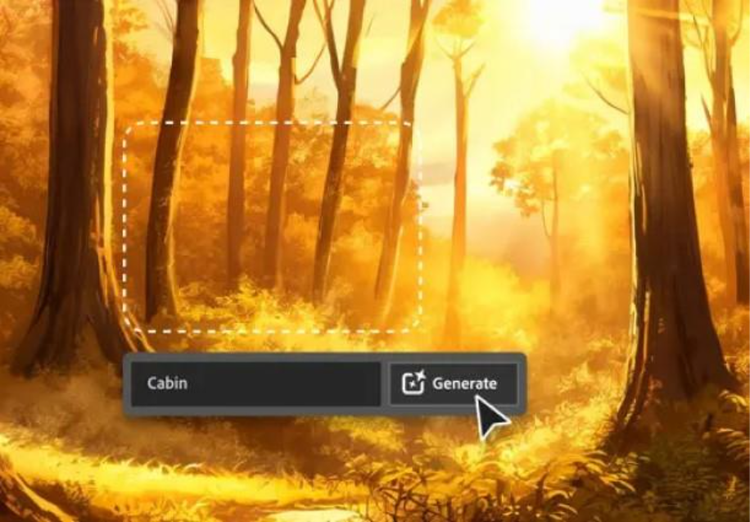
AI for graphic designers.
Learn about the AI tools available to graphic designers and how they can help you be more productive and take your work in surprising directions.