
Creativity for all
Photography, video, graphic design, illustration and so much more. Everything you need, wherever your imagination takes you.


InDesign features
Make a flyer that stands out with Adobe InDesign. Using tools and design templates, create and adjust your own flyer quickly — InDesign helps you to take your ideas from the desktop to the print shop.
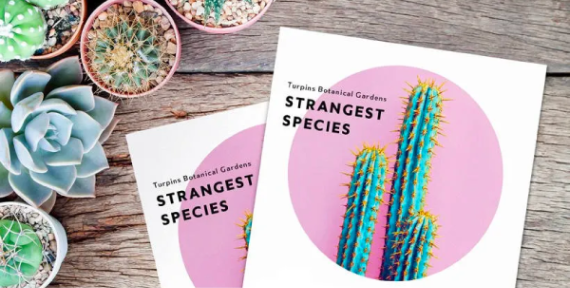
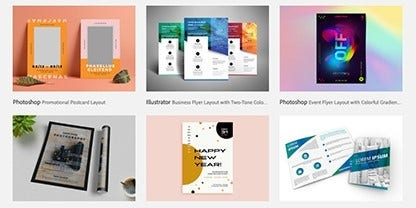
Access to 30K+ fonts, 1 million+ free photos and drawings and thousands of free templates so you can get rolling quickly and then design and modify to perfection.
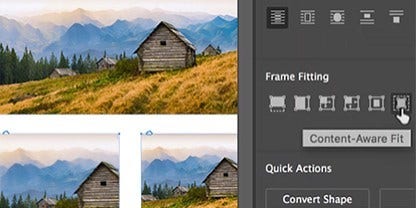
Get the ideal crop on photos or stock images with Content-Aware Fit. It intelligently centres the most important part of the image in a frame.
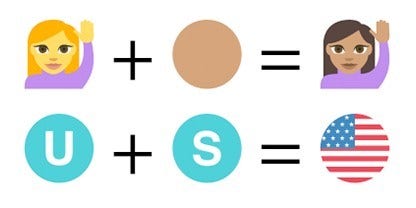
Elevate text with emoji fonts and graphical characters. Or create your own composite glyphs, from designing flags to adding diversity to emoji skin tones.
Resize page layout designs on the fly with the Adjust Layout tool. If you need to change the size of a flyer, it will automatically rescale layout elements for you.


Do more than bring your flyer design to life — make an impression. With Adobe Creative Cloud integrations, access to Adobe Fonts and syncing to Adobe Stock, you’ll have the right tools in your flyer design software to fuel your creativity.
Integrate assets like a seasoned graphic designer from Adobe Photoshop, Illustrator, Express and more. And even convert PDFs into InDesign documents.

Ideate with generative AI or explore a world of creative assets with access to Adobe Fonts and Adobe Stock. Generate, customise and sync to the cloud, so you can create freely and bring every flyer idea to life.
How to make a flyer.
Begin with the basics and create stunning flyers to help you to connect with new people or potential customers.
Making a good flyer is within your reach. Get some help from InDesign tutorials and go from newbie to stylish flyer creator in no time.
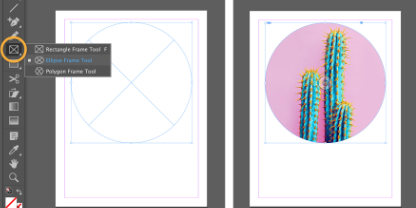
Improve your design skills and learn the entire process of flyer design with this step-by-step guide.
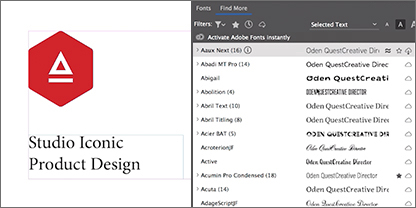
Adjust and edit text styles and typography — and save your styles for future use — with this quick guide to text formatting.
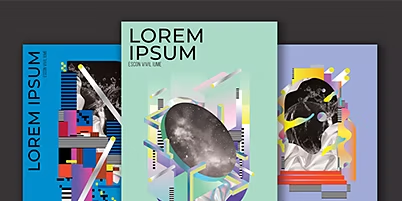
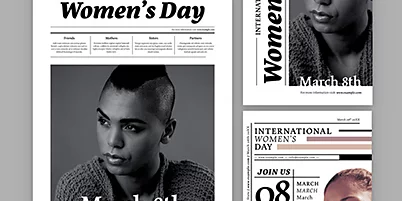
Get the word out with stunning, professionally designed flyer templates for InDesign.
Annual, billed monthly
Get InDesign as part of Creative Cloud.
Annual, billed monthly
Get 20+ Creative Cloud apps, including InDesign.
Annual, billed monthly
Save over
Annual, billed monthly
Industry-leading creative apps with simple licence management.
Photography, video, graphic design, illustration and so much more. Everything you need, wherever your imagination takes you.
Based on your location, we think you may prefer the United States website, where you'll get regional content, offerings, and pricing.

