


Turn files into an AI-powered workspace to understand content with summaries, podcasts, and interactive visuals. You can even create insightful presentations.
Make sense of complex information, understand what matters, and find the insights you need with a personalized AI Assistant.
Get the right info however you want.
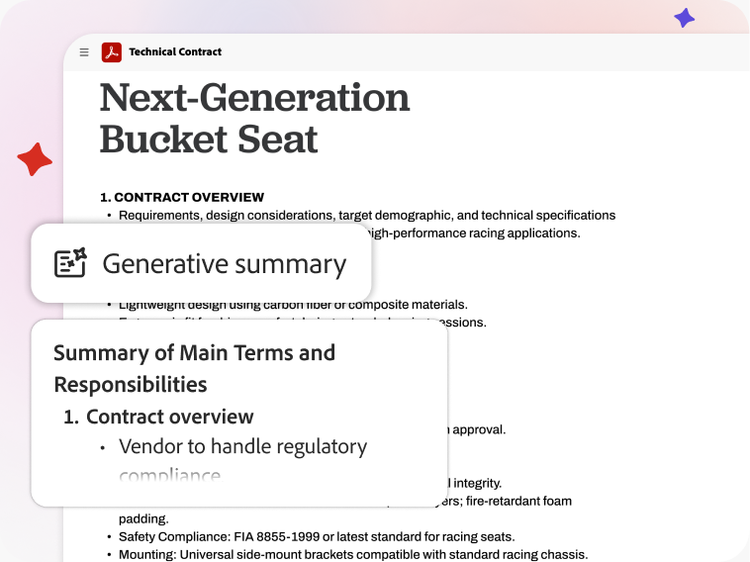
Uncover key takeaways in your files with summaries, podcast overviews, interactive visuals, or insightful presentations.
masonry
full-width, l-spacing
Summarize your docs. Instantly.
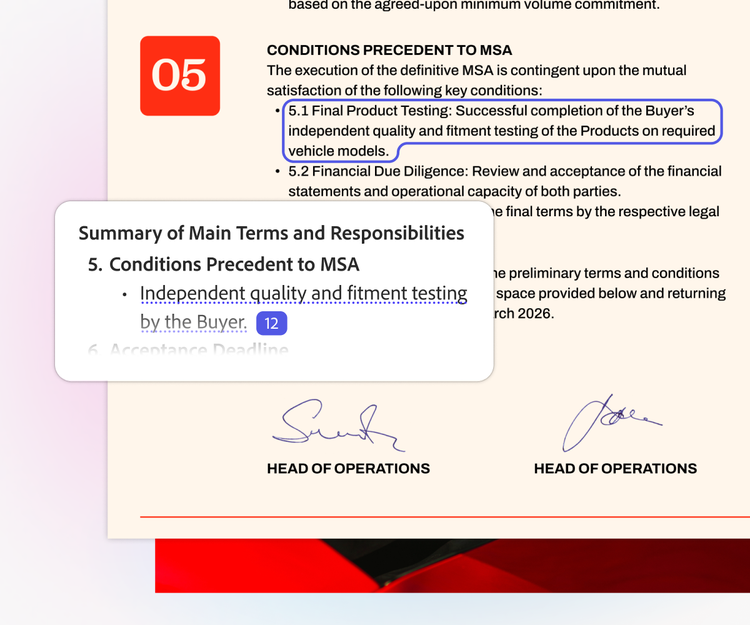
Get clear overviews of your files with precise citations that link right to the source in your docs.
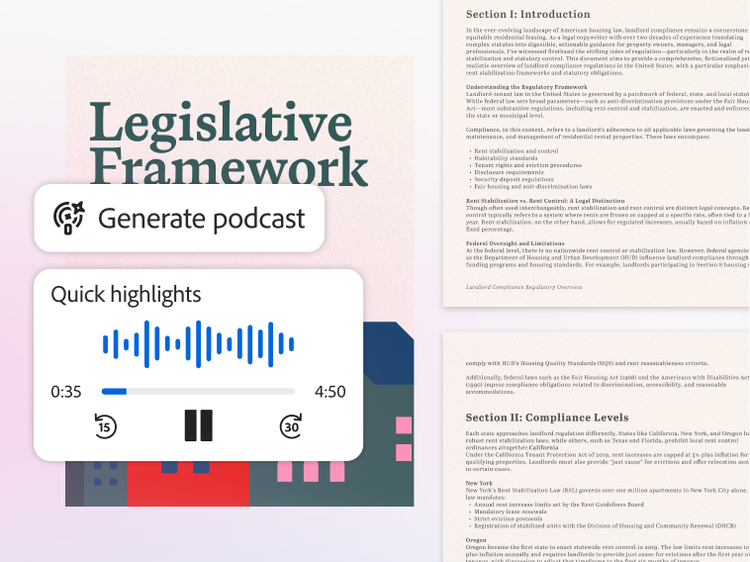
Get audio overviews on the go.
Generate a podcast-style overview of multiple docs. Tailor it for a summary, highlights, or deeper dives.
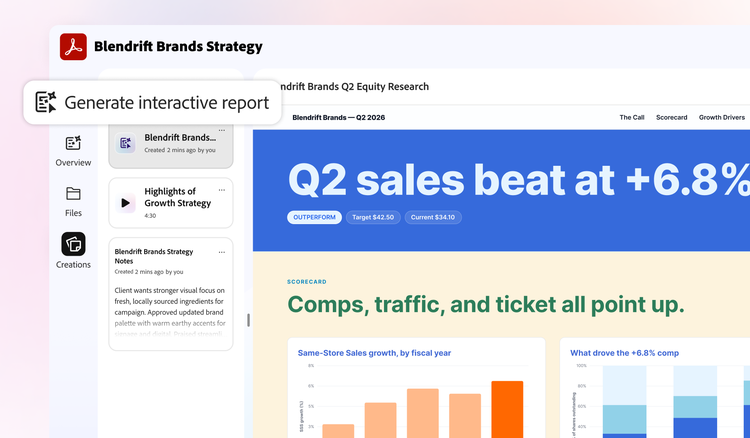
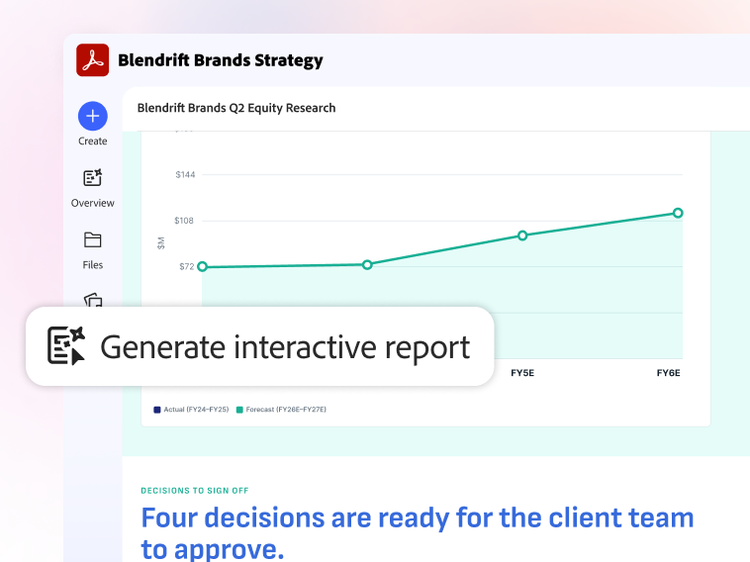
See the big picture of your docs.
Transform your docs into visual, interactive reports and presentations that bring insights to life.
style
Three up, l-spacing-top
background
Transform your docs. Just like that.
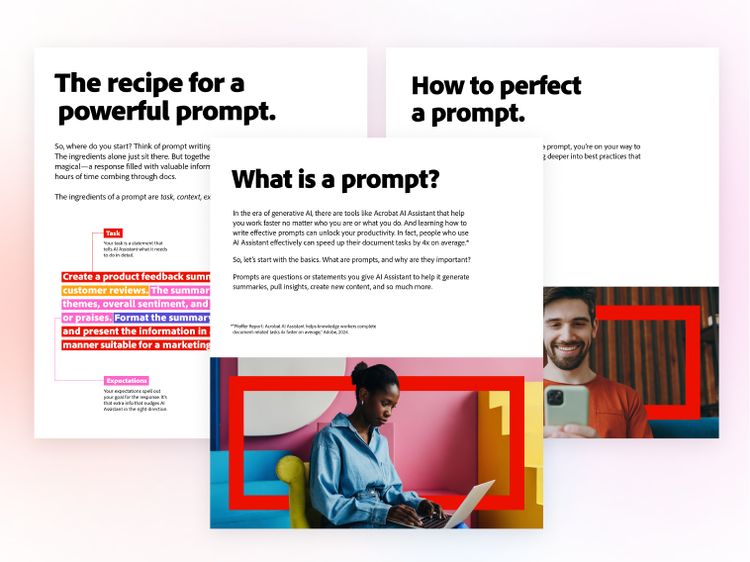
Edit, create, and polish your PDFs with AI so you can go from first draft to finished work with less effort.
Create. Refine. Easy.
Whether you want to create new visuals or polish your work, you can edit, enhance, and transform your docs with AI — all while keeping your original content intact.
masonry
full-width, l-spacing
Save time on PDF tasks with AI.
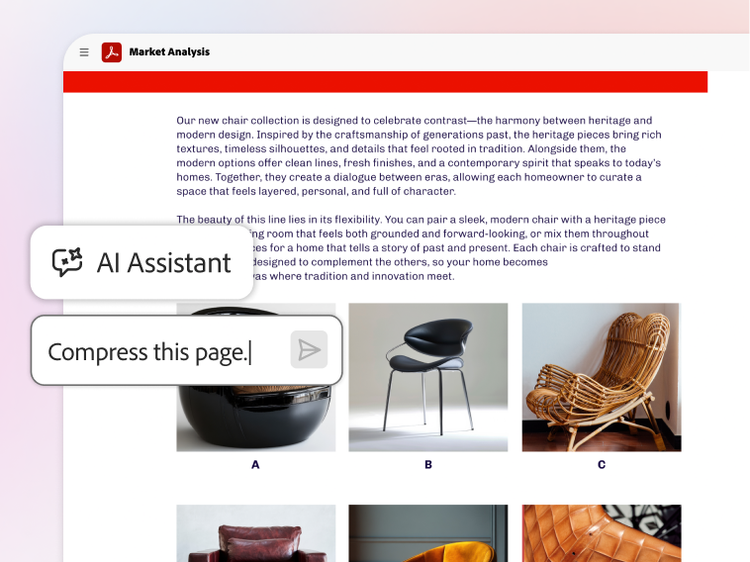
Ask AI Assistant to edit, sign, redact, and compress your docs so you can work faster with less effort.
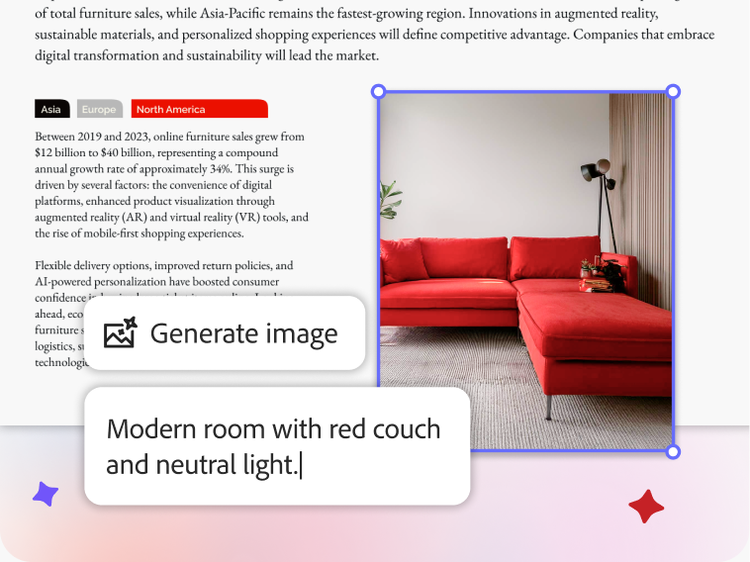
Create custom images.
Generate a custom AI-powered image in seconds. Just ask for what you need and watch it come to life.
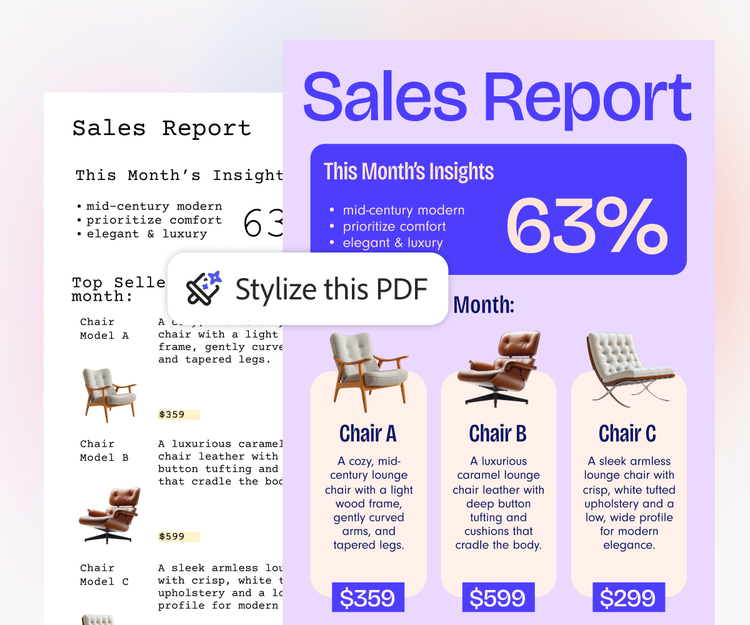
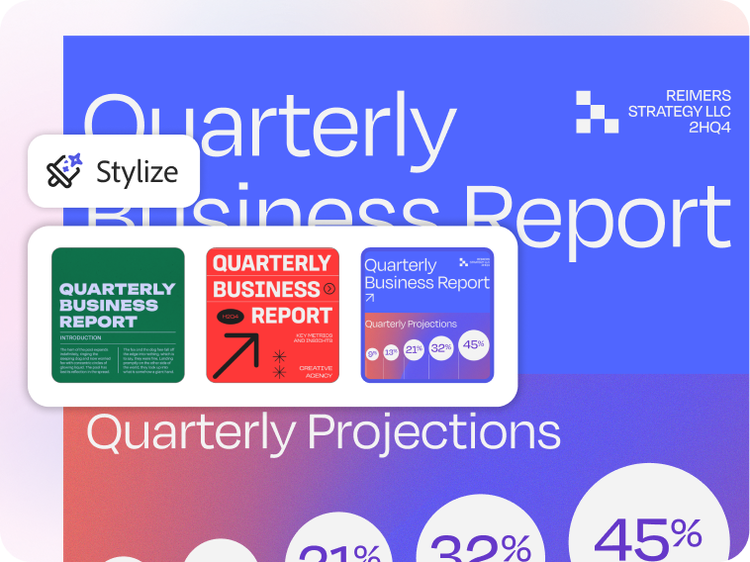
Stylize your docs. In a click.
Make resumes, reports, and more stand out just as much as the content inside them with templates.
style
Three up, l-spacing-top
background
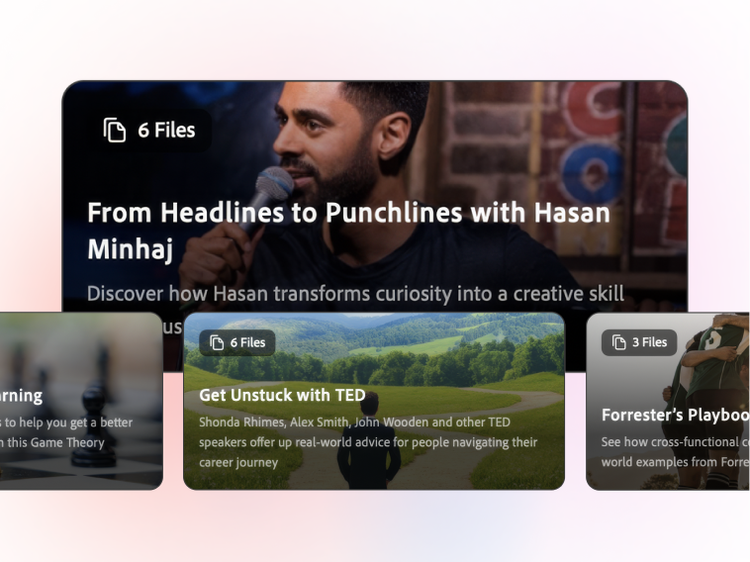
Work smarter not harder with PDF Spaces.
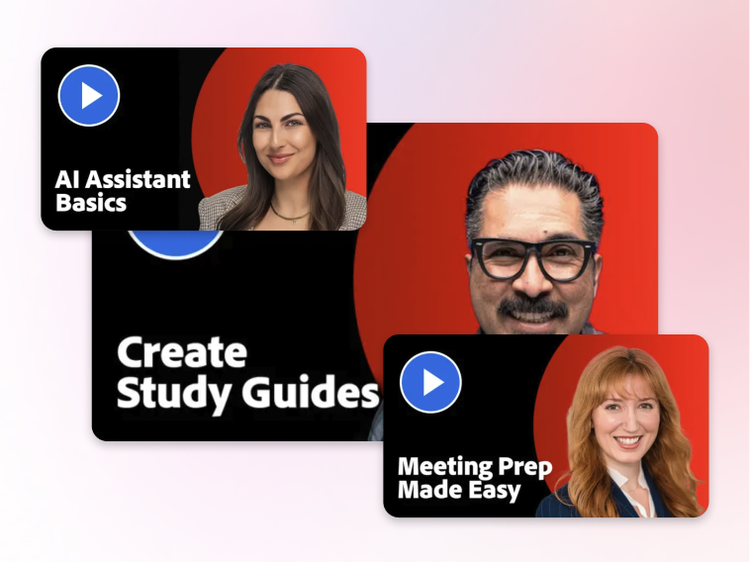
Get up to speed in no time.
Bring files into a PDF Space to uncover insights, create useful content, and share the interactive experience with others.
masonry
full-width, l-spacing
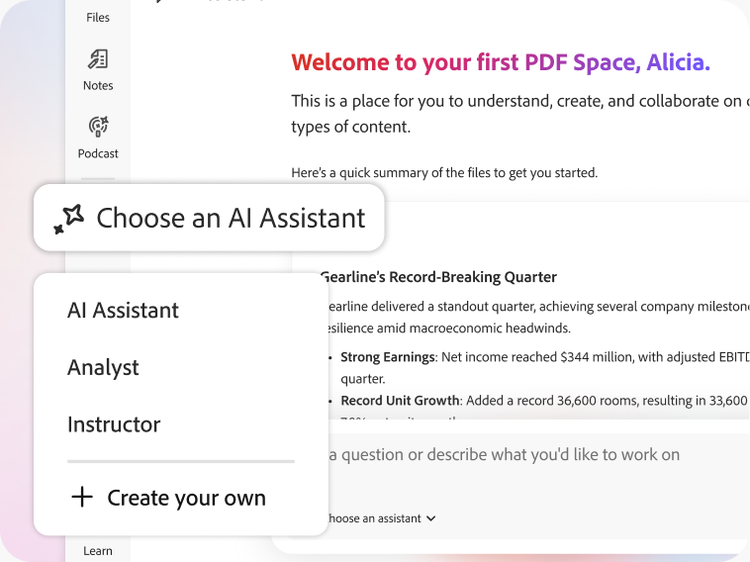
Guide your message with AI.
Share proposals and projects with a custom AI Assistant to set the tone of your content.
Choose how you take in info.
Create a summary, audio overview, visual report, or presentation from your PDF Space.
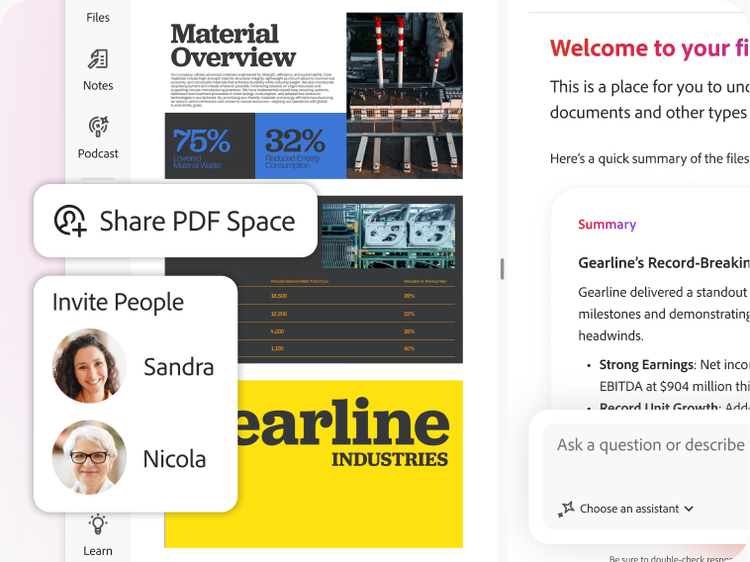
Share more than just files.
Bring others into your PDF Space to get up to speed, then see how they engage with insights.
style
Three up, l-spacing-top
background
Data Privacy
Your work. Your data. Always protected.
When you use AI Assistant, your content stays yours because it’s never used to train Adobe’s AI models. Your documents, chats, and interactions are fully protected. Plus, AI responses are always cited back to your source documents for full transparency.
PLANS AND PRICING
Compare Acrobat plans.
style
s spacing
Acrobat Reader
Free
By clicking the “Download now” button, you acknowledge that you have read and accepted all of the Terms and Conditions.
Fee applies up to half your remaining annual commitment if you cancel after 14 days.
Save 71% on 20+ apps including Acrobat Pro, plus Firefly creative AI for images, video, and audio. Pay US$19.99/mo the first year and US$39.99/mo after that.
Save 69% on 20+ apps including Acrobat Pro, plus Firefly creative AI for images, video, and audio. Pay US$239.88/yr the first year and US$479.88/yr after that.
Adobe Acrobat AI Assistant can summarize long documents, answer questions about your PDF's content, generate outlines, and extract key points, all with cited responses. In PDF Spaces, you can combine multiple files into a shared workspace and use AI Assistant to surface insights across all of them or generate a podcast-style audio overview to listen on the go. *Adobe Acrobat also offers AI-powered content rewriting, translation assistance, and smart redaction, built directly into Adobe Acrobat and accessible on desktop, mobile, and web browser with the AI Assistant add-on, Adobe Acrobat Express, or Studio plan.
*Adobe Acrobat AI Assistant currently supports English, Japanese, French, German, Italian, Spanish, Portuguese, Korean, Norwegian, Dutch, Finnish, Swedish, and Danish — including summarizing, answering questions, rewriting, and translating content from or to these languages. Responses in other languages may occasionally occur but are outside the intended scope and should not be relied upon.
Adobe Acrobat AI Assistant reads your entire PDF and produces a structured summary that highlights main topics, key findings, and action items. You can ask follow-up questions in plain language and AI Assistant responds with answers and references to specific pages. Acrobat AI Assistant works with research papers, legal contracts, financial reports, and other complex documents.
Adobe Acrobat AI Assistant is designed to generate grounded responses with citations, so you can verify answers against the original document. It's built on Adobe's secure infrastructure and trained to minimize errors. Adobe recommends reviewing AI-generated summaries against source material.
Adobe Acrobat AI Assistant supports multiple languages, including English, Japanese, French, German, Italian, Spanish, Portuguese, Korean, Norwegian, Dutch, Finnish, Swedish, and Danish. You can ask questions in your preferred supported language and receive responses in the same language. AI Assistant can summarize, answer questions, rewrite, and translate content from or to these supported languages. Responses in other languages may occasionally occur but are outside the intended scope of Acrobat AI Assistant and should not be relied upon.
Adobe Acrobat AI Assistant processes your documents using Adobe's secure infrastructure and does not use your content to train AI models. Enterprise customers have additional data governance controls available through Adobe Acrobat for enterprise plans. Adobe's privacy policy details how document data is handled when you use AI features.
Creating, uploading, or sharing content that violates a third-party copyright is prohibited. You should seek legal advice if you suspect that your content may violate any third-party copyrights.
You can control how Adobe websites use cookies and similar technologies by making choices below. But note that if you disable cookies and similar technologies entirely, Adobe websites may not function properly.
Cookies are small text files stored by your web browser when you use websites. There are also other technologies that can be used for similar purposes like HTML5 Local Storage and local shared objects, web beacons, and embedded scripts. These technologies help us do things like remembering you and your preferences when you return to our sites, measure how you use the website, conduct market research, and gather information about the ads you see and interact with.
You can make choices in the menu below about what cookies and other technologies you want us to use on Adobe sites when you visit them from this browser. You can always change those choices later by clicking on the Cookie Preferences link at the bottom of the page.
If enabled:
We can improve your experience by tailoring the site and the content to things we think might be of interest
We can better keep track of your preferences — like what language you prefer to use
We will better understand your likely interests so we can provide you more relevant Adobe ads and content on non-Adobe websites and in non-Adobe apps
It will help us improve the performance of our website and those of our partners who use the Adobe Experience Cloud
If disabled:
We won’t be able to remember you from session to session so the experience may not be tailored to your interests
You’ll still have access to the content of the site but certain features that depend on cookies may not function
You’ll still see ads, they just may not be as relevant to you
General information
You can control how Adobe websites use cookies and similar technologies by making choices below. But note that if you disable cookies and similar technologies entirely, Adobe websites may not function properly.
Cookies are small text files stored by your web browser when you use websites. There are also other technologies that can be used for similar purposes like HTML5 Local Storage, web beacons, and embedded scripts. These technologies help us do things like remembering you and your preferences when you return to our sites, measure how you use the website, conduct market research, and gather information about the ads you see and interact with.
You can make choices in the menu below about what cookies and other technologies you want us to use on Adobe sites when you visit them from this browser. You can always change those choices later by clicking on the Cookie Preferences link at the bottom of the page.
If enabled:
We can improve your experience by tailoring the site and the content to things we think might be of interest
We can better keep track of your preferences — like what language you prefer to use
We will better understand your likely interests so we can provide you more relevant Adobe ads and content on non-Adobe websites and in non-Adobe apps
It will help us improve the performance of our website and those of our partners who use the Adobe Experience Cloud
If disabled:
We won’t be able to remember you from session to session so the experience may not be tailored to your interests
We’ll still count your use of our site and services
You’ll still have access to the content of the site but certain features that depend on cookies may not function
You’ll still see ads, they just may not be as relevant to you
Operate the site and core servicesOperate site and measure engagement
Always active
These cookies are required, and they are used to enable the site and related services core functionality. Without them the site could not operate, so they cannot be disabled.
These cookies enable the site and related services’ core functionality and collect statistics about user engagement, such as counting active use to help us understand trends. These cookies cannot be disabled.
Measure performance
These cookies are used to analyze site usage to measure and improve performance. Without them Adobe cannot know what content is most valued and how often unique visitors return to the site, making it hard to improve information we offer to you.
These cookies are used to analyze site usage to measure and improve performance. Without them Adobe cannot know what content is most valued, making it hard to improve information we offer to you.
Extend functionality
These cookies are used to enhance the functionality of Adobe sites such as remembering your settings and preferences to deliver a personalized experience; for example, your username, your repeated visits, preferred language, your country, or any other saved preference.
Personalize advertising
These cookies are used to enable Adobe and our partners to serve ads more relevant to your interests. Without them you will still see ads, but they might not be as relevant to you.