
Supported citation formats
- APA 7th Edition
- MLA 9th Edition
- Chicago 17th — Notes-Bibliography
- Chicago 17th — Author-Date
- IEEE
- AMA 11th Edition



Generate formatted citations from your research sources in seconds with Student Spaces in Acrobat. No sign-up or credit card required.


Start by uploading your source material or manually entering the publication details. The citation generator extracts the information needed to build your reference.
Choose from popular citation formats including APA, MLA, Chicago, IEEE and AMA. Each style follows the latest edition guidelines for accurate formatting.

Review your generated citation and copy it directly into your paper or let the tool generate your works cited page. Make any necessary edits to assemble your bibliography.
Spend less time chasing down your works cited with our go-to citations formatted the way you need them.
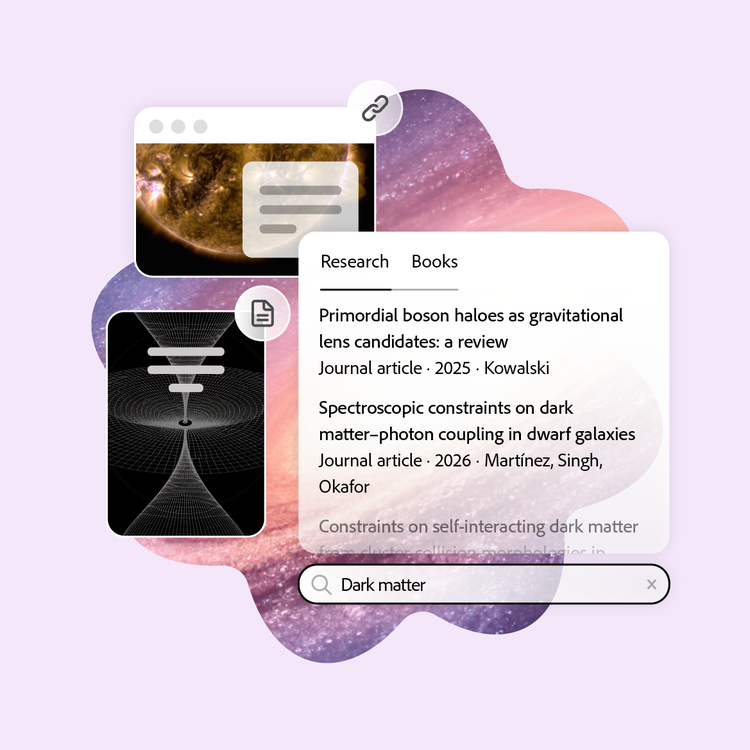
Skip the tedious data entry. Upload a document from your desktop or drop a web link, DOI, title, ISBN or keywords. The citation generator reads the source and automatically pulls the author, title, publication date and more, formatted in whatever citation style you need.
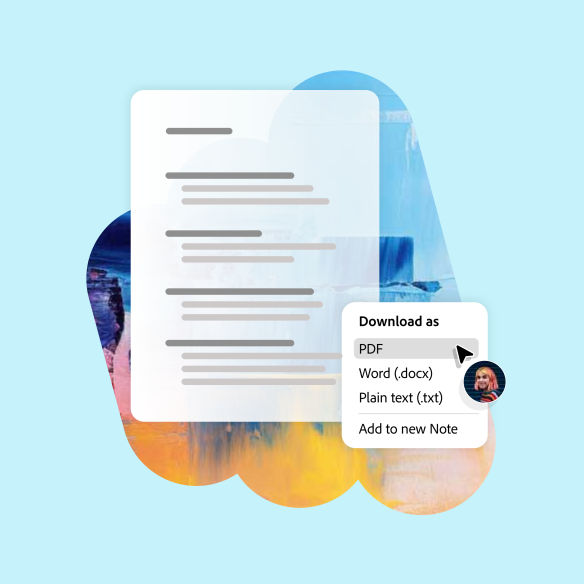
Every citation you create is automatically saved to your works cited list as you go. When it's time to turn in your paper, export a fully formatted bibliography in the style required for your assignment.
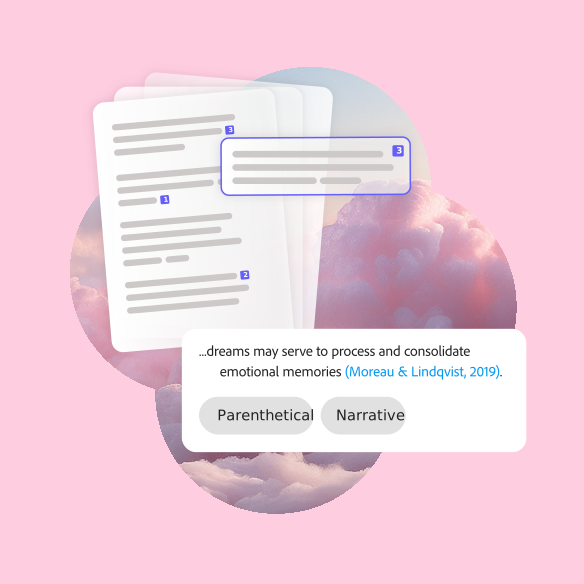
Your citations don't just sit in a list: they stay connected to your source documents in Student Spaces. Refer back to your course materials easily, so you know exactly where your insights came from.
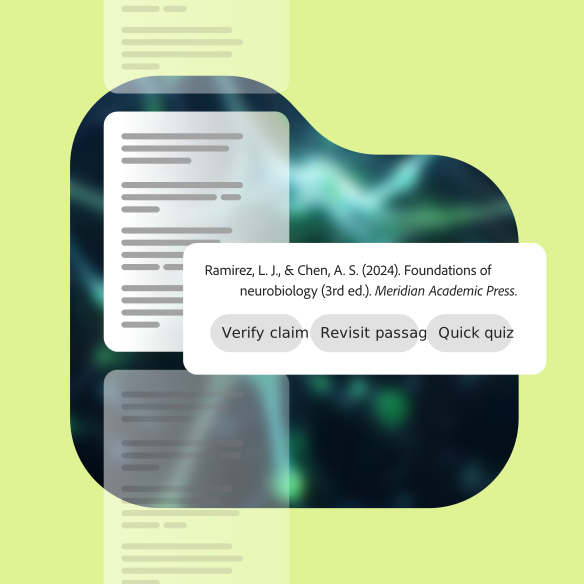
Insert citations directly into your document as you draft and move seamlessly between your writing assignments, studying and even club projects and career prep. Student Spaces partners with you through it all.
Student Spaces is your go-to partner for learning, studying and research. Chat through your course material to understand it better and turn it into flashcards, mind maps and more.

Clarify course questions or work through brainstorms with AI chat.

Turn your docs into flashcards and master concepts with ease.

Challenge yourself with quizzes built from your study materials.
Visualise how ideas connect and understand big concepts, at a glance.
The Student Spaces citation generator works with multiple citation styles and sources, so you can get references that meet your requirements.

And more than 30 other source types.