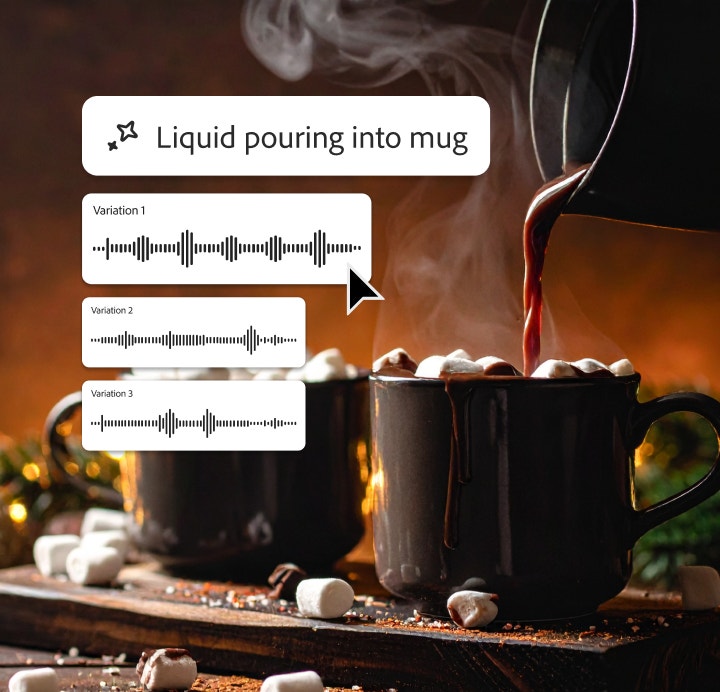
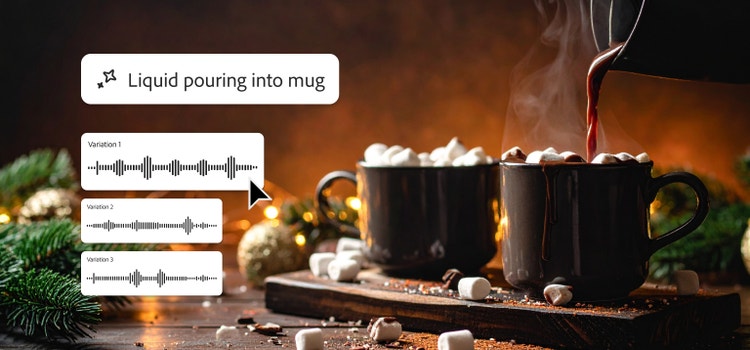

Create free AI Christmas sounds with Adobe Firefly.
From customised holiday jingles to festive sound effects, Adobe Firefly makes it easy to generate Christmas sounds for videos, social content, ads and more — no audio engineering skills required. Just describe the sound, upload reference audio or act it out into your mic.

Create magical Christmas music and sound effects, fast.
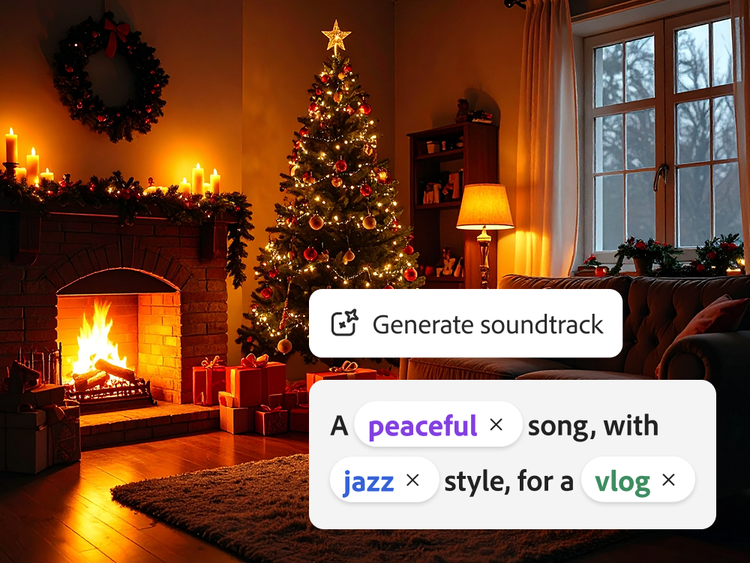
Adobe Firefly makes it easy to generate customised Christmas sound effects and holiday music for free. With simple prompts like “cosy cabin Christmas jazz” or “dreamy winter lo-fi” and intuitive adjustment controls, anyone can create festive ambiences, jingles, sound cues and musical loops.
Christmas sounds, your way.
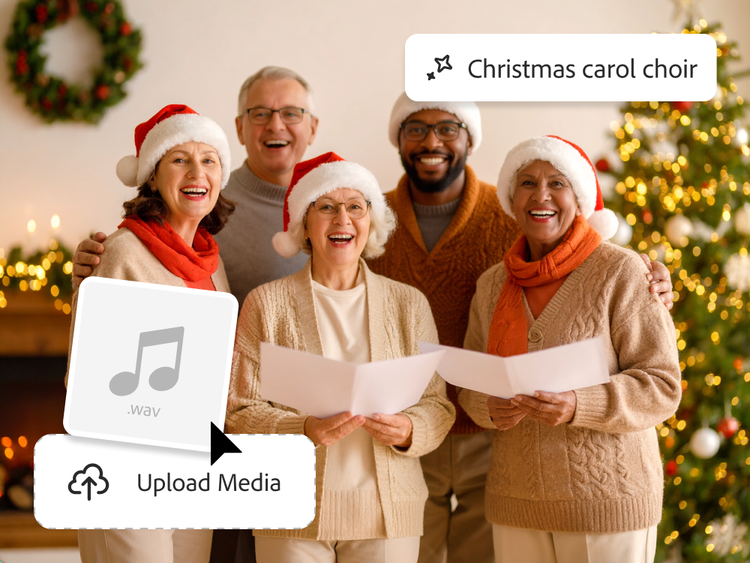
Firefly makes it easy to create Christmas music that complements your existing sound libraries. Simply upload a video clip and let Firefly provide a series of prompts to choose from — or you can enter your own to truly customise your holiday melodies, jingles and more.
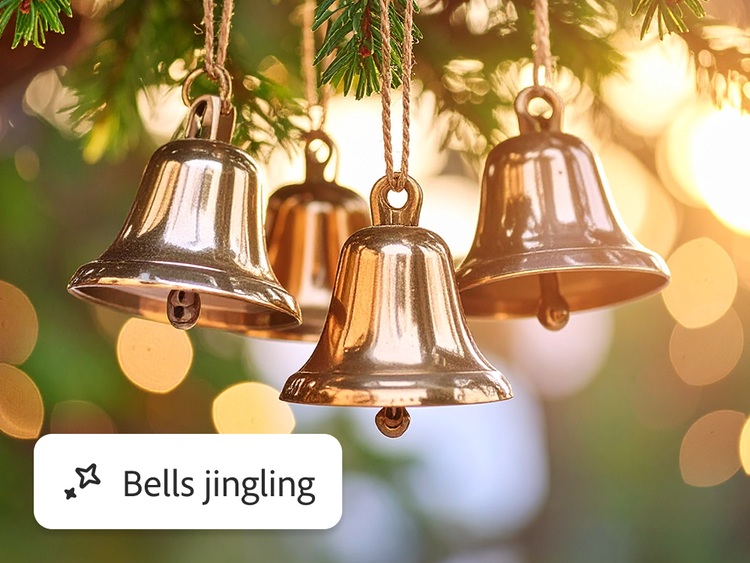
Describe the Christmas sound or sound it out.
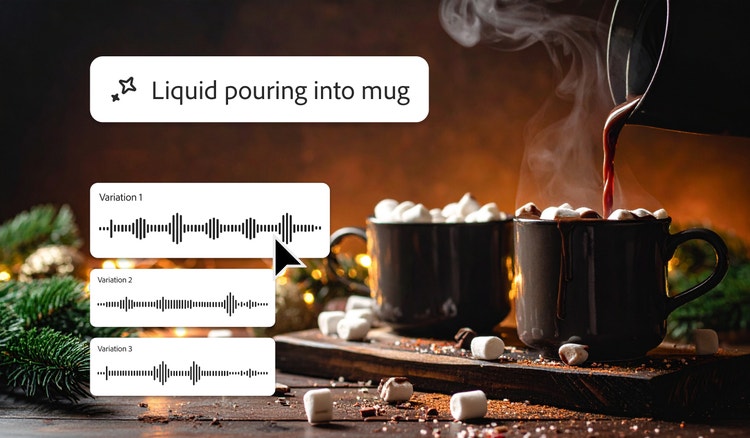
Have a specific Christmas sound effect in mind? With the Firefly sound effect generator, all you need to do is type it out with prompts like “sleigh bells jingling,” “crackling fireplace” or “ambient, serene snowfall” — or act it out into your mic to get the timing and timbre just right.
Make your content sound like Christmas.
Firefly can add holiday cheer to any project by layering in customised Christmas sound effects. Simply upload your audio or video file, describe the Christmas sounds you want to add and let Firefly generate a festive layer for you. Then download Christmas music or take advantage of the seamless workflow and continue refining in Premiere Pro or Audition.
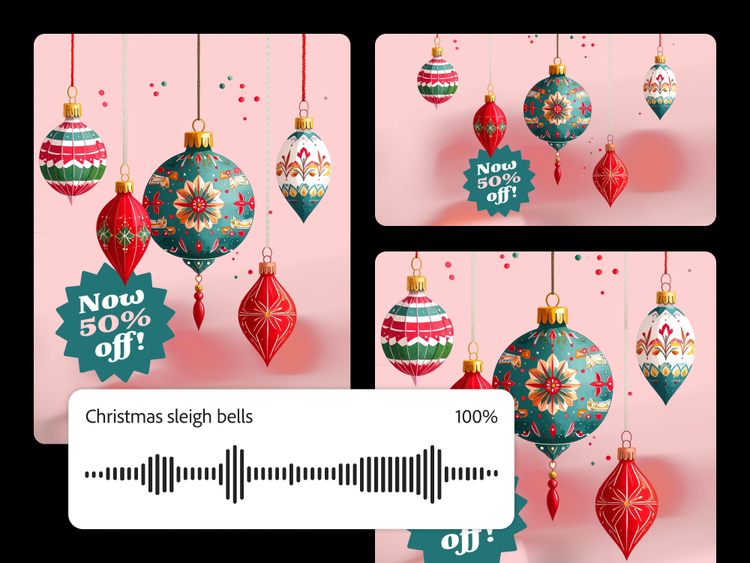
Generate commercially safe Christmas music.
Christmas sounds and other outputs from Firefly models are commercially safe, so you can confidently use them across holiday campaigns, client presentations, branded content, social posts, ads and more. Whether you're producing a festive promo or building seasonal brand assets, Firefly helps you to create Christmas music and Christmas sound effects you can trust.
How to create AI Christmas sounds with Firefly.
Follow these simple steps to create customised Christmas sound effects for your holiday projects.
- Open Firefly.
Use the sound effect generator to create Christmas sound effects like bells, footsteps or ambient holiday sounds. (For holiday music, use the AI music generator to create melodies, jingles and loops.) - Upload your media.
While in the sound effect generator, add any audio or video file you want to enhance with AI Christmas sounds. - Sound it out.
Position the playhead where you need your effect, select Record voice and wait for the countdown — then act out your sound effect into your mic. This will help the model gauge timing, volume and intensity. - Give some direction and generate.
Describe the sound you want to hear with a short text prompt, like “bright sleigh bell jingle,” “crunchy footsteps in the snow” or “excited children opening presents.” Next, click Generate. - Pick and place the Christmas sound in your timeline.
Preview output variations, select your favourite and it’ll be added to the timeline at your playhead. Repeat the process to layer in more Christmas sounds. - Fine-tune and finesse.
Make easy adjustments to your Christmas sound right from the timeline — reposition, mute, change volume and more. - Export and use.
Export your festive audio and use it across videos, social posts, ads, podcasts, livestreams or anywhere you need Christmas sound.
Why Firefly for AI Christmas sound generation?
- Easy to use: Generate music and sound effects for Christmas in minutes using simple prompts, voice cues or reference audio. Firefly handles the technical work, so you can focus on the creative decisions instead of complex audio tools.
- Customised sounds from simple prompts: Create original Christmas music, jingles and sound effects tailored exactly to your vision. Firefly lets you shape the mood, timing, intensity and layers — giving you control over everything from the brightness of the sleigh bells to the timbre of Santa’s voice.
- Faster workflows: Firefly helps you to produce the holiday audio you need in minutes. It also integrates effortlessly with Adobe tools like Premiere Pro and After Effects, making it easy to generate, refine and mix AI Christmas sounds directly into any edit.
Firefly brings powerful AI audio generation into your creative process, making it easy to produce polished AI Christmas sounds that feel intentional and professionally crafted. Whether you’re scoring a holiday video, building social content, designing a festive ad or creating a seasonal soundscape, Firefly gives you the speed, control and creative range to shape a customised Christmas soundtrack in minutes.
Remix content from the community.
Discover Firefly image, sound and video prompts to remix and submit your own content to the gallery.
Discover even more features generative AI features.
Sound effect generator AI music generator Text to image AI art generator Translate video AI animation generator AI dubbing AI video generator AI Christmas photo generator
FAQs about the AI Christmas sound generation.
Are the sound effects royalty free?
Is the Adobe Firefly Christmas sound generator free?
What file formats are available for download?
What is the best AI tool to generate Christmas sounds?
What are common uses for AI Christmas sound effects?
Learn more about generative AI.
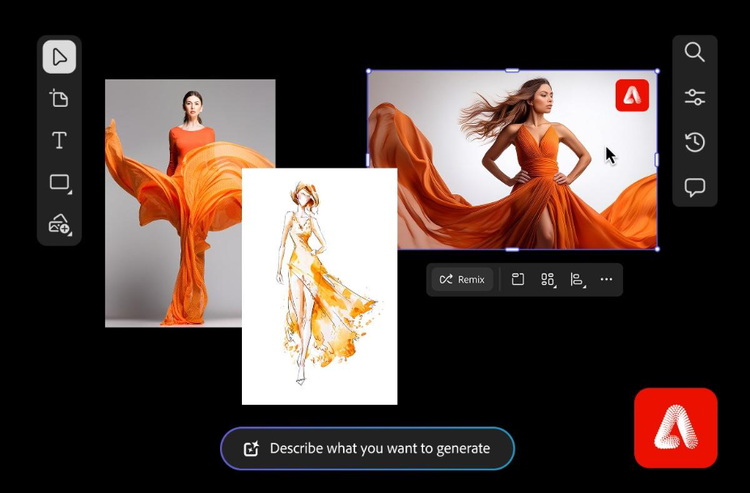
Digital mood board examples for any project or aesthetic.
From fashion to branding to interior design, mood board examples offer a starting point for every creative process. Browse styles and layouts to spark ideas for the perfect mood board vibe.
Learn more | Learn more - Digital mood board examples for any project or aesthetic
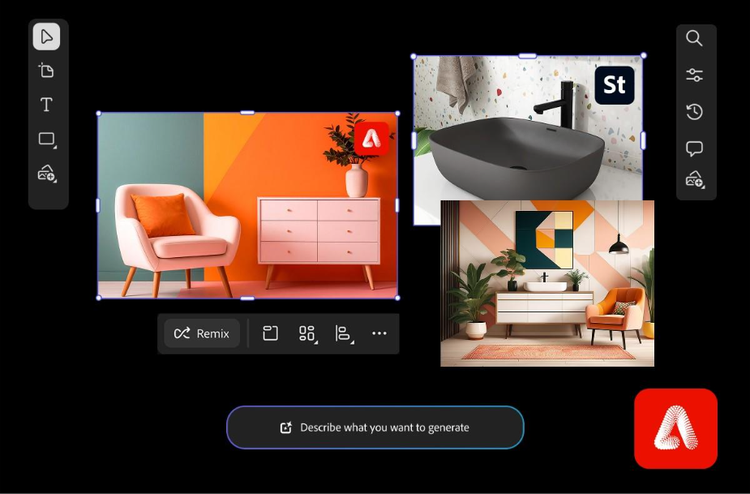
Create an interior design mood board to bring spaces to life.
Learn how a mood board for interior design helps organise colours, designs and materials to turn concepts into visual plans.
Learn more | Learn more - Create an interior design mood board to bring spaces to life
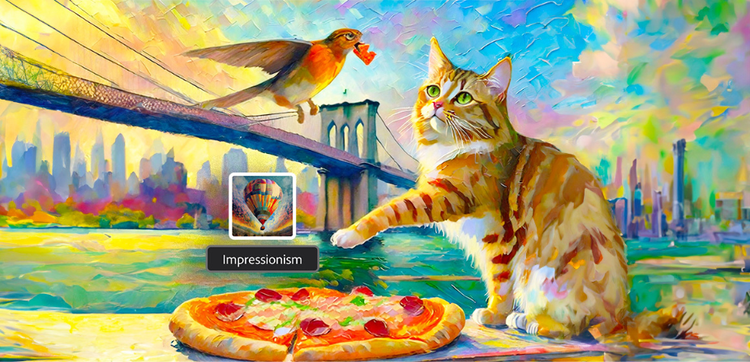
Explore art styles for AI prompts.
Surrealism, Cubism, Impressionism — find out how to create images in these and other art styles with generative AI.
Adobe Firefly vs. DALL·E 3: Express your vision with the right AI art generator for you.
Brainstorm at lightning speed and turn your dreams into amazing AI creations with Firefly.