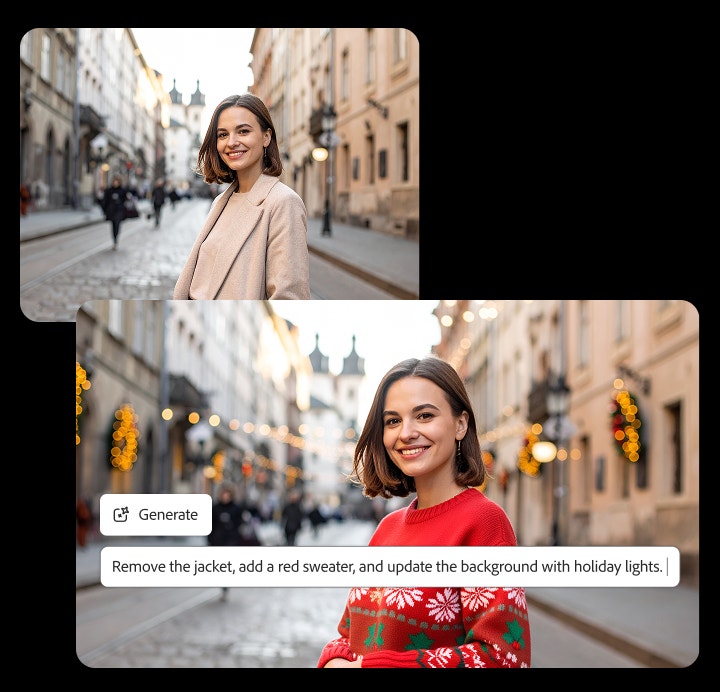
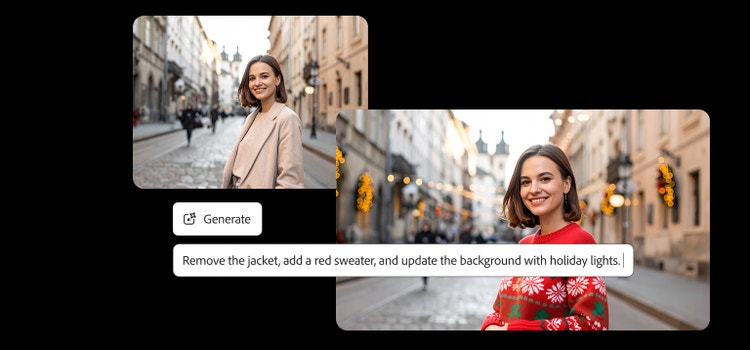
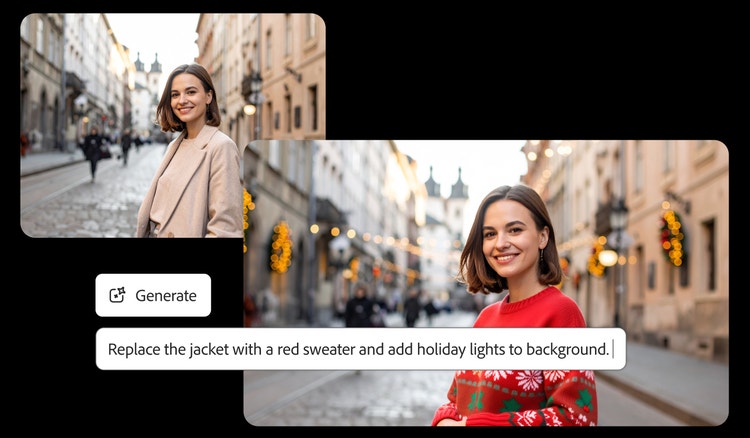
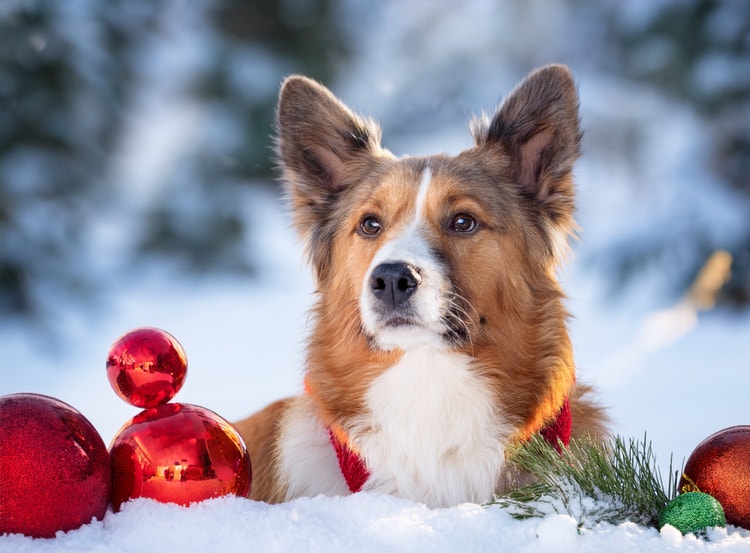
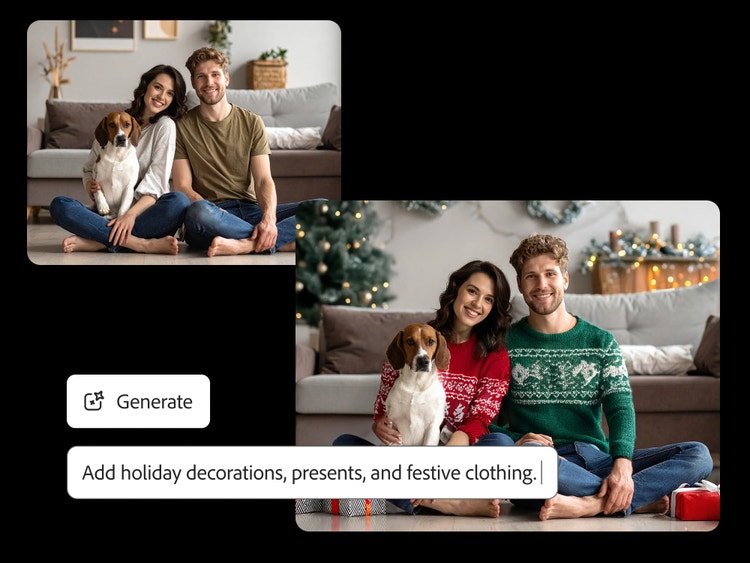
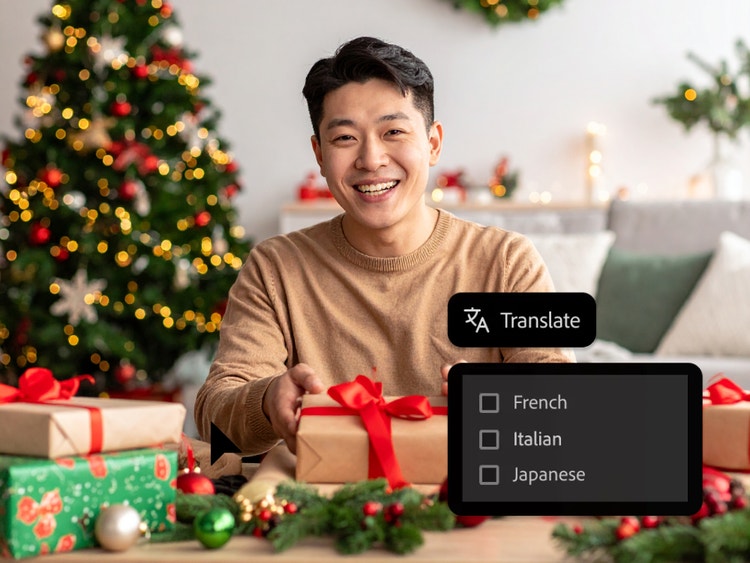
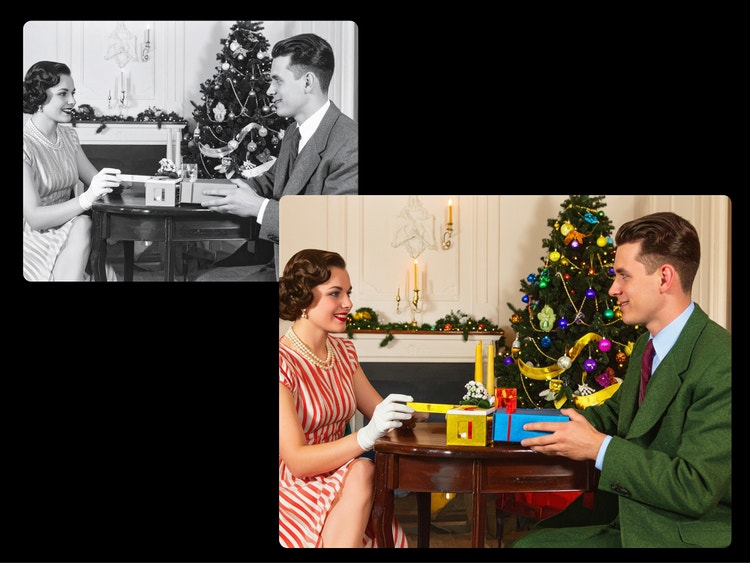
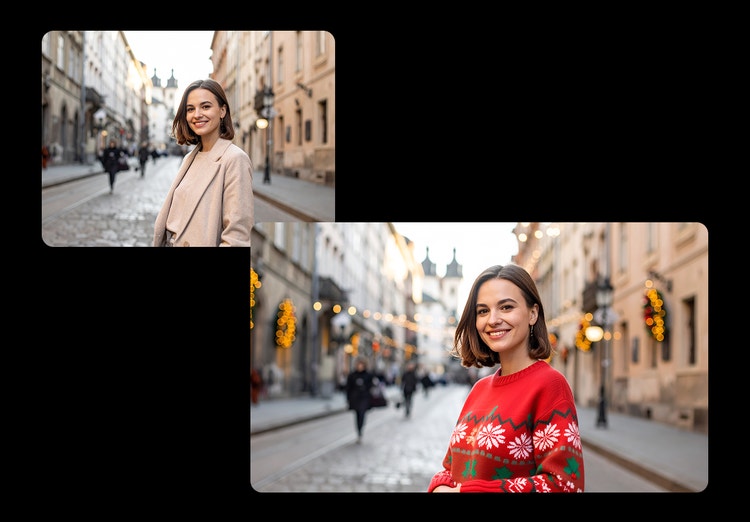
The AI Christmas photo generator makes it easy to create personalized holiday cards, pet Christmas photos, ugly Christmas sweater portraits, holiday couple photos, festive social posts, and even custom wrapping paper designs.
A great AI Christmas photo generator should offer creative flexibility, high-quality results, and tools that make it easy to explore different holiday styles without any advanced editing skills. Firefly supports this workflow by giving full creative control with intuitive tools and features. The text to image generator lets you explore holiday concepts from a simple prompt, the image to image generator is perfect for guiding the style with a reference photo or transforming an existing photo into a festive scene, and Firefly Boards allows you to pick festive holiday presets to generate AI Christmas photo scenes in minutes. Once finished, Firefly can export your AI Christmas photos as high-quality in JPEG or PNG formats for printing or sharing.
Yes, you can create AI Christmas photos for free with Adobe Firefly using a free Adobe account. If you have a free account, you’ll get free daily generations to explore festive image styles, scenes, and characters without committing to a paid plan. Learn more about
using Adobe Firefly for free. When you're ready for more, upgrade to a paid plan for additional features and higher-volume access.
A strong Christmas prompt is specific and descriptive. Start with your subject, like “fluffy cat sleeping by a fireplace.” Then add visual details, such as “warm gold lighting” or “vintage ornaments.” You can also guide the style by describing a Christmas aesthetic, like “classic greeting-card illustration,” “snow-globe scene,” or “cozy storybook Christmas art.” After you enter a prompt, Firefly AI-powered prompt suggestions can generate alternative prompt variations to help refine and improve your results. To further explore AI generated Christmas photos, try rewording your prompt, adjusting the style direction, or making additional edits in Adobe Photoshop.
You can upload JPG, PNG, WebP, or HEIC files. Note: HEIC is primarily supported when using Safari on a desktop or laptop device. Once you’re done creating your AI Christmas photo, you can download the final image as a JPG or PNG at a maximum resolution of 2000 × 2000 pixels — ideal for printing holiday cards or sharing online.
The Adobe Firefly text to image generator lets you download your AI Christmas photos in JPEG and PNG formats at a maximum resolution of 2000 × 2000 pixels. This resolution is ideal for printing Christmas cards, creating holiday gifts, or sharing family portraits online.