Create flow charts for free.
From decision making to visualizing complex processes, flow charts can simplify your information. And our flow chart creator simplifies the design process so that anyone can do it.
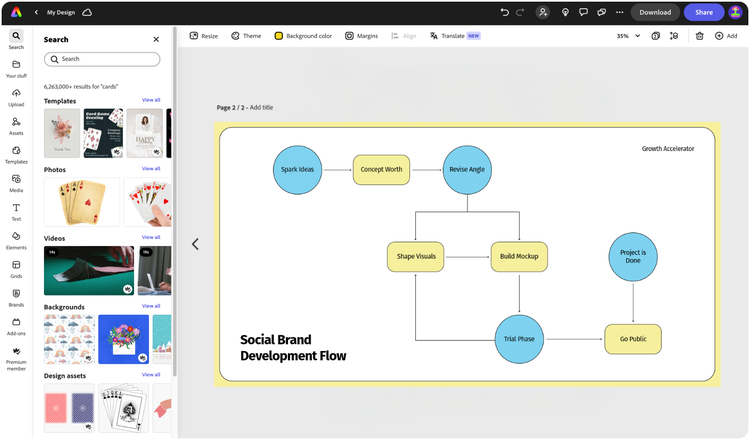

Easy all-in-one editor

One-click edits from any device

Fast creation with generative AI

Thousands of professionally-designed templates
Easily get started in Adobe Express.
- Templates
- Upload Content
- Stock Content
- AI
Upload or import your content.
Add your own photos or videos and start your creation from there. You can also import your PSD or Ai files and Adobe Express will recognize all of your layers.


Upload your photos or videos
Upload your PSD or Ai files
Upload or import your content.
Add your own photos or videos and start your creation from there.
Upload your photos or videos
Start from our amazing collection of stock content.
You can start your project from the Adobe Stock royalty-free photo, video, or audio collection.

Start with video

Start with photo

Start with audio
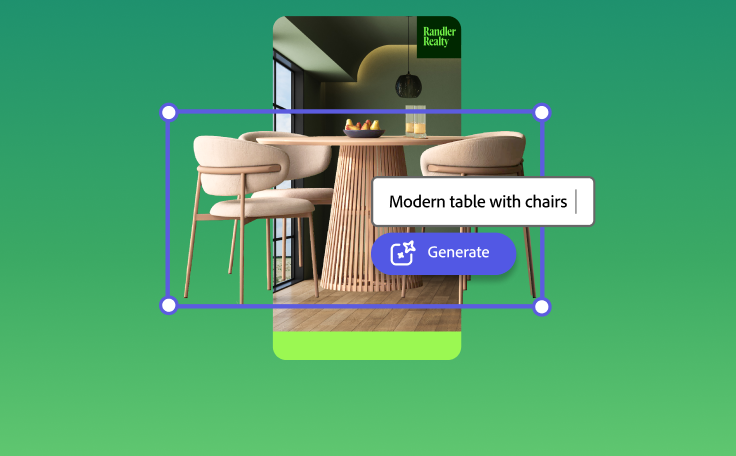
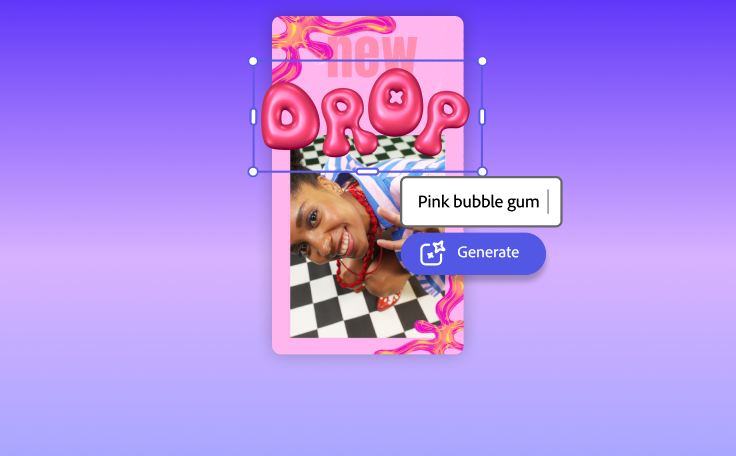
Imagine and create from a text prompt.
Your imagination is your only limitation. You type it. Adobe Express generates it.


How to make a flow chart.
See what people are saying about Adobe Express.

Abs Ahlijah
Marketing & Content Coordinator @ Soul Session

Liz Mosley
Owner, Liz Mosley Design

Penuel Stanley-Zebulon
Student @ Pennsylvania State University

Attabeira German de Turowski
Owner, Attabeira Oneline

Mike Nappi
Owner, NappiMusic
Discover even more features for easy content creation.
Take your flow charts further.
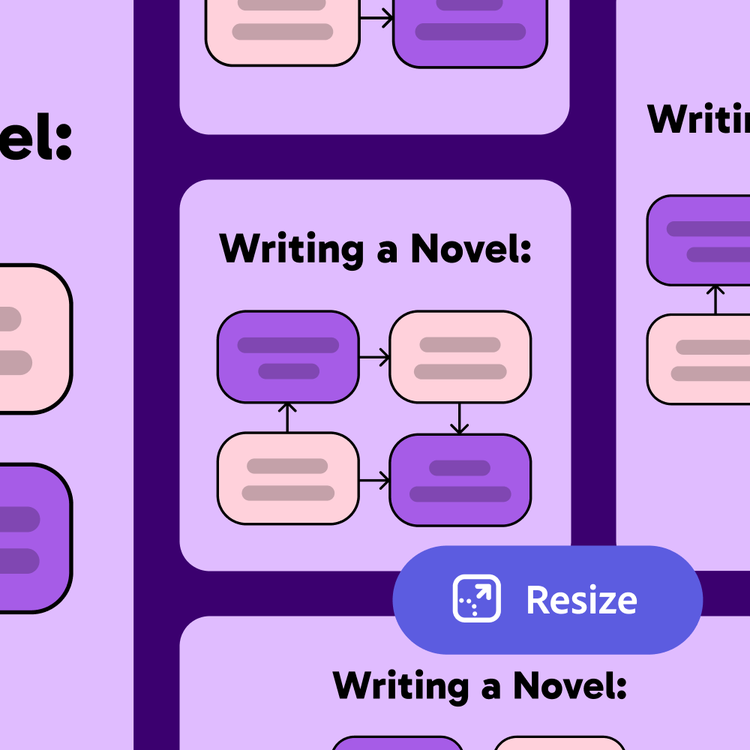
From silly meme-worthy flow charts to clean and professional designs, Adobe Express has a template perfect for jumpstarting your project. Then easily Resize your design for presentations, social media posts, printed flyers, and more.

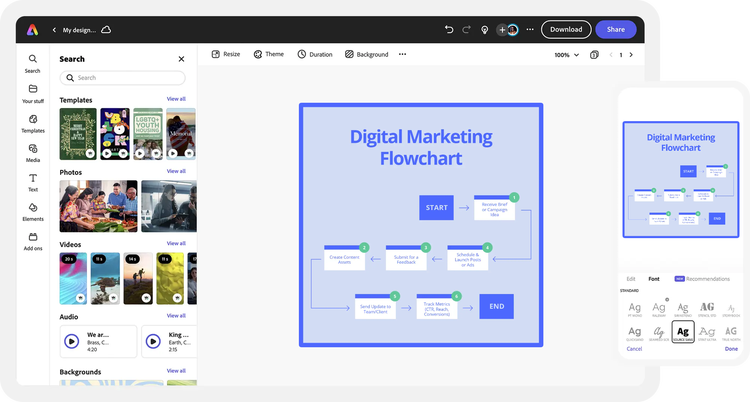
Create flow charts fast with a variety of design assets at your side.
Complement your flow chart with high-quality images, videos, and fonts from Adobe Stock and Adobe Fonts as well as one-click animations, icons, and shapes. If you don’t know what looks best, Adobe Express gives you tons of curated font recommendations and color schemes to mix and match.