



Create Gantt charts for free.
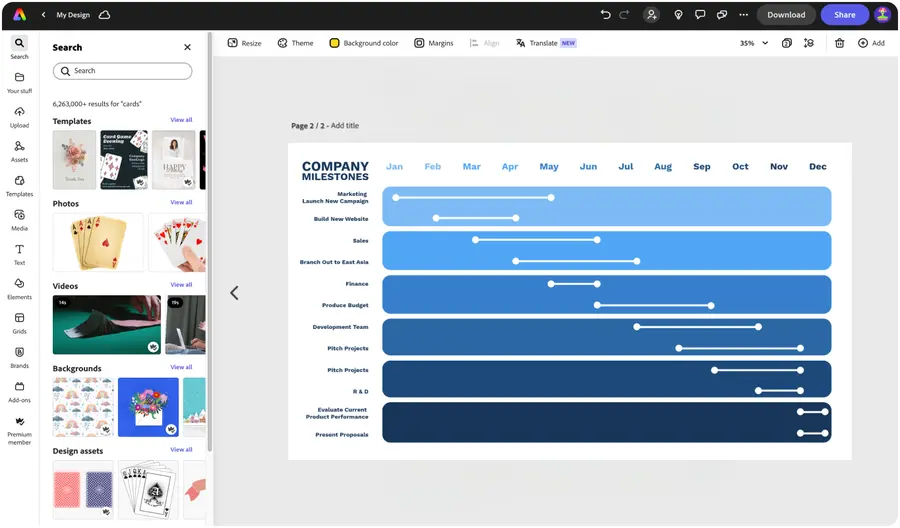
Easily keep your project on track with an on-brand Gantt chart. Our Gantt chart creator lets you make charts that you can quickly drop into presentations, client documents, emails, and more.


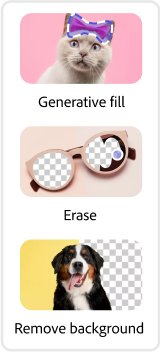
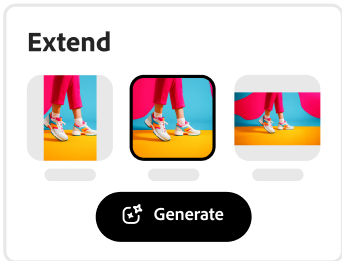


Easy all-in-one editor

One-click edits from any device

Fast creation with generative AI

Thousands of professionally-designed templates
Easily get started in Adobe Express.
Keep your project on track with our chart templates.
When you need to break down your project based on phases (like research, design, and deployment) or between groups, Gantt charts can help you visualize all the key details. With the Adobe Express Gantt chart maker, you won’t miss a thing. Start with one of the professionally-designed chart templates below. Then add your color schemes and brand logo to make it yours. Project management just got easier, thanks to Adobe Express.
 New templates
- Popular
- New templates









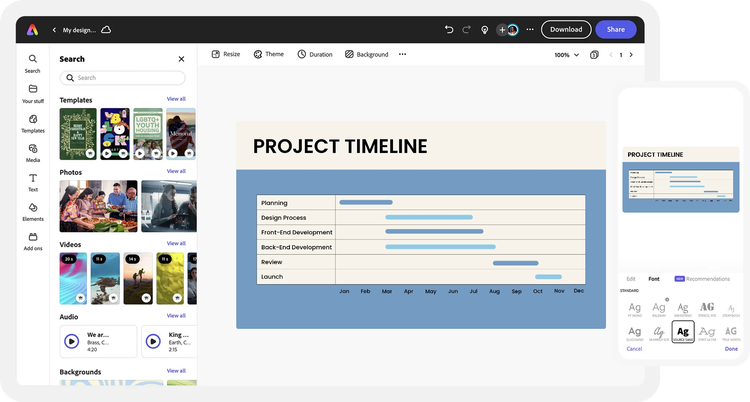
Create from anywhere.
Open Adobe Express on web or mobile and start creating for free.Explore professionally designed templates.
Search for Gantt chart templates and browse through a variety of styles. You can also begin your project from a blank canvas.Choose a grid type to customize.
Click Add Content in the left menu of the editor, then select Charts and Grids. Choose a grid style to build your Gantt chart. Customize the colors, fonts, and logo to create a design that matches your vision.Add labels to your chart.
Fill out the details of your chart. Add a legend and enter your timeline labels. In the Elements panel, choose a shape to represent your timeline visually. Lock your Gantt chart to keep it in place as you continue editing the details in your project.Save and share your Gantt chart anywhere.
Download your new Gantt chart design and share anywhere. Before wrapping things up, invite collaborators to co-edit your work. Go back anytime to make edits or add your Gantt chart to documents and presentations made in Adobe Express.
See what people are saying about Adobe Express.

Abs Ahlijah
Marketing & Content Coordinator @ Soul Session
"As a marketer who is always on the move. Adobe Express helps me to create fast, high quality content. Absolute endless features to enhance my creativity!"

Liz Mosley
Owner, Liz Mosley Design
"I use Adobe Express to create and schedule a lot of my own content, and by creating templates for my own brand I have saved my self hours marketing my business!”

Penuel Stanley-Zebulon
Student @ Pennsylvania State University
"The remove background image tool in Adobe Express saved me hours of tedious editing, effortlessly removing backgrounds and refining my images with just a few clicks."

Attabeira German de Turowski
Owner, Attabeira Oneline
"I use Express Premium for my social media efforts and Content Scheduler has helped me grow my following through consistent posting."

Mike Nappi
Owner, NappiMusic
"I'm all in on Adobe Express. Premium makes it easy for me to maintain a cohesive look and feel for my brand."
Discover even more features for easy content creation.
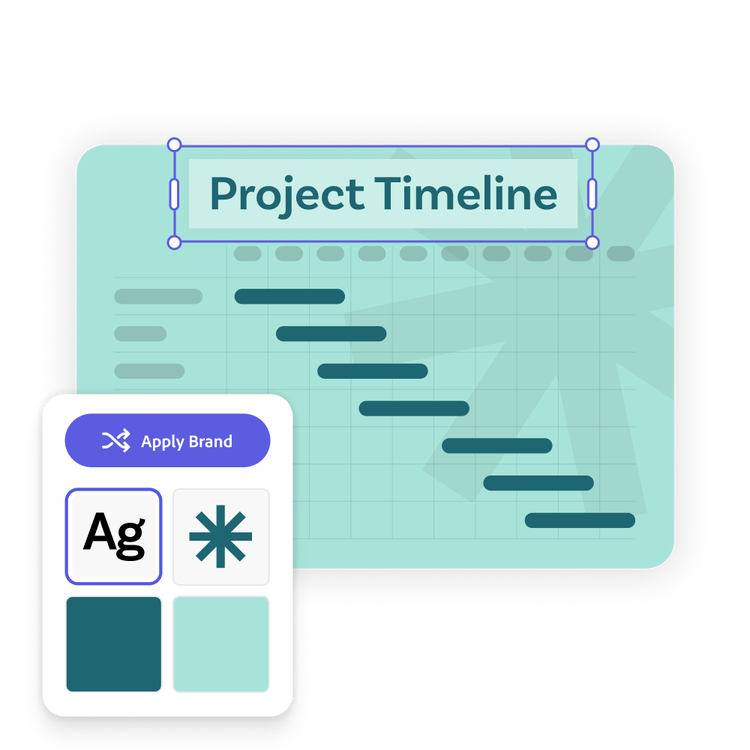
Keep your project on brand.

Gantt charts follow a usual visual structure featuring a calendar grid with markings to show how far into the year each part of the project will go. But beyond that, you can make your Gantt chart entirely yours. Add your desired background, images, and typography. With a Premium plan, you can even apply your brand color schemes, logo, and font styles in one click.

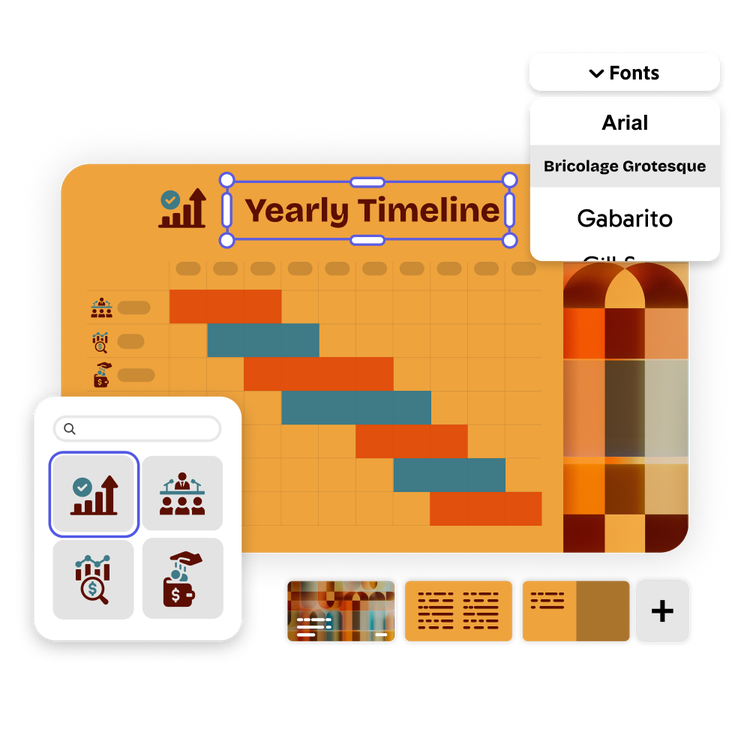
Create Gantt charts fast with a variety of design assets at your side.
Complement your Gantt chart with high-quality images, videos, and fonts from Adobe Stock and Adobe Fonts as well as one-click animations, icons, and shapes. Perfect for completing presentations alongside your Gantt chart. If you don’t know what looks best, Adobe Express gives you tons of curated font recommendations and color schemes to mix and match.
The world's leading businesses use Adobe Express.





Discover even more.
Frequently asked questions.
What types of charts can I make in Adobe Express?

Besides Gantt charts, pie charts, donut charts, bar charts, and progress charts are just a few of the many kinds of charts you can make quickly and easily with Adobe Express. Start from a template or build your own.
What should I include in my Gantt chart?

How do I add arrows, symbols, bars, and labels?
Can I create my own Gantt chart template?
Can I get Adobe Express for free? If so, what’s included?
What types of charts can I make in Adobe Express? opened
illustrator

