



Create a line graph in minutes.
Help your data tell a story visually with an on-brand, impactful line chart; perfect for presentations, documents, infographics, and more. Getting started is free and easy in Adobe Express.





Easy all-in-one editor

One-click edits from any device

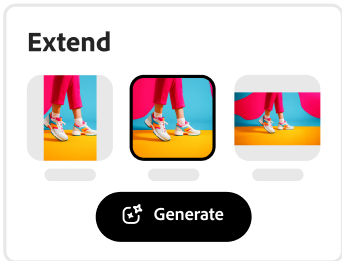
Fast creation with generative AI

Thousands of professionally-designed templates
Easily get started in Adobe Express.
Upload or import your content.
Add your own photos or videos and start your creation from there. You can also import your PSD or Ai files and Adobe Express will recognize all of your layers.











Open Adobe Express.
Get started with Adobe Express for free on web or mobile so you can make a line graph anytime, anywhere.Choose a template.
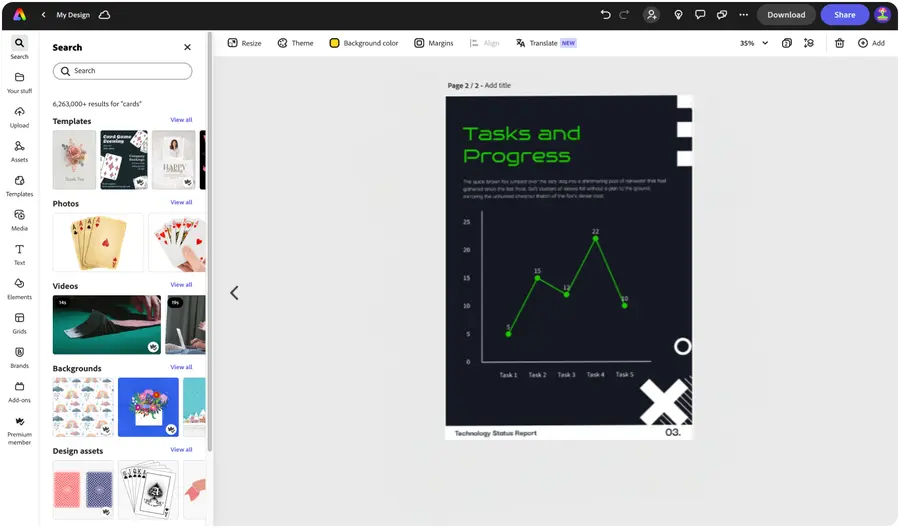
Browse our template gallery to explore trending designs, or search for your project needs, such as infographic or presentation. Select one to customize for your own line graph. Or build one from scratch.Select a chart type.
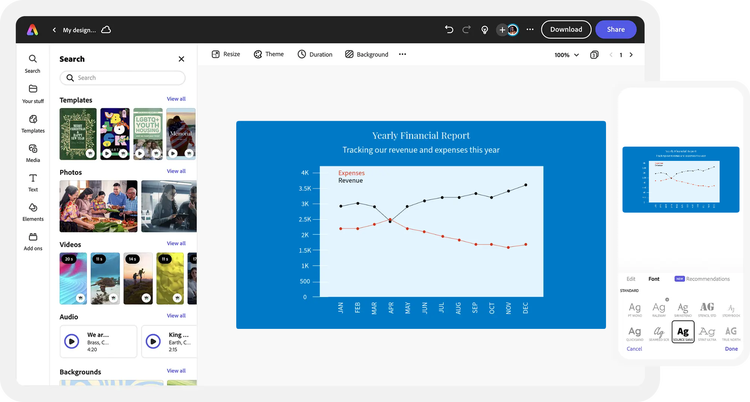
Select Charts and grids from the menu and choose a line chart option. Populate each point on your line chart with a value, such as sales numbers, and watch as each point moves according to your numerical data.Customize your line graph.
Edit your text using our collection of over 20,000 licensed Adobe Fonts. Use images, graphics, icons, borders, and more to build out your line graph. Swap out color schemes to match your branding.Download your line graph.
Save your completed line graph right to your device. Revisit your project anytime in the future to update it, resize it, or download to share when you’re ready. You can also invite collaborators via share link if you’d like.
See what people are saying about Adobe Express.

Abs Ahlijah
Marketing & Content Coordinator @ Soul Session
"As a marketer who is always on the move. Adobe Express helps me to create fast, high quality content. Absolute endless features to enhance my creativity!"

Liz Mosley
Owner, Liz Mosley Design
"I use Adobe Express to create and schedule a lot of my own content, and by creating templates for my own brand I have saved my self hours marketing my business!”

Penuel Stanley-Zebulon
Student @ Pennsylvania State University
"The remove background image tool in Adobe Express saved me hours of tedious editing, effortlessly removing backgrounds and refining my images with just a few clicks."

Attabeira German de Turowski
Owner, Attabeira Oneline
"I use Express Premium for my social media efforts and Content Scheduler has helped me grow my following through consistent posting."

Mike Nappi
Owner, NappiMusic
"I'm all in on Adobe Express. Premium makes it easy for me to maintain a cohesive look and feel for my brand."
Discover even more features for easy content creation.

Making a custom line graph template is simple with Adobe Express.

For a quick and elegant solution, enter your collected data into the line chart maker tool. Once you’ve provided your data, you can edit the graph’s colors, grid, and labels to your liking. You can even add animation as a special addition to your presentation. Follow our steps above to create your next line graph with Adobe Express.

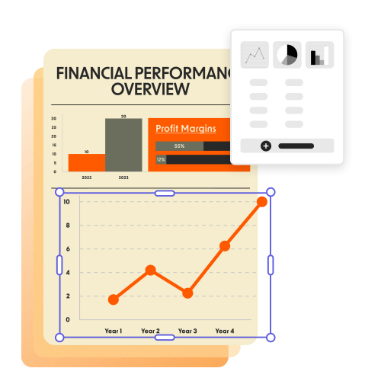
Let Adobe Express be your line graph maker.
The most important part about any infographic is that it’s easy to read and interpret the data. With Adobe Express, the process of turning numbers into a design is easy. Incorporate your creativity into the process by customizing your chart. To make your new chart even more engaging, add one-click animated effects to make your line graph pan in, fade out, and so much more.
The world's leading businesses use Adobe Express.





Discover even more.

Frequently asked questions.
When do you use a line graph?

A line graph is ideal for visualizing data that changes over time or to show trends, patterns, and comparisons between variables. To include multiple lines you'll need to layer one graph on top of another.
What are some different types of line graphs?

What should a line graph include?
How do I input data into Adobe Express to create my line chart?
Can I get Adobe Express for free? If so, what’s included?
When do you use a line graph? opened
illustrator

