

Free bar graph maker.
Our free bar graph maker is here to help you easily create your eye-catching graph in minutes. Compare your data with a visually captivating bar graph made in Adobe Express, then add it to your documents, presentations, and more. Best of all, it’s fast and free.
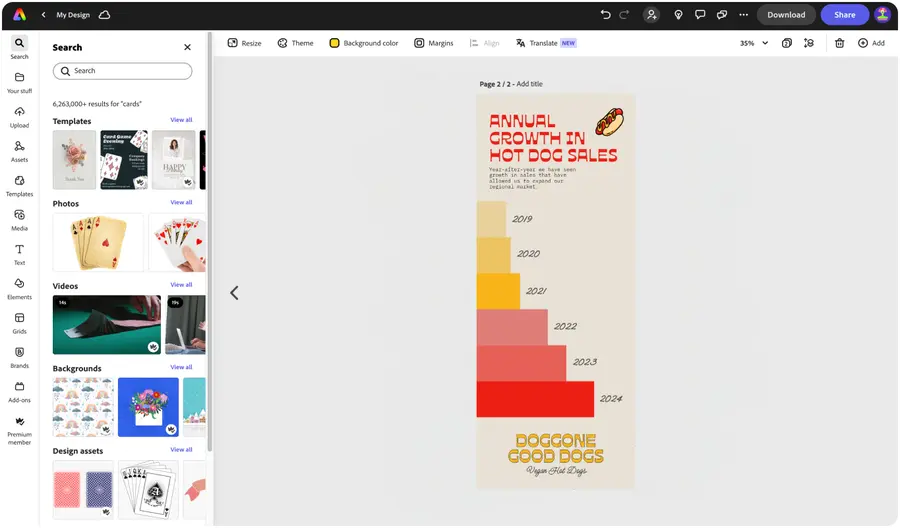


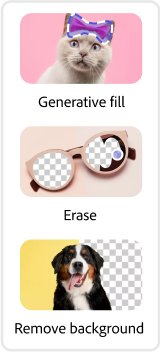
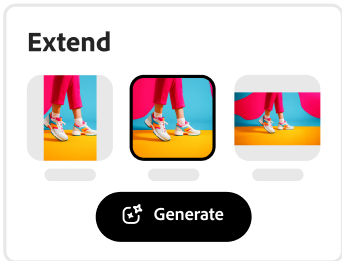


Easy all-in-one editor

One-click edits from any device

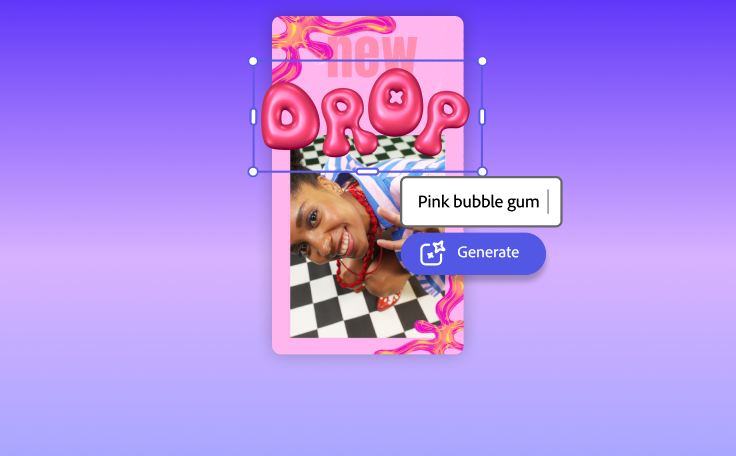
Fast creation with generative AI

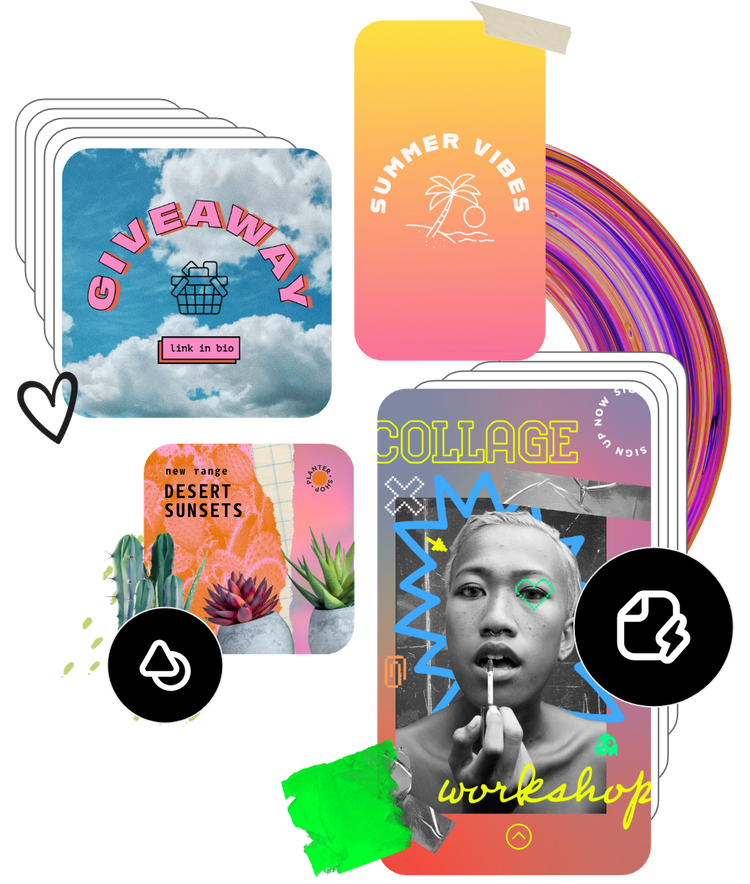
Thousands of professionally-designed templates
Easily get started in Adobe Express.
Upload or import your content.
Add your own photos or videos and start your creation from there. You can also import your PSD or Ai files and Adobe Express will recognize all of your layers.







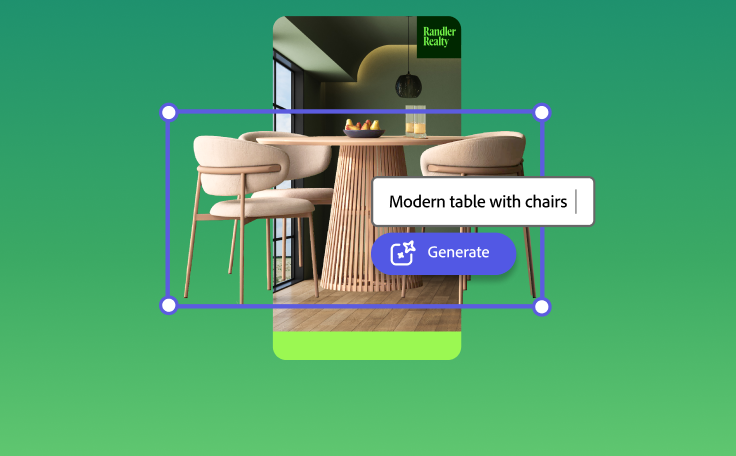


Create quickly and easily.
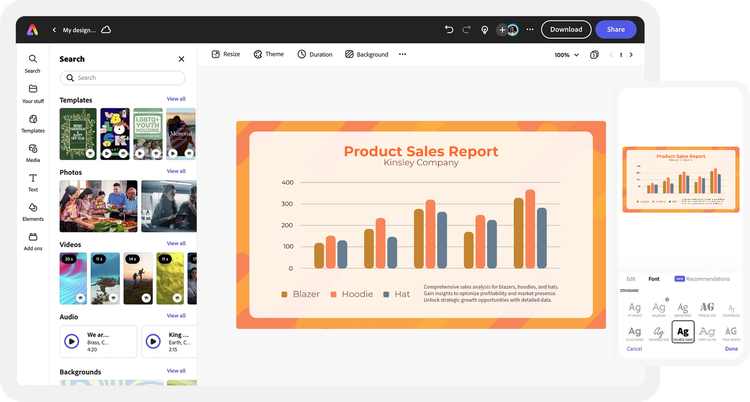
Start your bar graph for free with Adobe Express on the web or your mobile device.Browse bar graph templates.
Explore thousands of trending templates to make your bar chart. Discover the perfect template for your project by searching by type, such as topic, color, industry, presentation, or infographic. Or, start from scratch.Pick a bar chart design to customize.
Select Elements at the left of the menu in the Adobe Express editor and choose from a variety of bar chart designs. Customize with color schemes, fonts, and brand logo to make a bar chart that’s 100% you.Label your bar chart.
Add a legend and enter your numerical values, then watch as your data is turned into a stunning bar chart. Customize the color, size, layout, and fonts to make any messaging standout. Adjust the opacity of your bar chart design if you’d like, then lock it in place while you continue editing other elements in your project.Save and share your new bar chart.
Before finalizing your bar chart design, invite collaborators to co-edit your work. Download and share your new bar chart anywhere or add it to future presentations and documents made in Adobe Express. Go back anytime to make updates in the future.
See what people are saying about Adobe Express.

Abs Ahlijah
Marketing & Content Coordinator @ Soul Session
"As a marketer who is always on the move. Adobe Express helps me to create fast, high quality content. Absolute endless features to enhance my creativity!"

Liz Mosley
Owner, Liz Mosley Design
"I use Adobe Express to create and schedule a lot of my own content, and by creating templates for my own brand I have saved my self hours marketing my business!”

Penuel Stanley-Zebulon
Student @ Pennsylvania State University
"The remove background image tool in Adobe Express saved me hours of tedious editing, effortlessly removing backgrounds and refining my images with just a few clicks."

Attabeira German de Turowski
Owner, Attabeira Oneline
"I use Express Premium for my social media efforts and Content Scheduler has helped me grow my following through consistent posting."

Mike Nappi
Owner, NappiMusic
"I'm all in on Adobe Express. Premium makes it easy for me to maintain a cohesive look and feel for my brand."
Discover even more features for easy content creation.
The bar chart maker makes data visualization a breeze.

The most important part about a bar graph is that it’s easy to read and interpret the data. Adobe Express turns numbers into eye-catching, informational art to complement any presentation, document, or infographic you create. Mix and match high-quality images, videos, and fonts from Adobe Express to level up your bar chart design and capture your audience’s interest at first glance.

Make on-brand bar charts with ease.
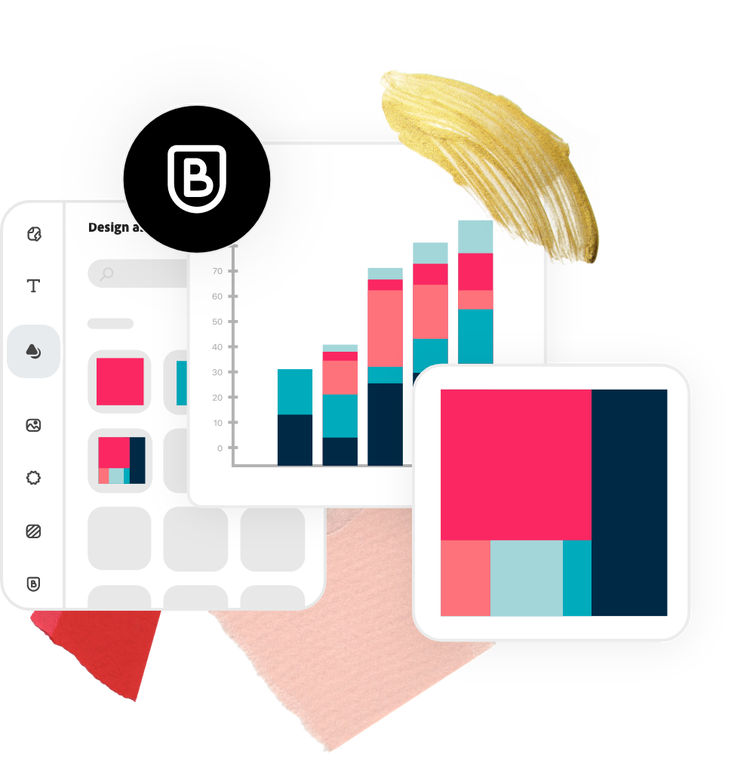
Ensure your entire presentation has a cohesive look with an on-brand bar graph. With an Adobe Express Premium plan, you can effortlessly create and apply pre-set branding across any project using brand kits. Apply your brand color schemes, logo, and font styles with a single click. Compare data stylishly with Adobe Express.
The world's leading businesses use Adobe Express.





Discover even more.
Frequently asked questions.
What should I use a bar chart for?

Bar charts present categorical data compared among different groups, or tracked over time or another value. You can use bar charts to present earnings, trends, cost fluctuations over times, or distributions, to name a few examples.
What are the best practices for making a bar graph?

What are some different types of bar charts?
Can I create my own bar graph template?
Can I get Adobe Express for free? If so, what’s included?
What should I use a bar chart for? opened
illustrator