Free custom good night GIF maker.
Exit the day with a memorable farewell in the form of a good night GIF. Transform videos or photo into captivating GIFs effortlessly with Adobe Express. Best of all, it’s free and easy. Simply upload your media to get started.
How to make a good night GIF.

1. Upload.
Select a video or photo to upload to the good night GIF maker. If you don’t have your own, choose from tons of free Adobe Stock videos to get started.

2. Customize.
Fine-tune the length of the clip using the slider. Then select the desired file size (large, medium, or small) and your preferred layout (square, landscape or portrait).

3. Share.
Download your new good night GIF to share anywhere.
Make an impression with eye-catching good night GIFs.
Good night GIFs are incredibly versatile. Use them to end an evening webinar, to sign off from your video game stream, or to message your team at the end of the workday. The Adobe Express good night GIF maker makes it easy to turn your content into GIFs ready to share via social media, email, text messages, presentations, and more.
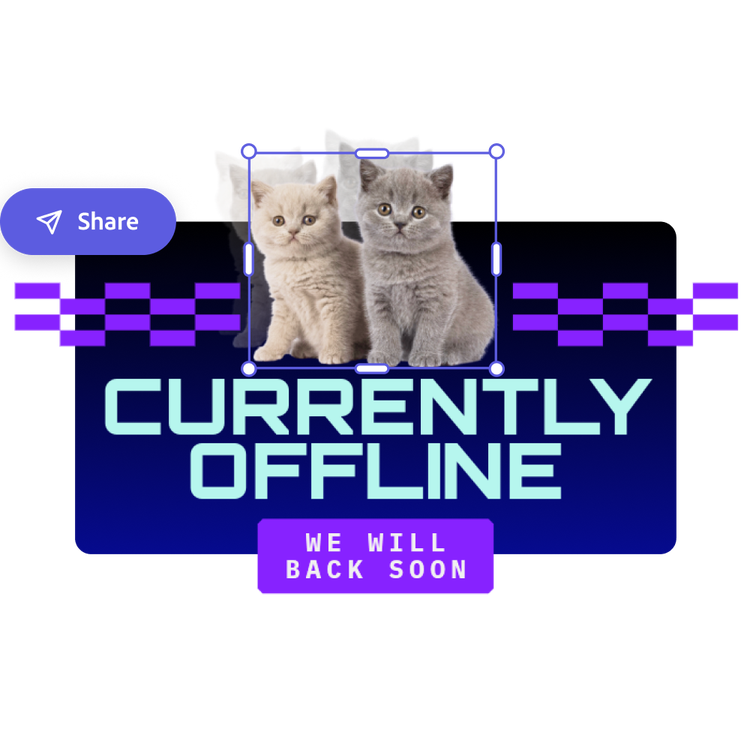
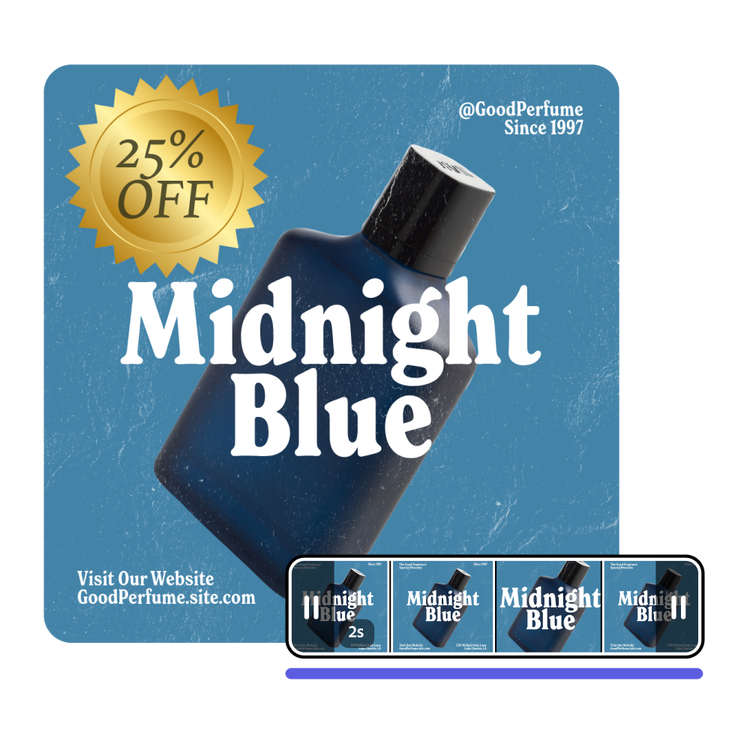
Deliver sweet dreams wishes, right on time.
Want to send a comforting message before bed? Ward off nightmares with a good night GIF that is timed just right. Play around with the easy video sliders to trim and select the perfect clip. You can even preview the good night GIF before you download. Adobe Express makes it a breeze to personalize your very own GIFs.
Add a dash of end-of-the-day Zen with good night GIFs.
From yoga studios promoting nighttime sessions to meditation services sending newsletters, good night GIFs offer a flexible tool to boost your brand’s visibility. Enhance your videos with filters, Text Effects, and calming, sleep-promoting graphic elements like a night sky background. Once perfected, effortlessly transform your videos into eye-catching, memorable GIFs that draw attention, while lulling your audience to blissful sleep.
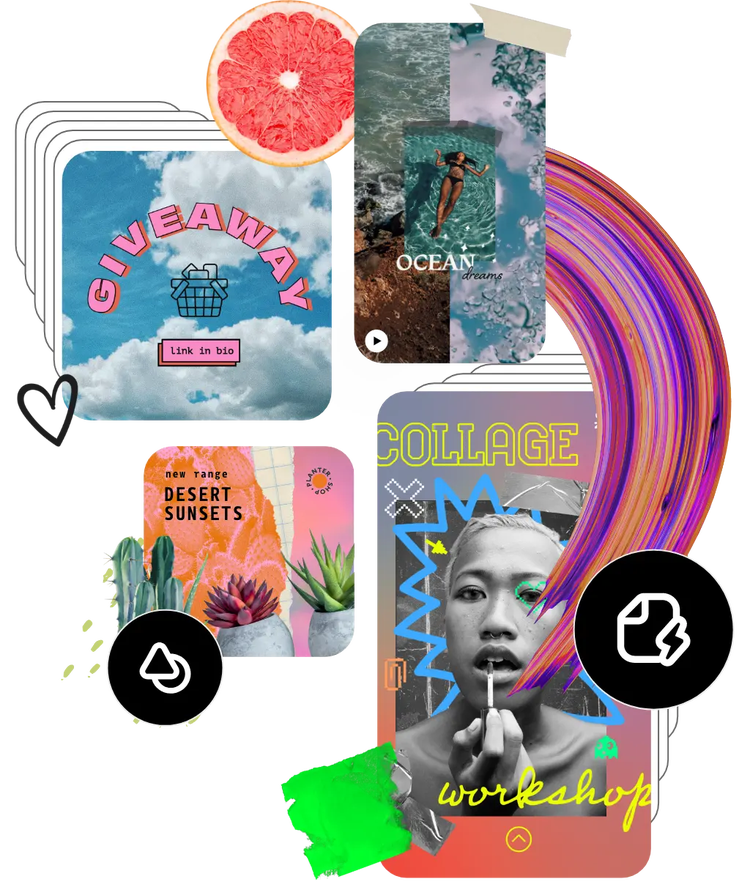
Hundreds of thousands of assets to start customizing today.
Get inspired and save time with the extensive library of Stock videos, including nighttime videos. You can tailor stock videos to your vision with all the video editing tools available in Adobe Express. Find exactly what you’re looking for to create a good night GIF worth sharing.